Custom applications
and cards
Build an interaction or add a live detail. Your agent publishes both to Players on your screens.
Choose a custom application for a kiosk, point of sale, manufacturing integration or AI concierge. Choose cards for drop-in live details such as weather, clocks, menus, scoreboards, queues and gauges, often overlaid on other content.
Build your own interaction
Kiosk check-in
Welcome visitors and record their arrival.
Point of sale
Take orders and guide customers through checkout.
Manufacturing integration
Connect operators to production orders and line status.
AI concierge
Answer visitor questions and guide their next step.
Build a web application for your workflow. The browser SDK gives it application events, persistent state and playlist control. Upload a built static directory, then place its immutable release on a playlist canvas with the application primitive.
Build with the browser SDK →Upload a custom application →Author the surrounding content →
Add a live detail
Find a card for your screen. Pick a theme and layout to see how it fits, then open its reference for properties and publishing.
No cards match this filter. Choose All cards to browse every card.
Activity feed
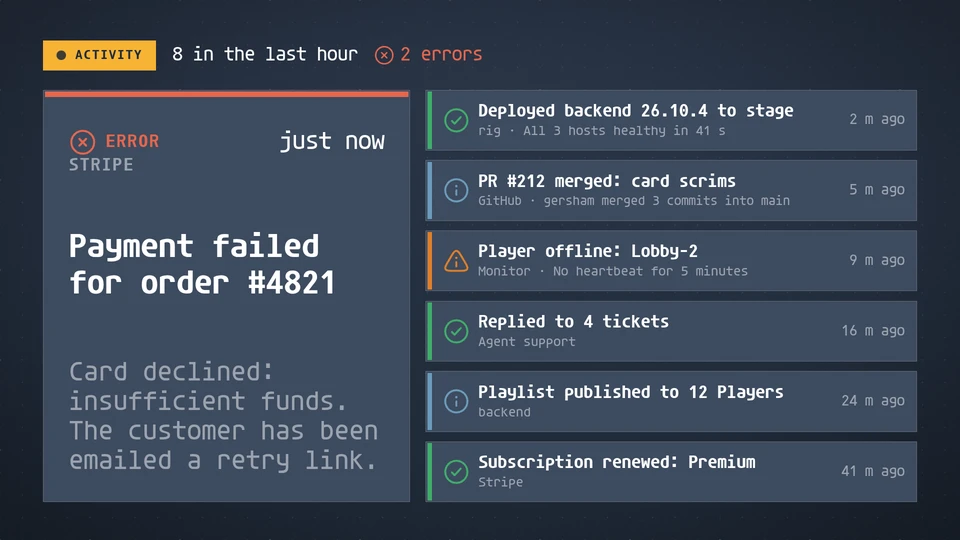
A live log of what just happened, newest first: the latest event large with its level, source and age, earlier events as rows, and a count of events and errors in the window.
Card reference →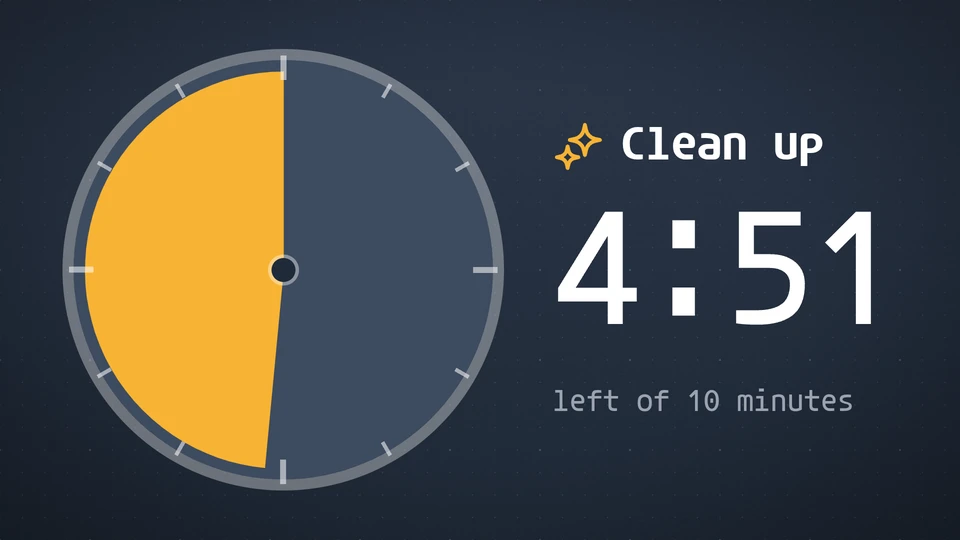
Activity timer
A big friendly timer for a classroom: a wedge of colour that shrinks to nothing, the minutes left and what the time is for.
Card reference →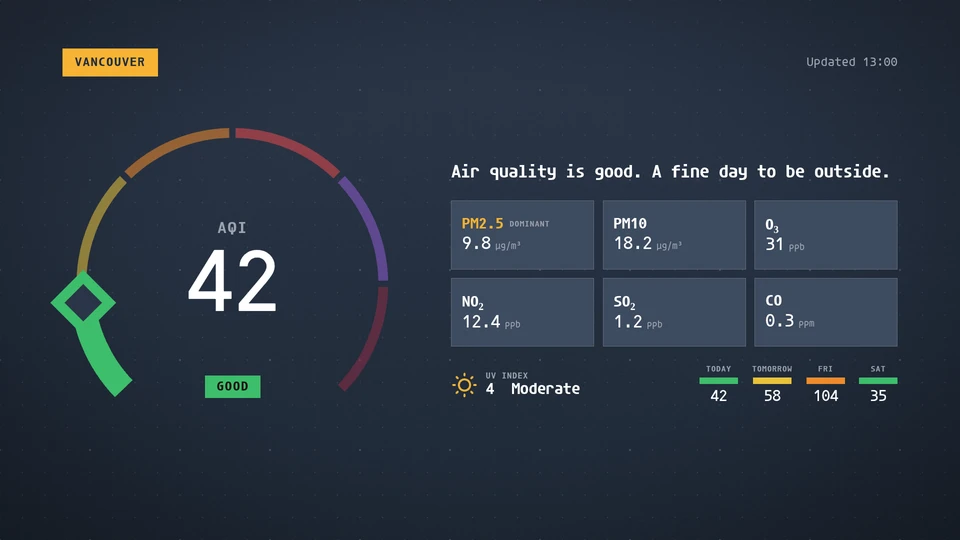
Air quality
The air quality index on a coloured dial, with pollutants, UV and the days ahead. The host supplies the readings.
Card reference →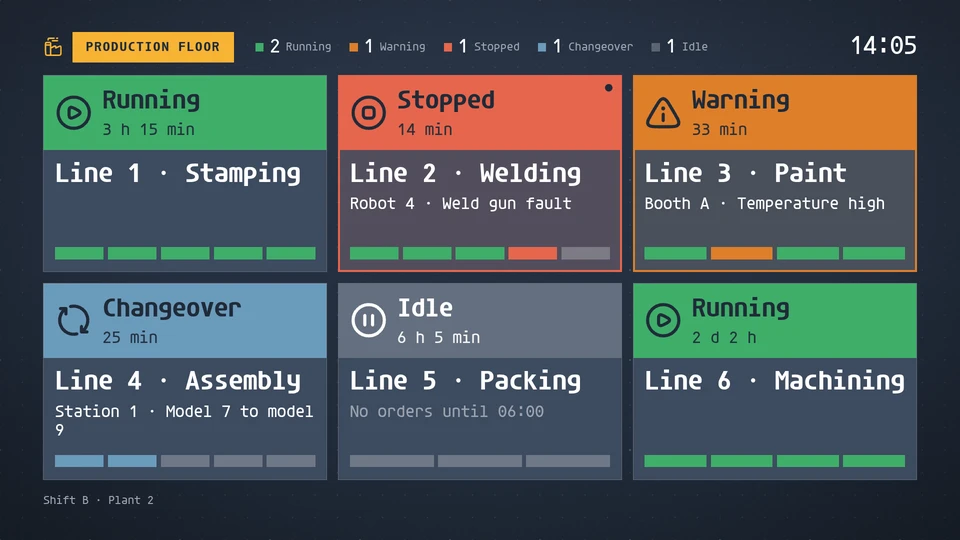
Andon board
A factory-floor andon board: every production line as a big tile in its status colour (running, warning, stopped, idle or changeover) with the reason, how long it has held and a strip of its stations. Lines come from the factory integration.
Card reference →
Announcement
Rotating messages with an icon, a headline and a line or two of body text, in sync on every screen.
Card reference →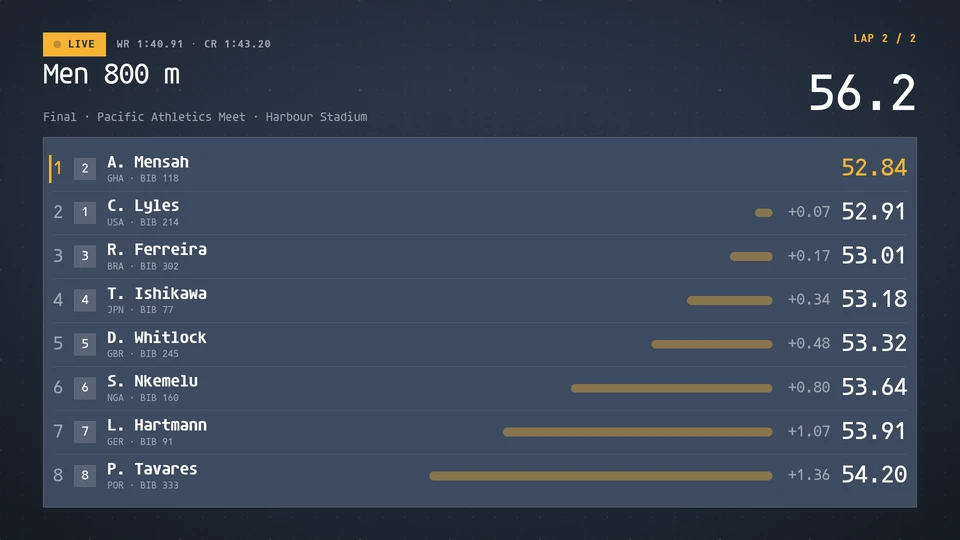
Athletics board
A track and field results board: the race clock, wind and every lane for track events, the attempts for jumps and throws, the bar and height columns for vertical jumps, and points for combined events. Reads a meet feed, or timing written to the data store.
Card reference →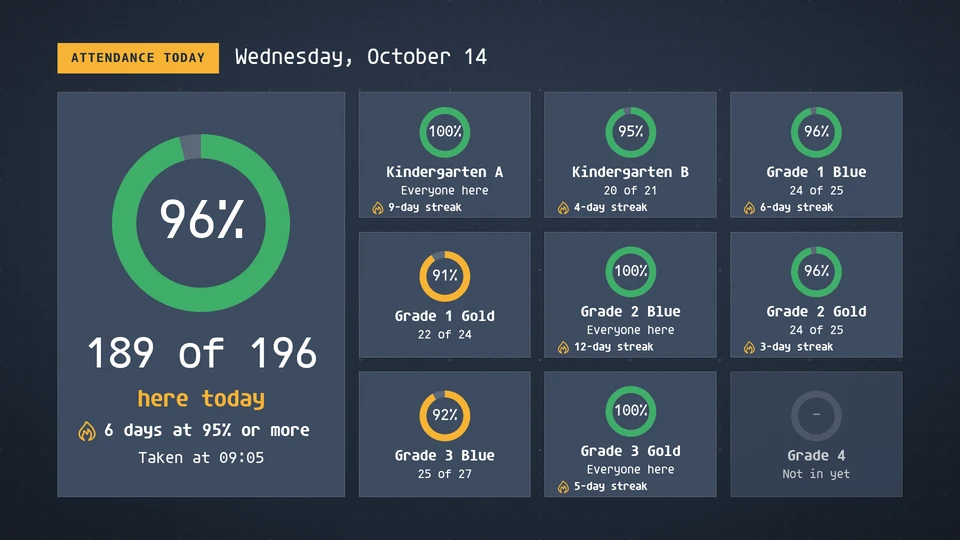
Attendance
Today's attendance by class as rings, with the whole school together, classes at or above the goal marked, and positive streaks. Counts only, never names.
Card reference →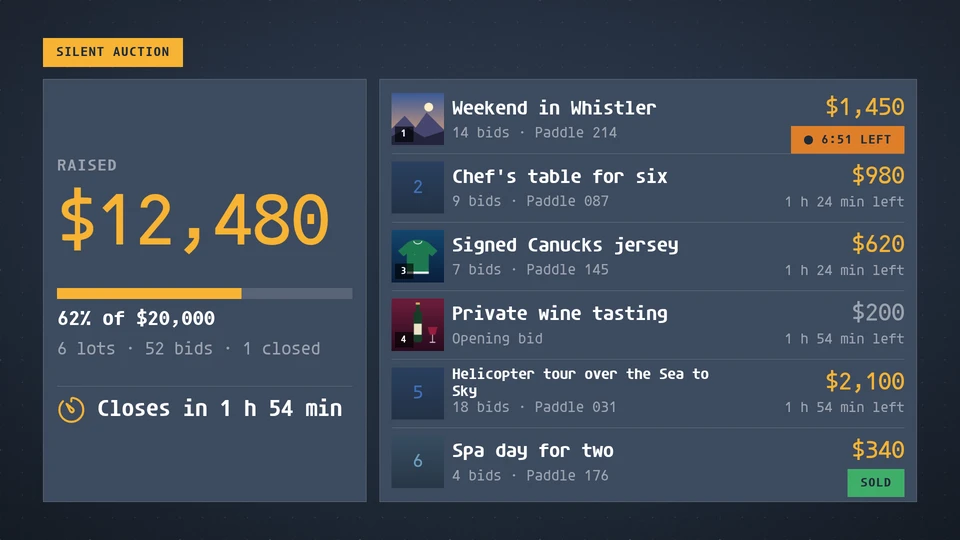
Auction board
A silent auction: the running total against the goal, and every lot with its high bid, bidder paddle and time left.
Card reference →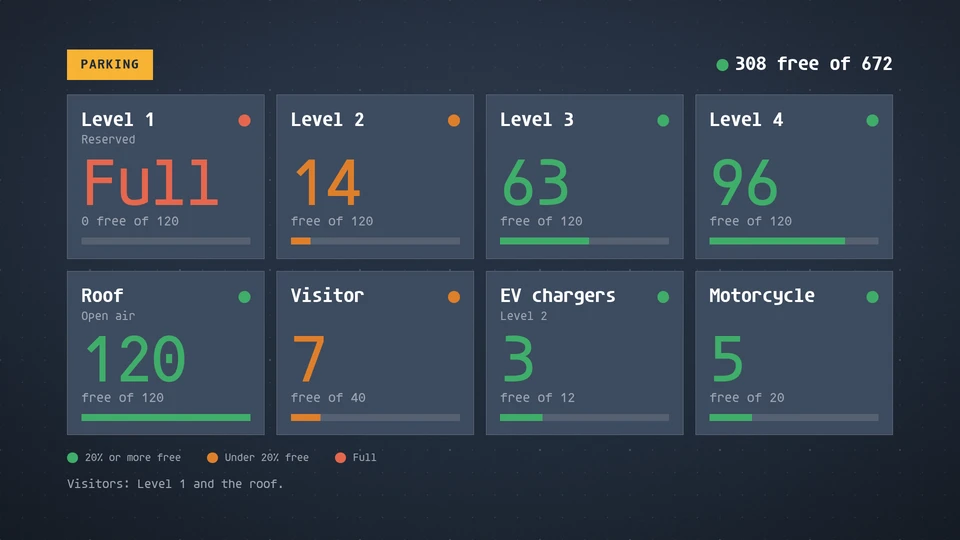
Availability board
Free against total for parking levels, EV chargers, desks or beds, as tiles coloured plenty, filling up or full.
Card reference →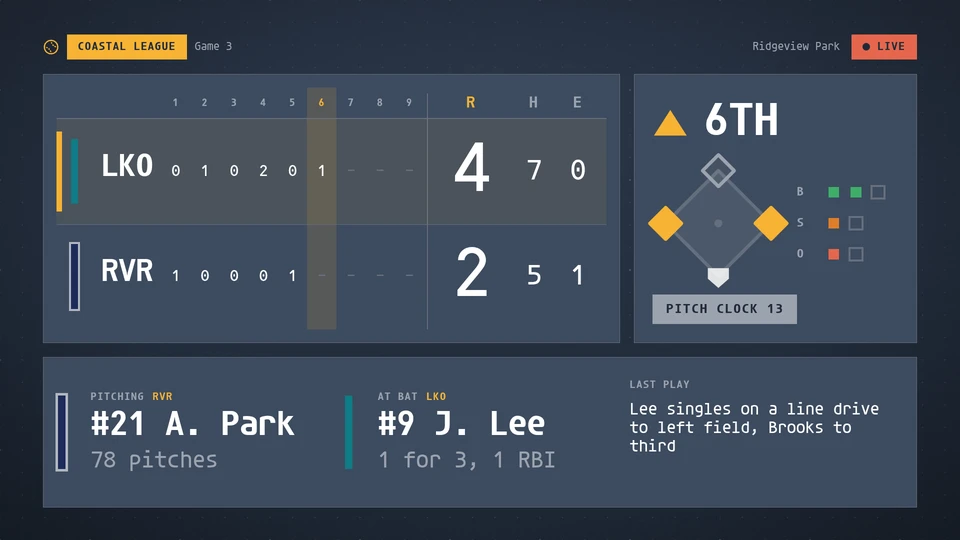
Baseball board
A baseball and softball board: the line score by inning with a big run total and hits and errors, the half of the inning, the diamond with the runners on, balls, strikes and outs, the pitch clock, the pitcher with his pitch count, the batter and the last play. Reads a league feed, or venue game data written to the data store.
Card reference →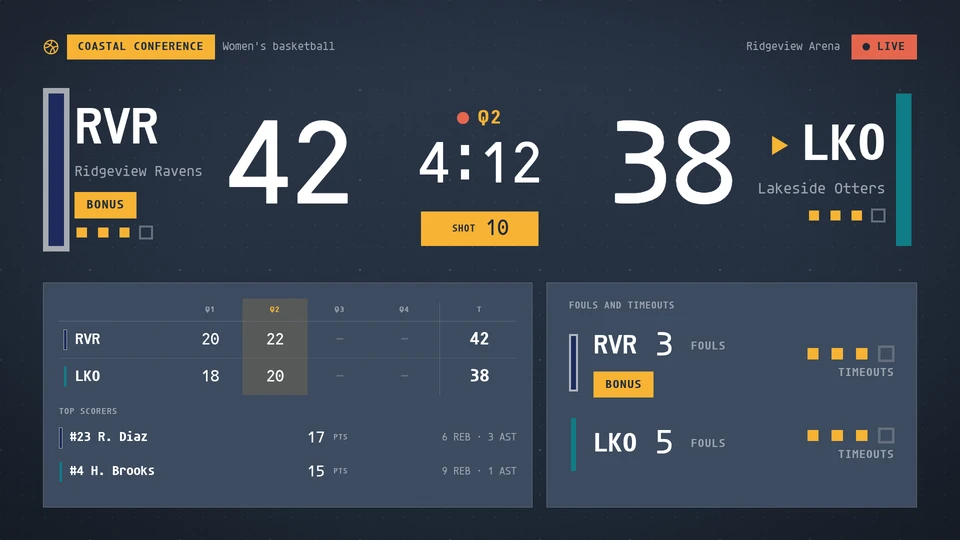
Basketball board
A broadcast-style basketball board: the score, period and game clock, the shot clock, possession, team fouls with the bonus, timeouts, the line score by period and each team's top scorer. Reads a league feed, or venue game data written to the data store.
Card reference →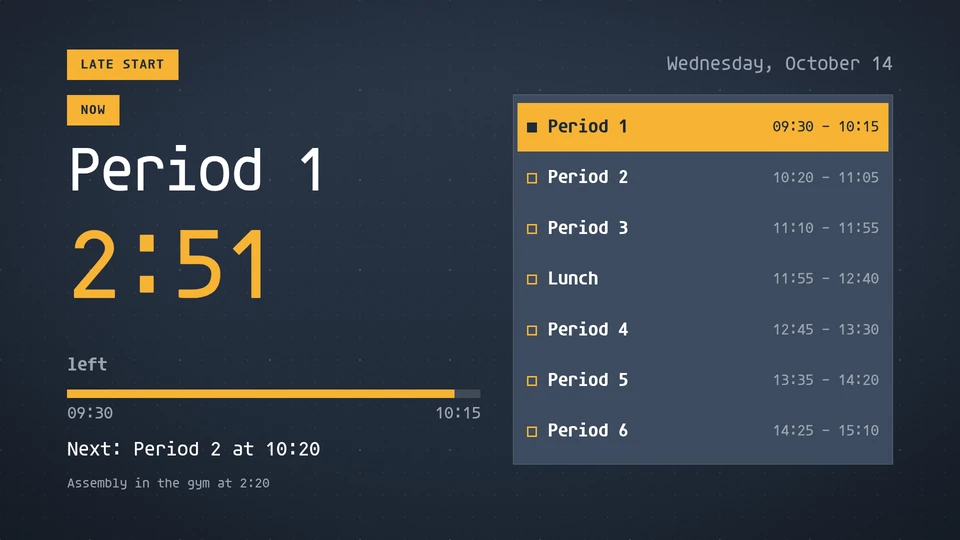
Bell schedule
The current period, the time left and what is next, from a list of periods and the wall clock in the screen's zone. A schedule can apply to chosen weekdays (a late-start Wednesday); the day's periods are listed with the current one marked.
Card reference →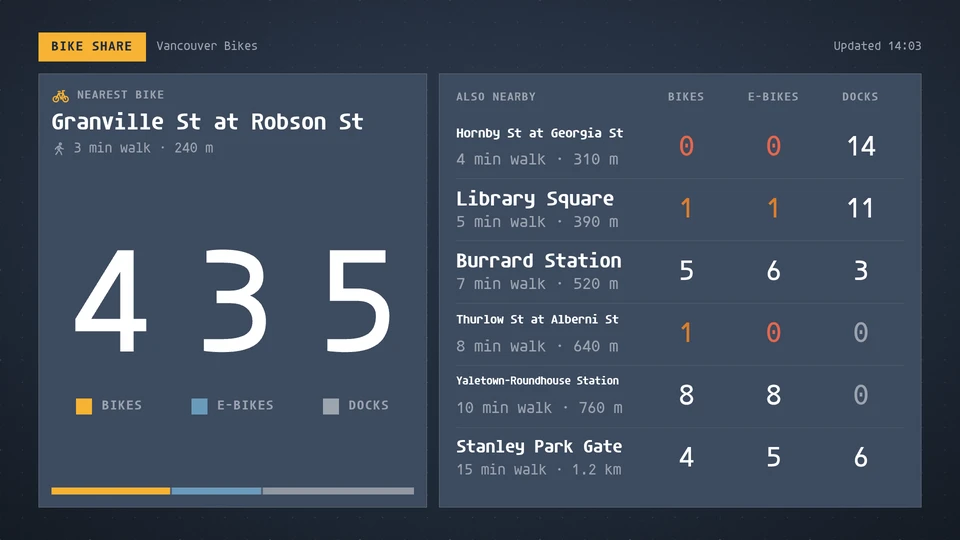
Bike share
Bike share stations near the screen: bikes, e-bikes and free docks at the nearest station in big counters, and the next stations by walking time.
Card reference →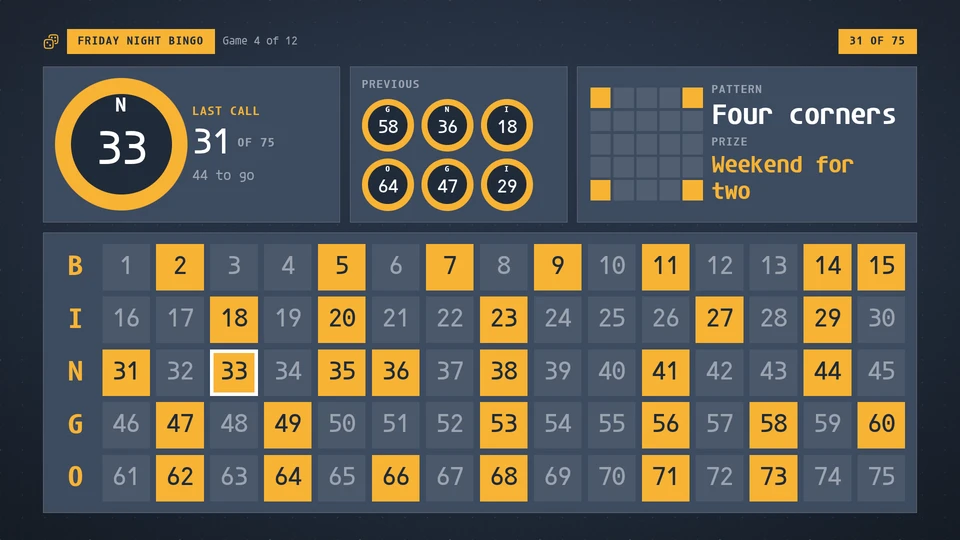
Bingo board
The bingo caller's board: every number from 1 to 75 (or 1 to 90) with the called ones lit, the last call as a big ball that pops and rolls in, the count and the previous calls, the pattern drawn as a 5 x 5 card, and the prize. Written to the data store by the hall, one call at a time; it looks right from its params alone.
Card reference →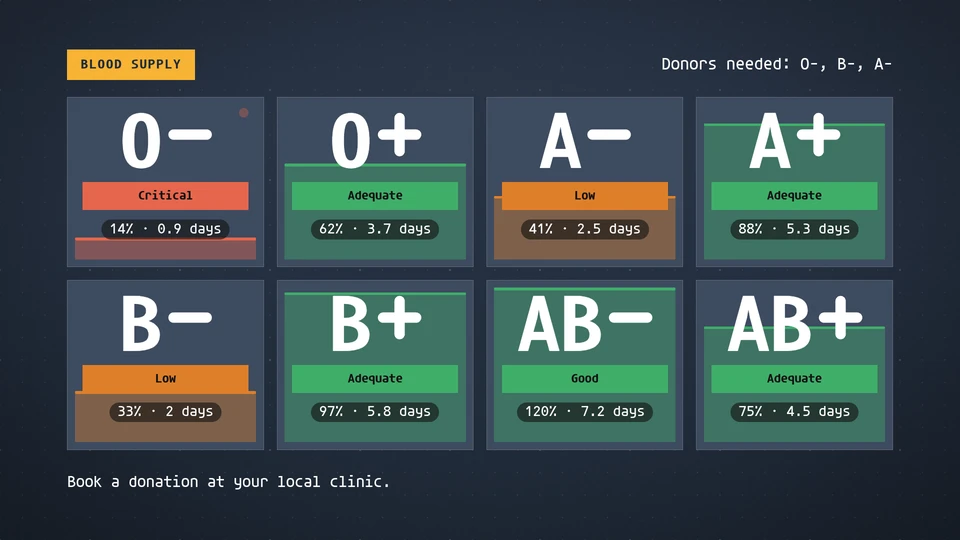
Blood supply
Blood-type inventory levels: eight types as filling bags, and who is needed most.
Card reference →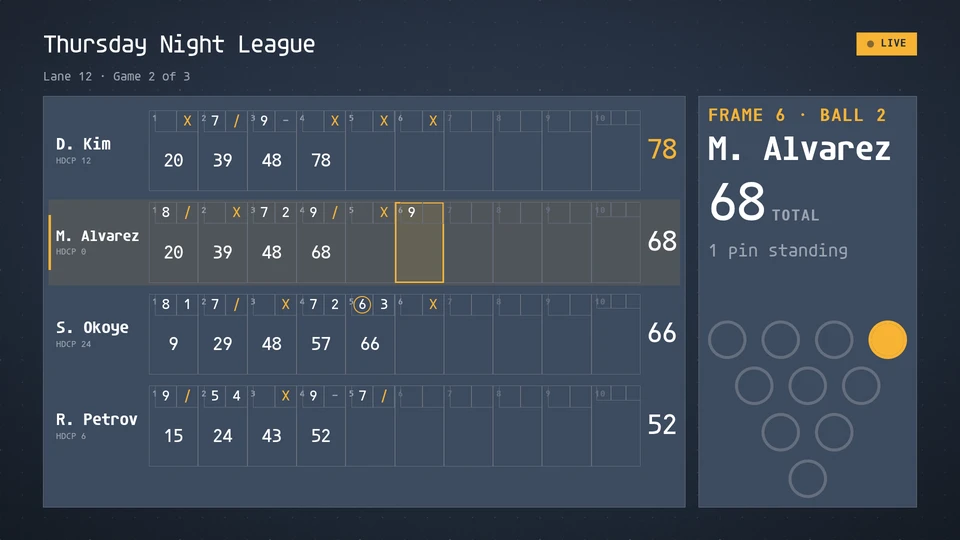
Bowling board
A bowling scoresheet for a lane: every bowler's ten frames in the scoresheet's marks with running totals, the frame in play, the pin deck for the ball in play and a strike, spare, turkey, 200 or 300 call. Reads a bowling feed, or lane scoring written to the data store.
Card reference →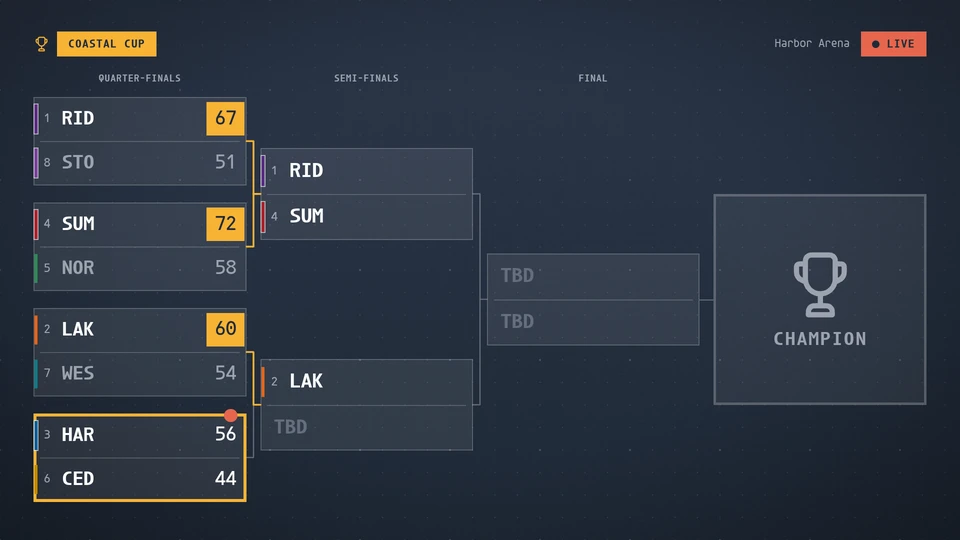
Bracket
A tournament on the wall: a single-elimination draw as a tree with seeds, scores, the match in play and the champion, split into two halves for a big draw or paged by round when it cannot fit, and a round-robin or Swiss table with the matches on now and next. Reads a league feed, or tournament data written to the data store.
Card reference →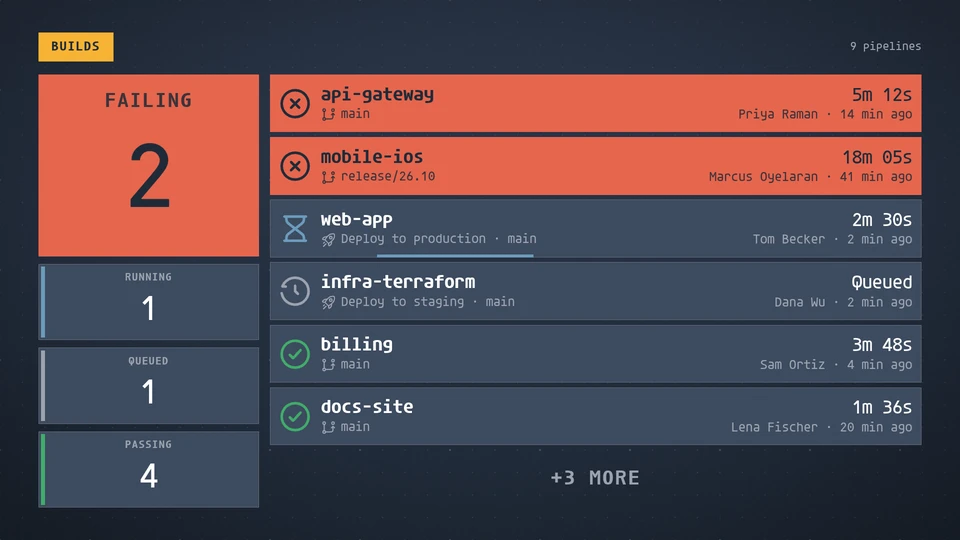
Build board
CI pipelines and deploys per repository: failing first, then running, queued and passing, each with its duration, who started it and when.
Card reference →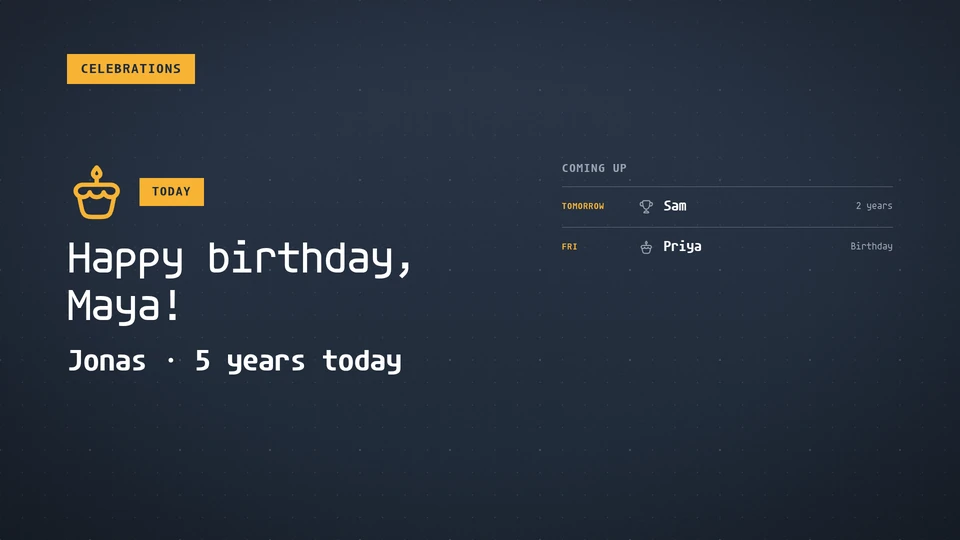
Celebrations
Birthdays and work anniversaries: today's celebrations front and centre, and who's coming up this week.
Card reference →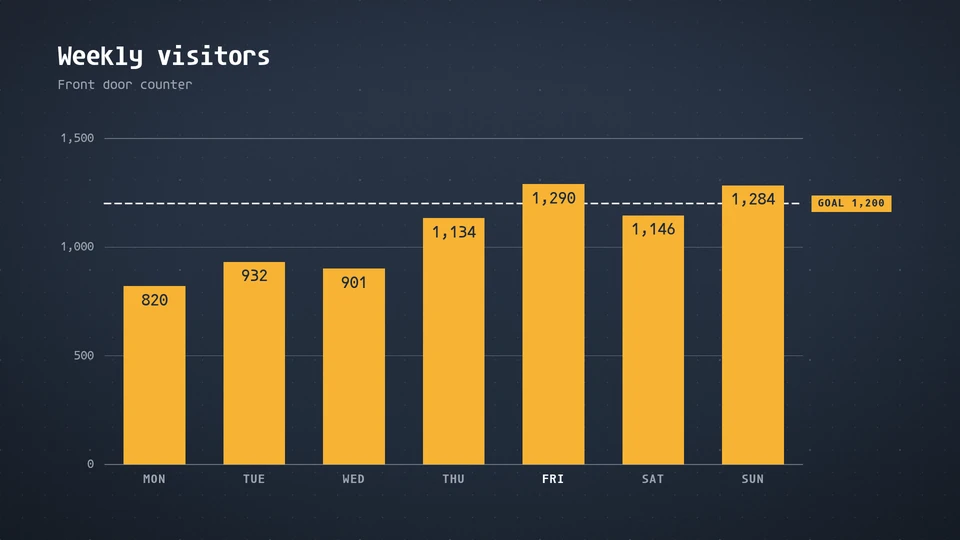
Chart
A signage-grade chart: columns, bars, lines, areas or a donut, with big direct labels and few gridlines.
Card reference →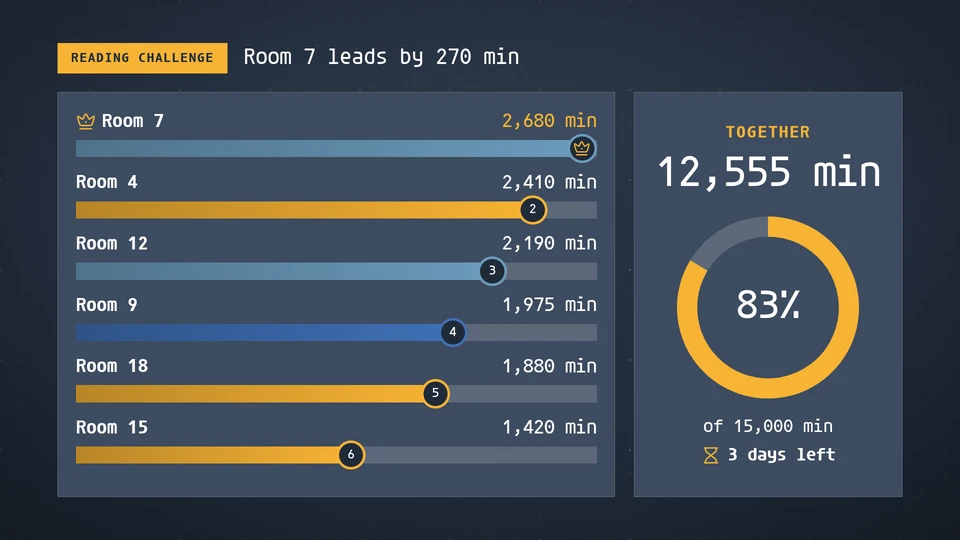
Class challenge
Class against class: lanes with a runner for each class racing to a goal on reading minutes, attendance or a fundraiser, with the leader marked, the total together and the time left.
Card reference →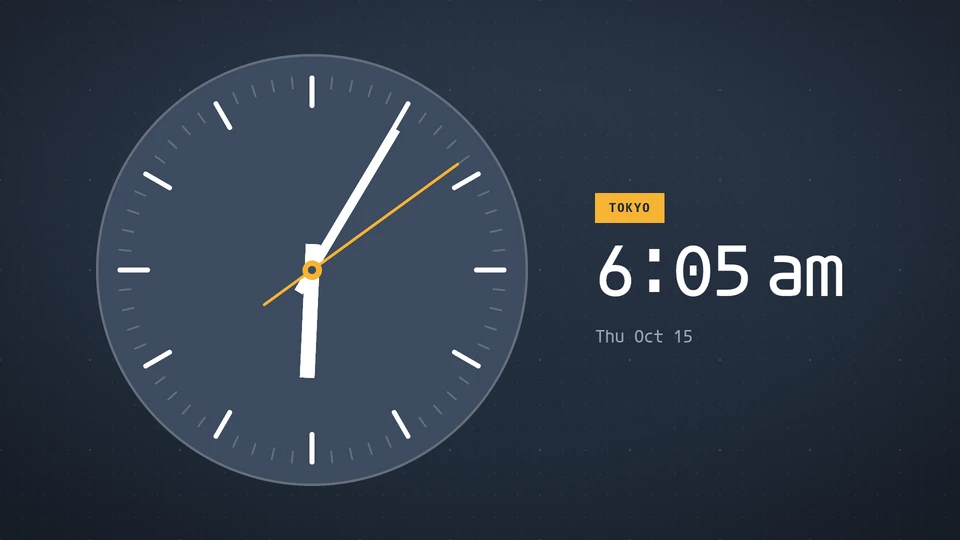
Clock
The time, big and beautiful: digital, analog, in words, on flip cards, as base-five lamps, as rings or on a sliding ruler, with date and an optional city label.
Card reference →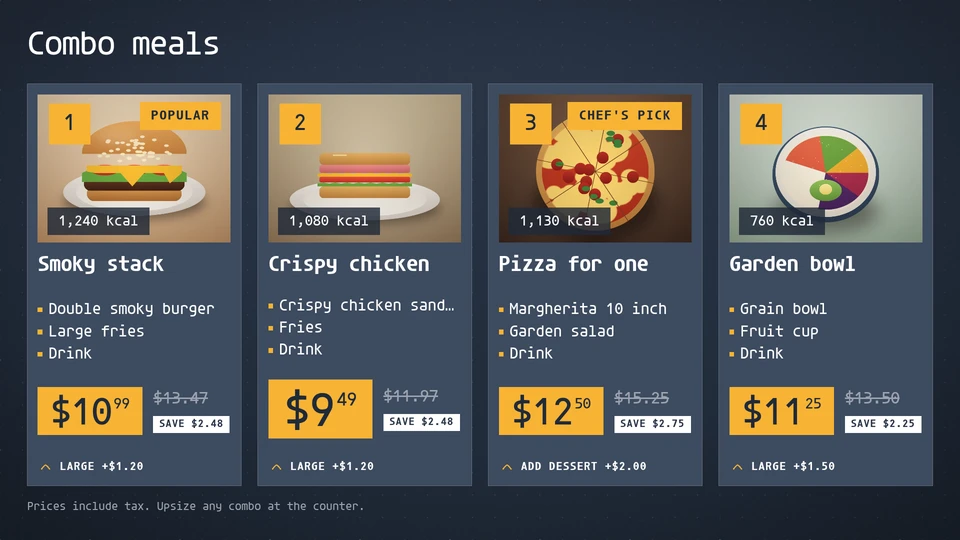
Combo meals
The numbered meal deals of a quick-service board: photo, what is in each combo, the price with the saving, the upsize step and the calories.
Card reference →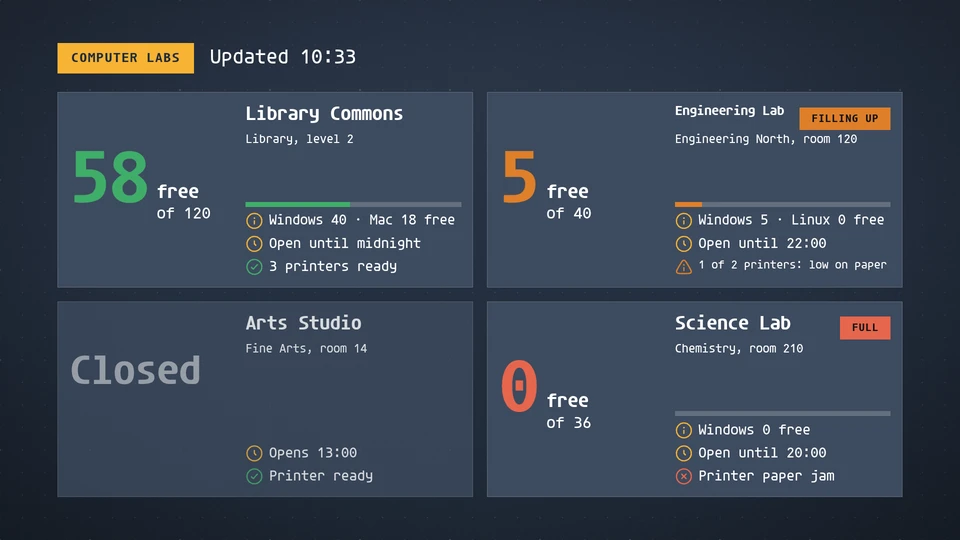
Computer labs
Free workstations in each campus computer lab, how full it is, which operating systems are free, when it closes and whether its printers work.
Card reference →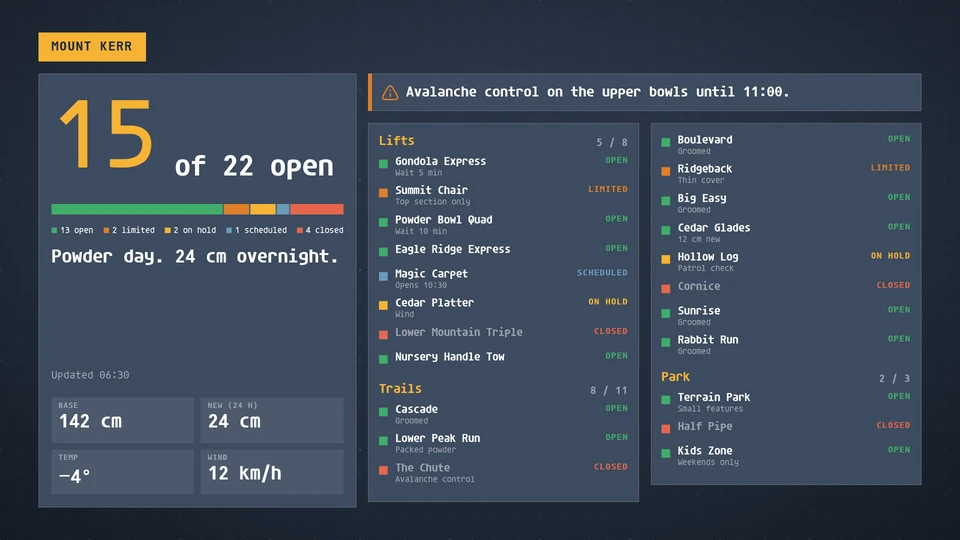
Conditions report
The state of a place at a glance: lifts, trails, pools, beaches or holes open, limited, on hold or closed, with a headline count and the day's key readings.
Card reference →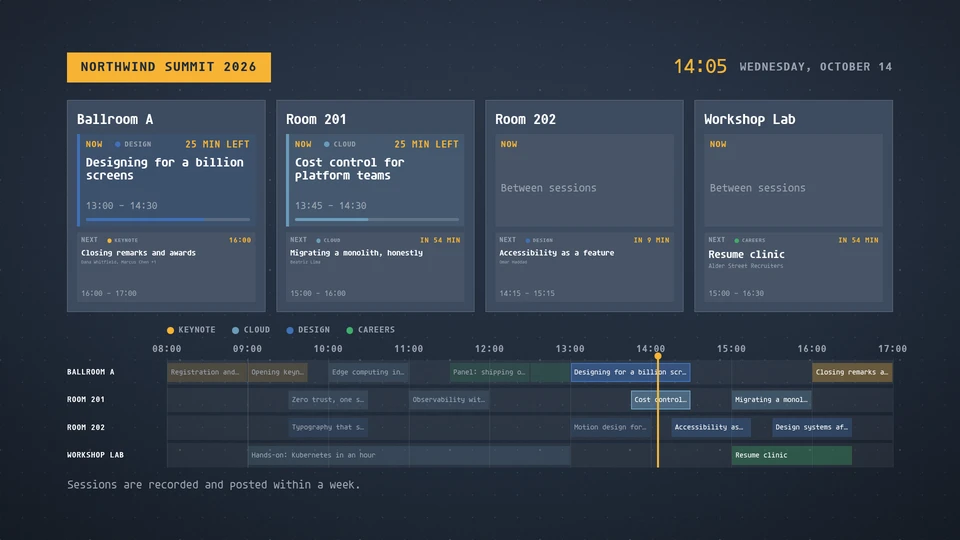
Conference schedule
A multi-track programme: now and next in every room with the time left, and the whole day as a timeline with a now marker.
Card reference →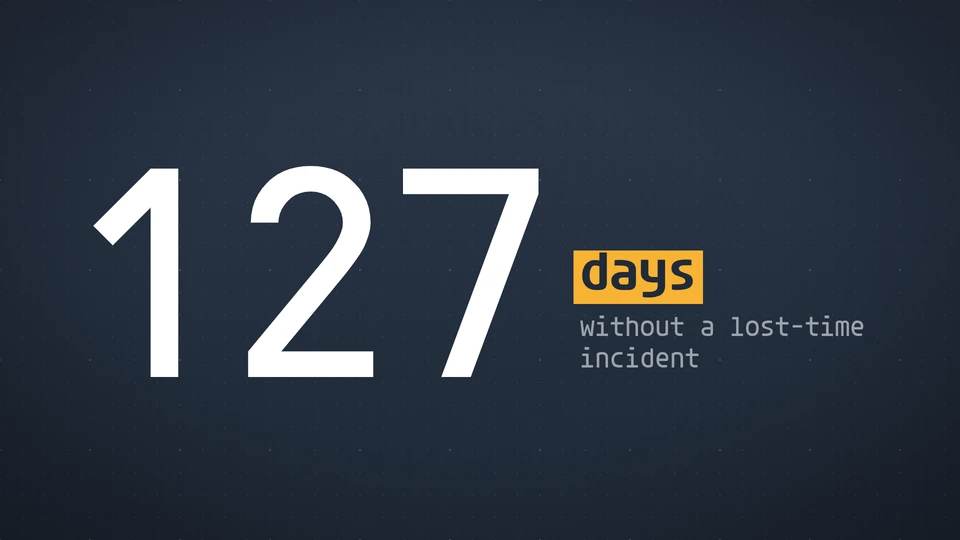
Countdown
Count down to a moment or up from one: rolling tiles, or one heroic number.
Card reference →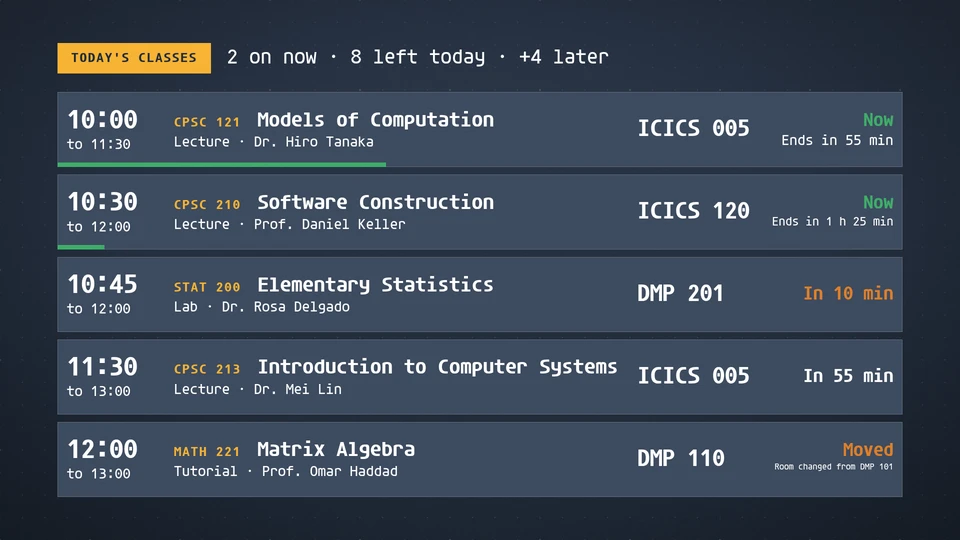
Course timetable
A building's classes today in time order: course, title, instructor and room, with what is on now and what starts next.
Card reference →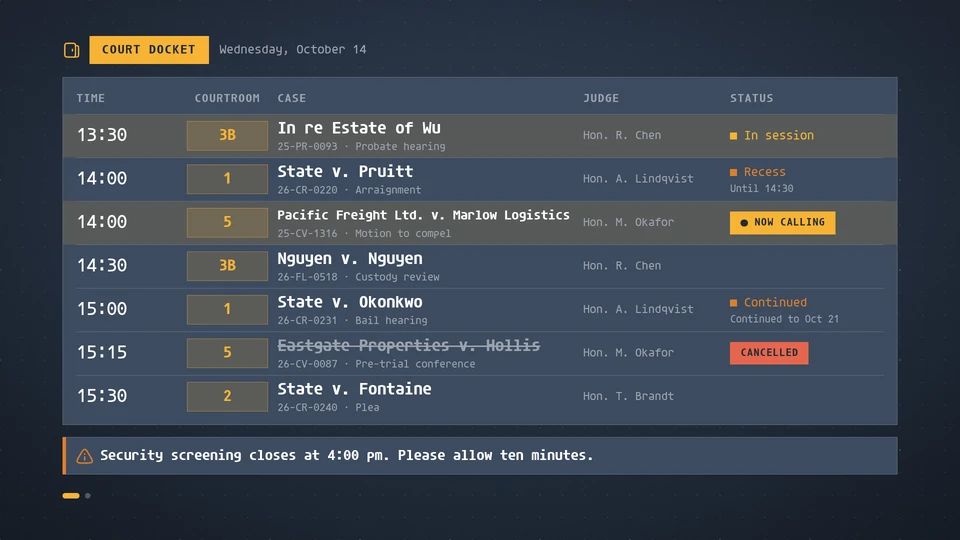
Court docket
Today's court matters by time and courtroom, with the case, the judge and a live status: now calling, in session, recess, continued or cancelled.
Card reference →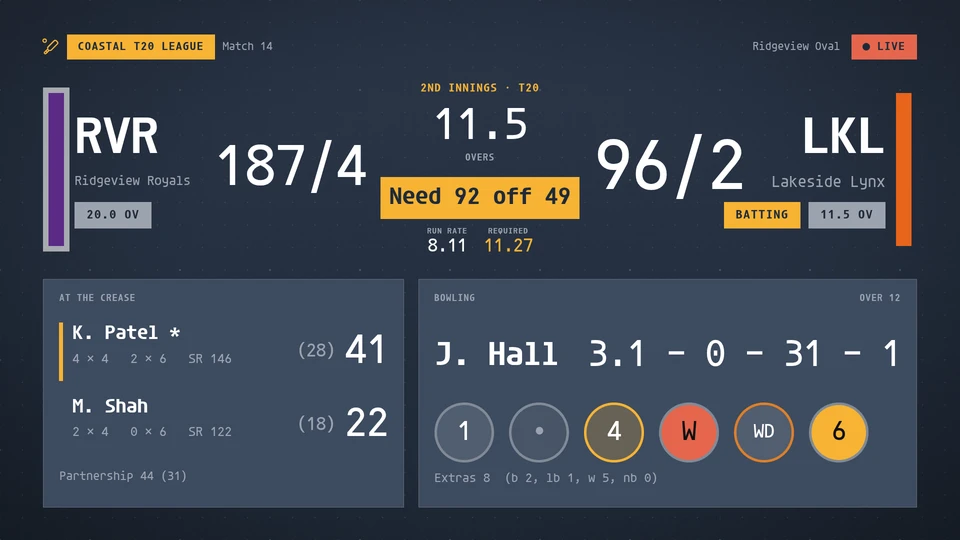
Cricket board
A cricket board from T20 to Test: both scores as runs for wickets with the overs, the innings, the target and what the chase needs with the run rates, the lead or trail in a Test, the batters at the crease, the bowler's figures, the partnership, the extras and the six balls of the over, with powerplay, free hit and the breaks said in words. Reads a league feed, or venue match data written to the data store.
Card reference →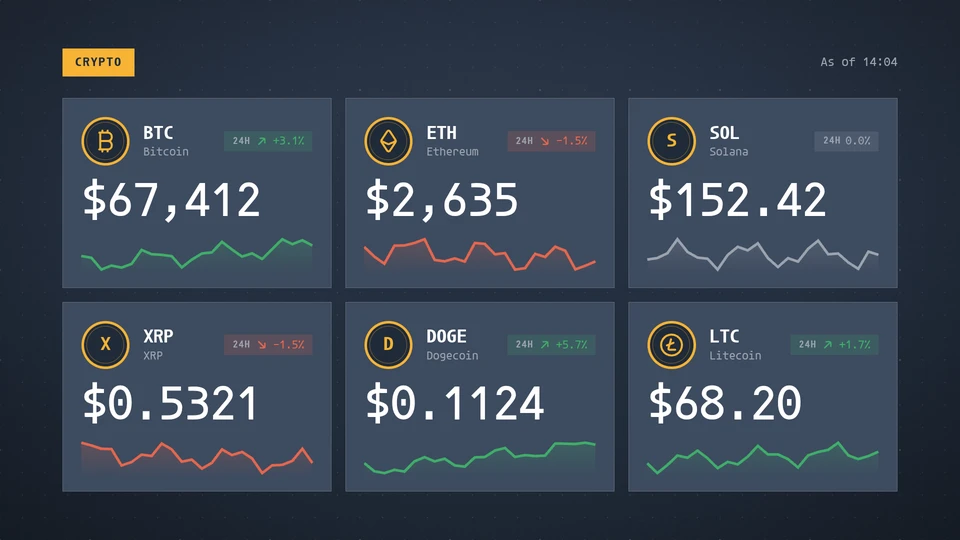
Crypto
Coins with their price, 24-hour change and a sparkline. The host supplies the quotes.
Card reference →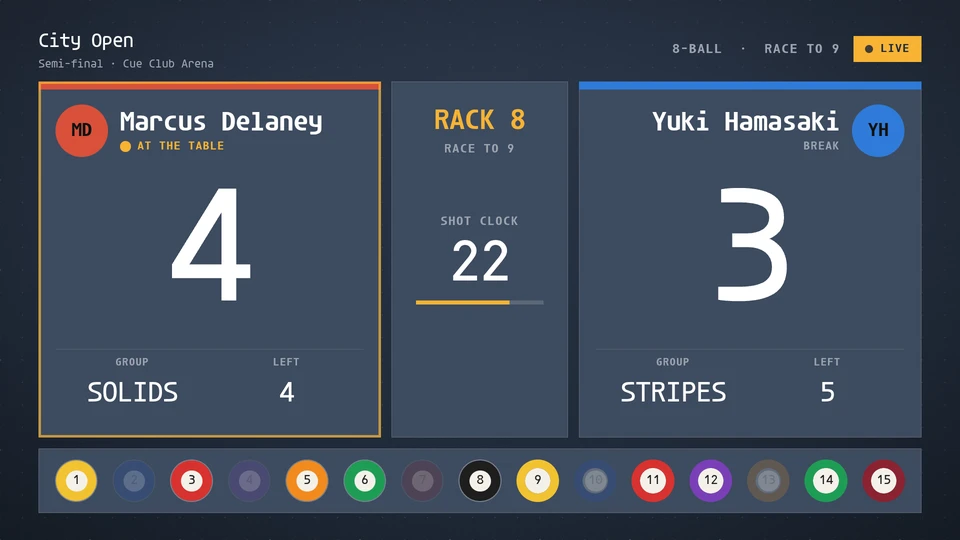
Cue board
A cue sports board for pool and snooker: both players with the score as the dominant figure, who is at the table, racks or frames won, group and balls left or the current break and points left, a 30-second shot clock, the balls still racked or the reds and colours left, and a takeover for a century or maximum. Reads a cue sports feed, or a scoring bridge writing to the data store.
Card reference →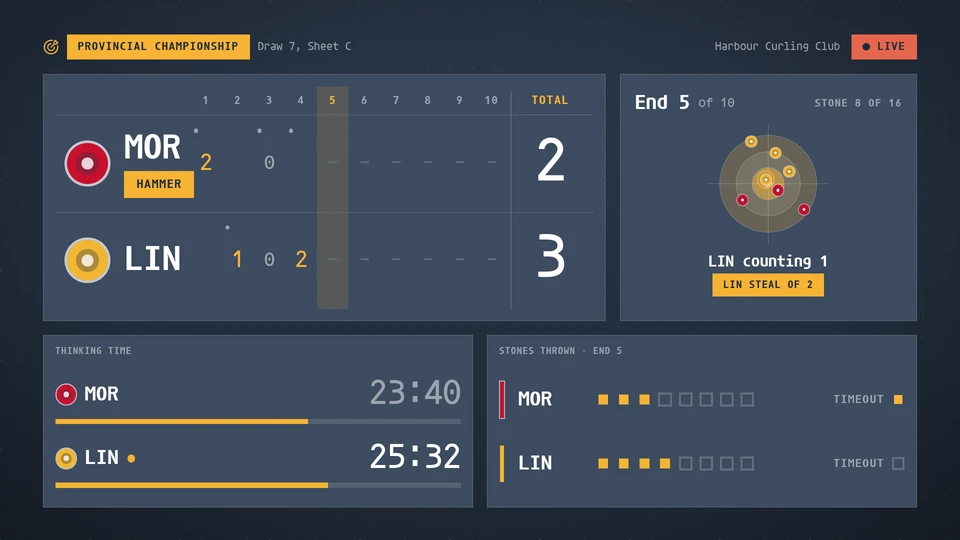
Curling board
A curling scoreboard: the line score by end drawn the way the sport draws it, the hammer, the end in play, the house with the stones in play and the points the end counts, thinking time for both rinks, stones thrown, timeouts and power play, and 4-ender and steal callouts. Reads a league feed, or venue game data written to the data store.
Card reference →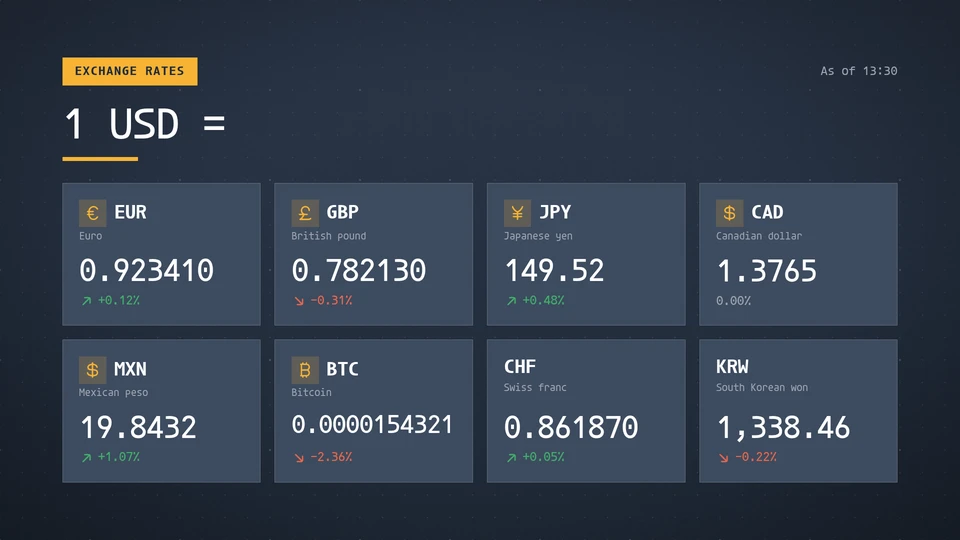
Currency exchange
Exchange rates against a base currency, with the day's change. The host supplies the rates.
Card reference →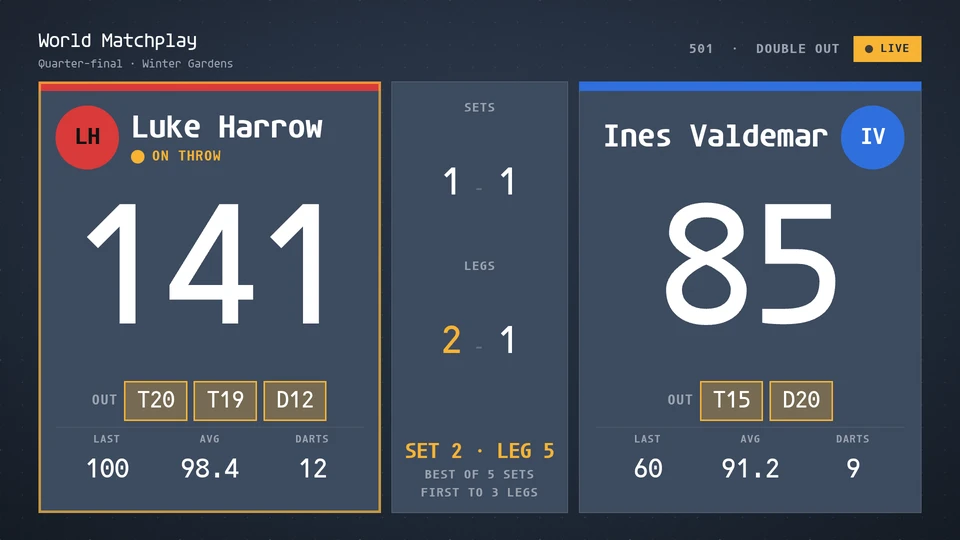
Darts board
A darts match board: both players with the remaining score as the dominant figure, who is on the throw, legs and sets won, the last visit, three-dart average and darts thrown in the leg, and the checkout route once a finish is on. A 180 takes over the board for six seconds. Reads a darts feed, or a scoring bridge writing to the data store.
Card reference →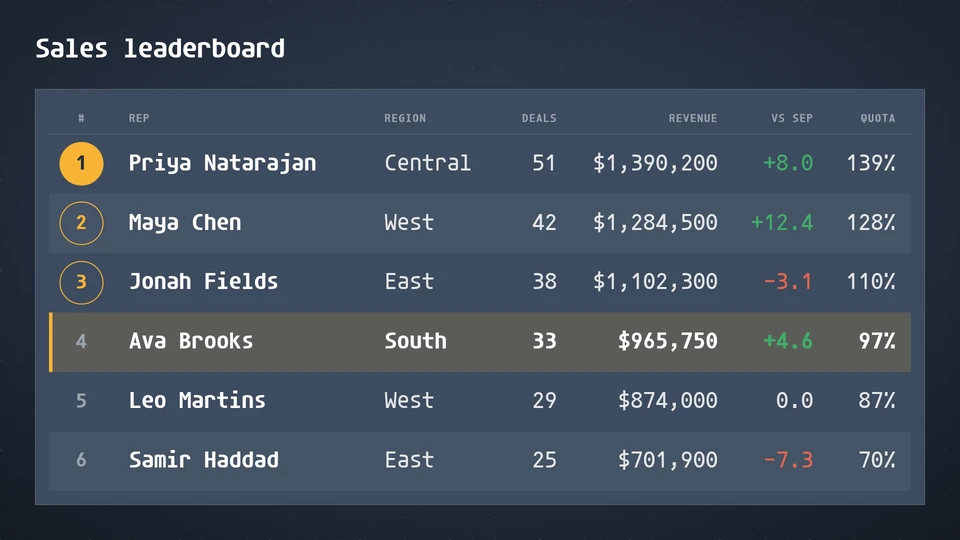
Data table
A clean signage table for leaderboards, schedules and price lists: formatted columns, a highlighted row, ranks, and pages that turn by themselves.
Card reference →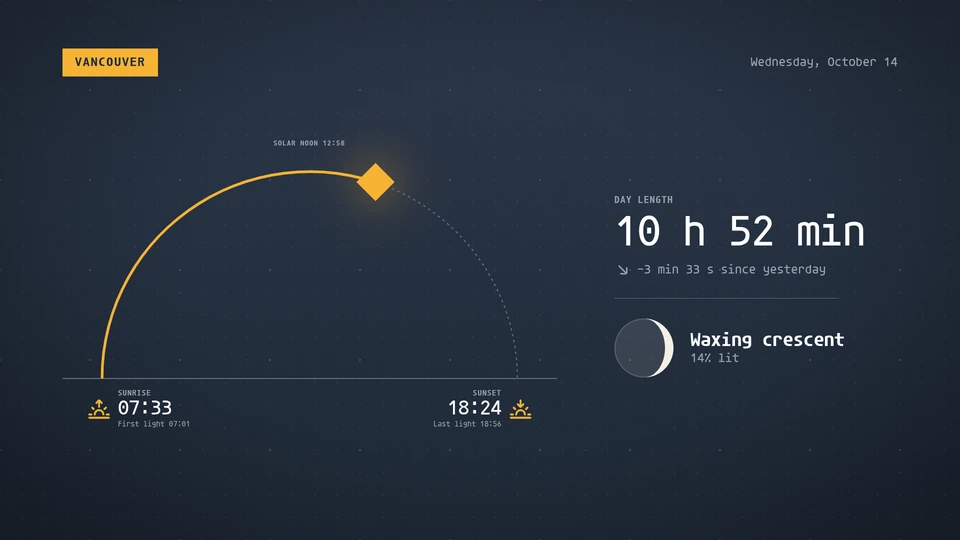
Daylight
Sunrise, sunset and the sun's path across the day, with day length and the moon's phase. Computed on the Player; no feed.
Card reference →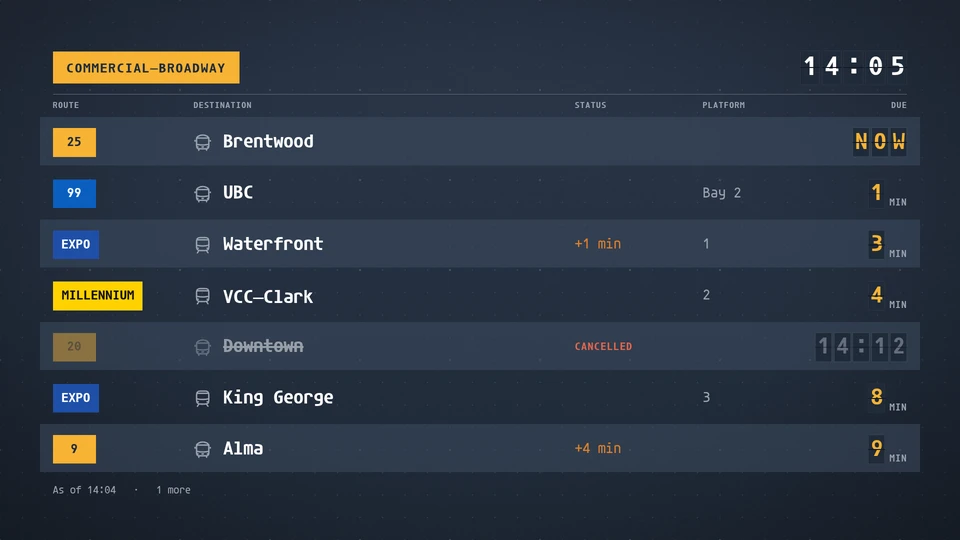
Departures
A live departure board for a stop or station: route, destination, minutes or time, delays, platforms and cancellations.
Card reference →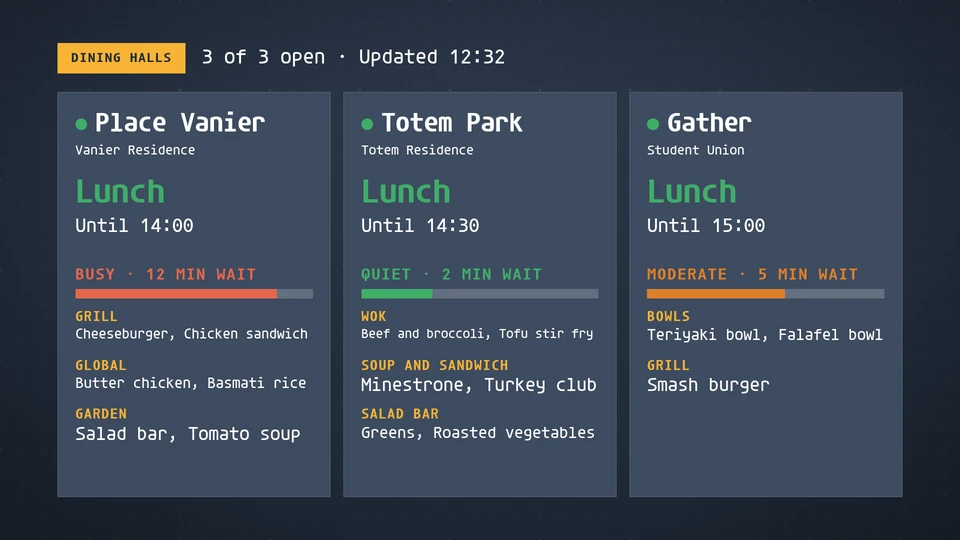
Dining halls
Which campus dining halls are open now, what meal and until when, how busy each one is, and what each station serves.
Card reference →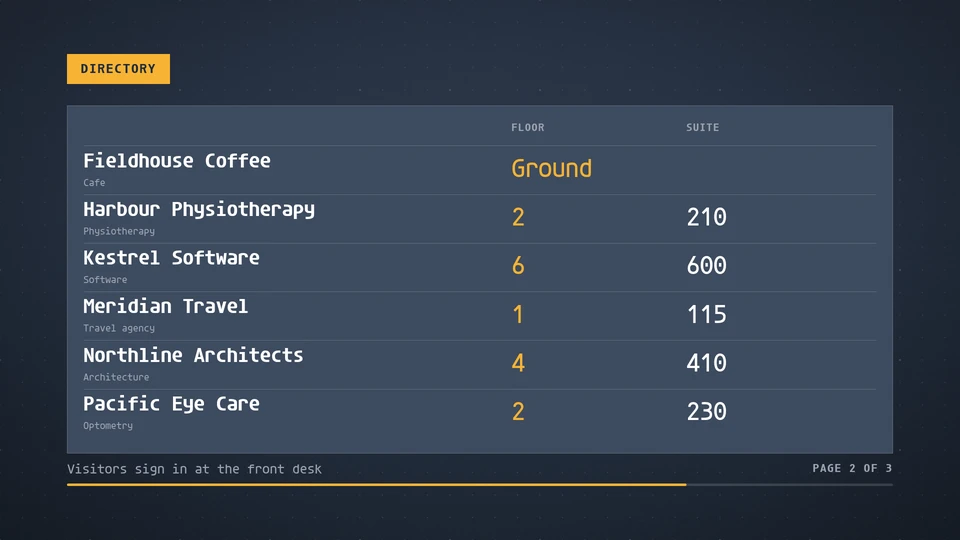
Directory
A building directory: tenants, departments or people with their floor and suite, in a table that pages by itself.
Card reference →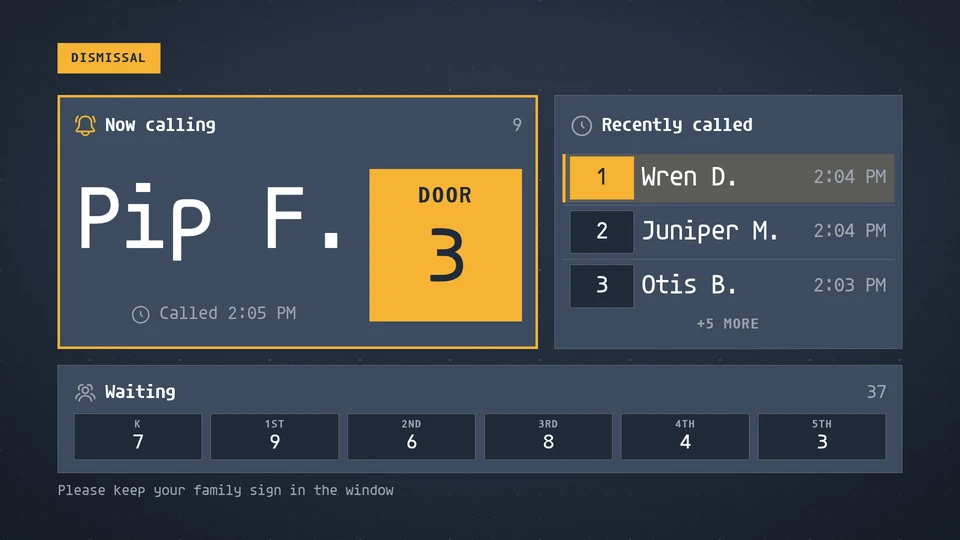
Dismissal
Car-line pickup: the student being called now with their door or cone and the time, the recent calls beneath, waiting counts by grade, and a calm end-of-dismissal state. Shows exactly the names and numbers the data gives.
Card reference →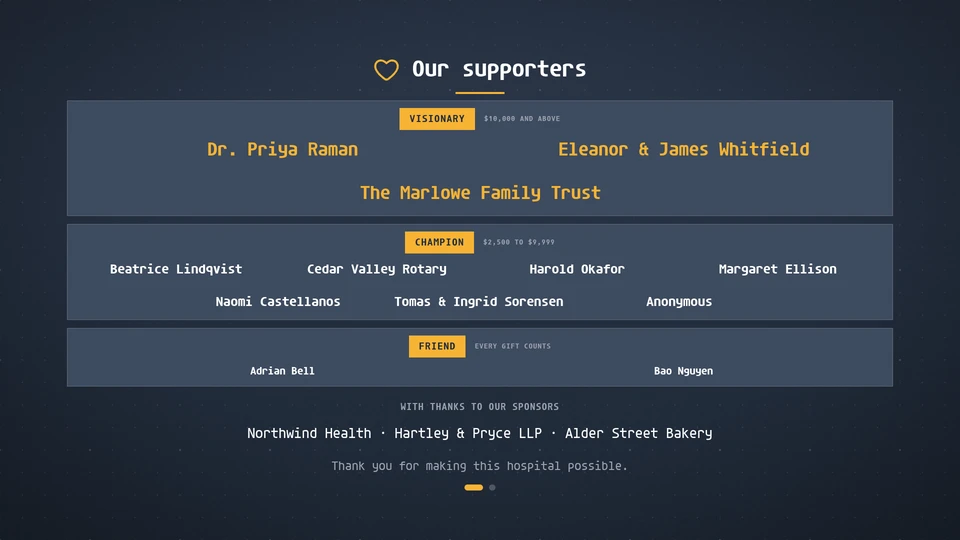
Donor wall
Donor recognition by tier, gently drifting and paging on the wall clock, with higher tiers set larger, anonymous gifts, optional amounts and sponsor names.
Card reference →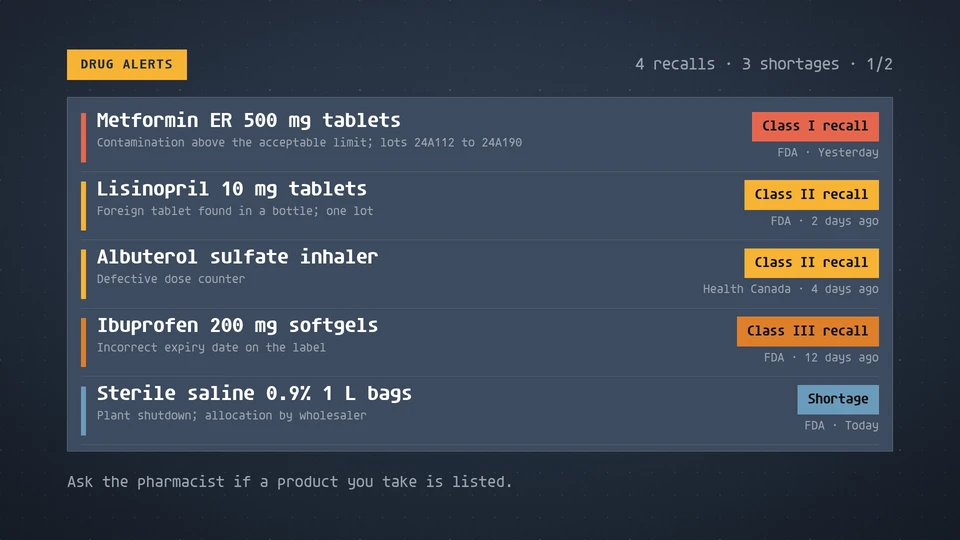
Drug alerts
Drug recalls and shortages, most serious first: the product, the reason, the recall class and when it was issued.
Card reference →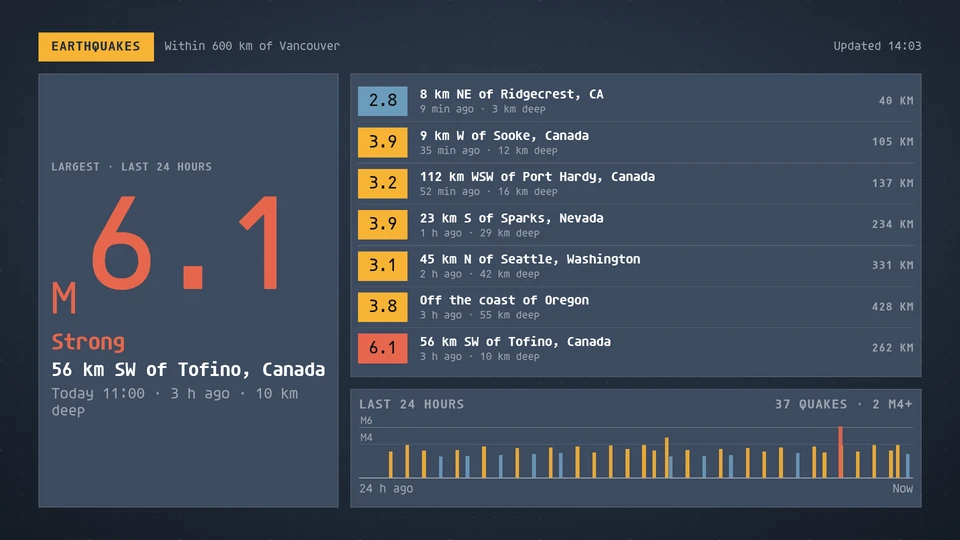
Earthquakes
Recent earthquakes: the largest of the window as a big magnitude, a list of the latest with place, time and depth, and a seismogram of the day.
Card reference →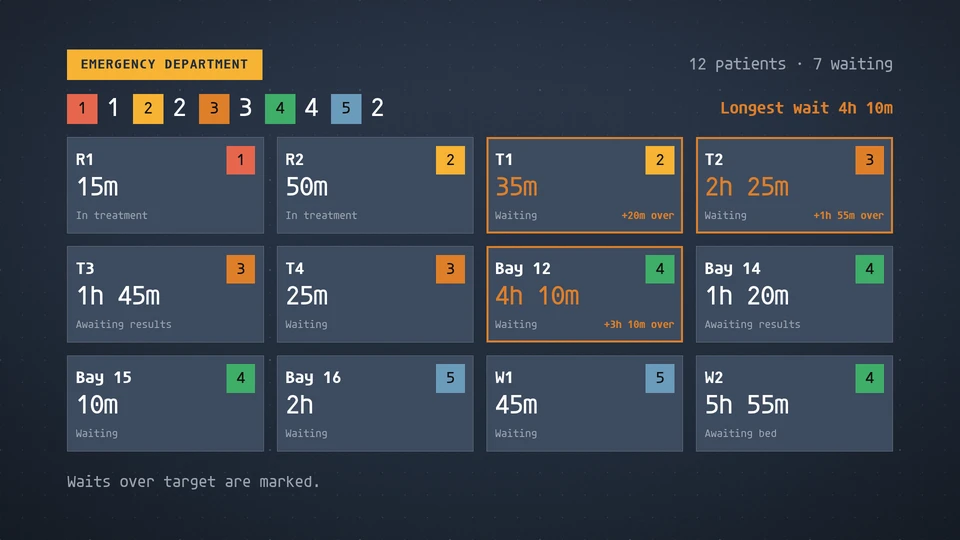
ED board
A staff-facing emergency department board: each bay's triage level, time since arrival and state, de-identified.
Card reference →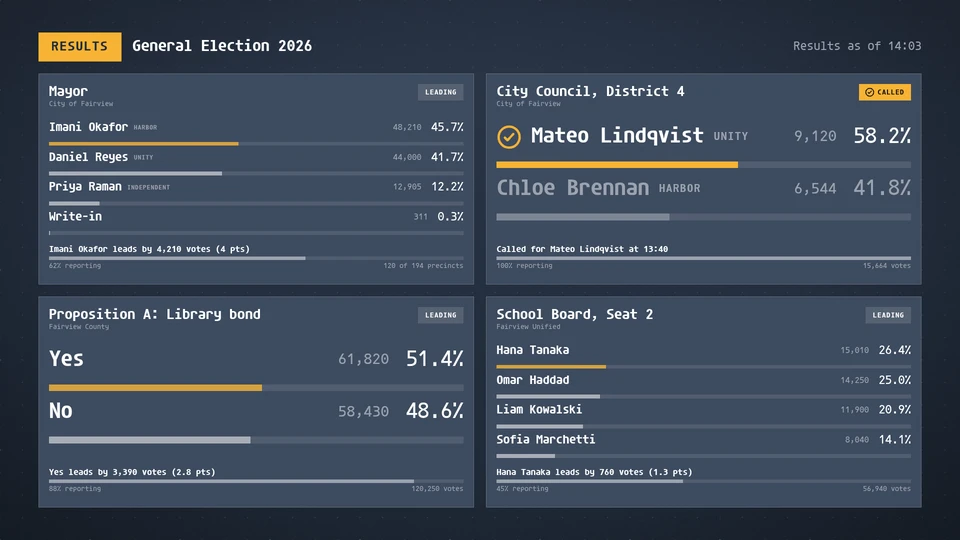
Election results
Election night results: each race with its candidates ranked by votes, the share, the votes and the percent reporting, and whether it is called or who is leading.
Card reference →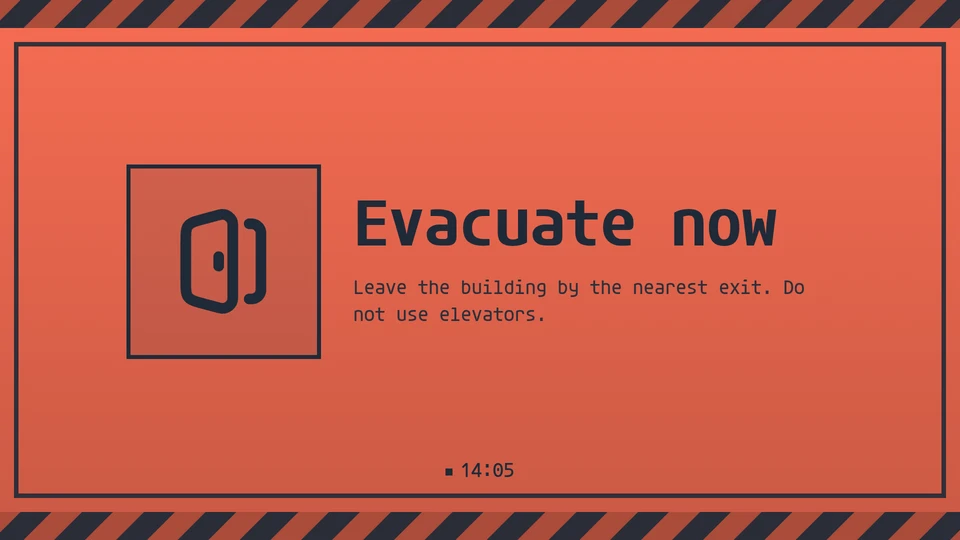
Emergency message
A full-bleed alert that cannot be missed. Preset messages; sent fleet-wide with screen takeover.
Card reference →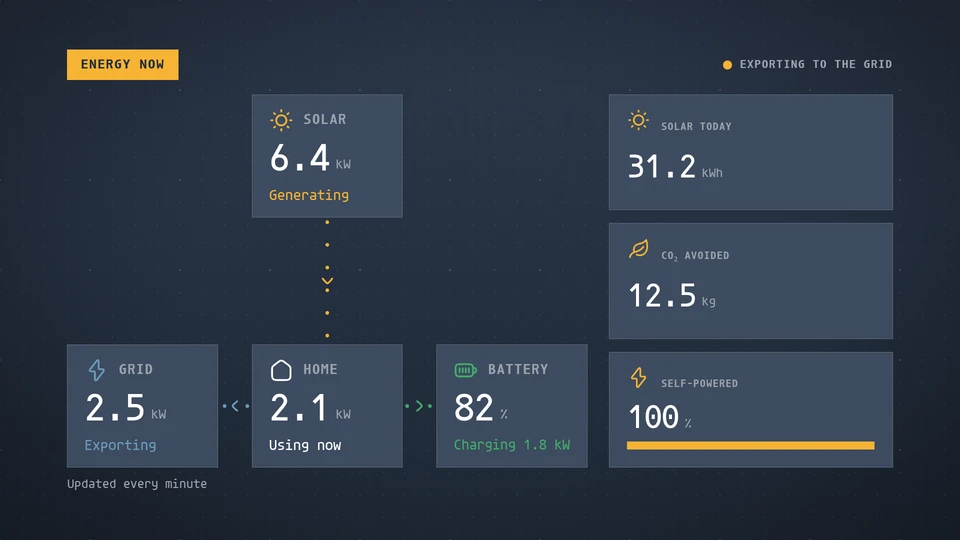
Energy
Solar generation, consumption, battery and grid flows on a live flow diagram, with energy generated today, CO₂ avoided and the share of use covered without the grid.
Card reference →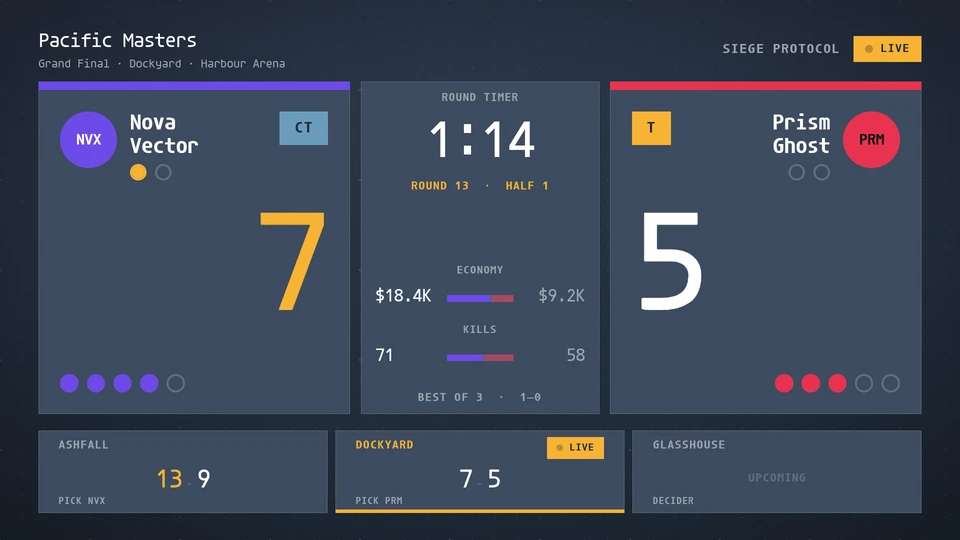
Esports board
An esports scoreboard: both teams with the score, series pips, players alive and side, the round timer or bomb timer (or the game time), economy or gold compared, and the maps of the series. Reads a tournament feed, or an overlay bridge writing to the data store.
Card reference →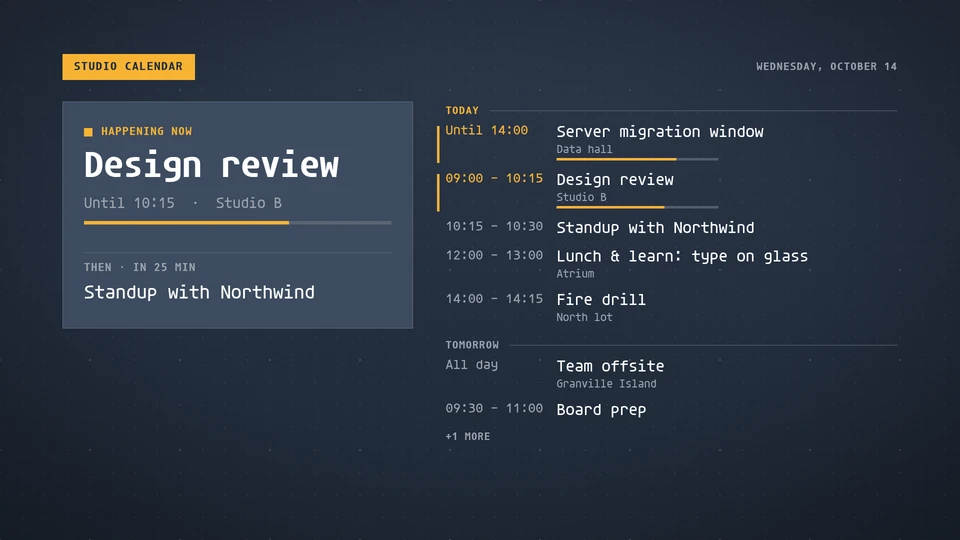
Events
A calendar's coming days: what is happening now, what is next, and the agenda. A door sign for a room, or a week at a glance.
Card reference →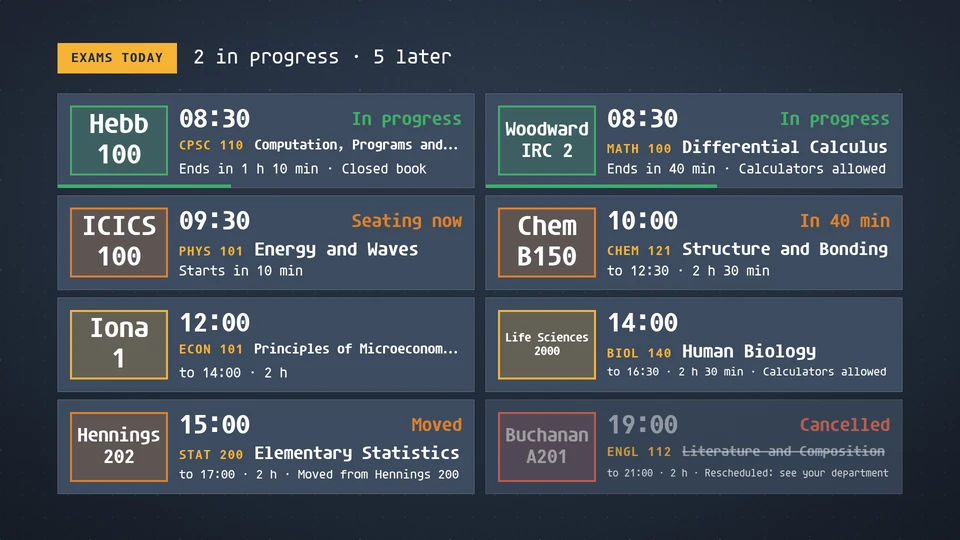
Exam board
Today's exams by time and room: where to go, when it starts and how long it runs, with seating, in progress and room changes.
Card reference →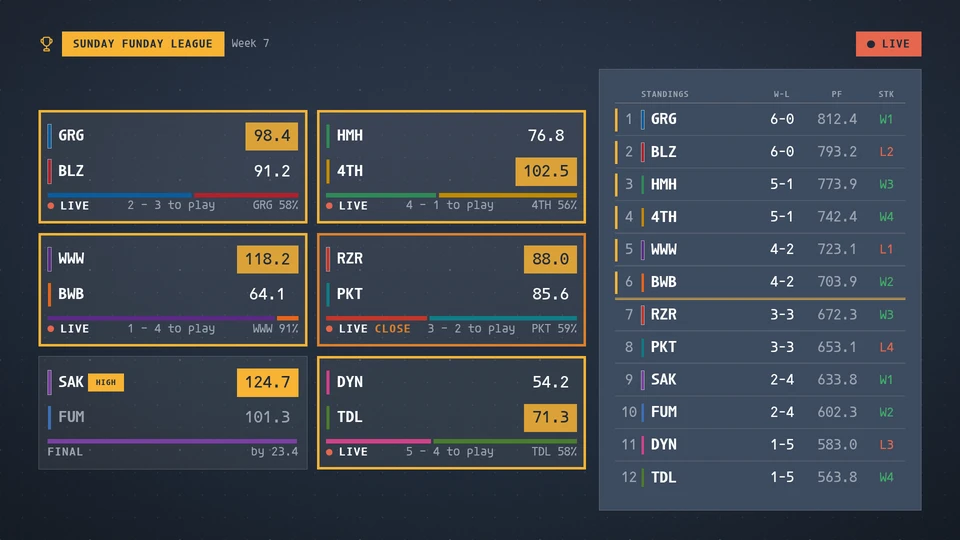
Fantasy board
A fantasy league's week on the wall: every matchup with both teams' live points, the leader and the winner, a win-probability bar, the players still to play and the week's high score, beside the standings with the playoff line. Reads a league feed, or league data written to the data store.
Card reference →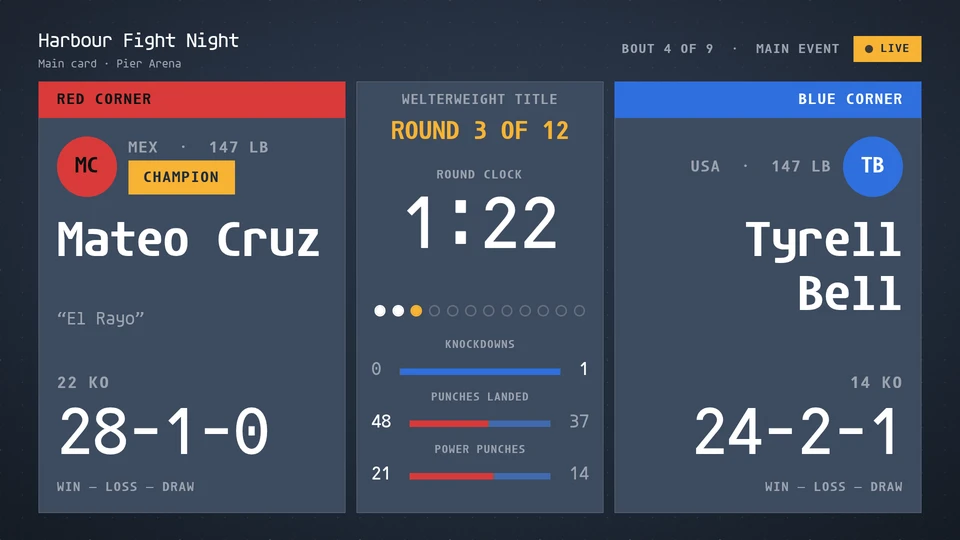
Fight board
A boxing or MMA bout board: both fighters with corner, record and belt, the round and the round clock (or the rest countdown), round pips, knockdowns and strike stats compared, the judges' running totals, a knockdown takeover and the result with method, round and time. Reads a fight feed, or an arena operator writing to the data store.
Card reference →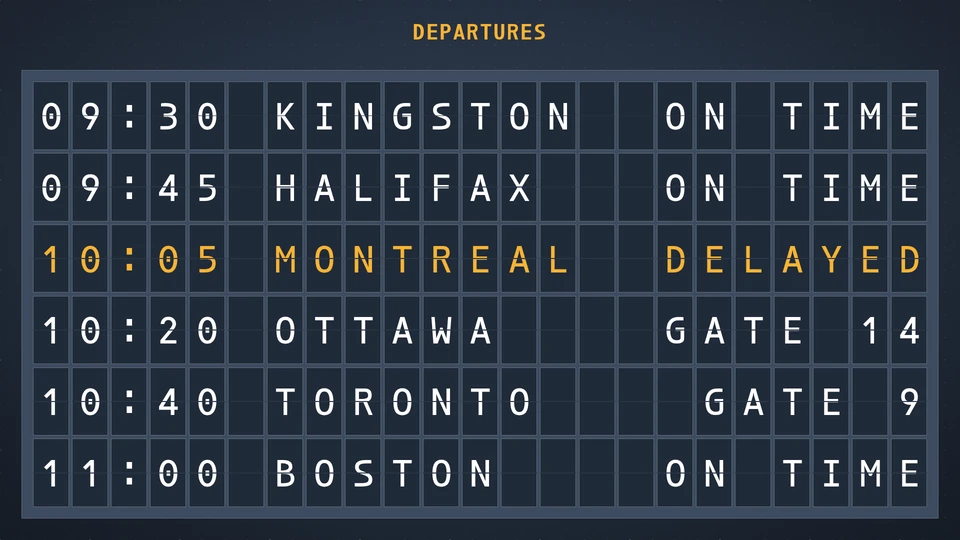
Flap board
A split-flap board: a message or a short schedule on tiles that flip to new content, page after page on the wall clock so every screen shows the same page at the same second. Lines are upper-cased and set start, centred or ended; a | pushes the right part of a schedule line to the far end and a ! highlights a row. Everything is a param.
Card reference →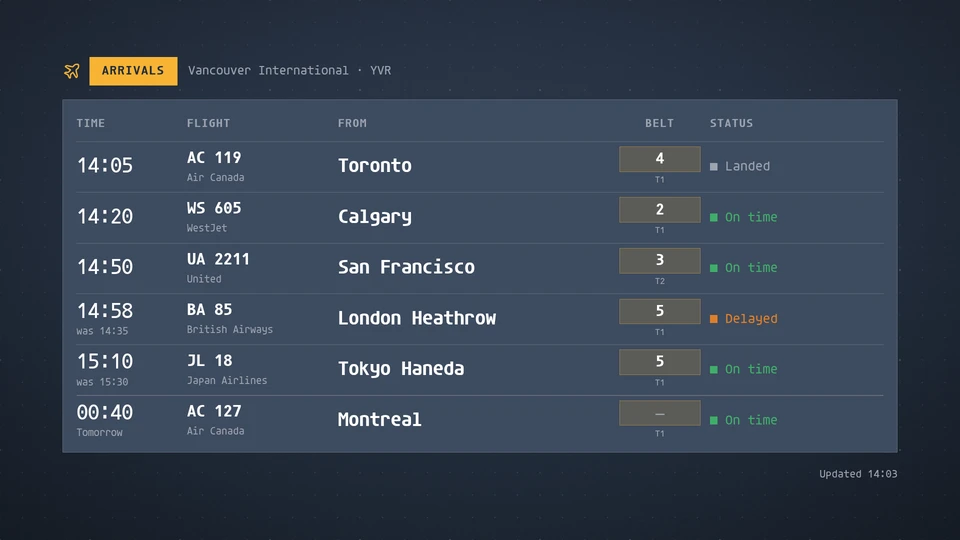
Flights
An airport arrivals or departures board: time, flight, city, gate or belt and status. The host supplies the flights.
Card reference →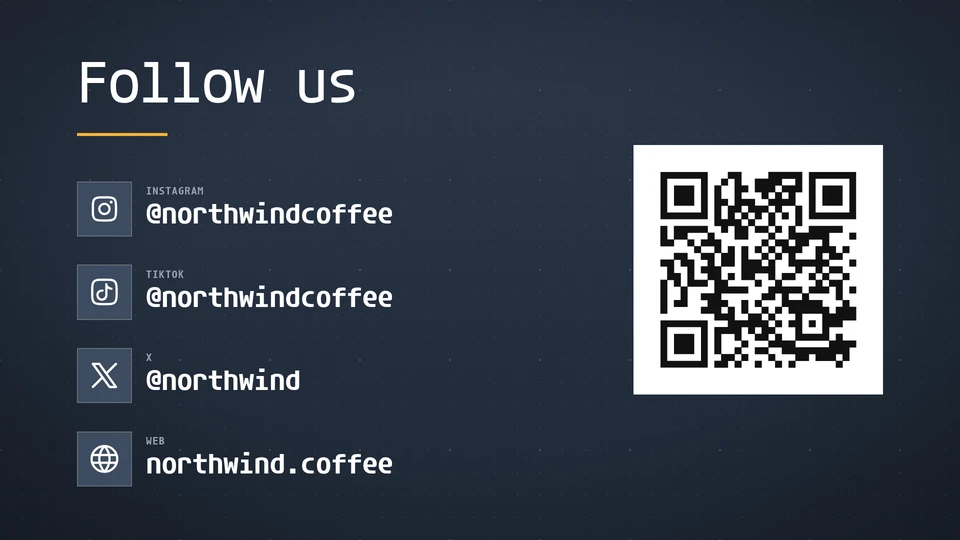
Follow us
Your social handles, big and confident in the theme's ink, with an optional QR code to follow in one scan.
Card reference →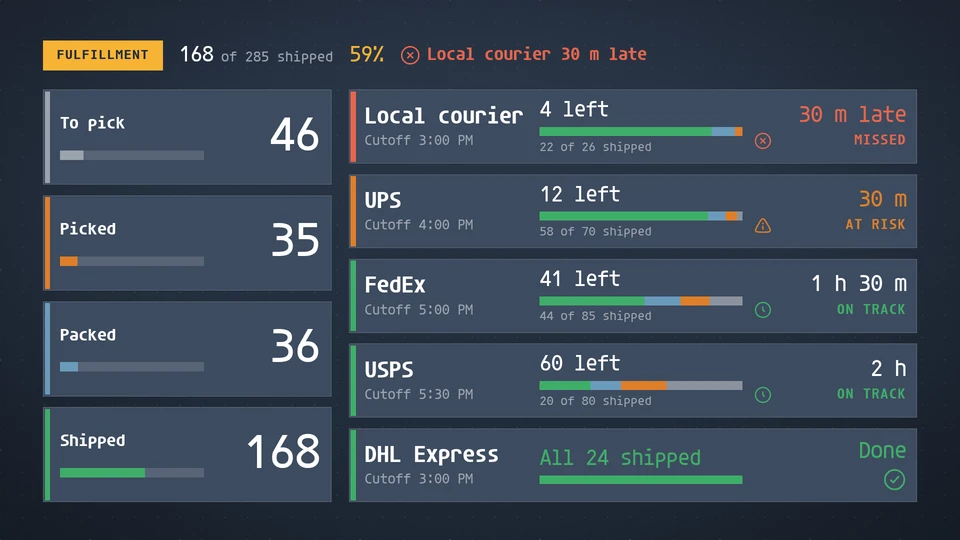
Fulfillment board
Today's orders by stage (to pick, picked, packed, shipped) and each carrier's cutoff with orders left and a countdown that warns and then flags a missed cutoff.
Card reference →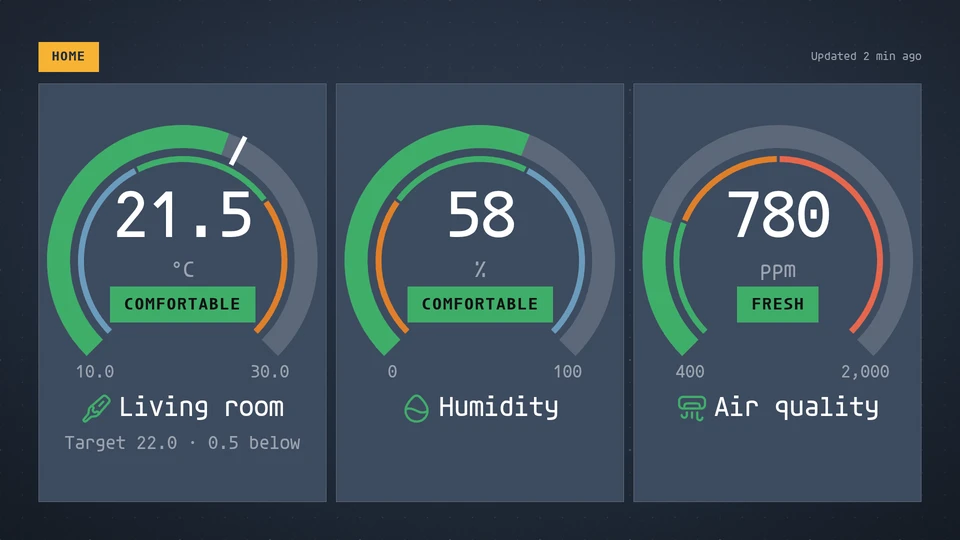
Gauge
One to six readings as radial, semicircle, speedometer, linear, bullet, tank or battery gauges, with qualitative bands, a target and a scale; the needle or fill eases to each new value.
Card reference →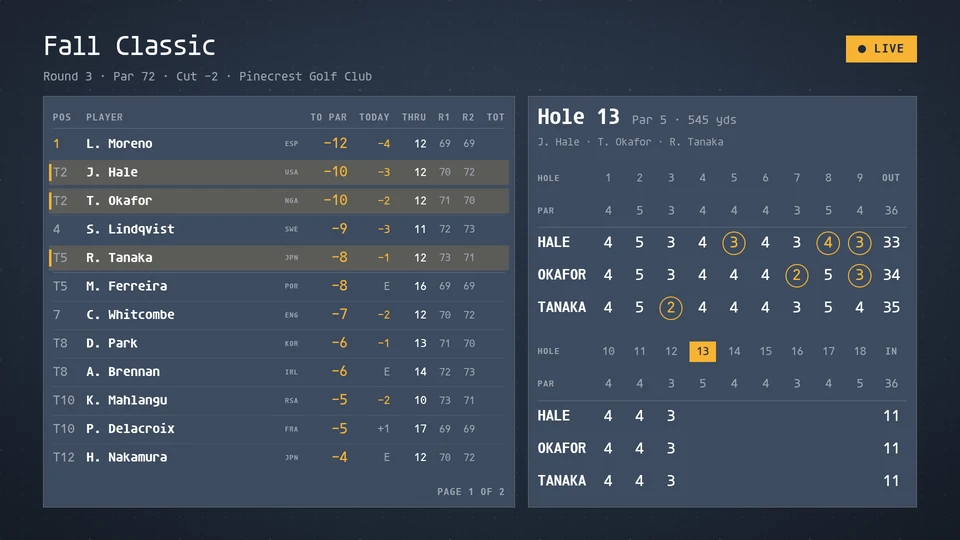
Golf board
A golf leaderboard with position, to par, today's round and holes played, the cut line and each round's score, beside the on-course group's hole-by-hole scorecard. Reads a tournament feed, or venue data written to the data store.
Card reference →
Greeting
The coming occasion's greeting and sign-off over a themed scene of snow, confetti, lanterns, leaves, fireworks, hearts, petals or stars.
Card reference →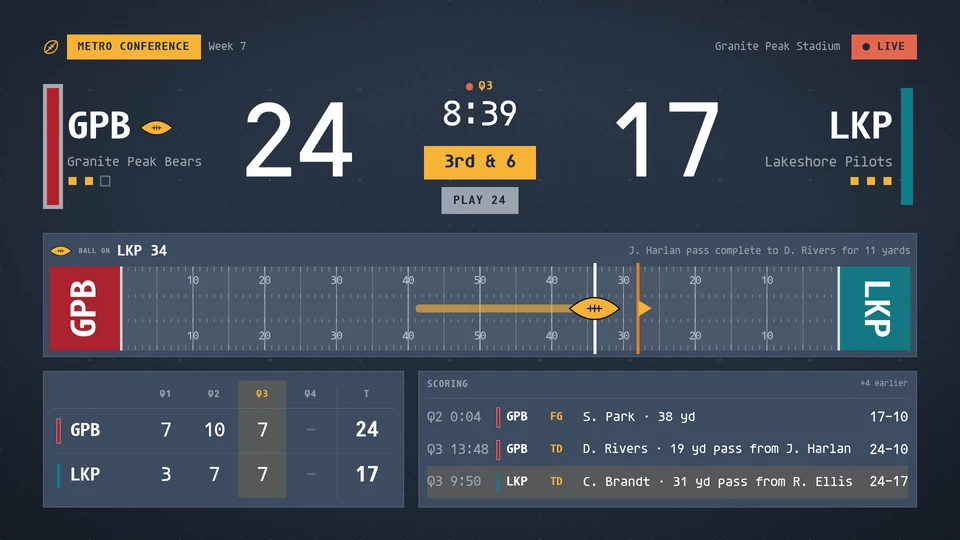
Gridiron board
A gridiron football board: the score, quarter and game clock, down and distance, the play clock, possession and timeouts, the field with the ball, the line to gain, the drive and the red zone, the line score by quarter, the scoring plays with the running score, and the team stats at half time and after the game. Reads a league feed, or venue game data written to the data store.
Card reference →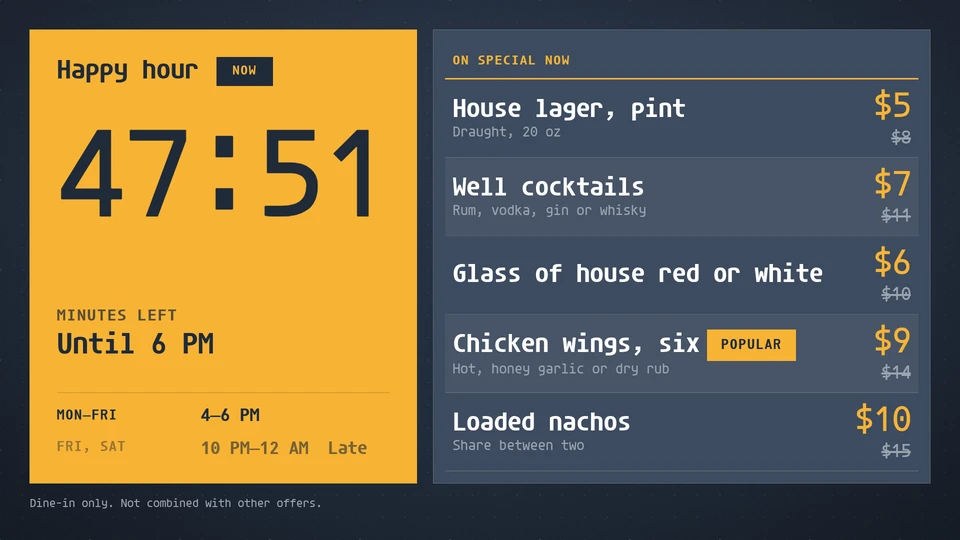
Happy hour
Weekly happy-hour windows with a countdown: the specials at their happy price while one is on, and when the next one starts.
Card reference →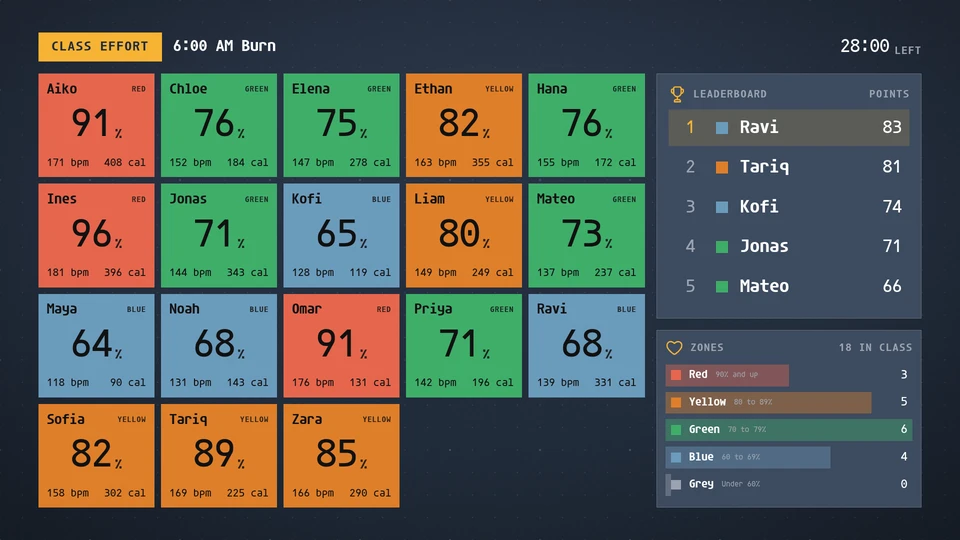
Heart-rate wall
Live effort for a fitness class: a tile for each member in their heart-rate zone colour with the percent of max and calories, a class leaderboard and the zone mix.
Card reference →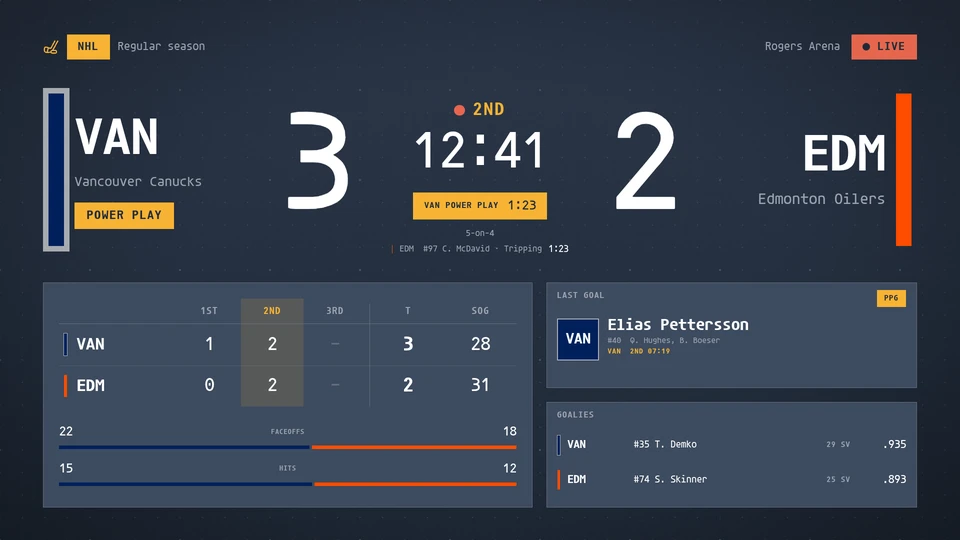
Hockey board
A broadcast-style in-game hockey board: score by period, clock, power play and penalty timers, shots on goal, empty net, last goal and goalies. Reads a league feed, or venue game data written to the data store.
Card reference →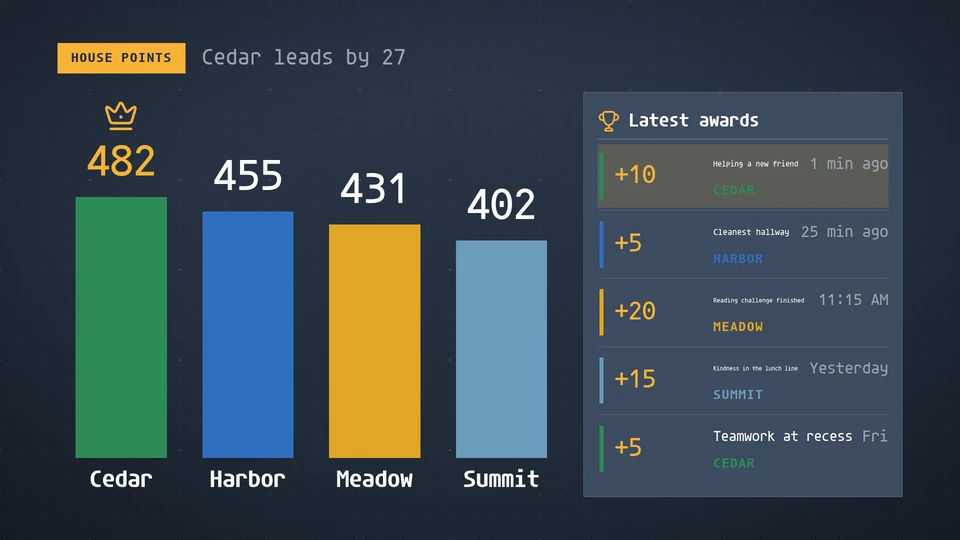
House points
The school houses as tall bars or a ladder of bars, ranked by points, with the leader crowned and the latest awards beside them.
Card reference →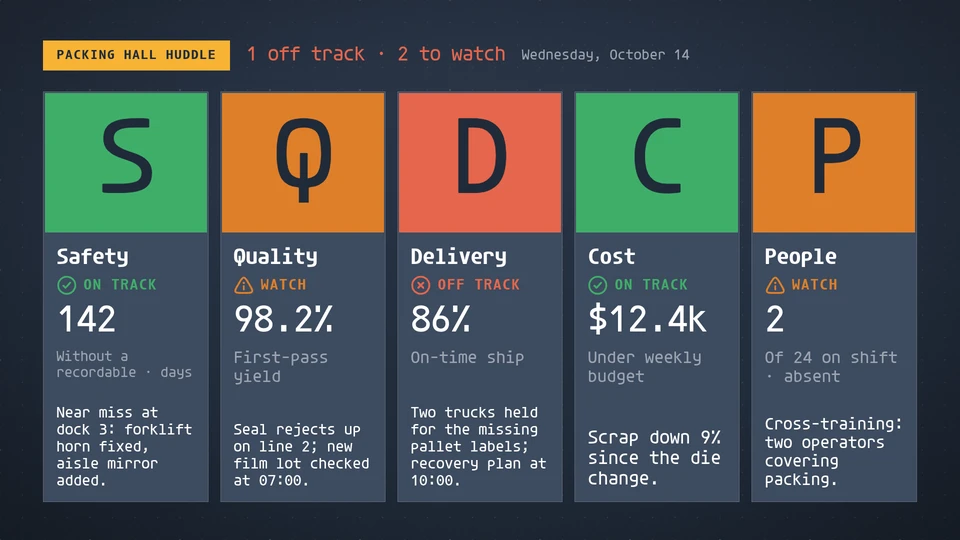
Huddle board
The Lean SQDCP daily huddle board: Safety, Quality, Delivery, Cost and People, each with a status, a headline figure and a note.
Card reference →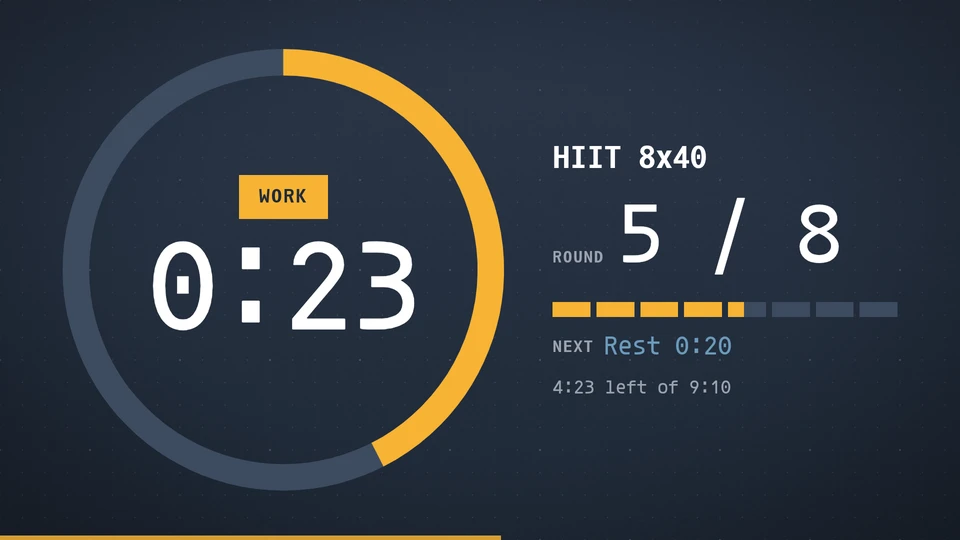
Interval timer
A gym-grade interval timer anchored to a start time, so every screen counts the same rounds in step.
Card reference →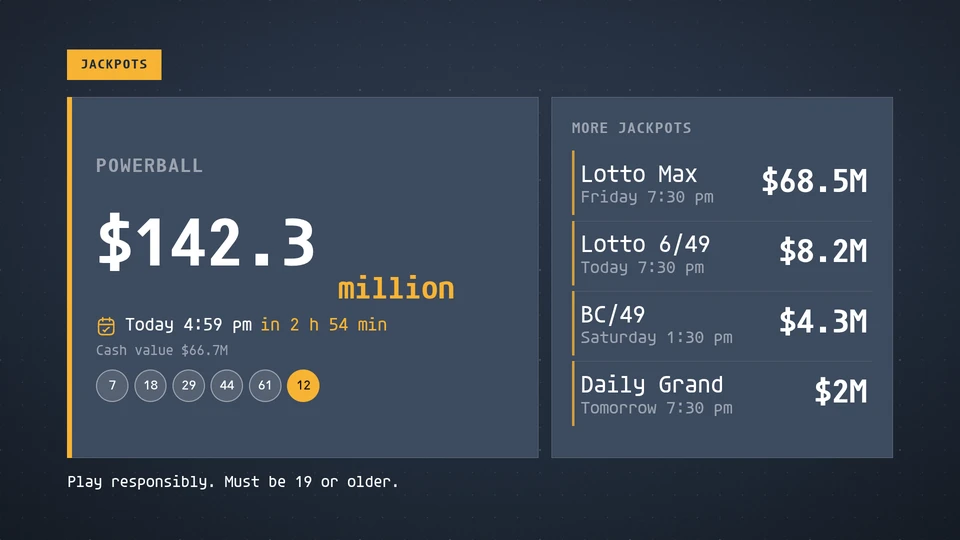
Jackpot board
Lottery jackpots with the biggest in huge type, each game's next draw and last numbers, and a poster takeover above a chosen jackpot.
Card reference →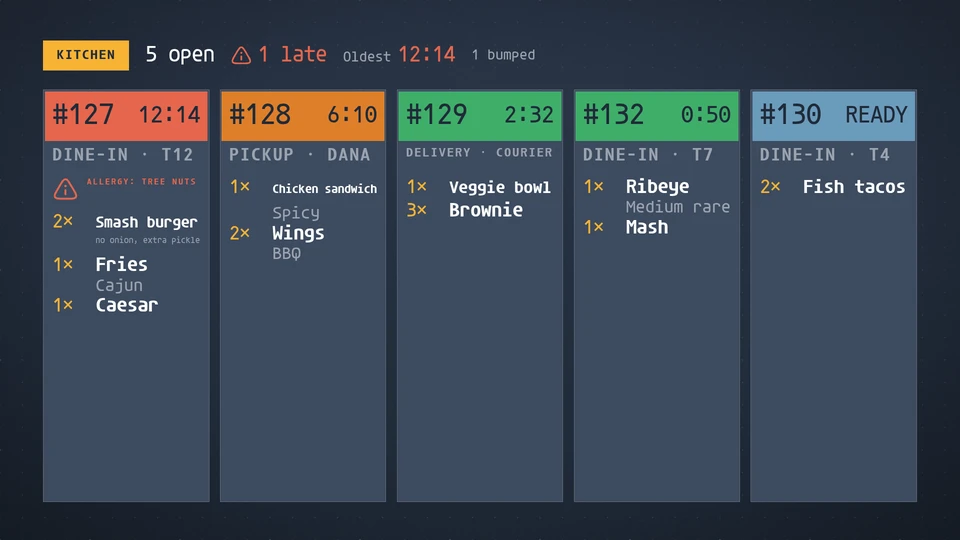
Kitchen display
Open kitchen tickets, oldest first: a running timer and age colour per ticket, items with quantities and modifiers, ready and bumped state, per station.
Card reference →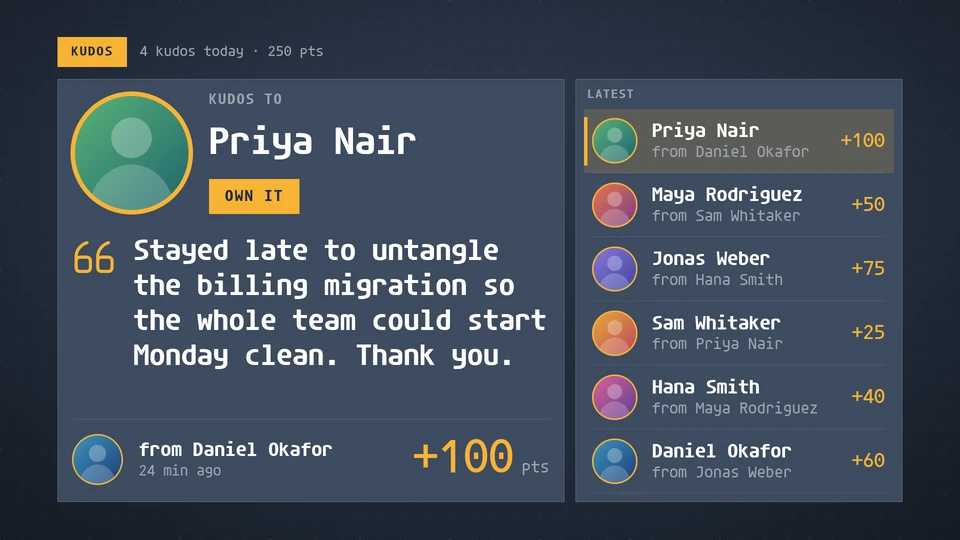
Kudos
A recognition feed: one kudos at a time with the recipient's picture and name, the message in large type, who gave it, the company value and the points, beside the latest kudos, rotating on the wall clock.
Card reference →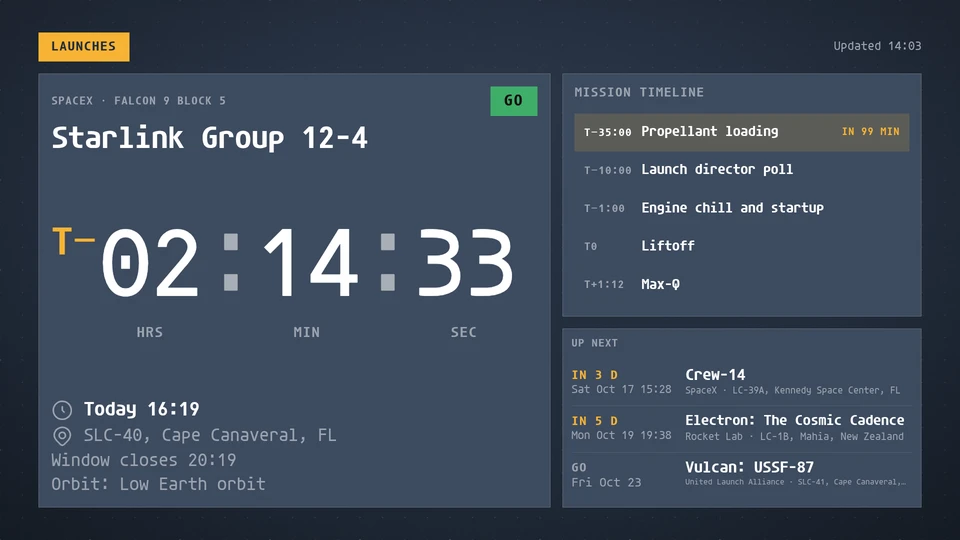
Launch tracker
The next rocket launch with a live countdown to liftoff, its status, pad and mission events, and the launches after it.
Card reference →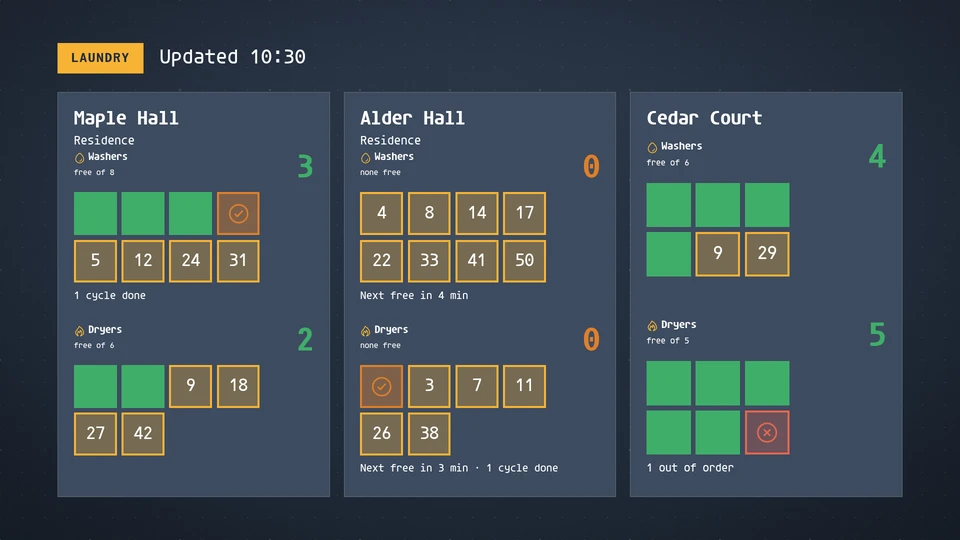
Laundry room
Washers and dryers free in each residence hall's laundry room, with minutes left in every running machine and a note when none are free.
Card reference →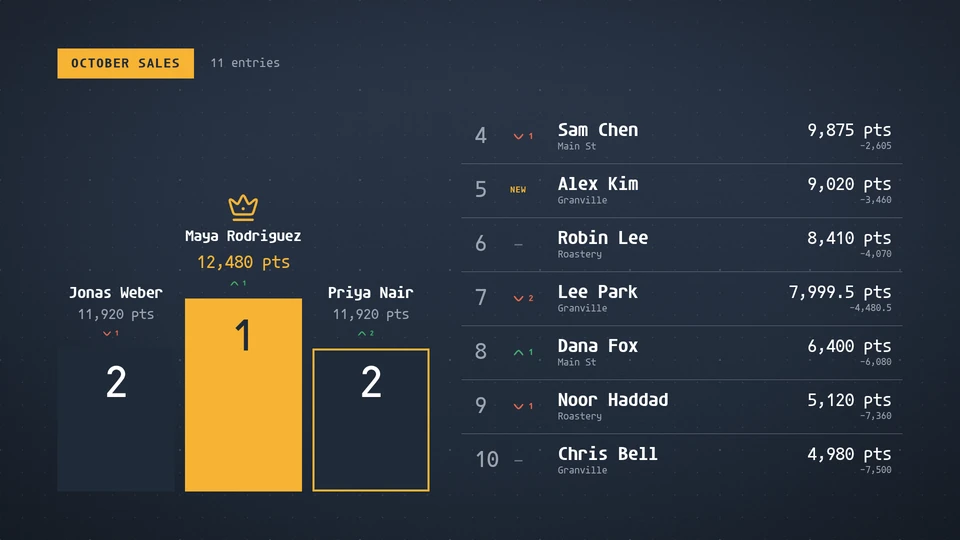
Leaderboard
A ranked board with a podium for the top three, scores, rank movement and the gap to the leader.
Card reference →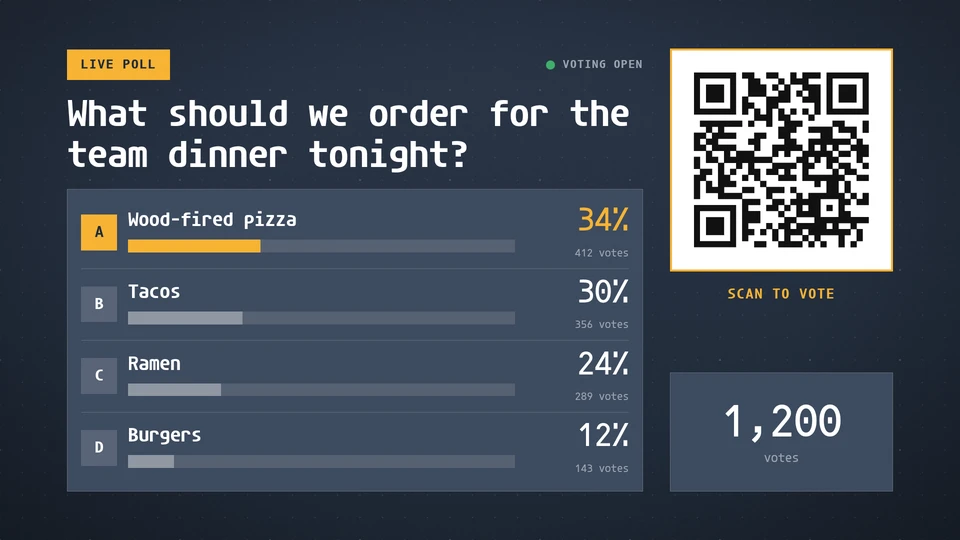
Live poll
A question with live vote bars and a QR code to vote. Display only: voting happens on the page the code opens.
Card reference →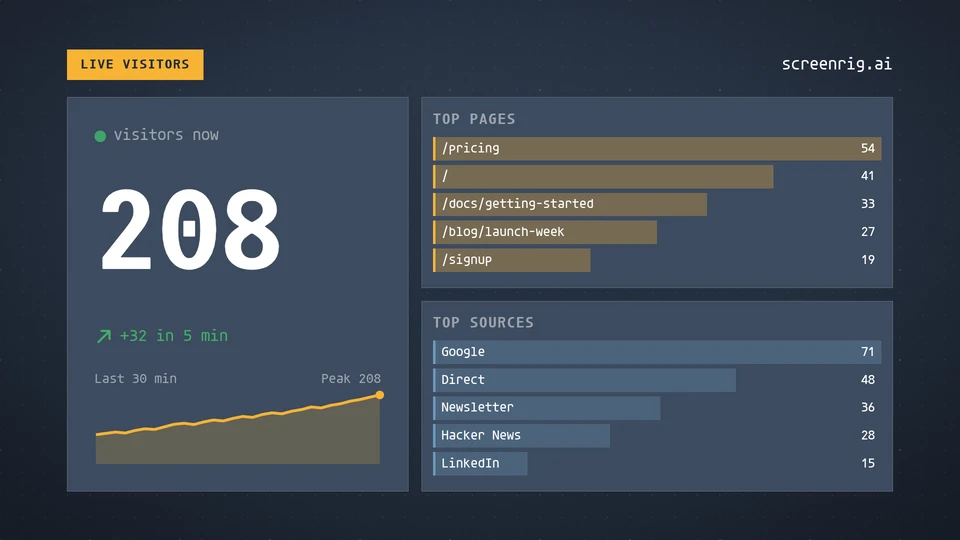
Live visitors
How many people are on the site or app right now, with the last half hour, the top pages and the top sources.
Card reference →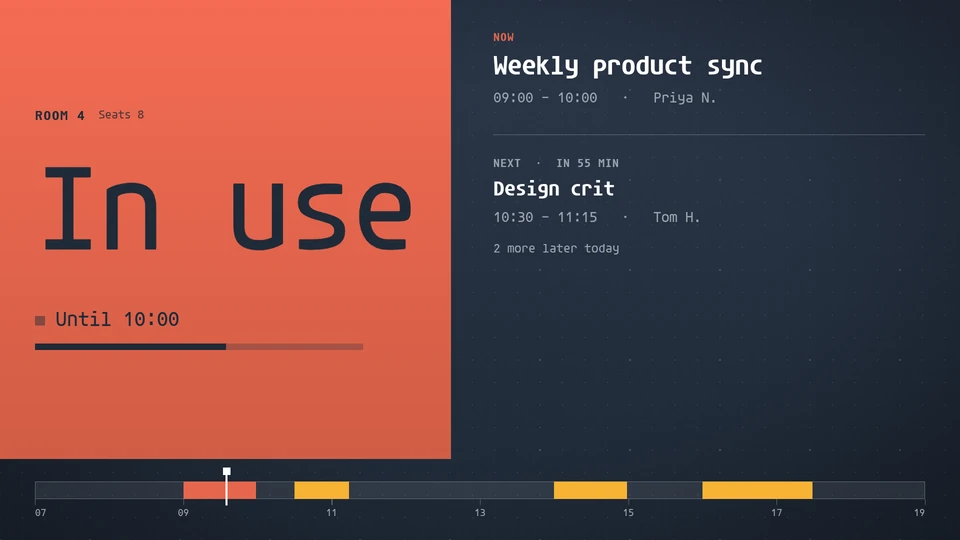
Meeting room
A door sign for one room from its calendar: available or in use in huge type, until when, what is next, and the day's timeline.
Card reference →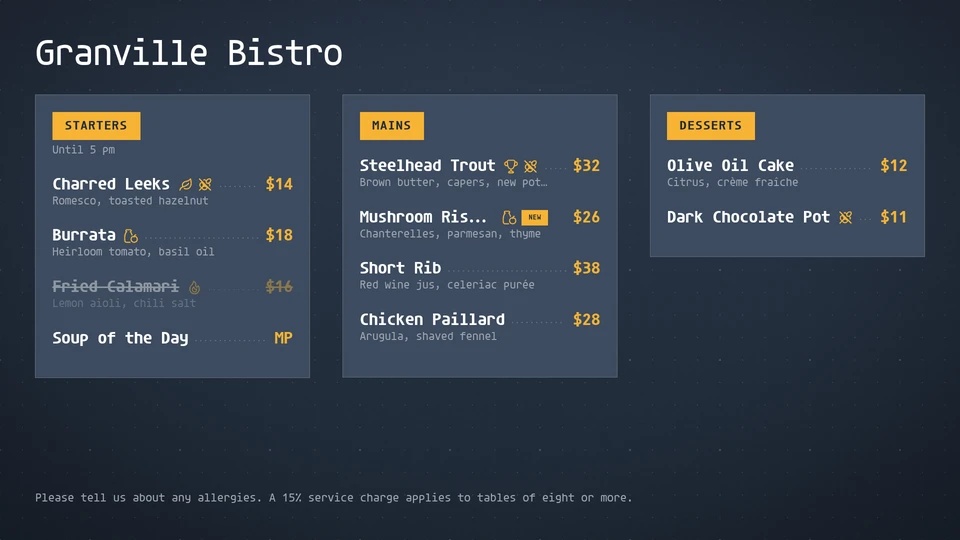
Menu board
A menu board that sets itself: sections, prices with leaders, dietary marks, sold-out items struck through, flowing into as many columns as it needs.
Card reference →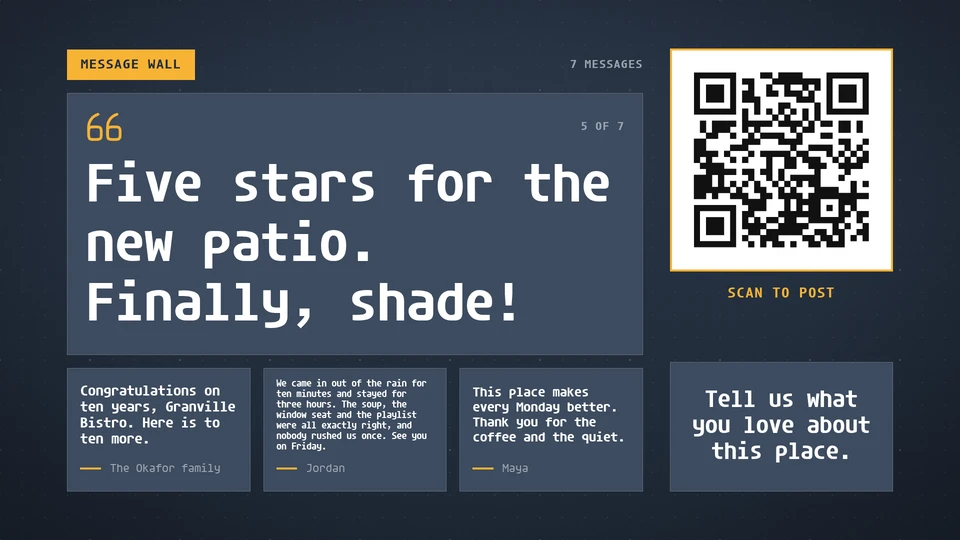
Message wall
Moderated audience messages, one featured at a time with the next ones beside it, and a QR code to post. Display only: posting and moderation happen elsewhere.
Card reference →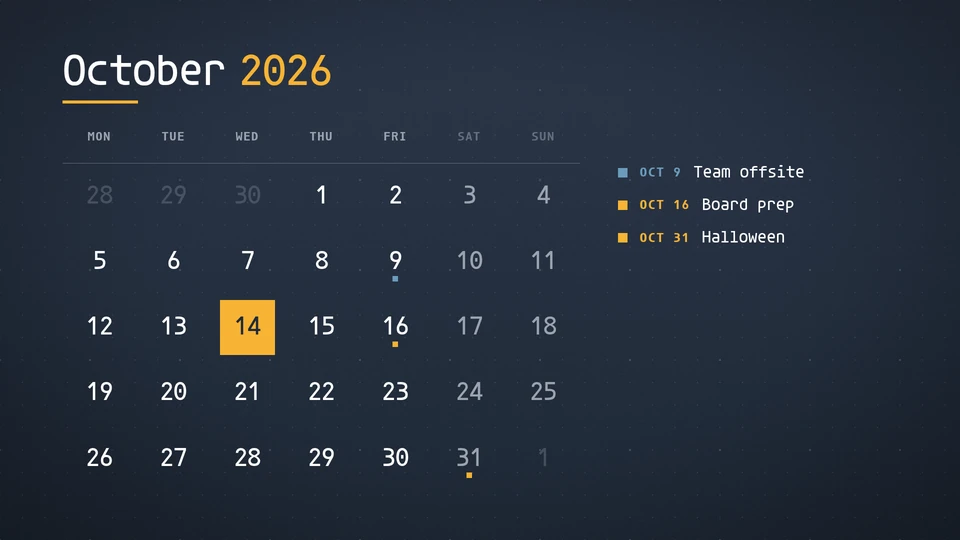
Month calendar
A month at a glance: today marked in the theme's voice, highlighted days with their labels, optional week numbers.
Card reference →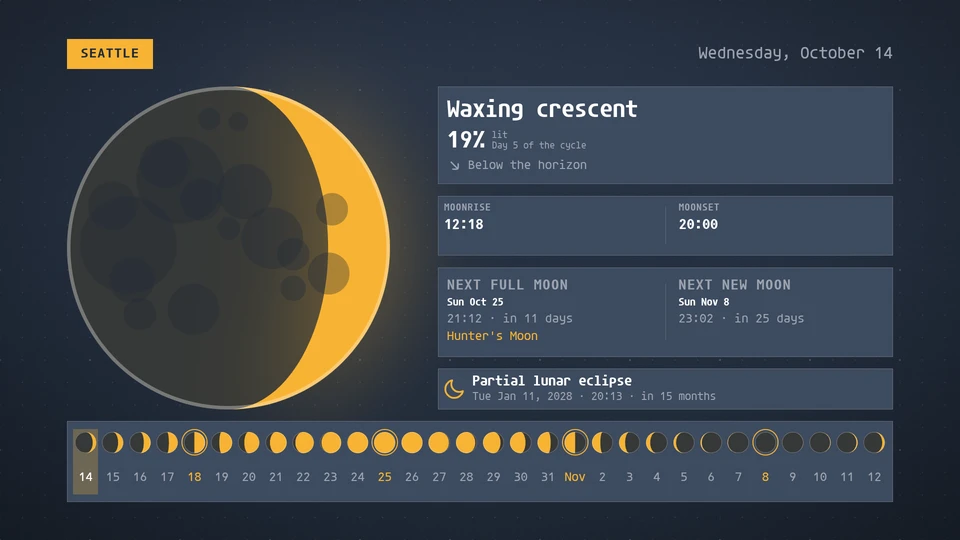
Moon
Tonight's moon drawn large, with its phase, rise and set, the next full moon and its name, the month's phases and the next lunar eclipse. Computed on the Player; no feed.
Card reference →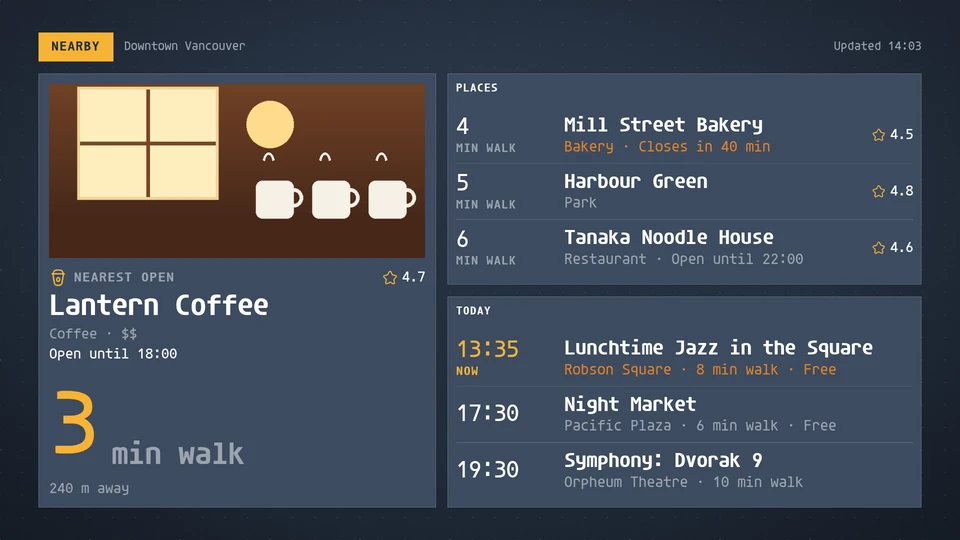
Nearby
What is around the screen: a featured place with its walk time and photo, the closest places by walk and today's events nearby.
Card reference →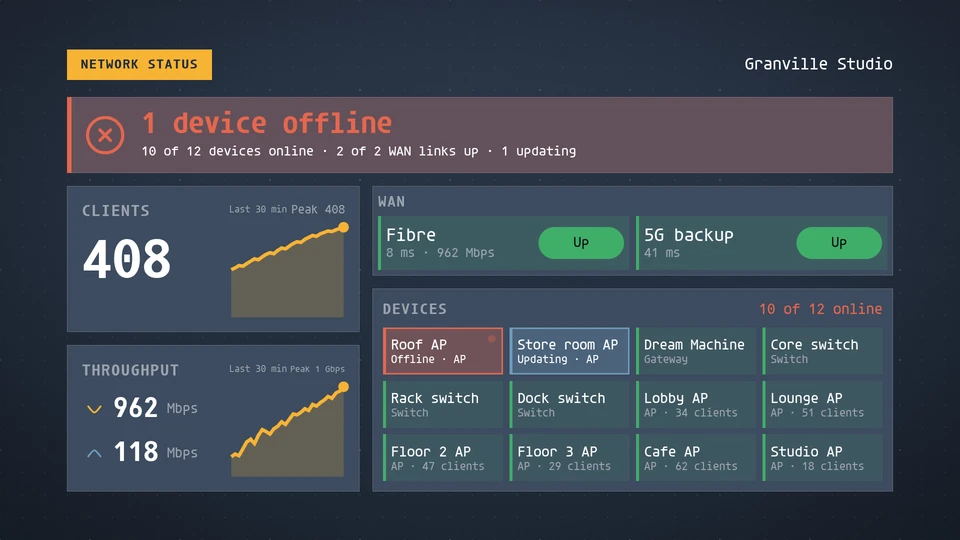
Network status
Whether the network is up: the verdict, clients, throughput, WAN links and the devices that need attention.
Card reference →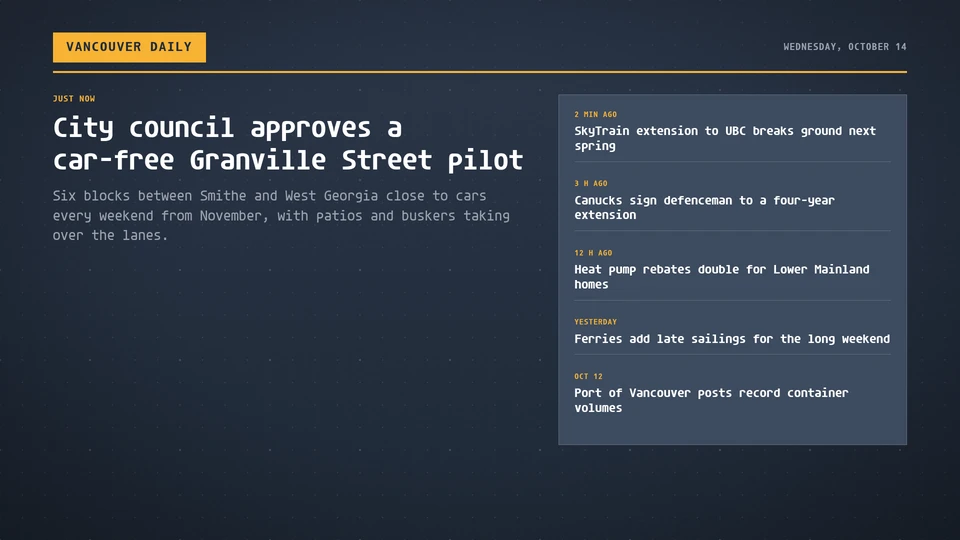
News
Headlines from a feed, set like a front page: a lead story with the latest beside it, a list, a hero, or one story at a time.
Card reference →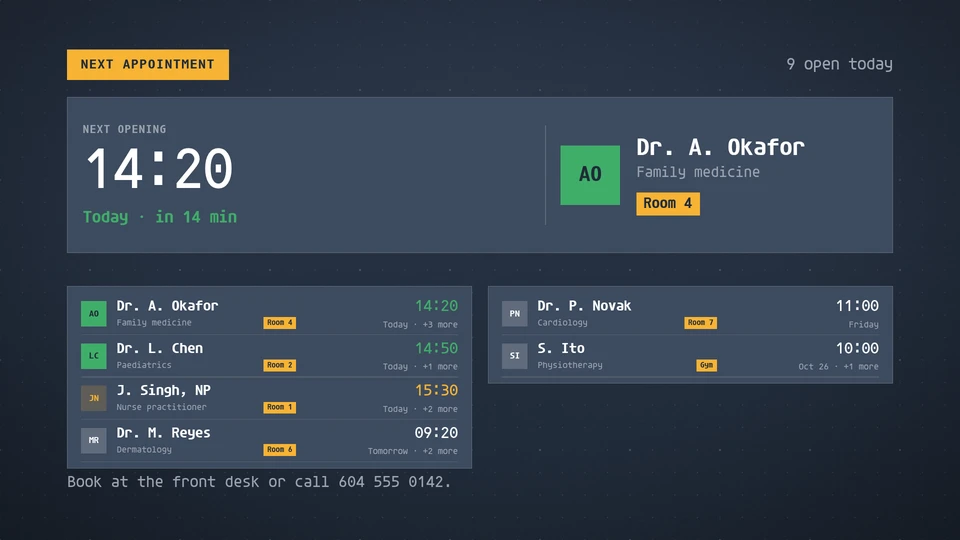
Next appointment
The soonest open appointment, and each practitioner's next open slot.
Card reference →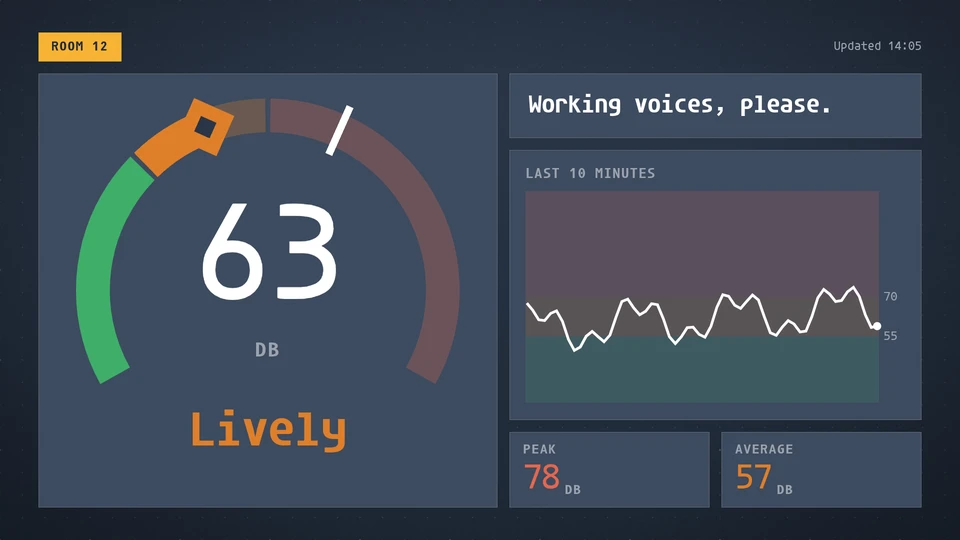
Noise meter
How loud a room is: the level in decibels on a gauge that turns from quiet to lively to loud, with the recent trace, the peak and the average.
Card reference →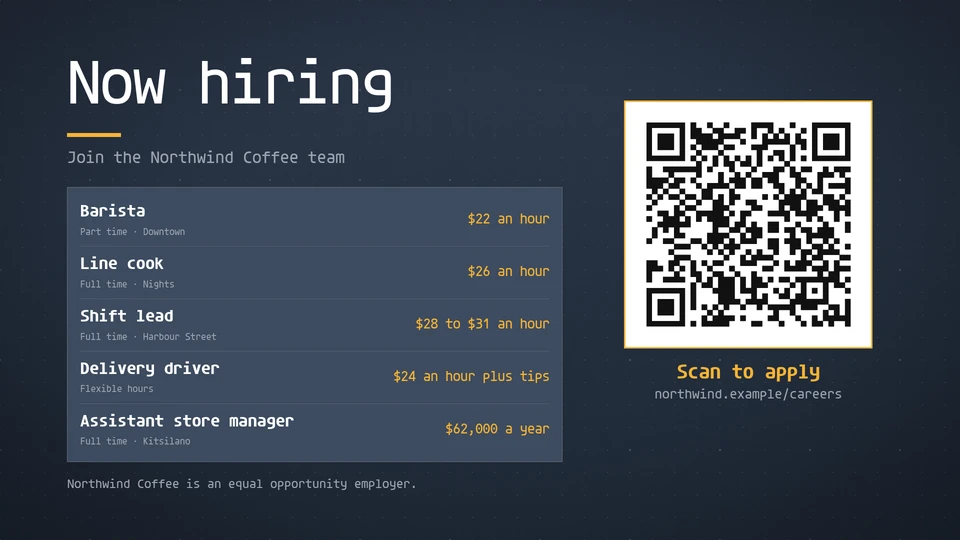
Now hiring
Open roles with their pay and a QR code that opens the application page in one scan.
Card reference →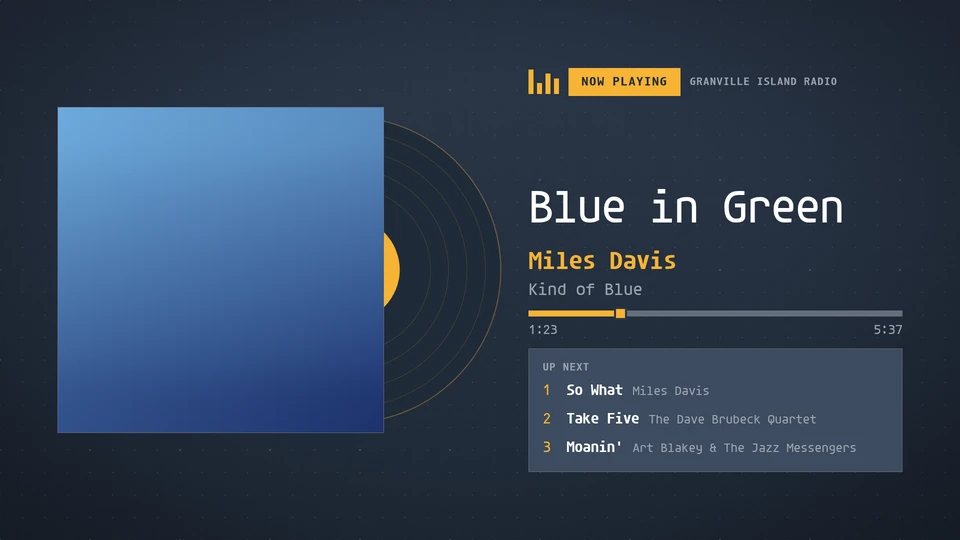
Now playing
The track on right now: album art, title, artist and album, a progress bar running from the track's start time, and what plays next.
Card reference →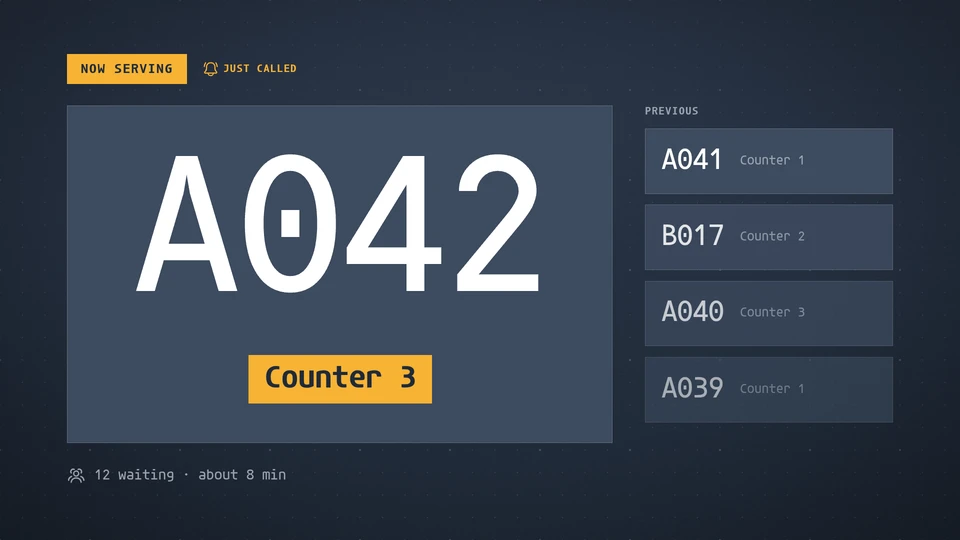
Now serving
A calling display: the ticket being served, its counter, the last few calls and the wait.
Card reference →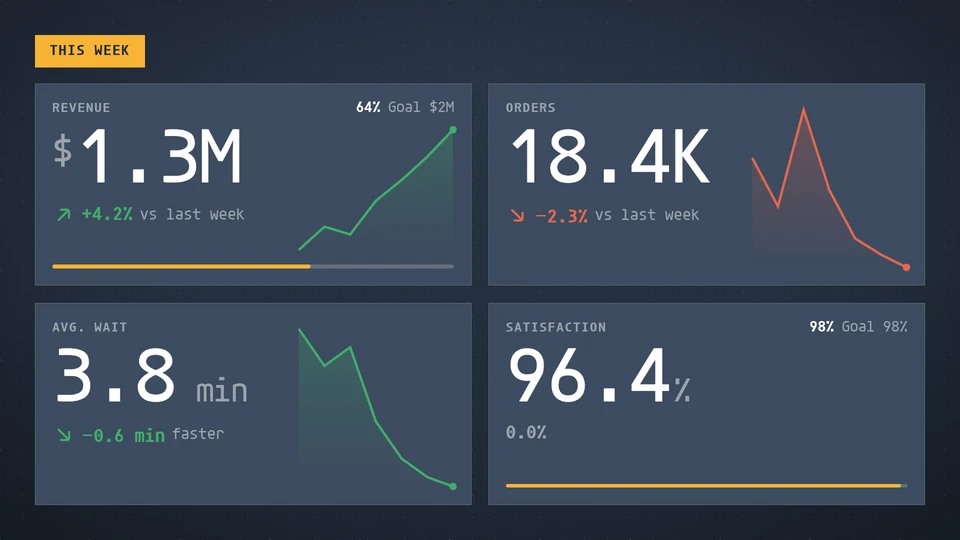
Number tiles
Big, distance-legible numbers: value, change against last period with a good or bad tone, a sparkline and progress toward a goal.
Card reference →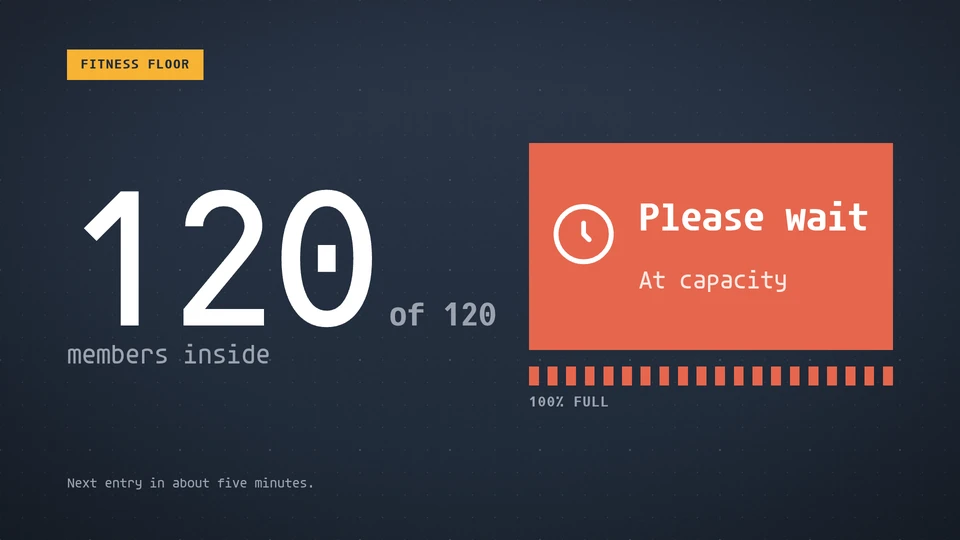
Occupancy
People inside against capacity: a welcome while there is room, nearly full as it fills, and a please-wait banner at the limit.
Card reference →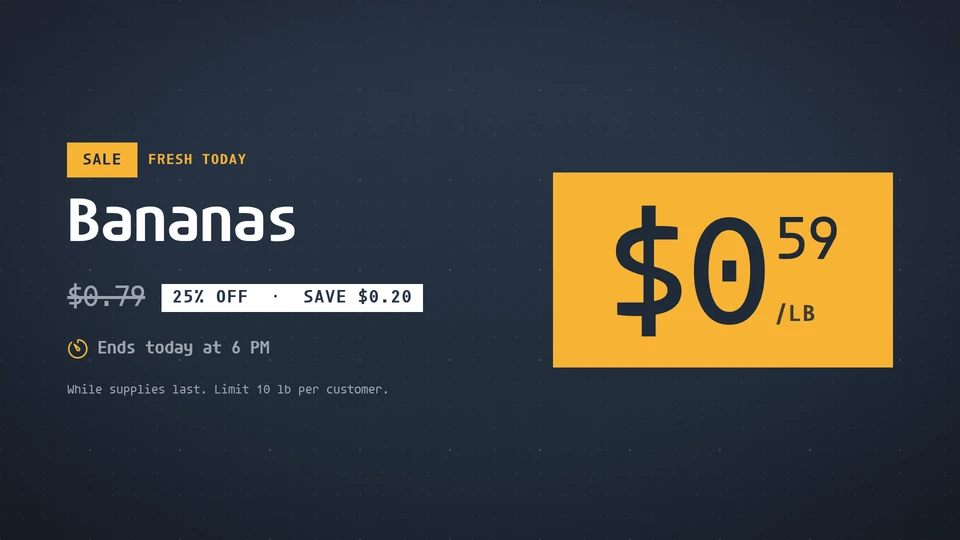
Offer
A striking price tag: the price, what it was, what you save, and when the deal ends.
Card reference →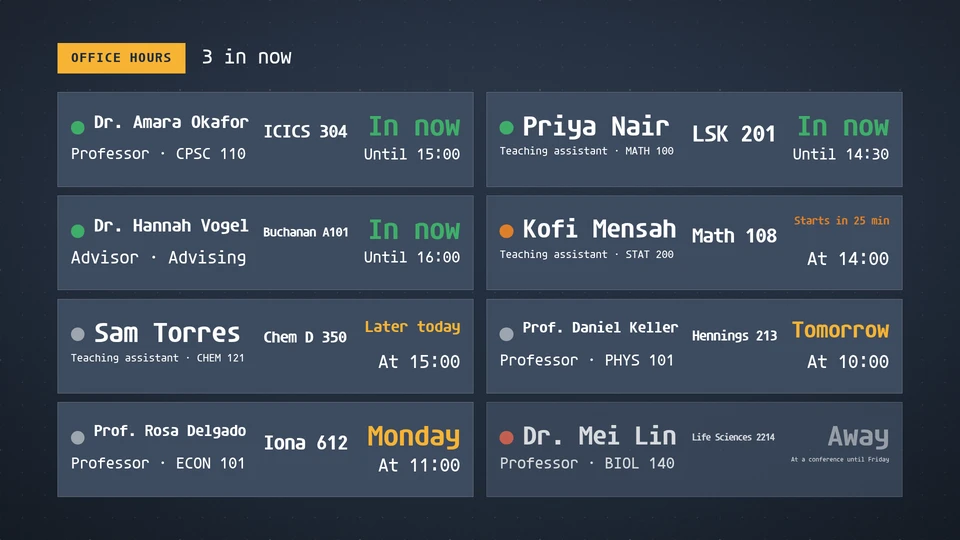
Office hours
Which faculty and teaching assistants are in their office hours now, when each one is next in, and the room to find them.
Card reference →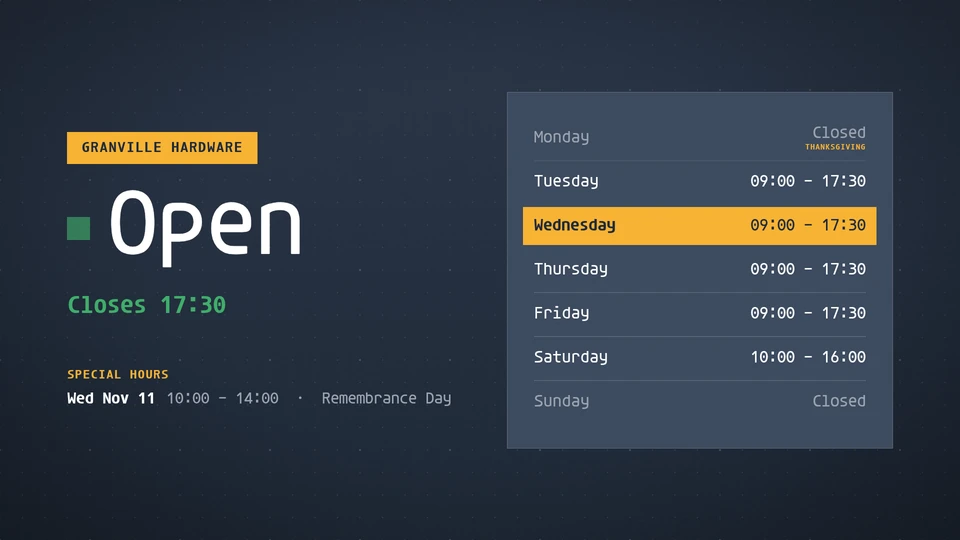
Opening hours
Open or closed at a glance, when that changes, and the week's hours with today marked and holiday exceptions.
Card reference →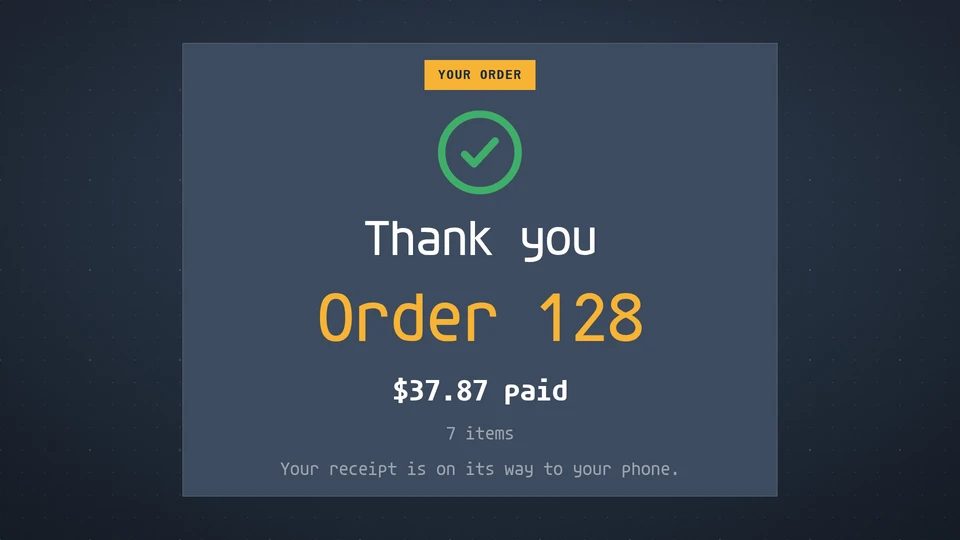
Order confirmation
The customer-facing till display: the cart as items are added with the newest lit, a large total with subtotal, discount, tax and tip, a payment prompt, and a thank-you with the order number once paid.
Card reference →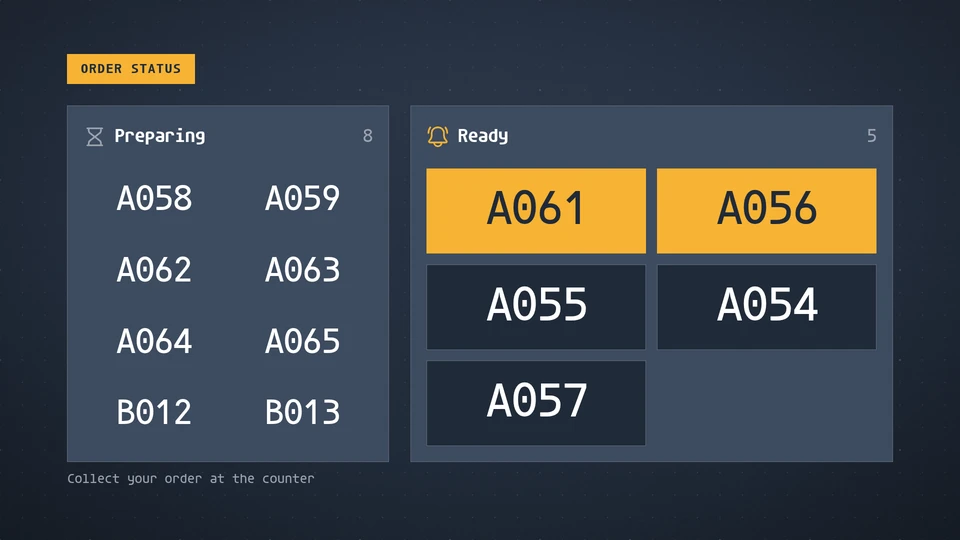
Order status
Order numbers in two columns, Preparing and Ready: a fresh-ready order flashes and a ready order leaves the board on its own.
Card reference →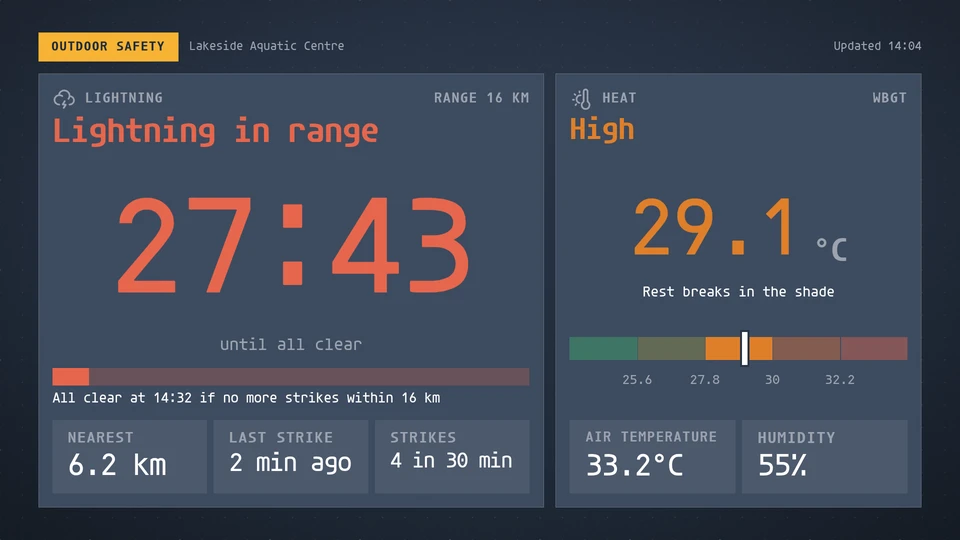
Outdoor safety
Lightning and heat for people outdoors: the 30-minute all-clear countdown, a nearby-lightning watch and the WBGT heat level, filling the screen while lightning is in range.
Card reference →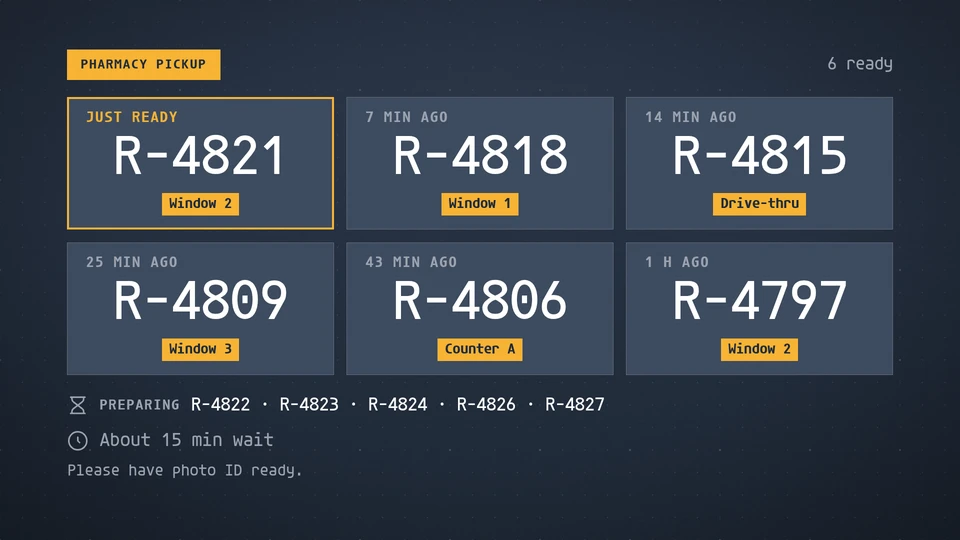
Pharmacy pickup
Orders ready to collect, by ticket or initials only with the window and how long they have waited; never a name or a medication.
Card reference →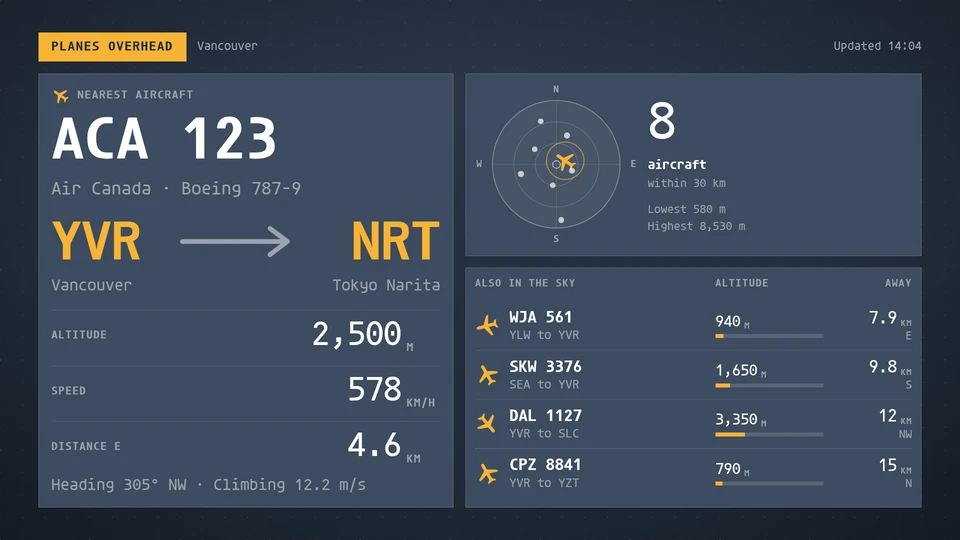
Planes overhead
Aircraft near the screen: the nearest flight's callsign, route, altitude, speed and distance, a bearing dial of everything in range and a list of the next flights.
Card reference →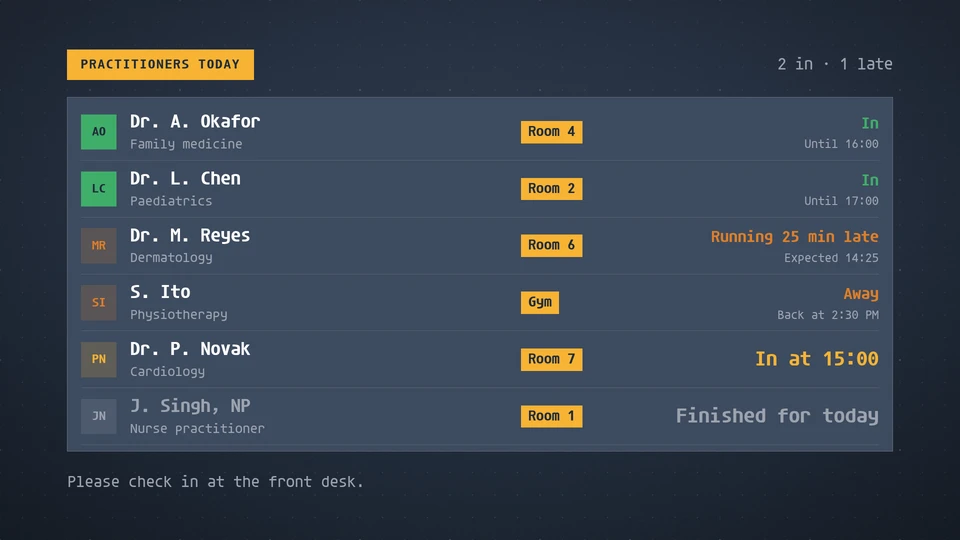
Practitioners today
Who is in today: each practitioner's specialty, room and whether they are in, running late, away or finished.
Card reference →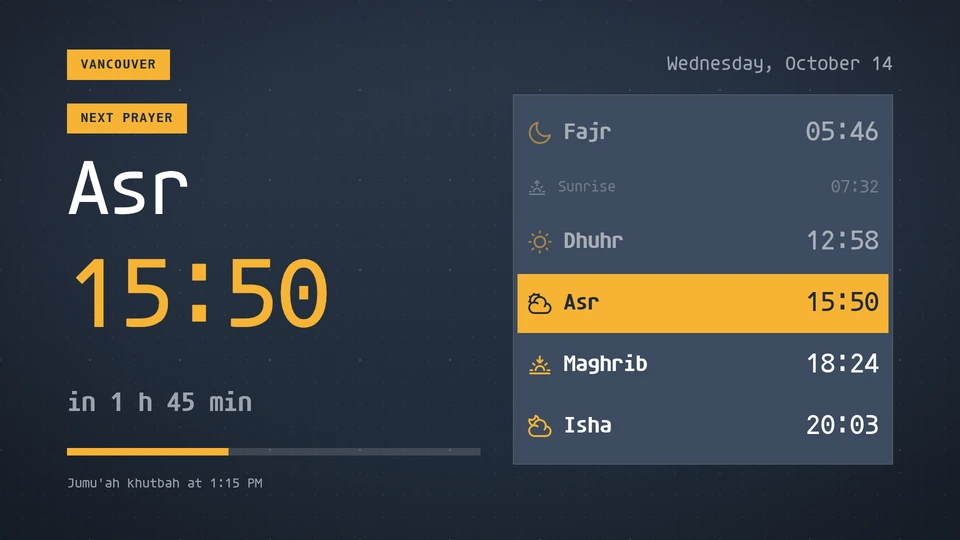
Prayer times
The five daily prayers (Fajr, Dhuhr, Asr, Maghrib, Isha) and sunrise, computed on the Player from latitude, longitude, date and zone. A calculation method, the Asr juristic method and a high-latitude rule are params; the next prayer is highlighted with a countdown. No feed.
Card reference →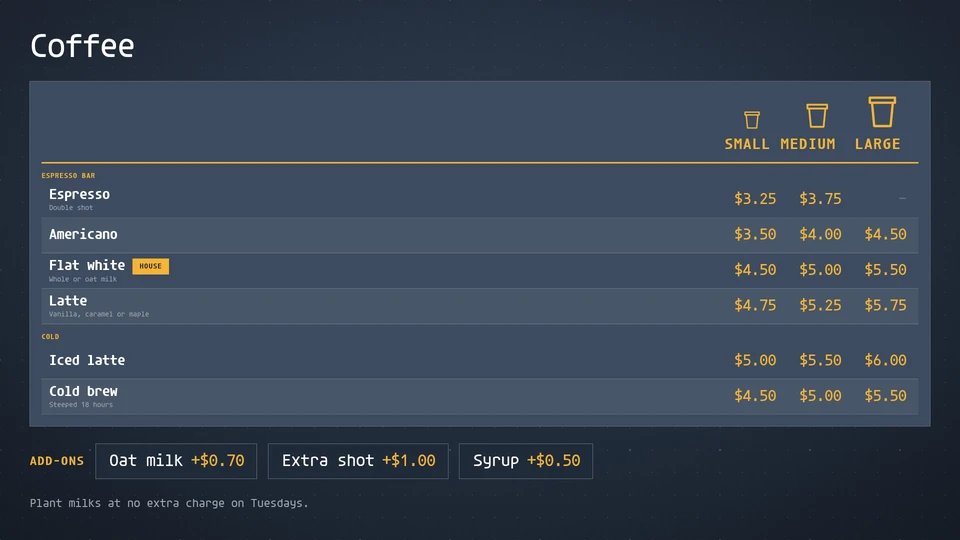
Price matrix
Items down the side, sizes across the top and a price where they meet: coffee, taps, wine, dispensary weights and fuel, with add-ons.
Card reference →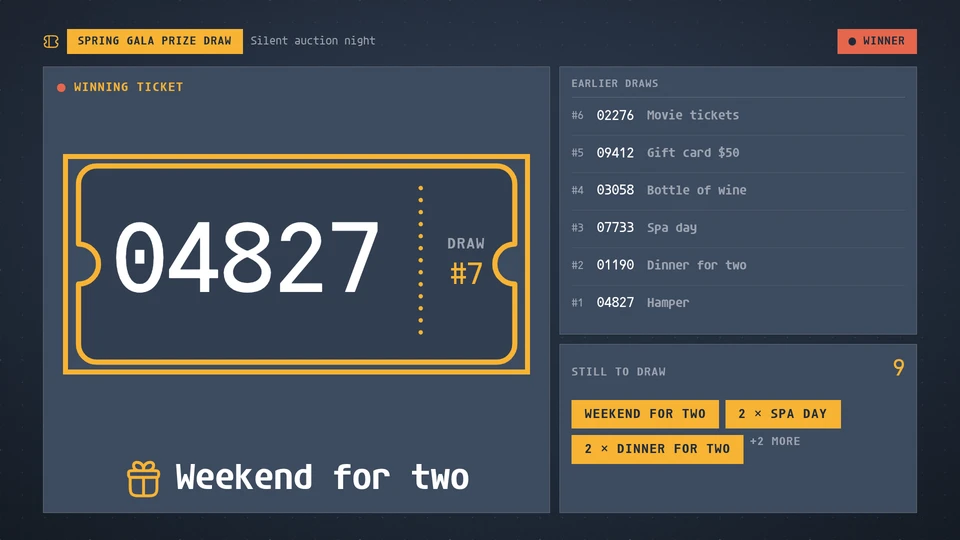
Prize draw
The prize draw for a gala, fundraiser or staff party: the latest winning ticket as a big ticket with its prize, the ticket number rolling in when a new draw is written, the earlier draws and the prizes still to draw. Written to the data store by the organiser, one draw at a time.
Card reference →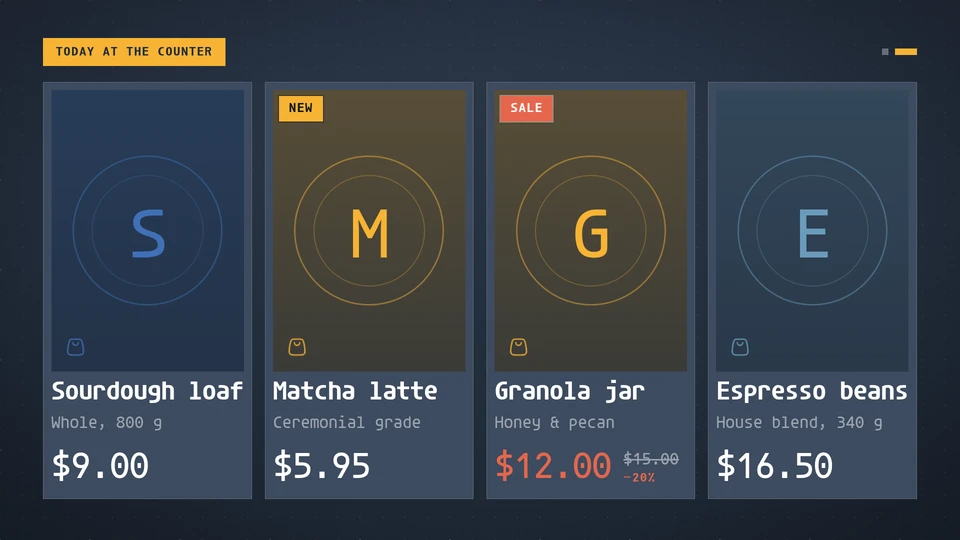
Product grid
Products on glass: photo, name, price with its was price and a New, Sale or Low stock badge, paging by itself on the wall clock.
Card reference →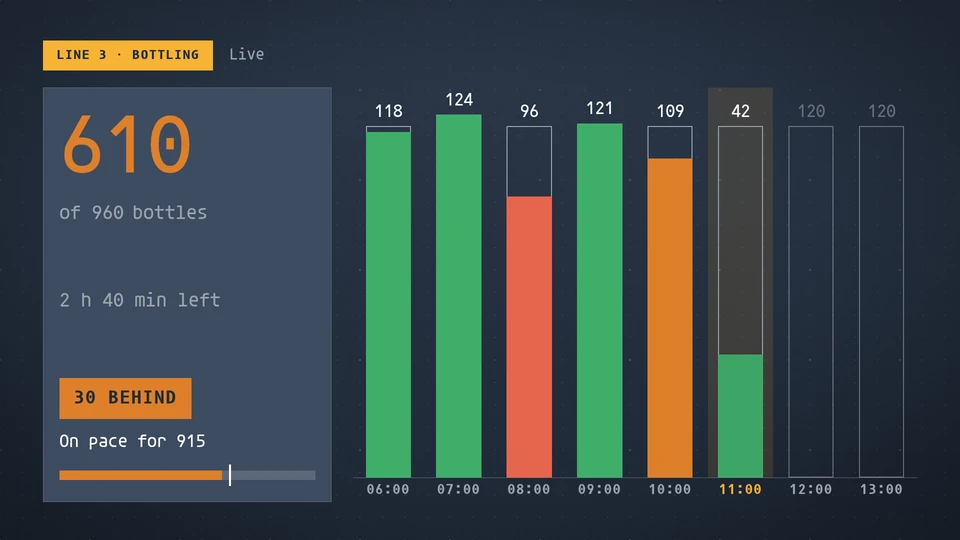
Production tracker
A shift hour by hour: target against actual per slot, the shift total with how far ahead or behind plan it is, and the pace it is on for.
Card reference →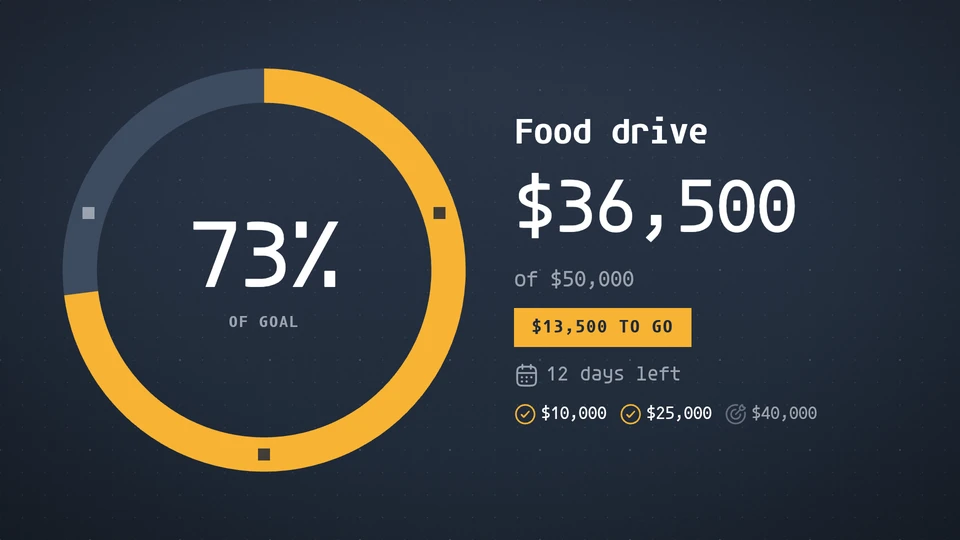
Progress
Progress toward a goal: a ring, a bar or a fundraising thermometer, with what is left and the days to go.
Card reference →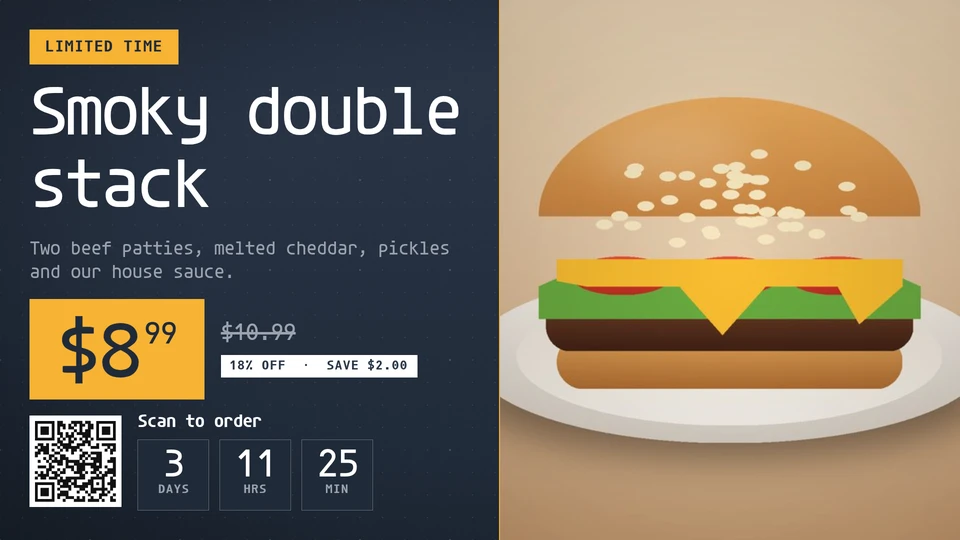
Promo
A big photo, the name and the price on the theme's own tag, with an ends-in countdown and a QR code: the limited-time offer or featured item of a menu board.
Card reference →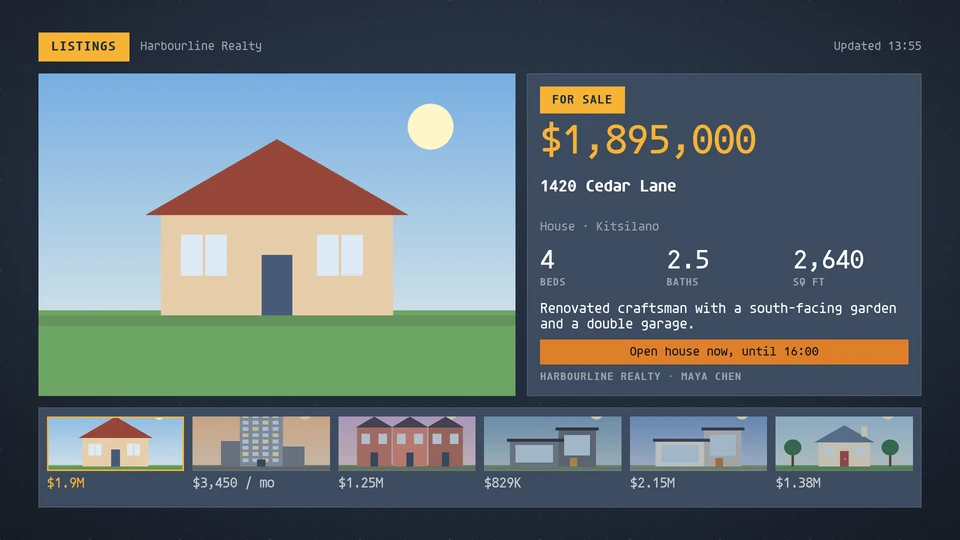
Property listings
Property listings for an agency window or lobby: one listing at a time with its photo, price, address and key figures, or a wall of tiles.
Card reference →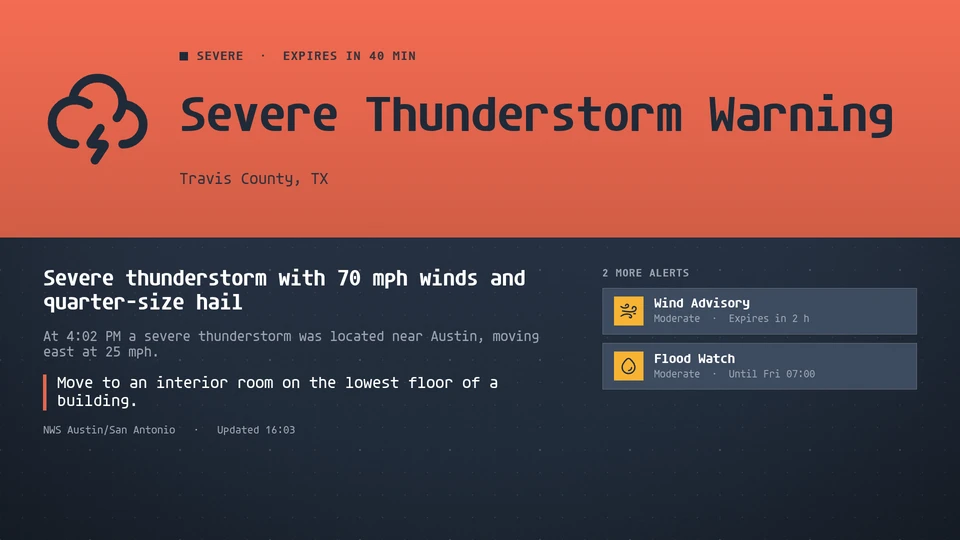
Public alerts
Active public alerts for an area, most severe first, in the theme's safety colours; calm when there are none.
Card reference →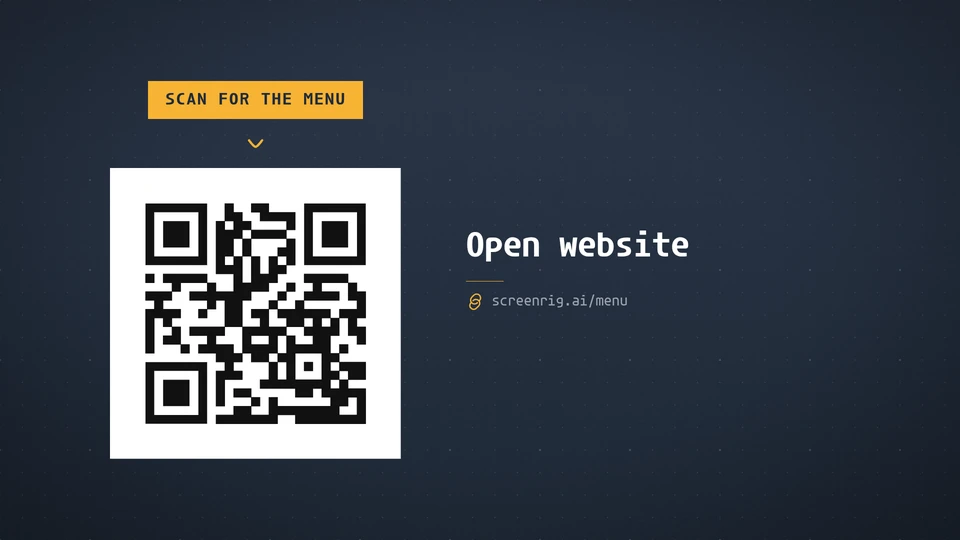
QR code
Any QR action, from a link with campaign tracking to Wi-Fi, contacts, events and app stores, as a crisp styled code with an optional logo, frame and call to action.
Card reference →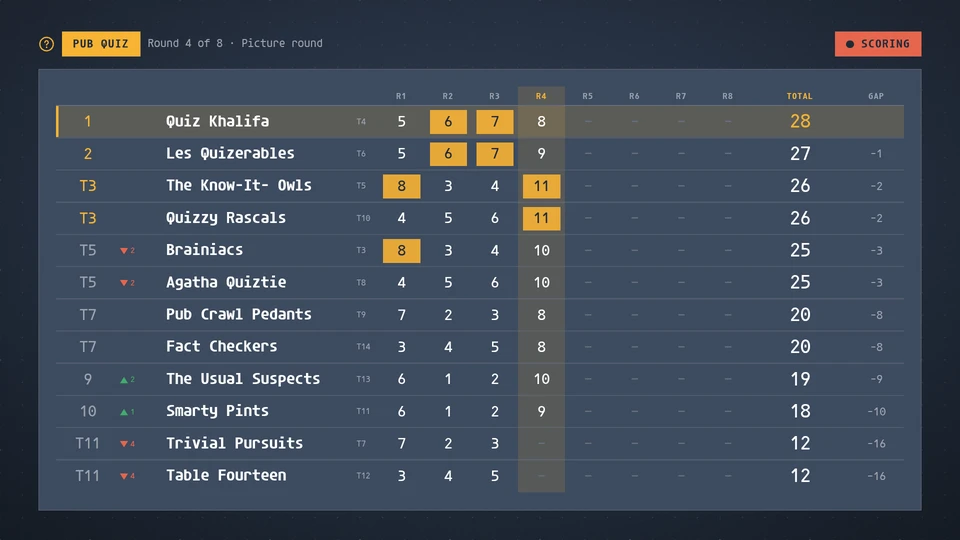
Quiz board
A pub or club quiz scoreboard: every team ranked by total with a column for each round, the round in play lit, each round's best score marked, movement and the gap to the leader, a host banner and a podium for the final. The host writes the rounds, teams and scores to the data store.
Card reference →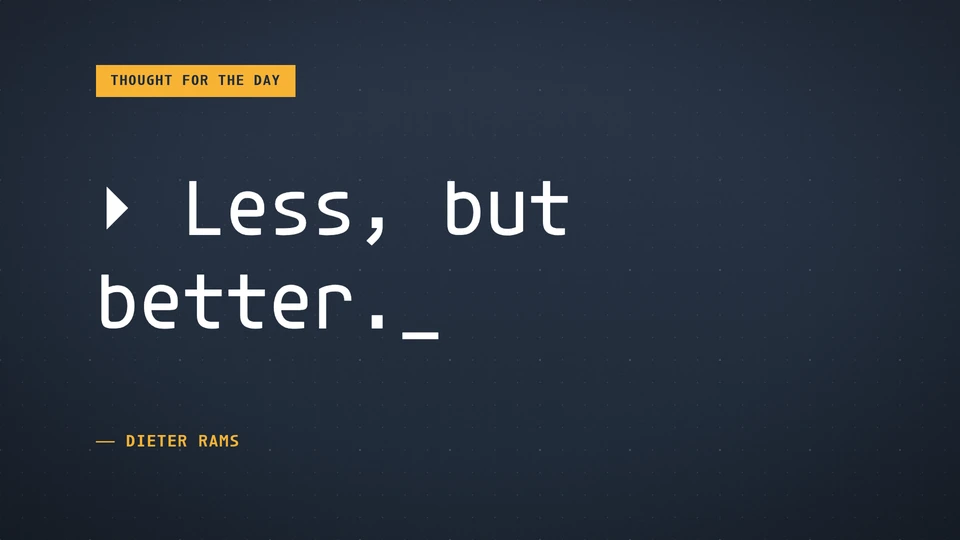
Quote
A quotation set as a typographic showpiece: one a day, or rotating on the wall clock.
Card reference →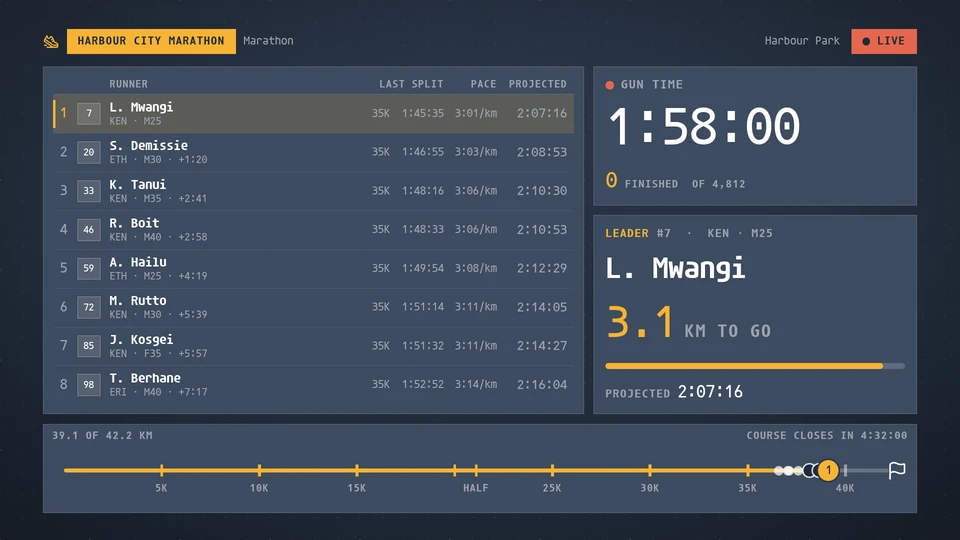
Race tracker
A road race as the finish-line screen: the gun clock counting up, the leaderboard with bib, last split, pace and projected finish, the leader's distance to go, the course as a line with every runner on it, the finisher count and a ticker of the latest finishers. Marathons, half marathons, cycling and triathlon. Reads a road-race feed, or a timing bridge writing to the data store.
Card reference →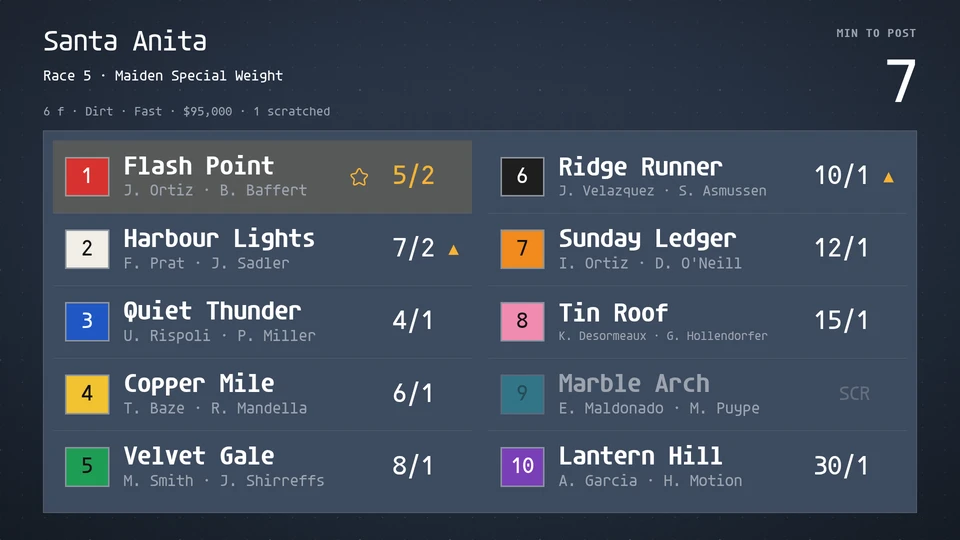
Racing board
A horse race as the track's tote board: the countdown to post over the race card with saddlecloths, odds and the favourite, the running order by call point, the photo, inquiry and objection holds, and the official result with margins and win, place and show payouts. Reads a racing feed, or a tote bridge writing to the data store.
Card reference →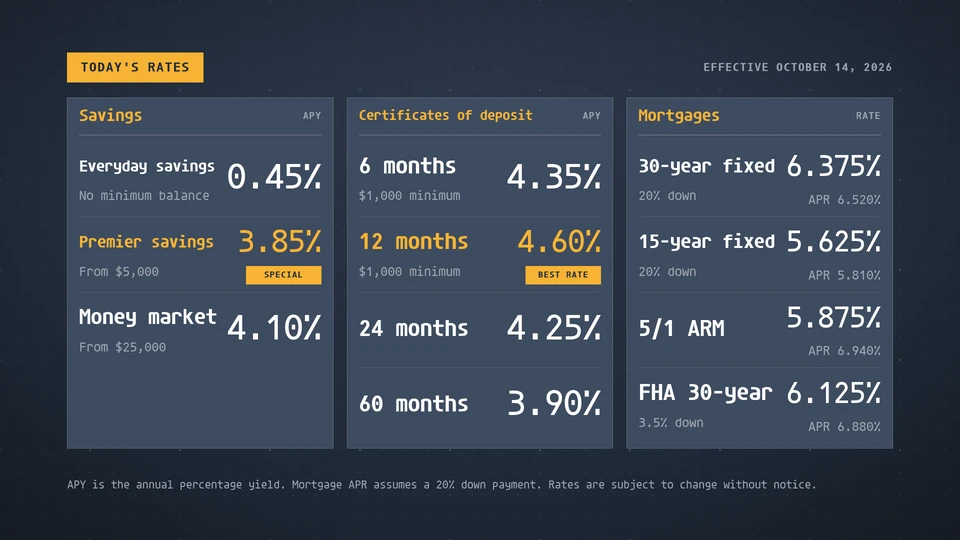
Rate board
Savings, certificate and mortgage rates in clear columns with the effective date and a disclosure line.
Card reference →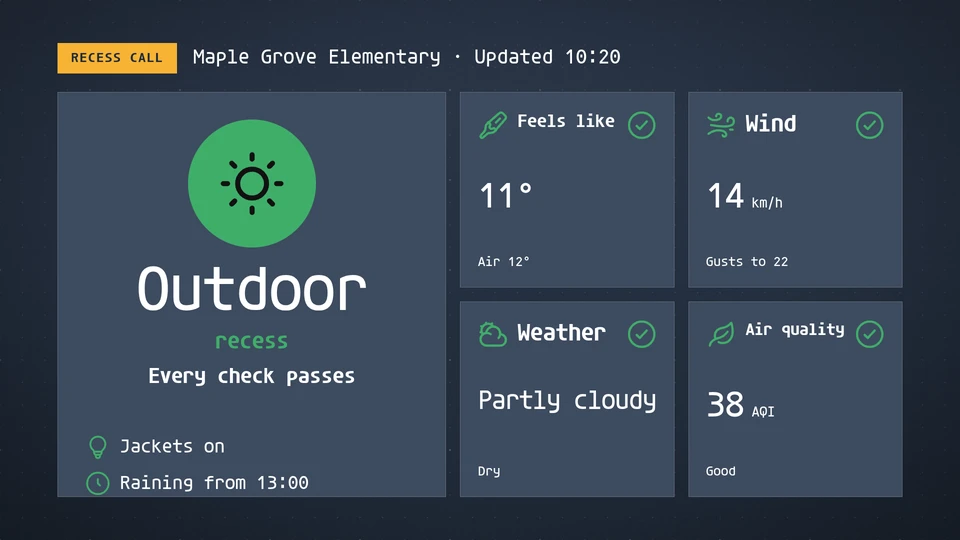
Recess call
Outdoor or indoor recess at a glance, from the feels-like temperature, wind, rain and air quality, with the office's own call on top.
Card reference →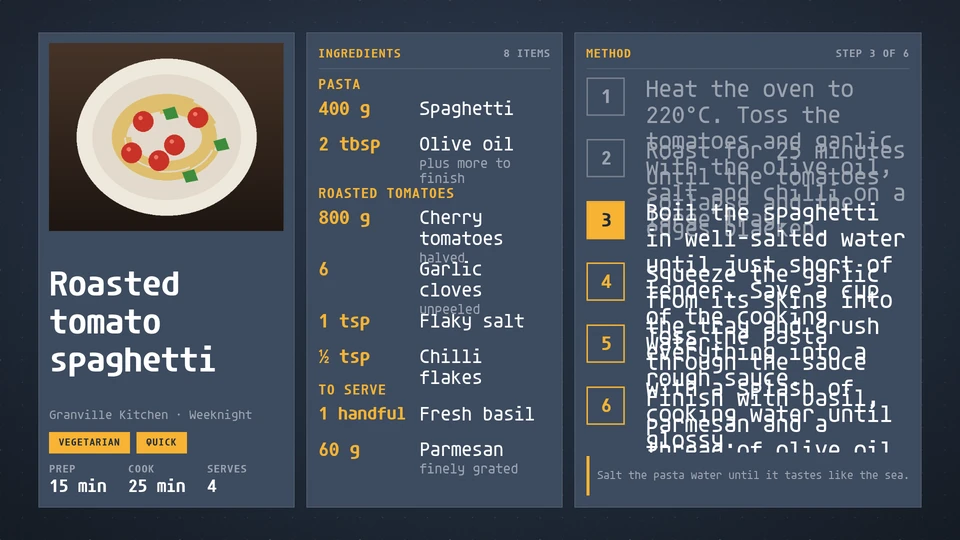
Recipe
One recipe at a glance: the dish and its photo, time and servings, the ingredients and the numbered method, with the step being cooked highlighted.
Card reference →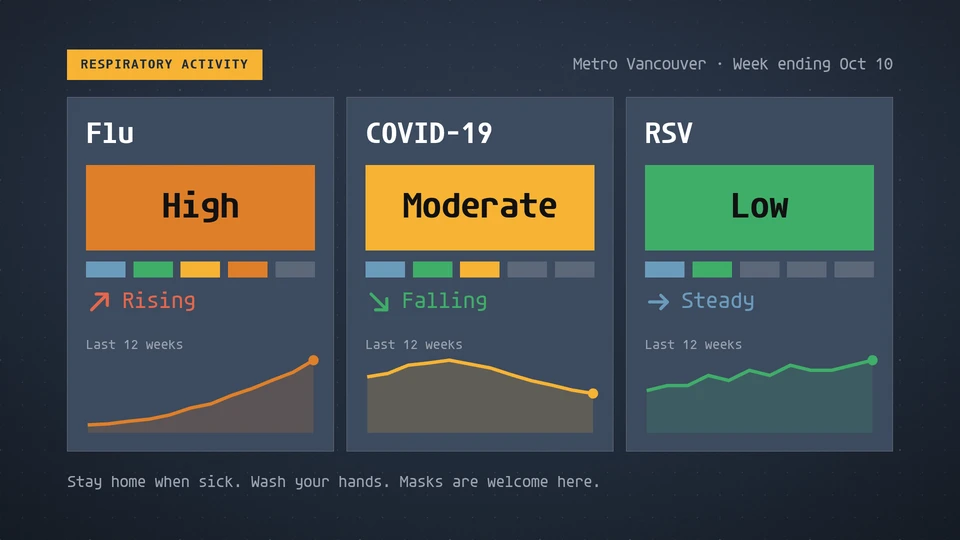
Respiratory activity
Local flu, COVID-19 and RSV activity levels, each with its trend and recent weeks.
Card reference →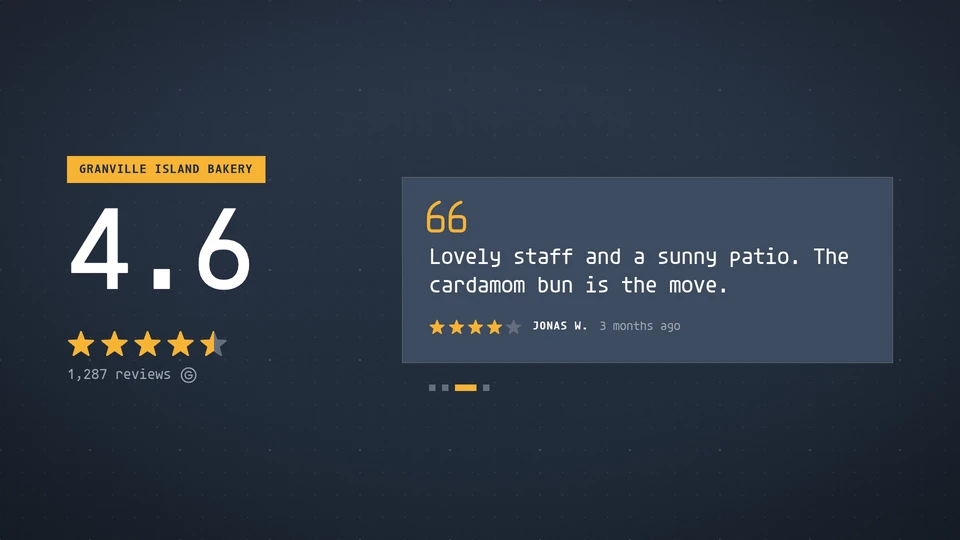
Reviews
Social proof on glass: the overall rating and the best recent reviews, one at a time or as a wall.
Card reference →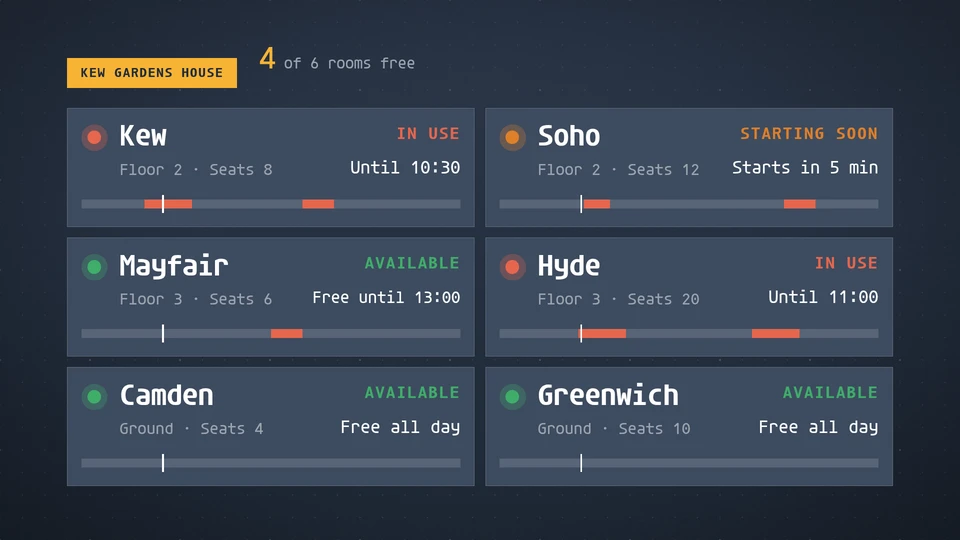
Room board
Every meeting room in a building at a glance: free, starting soon or busy now, until when, and the rest of the day as a slim timeline.
Card reference →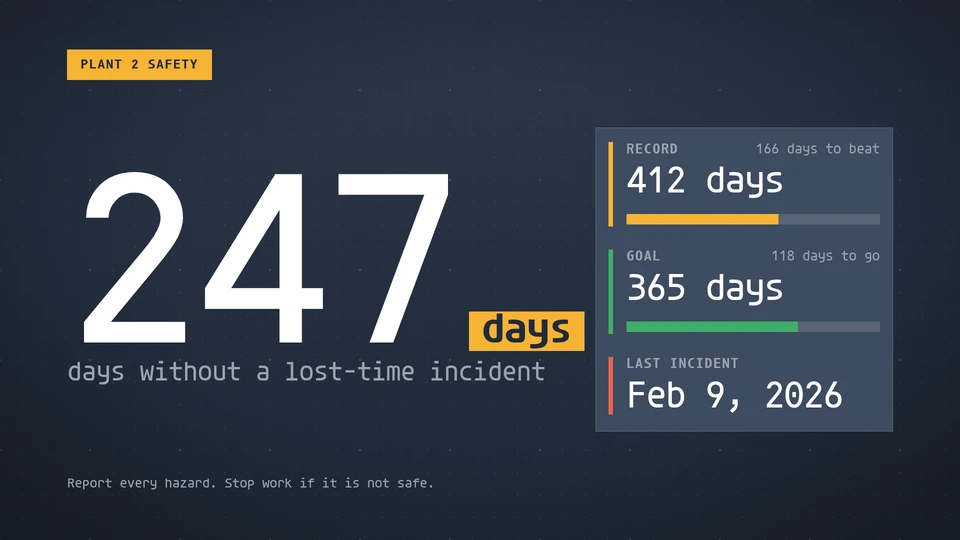
Safety counter
Days without a lost-time incident, counted from the date of the last one, with the record streak and the goal.
Card reference →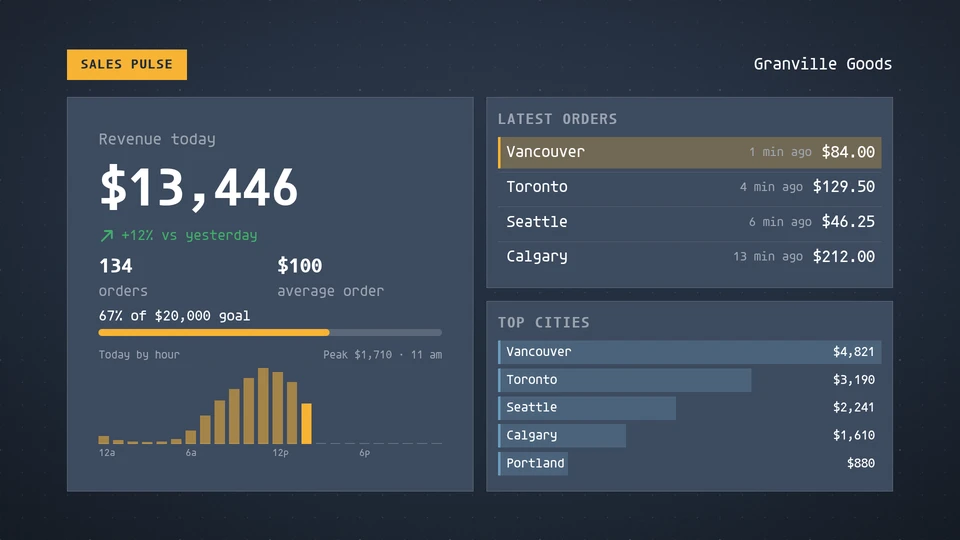
Sales pulse
Today's revenue and orders with the day by hour, the latest orders and the top cities.
Card reference →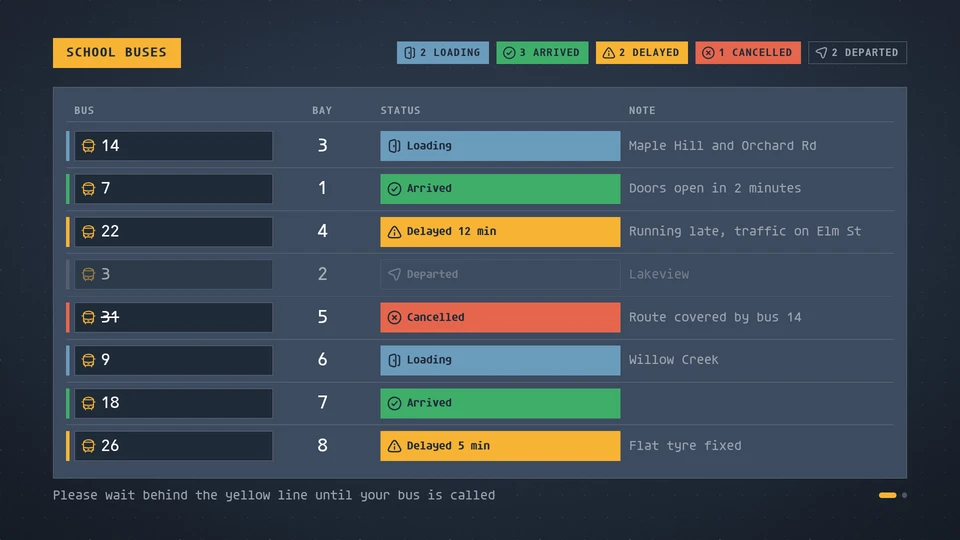
School buses
A lobby board of buses: number or name, bay or door, a note and a status that reads by colour, shape and word (arrived, loading, departed, delayed with minutes, cancelled).
Card reference →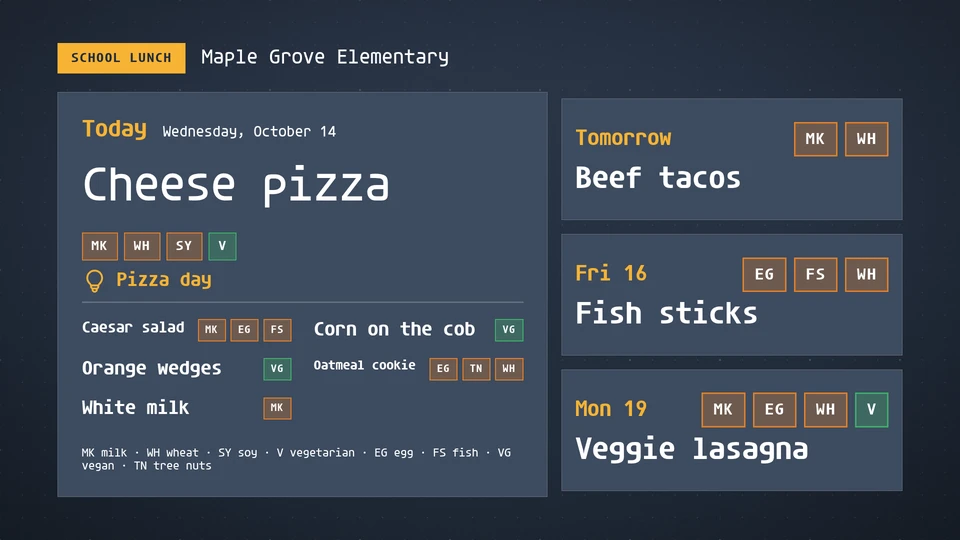
School lunch
Today's school meal with allergen marks, and the days ahead: the main dish big, the sides listed, a key for the marks.
Card reference →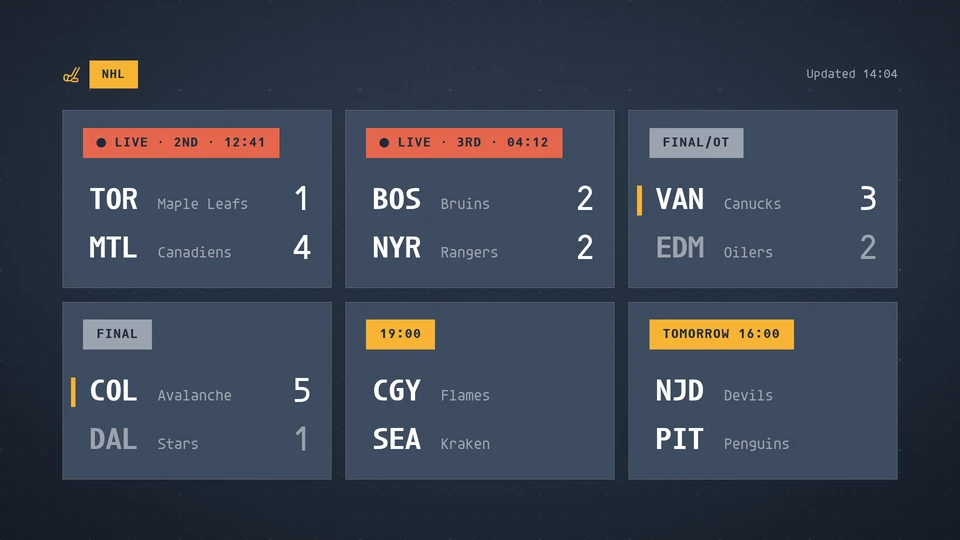
Scores
Live, final and upcoming games as a scoreboard. The host supplies the games.
Card reference →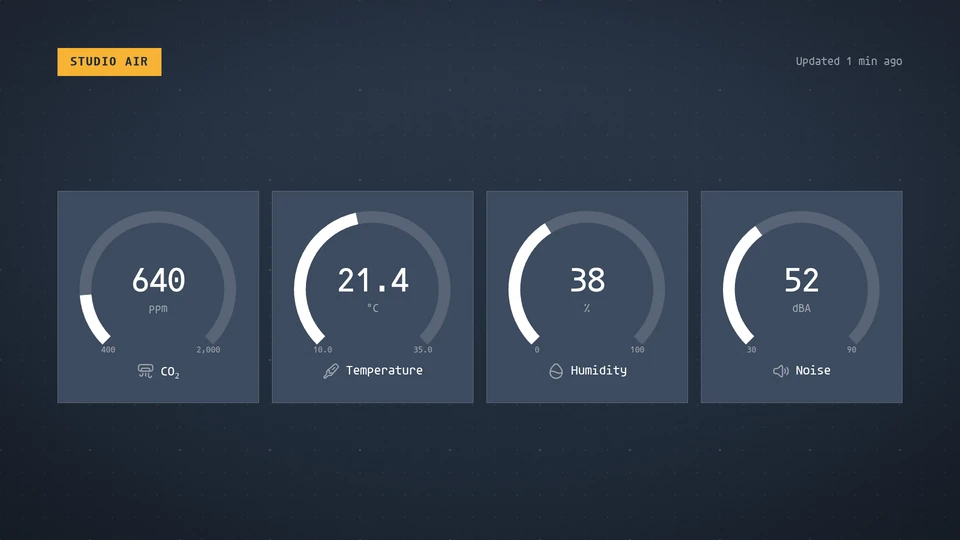
Sensor readout
Live readings as gauges or tiles: temperature, humidity, CO2, light, noise. Warnings in the theme's warning colour.
Card reference →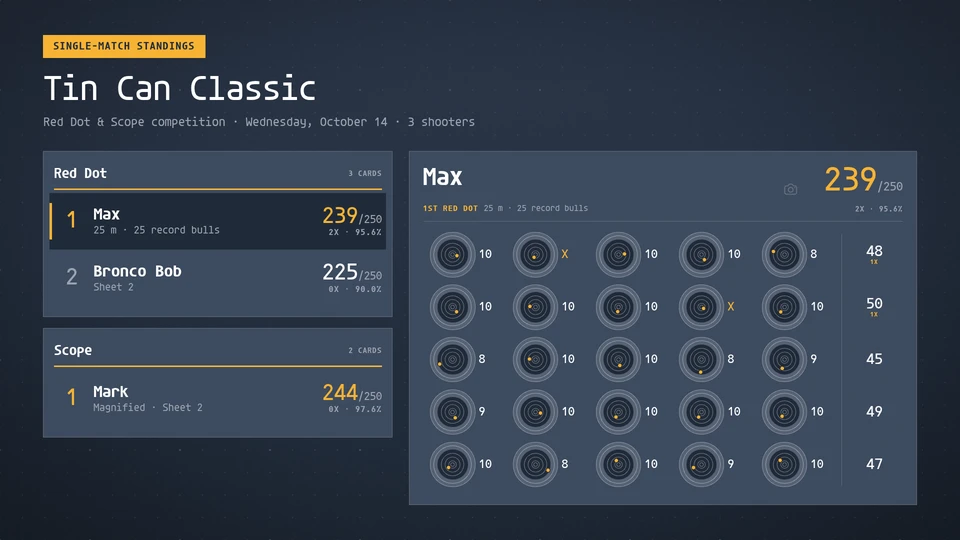
Shooting match
Live standings for a ringed-target shooting match (rimfire, air rifle, smallbore): every division ranked by score and X count beside the featured card's sheet, each bull drawn with its hits where they landed, row totals and the card's total. The scorekeeper's agent writes the scored cards; a fresh card is featured and celebrated.
Card reference →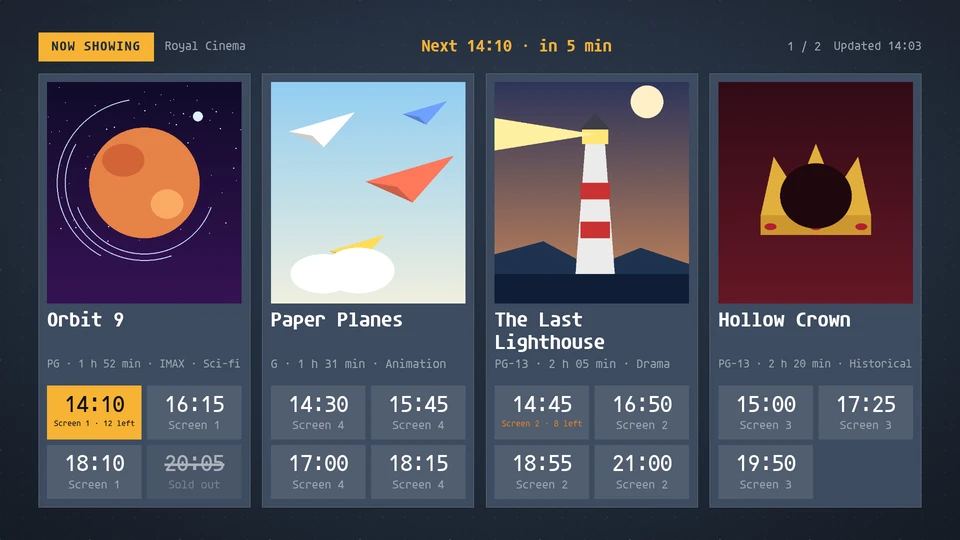
Showtimes
A cinema or theatre lobby board: the films showing with their posters, the next session times and the seats left, and a line for the next session.
Card reference →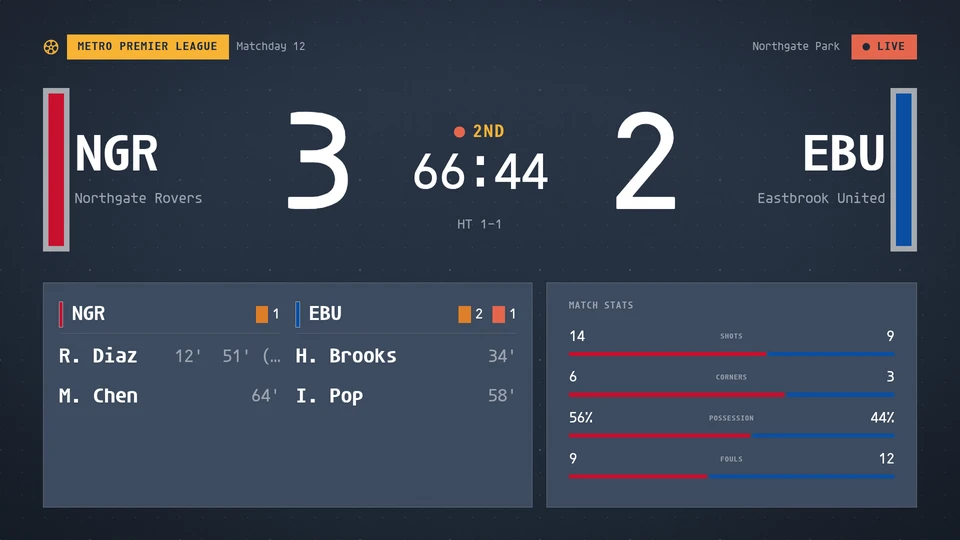
Soccer board
A soccer board: the score, the match clock counting up across both halves with stoppage as 45+3 and added time, extra time and penalties, scorers with minutes, cards, shots, corners and possession, the aggregate in a two-legged tie and a penalty shootout. Reads a league feed, or venue match data written to the data store.
Card reference →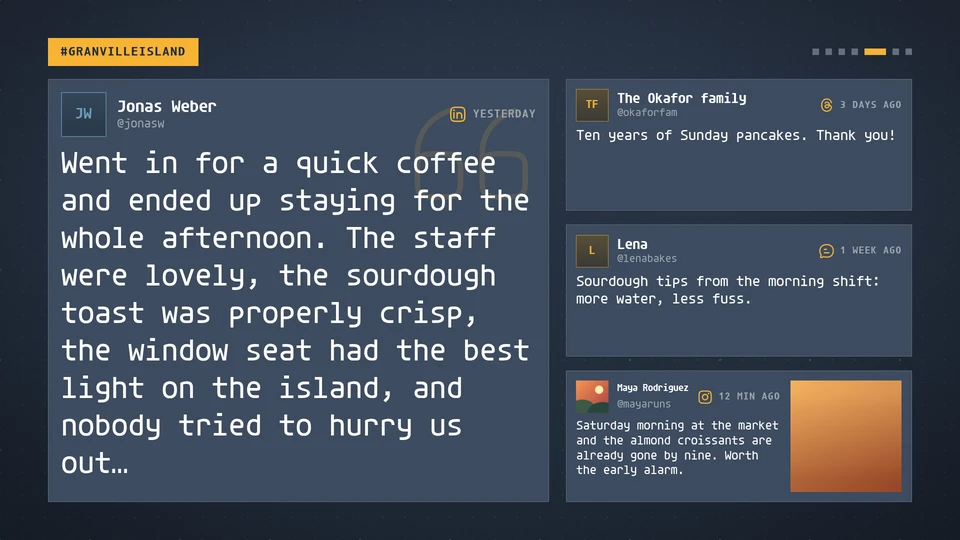
Social wall
Posts from a hashtag or account on glass: one featured post at a time with a photo, author and network, and the next posts waiting beside it.
Card reference →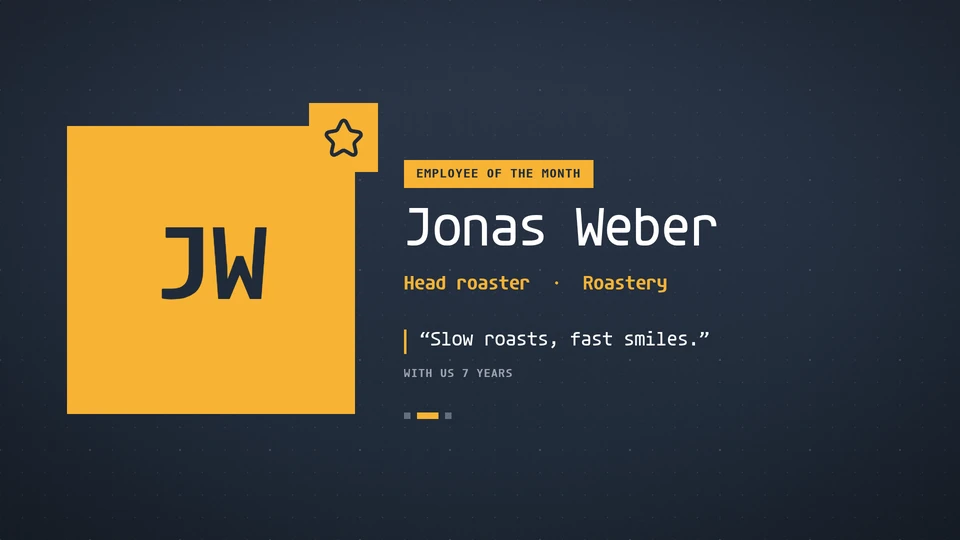
Staff spotlight
Celebrate the people behind the place: one person at a time with a monogram or photo, their role and a line in their own words.
Card reference →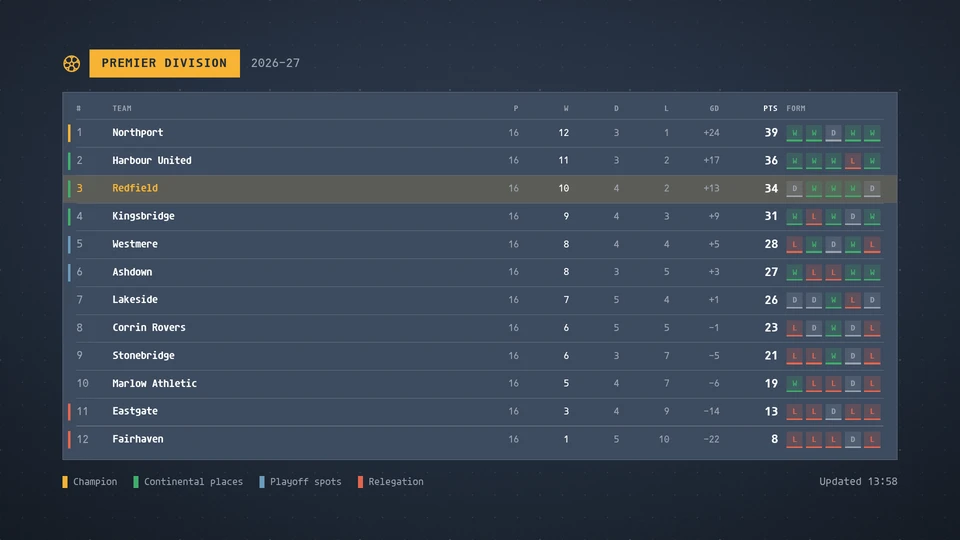
Standings
A league table with points, goal difference, form and qualification lines. The host supplies the teams.
Card reference →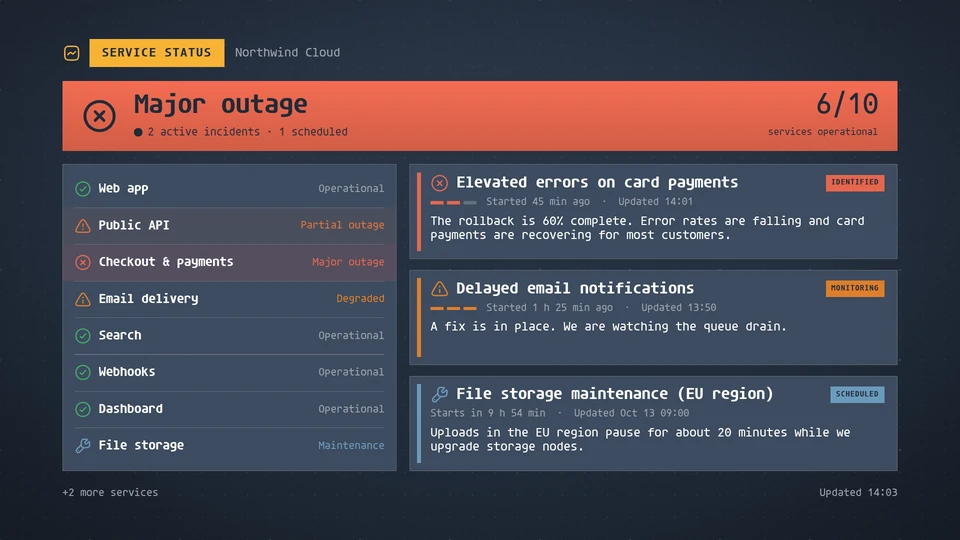
Status page
Service health at a glance: an overall status banner, every service as operational, degraded, partial outage, major outage or maintenance, and the active incidents with their latest updates. The host supplies the status.
Card reference →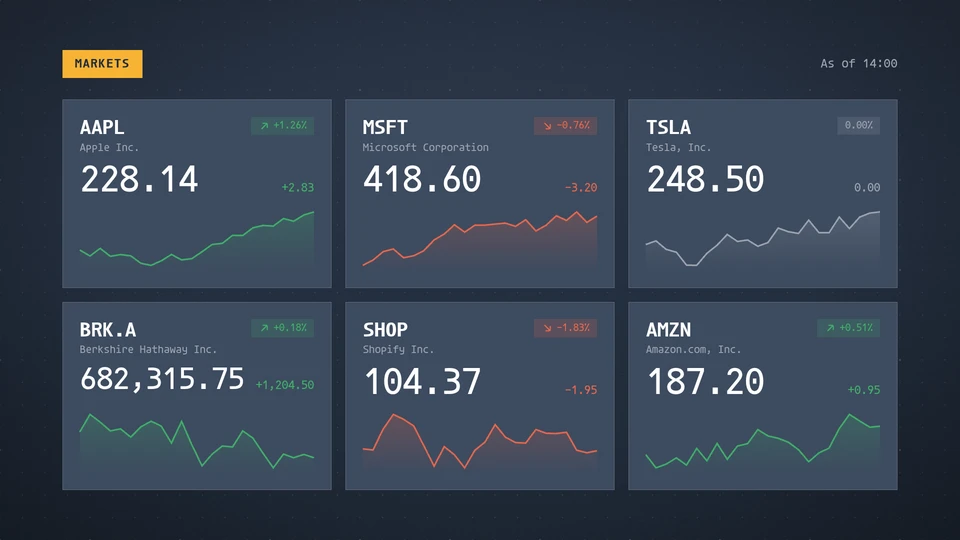
Stocks
A market board: prices, daily change and a sparkline per symbol. The host supplies the quotes.
Card reference →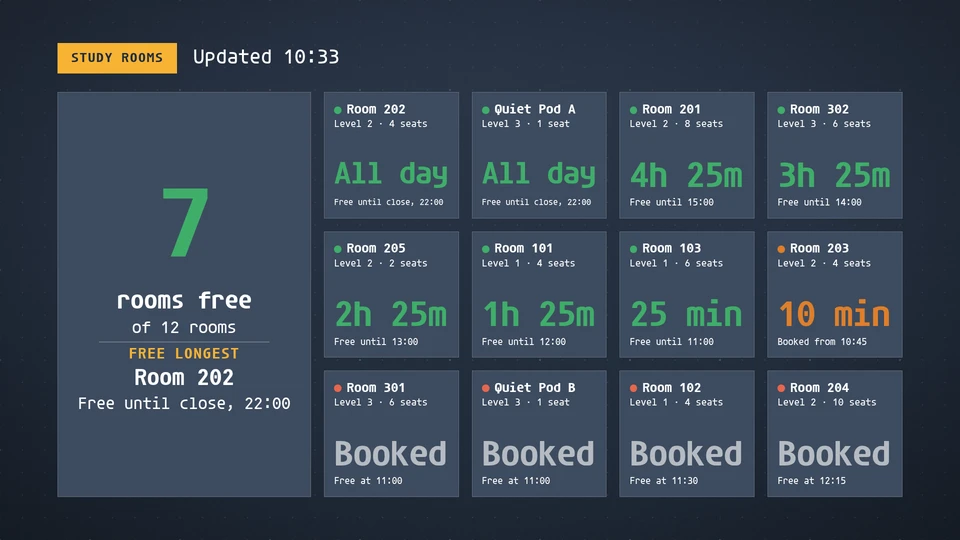
Study rooms
Which library and group study rooms are free now, for how long, and when each booked room frees up.
Card reference →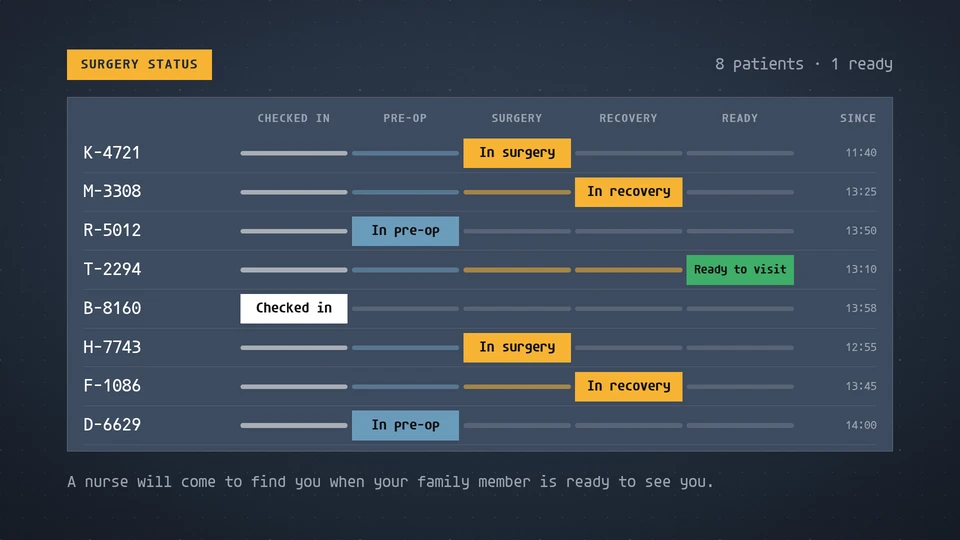
Surgery status
A family waiting board: each patient's code and where they are, from checked in to ready to visit. No names.
Card reference →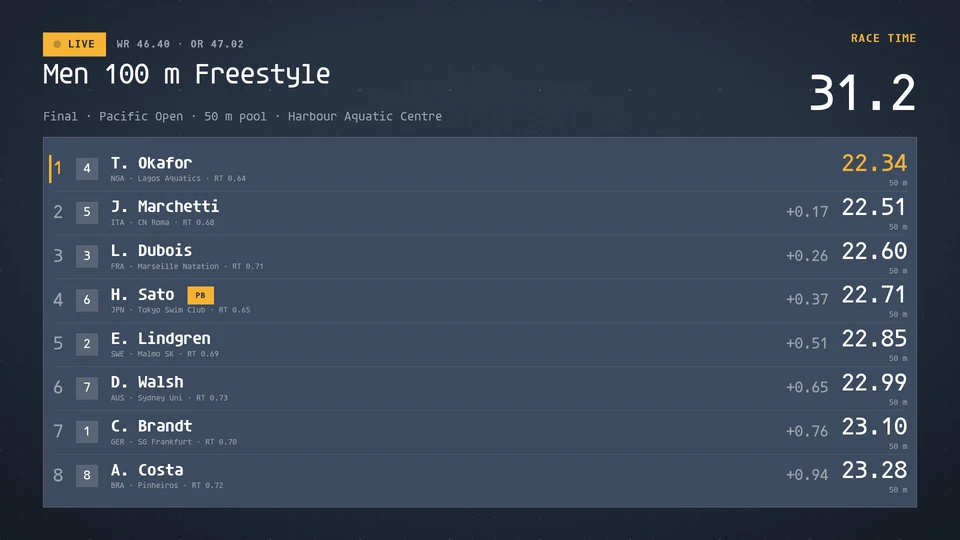
Swimming board
A swimming scoreboard: the race clock to the tenth, and every lane with its place, swimmer, country, the time at the last wall or the finish time, the gap to the leader, reaction time and record flags. Reads a meet feed, or pool timing written to the data store.
Card reference →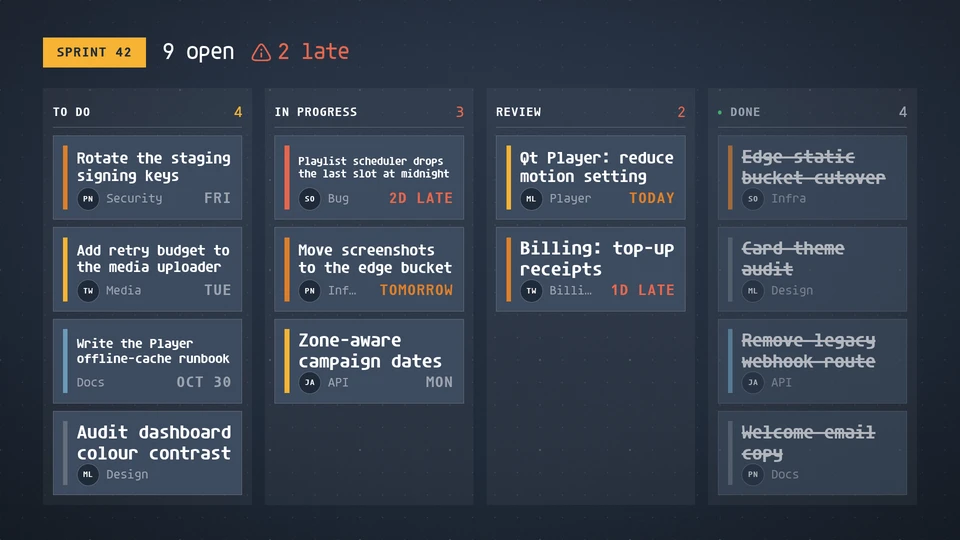
Task board
A kanban board: columns of task cards with priority, assignee, label and due day, counts open and late work.
Card reference →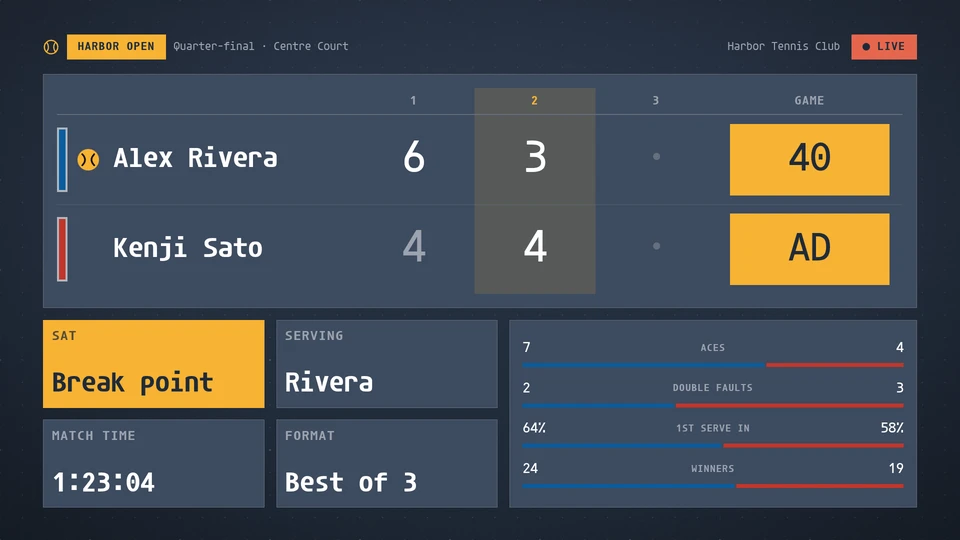
Tennis board
A tennis, padel and pickleball board: a row for each player or pair with the serving ball, a column for every set, the point in the game as the biggest figure, break, set and match point, the match time, the pickleball call and the match stats. Reads a league feed, or venue match data written to the data store.
Card reference →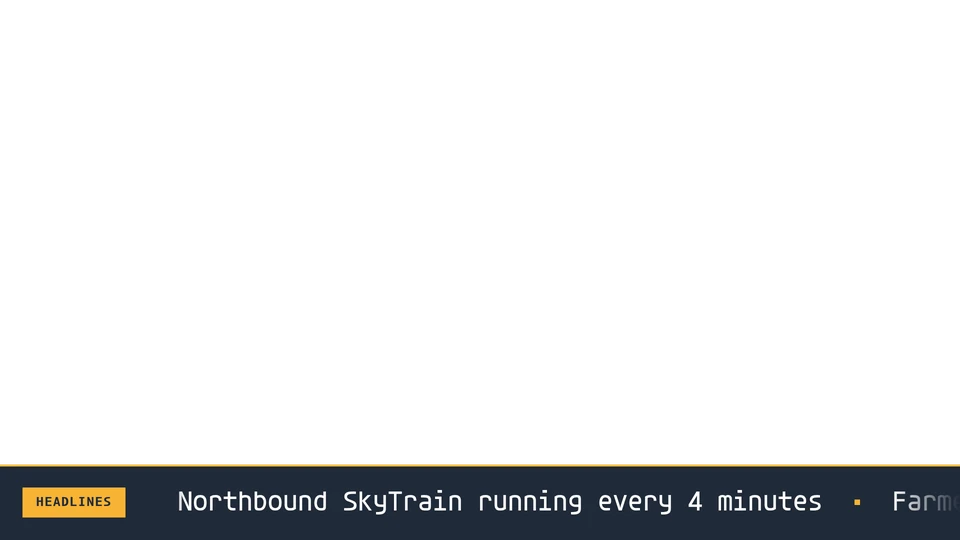
Ticker
A silky crawl of short items with a live badge. Designed as a strip over other content.
Card reference →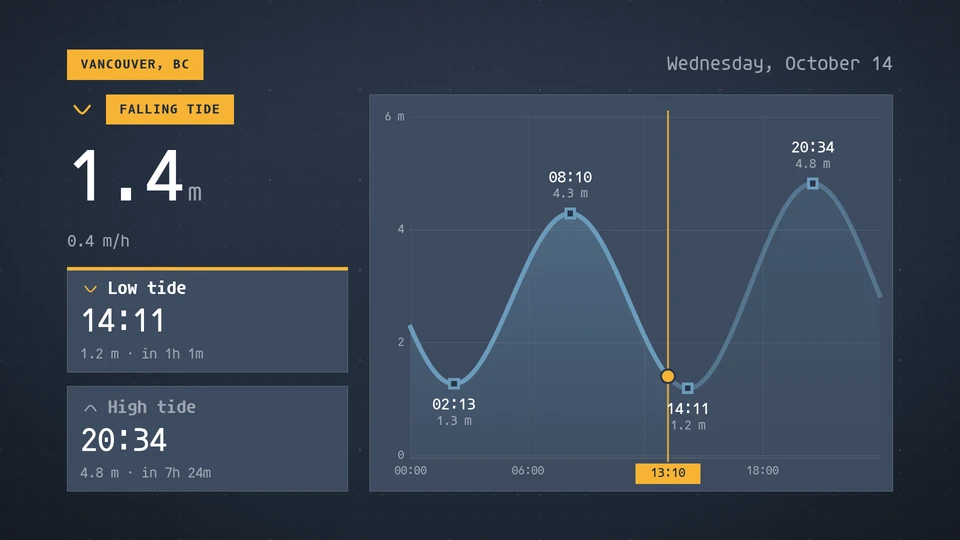
Tides
Today's tide curve for a station, with a now marker, rising or falling, the height now, and the next high and low with their times and heights. Reads the screenrig.tides/v1 feed: extremes (and an optional dense series); between extremes the curve follows a cosine. Heights in metres or feet.
Card reference →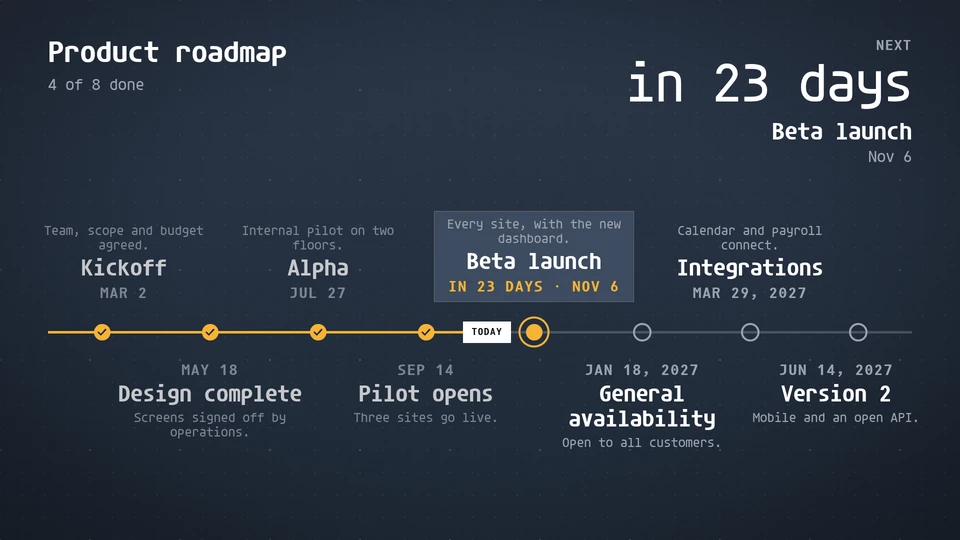
Timeline
Dated milestones on a line: a roadmap with a Today marker and the next one called out, a history by year, or project phases to scale with how far along they are.
Card reference →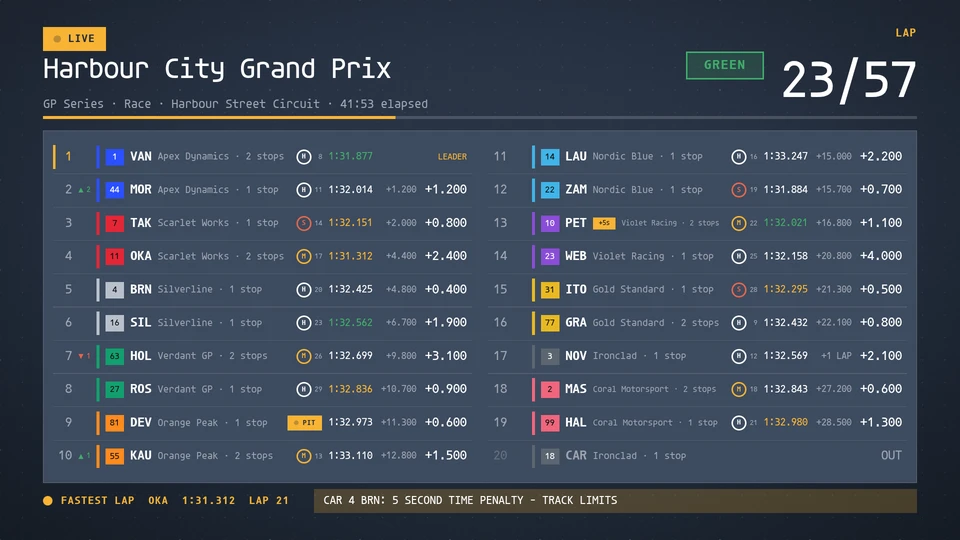
Timing tower
A motorsport timing tower: every car by position with its team colour, code, tyre, last lap in the timing colours and the interval or gap, the lap count or session clock, and the track's flag. Reads a race feed, or timing written to the data store.
Card reference →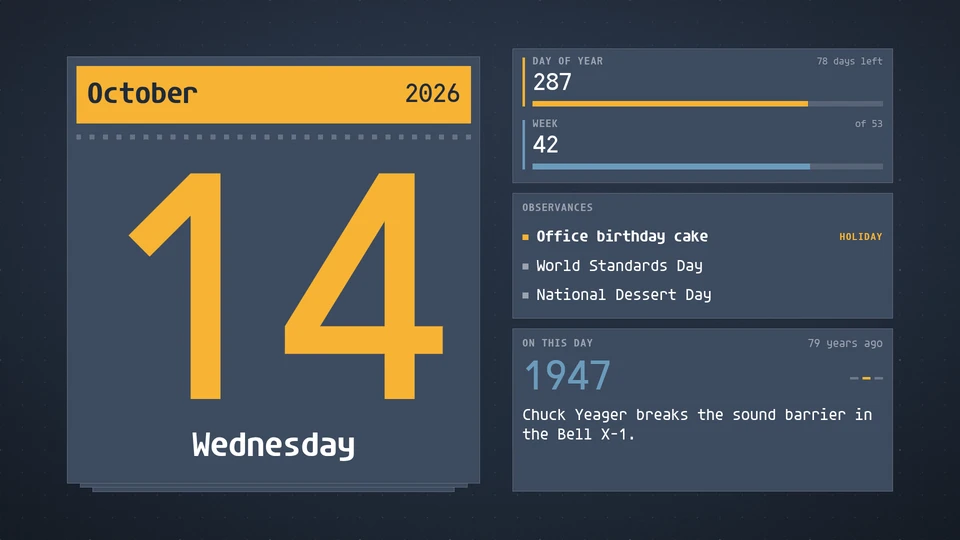
Today
A tear-off date page: the day, the month, the day of the year and the ISO week, with observances and an on-this-day line. The date is computed on the Player; the almanac feed and the observances param add the extras.
Card reference →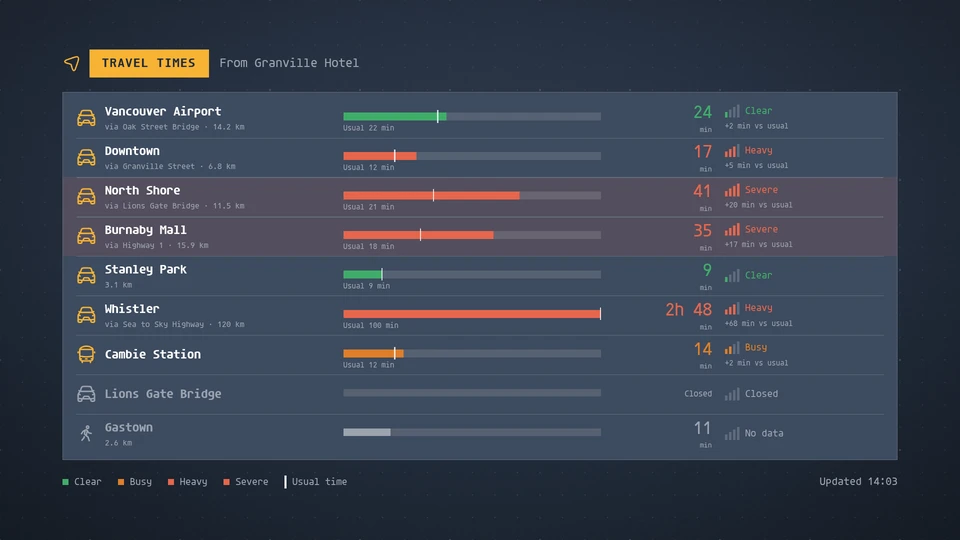
Travel times
Drive, transit or walking times from here to key destinations, each coloured by congestion against its usual time. The host supplies the routes.
Card reference →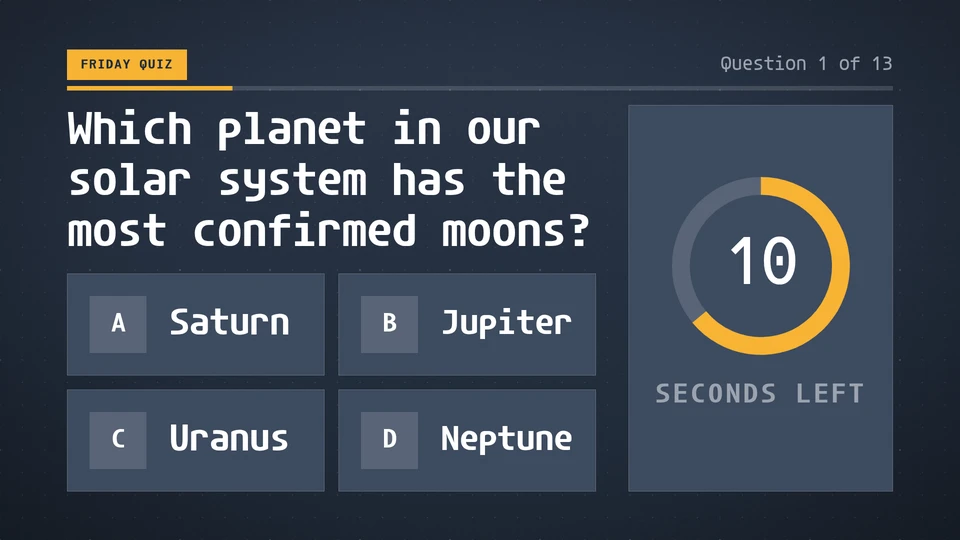
Trivia
A trivia round that runs itself: a question with its choices and a countdown, then the answer, then a fun fact, one question after another. The cycle is computed from the wall clock, so every screen shows the same question at the same second. Seconds per phase and the order (as listed or a shared shuffle) are params; questions are dynamic content.
Card reference →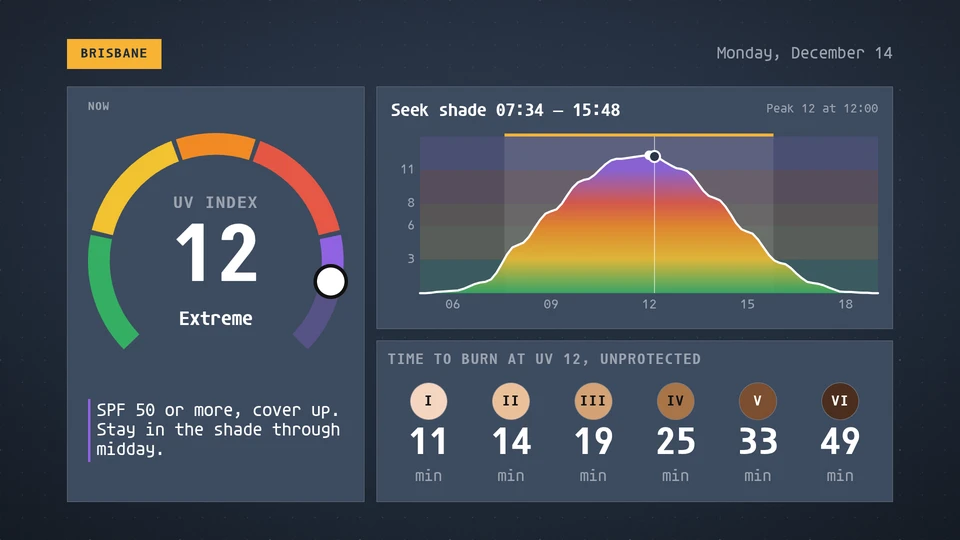
UV index
The UV index now on a WHO-colour dial, today's curve with its peak and the window to seek shade, minutes to burn by skin type and SPF advice. A clear-sky estimate from the sun's height when there is no feed.
Card reference →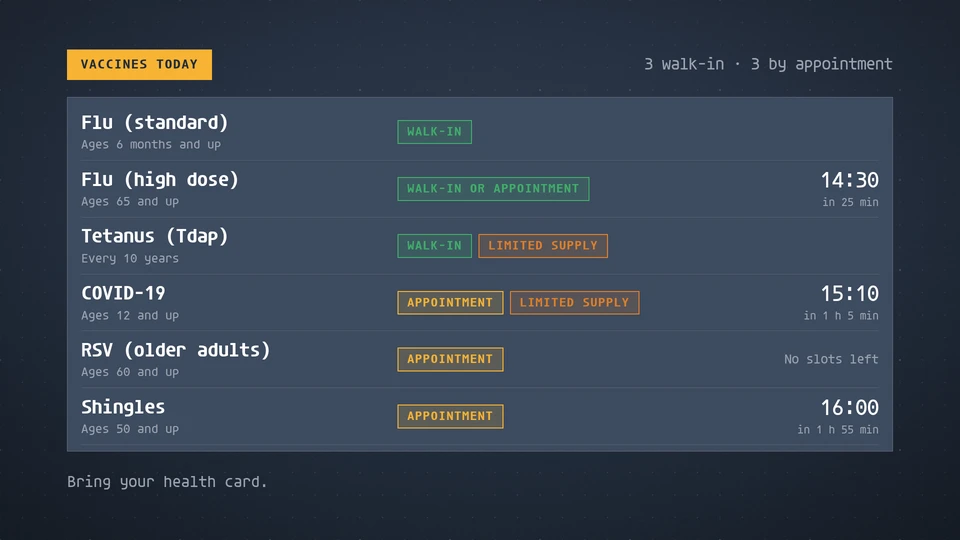
Vaccines today
Which vaccines are given today, whether by walk-in or appointment, and the next open slot; walk-in first.
Card reference →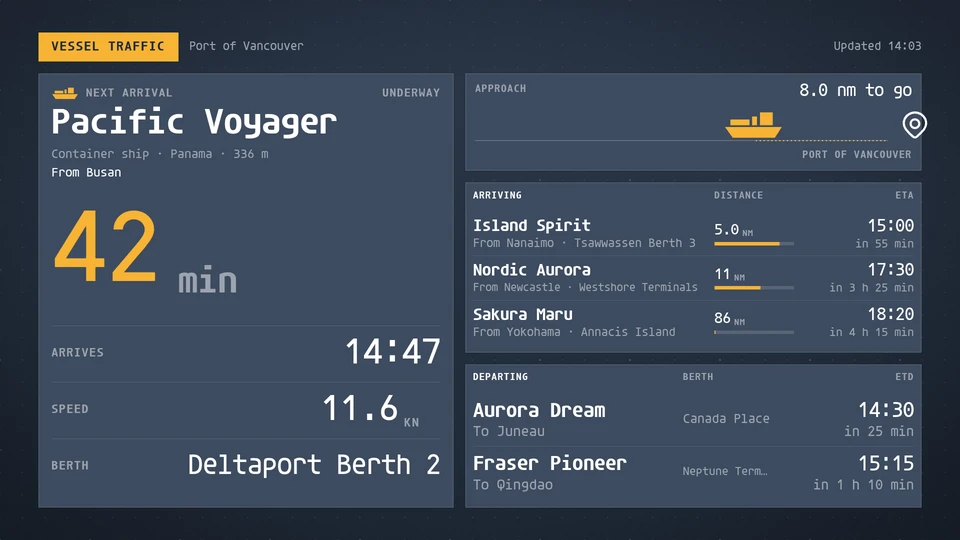
Vessel traffic
Vessels arriving at and leaving a port: the next arrival's countdown, its approach to the berth, and the arrivals and departures that follow.
Card reference →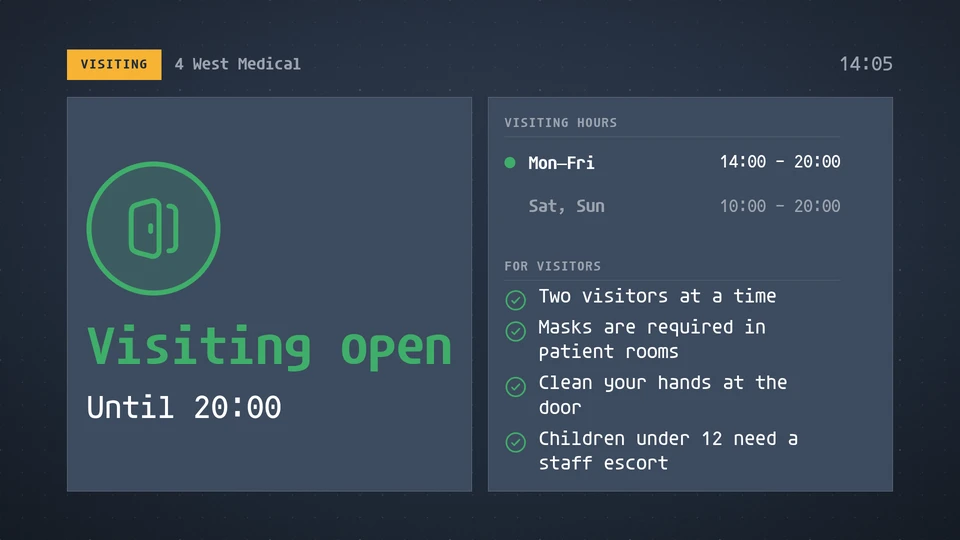
Visiting status
A ward's visiting rules at a glance: open, restricted or closed, today's hours, the rules for visitors and any outbreak notice.
Card reference →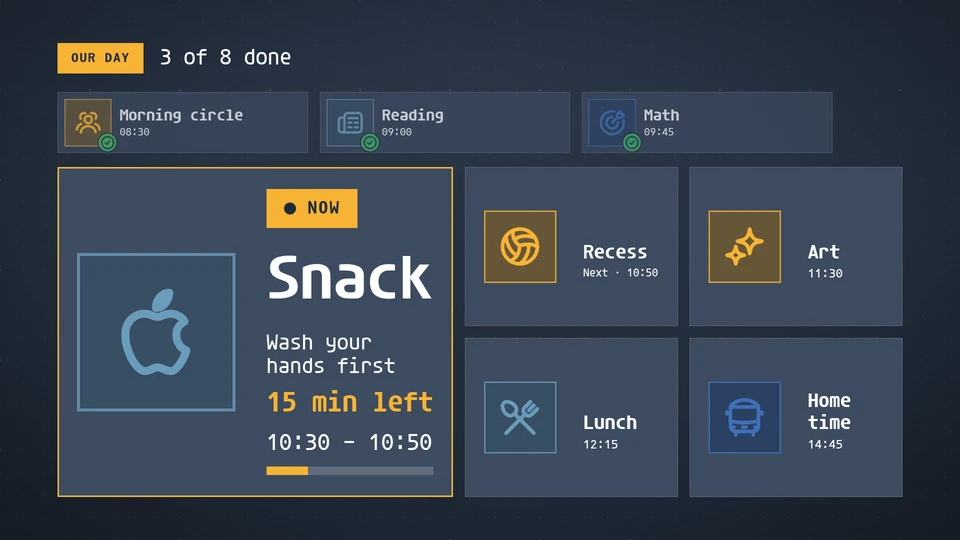
Visual schedule
A picture schedule of the day: each activity a big picture and a few words, with now marked, finished activities ticked and what comes next in order.
Card reference →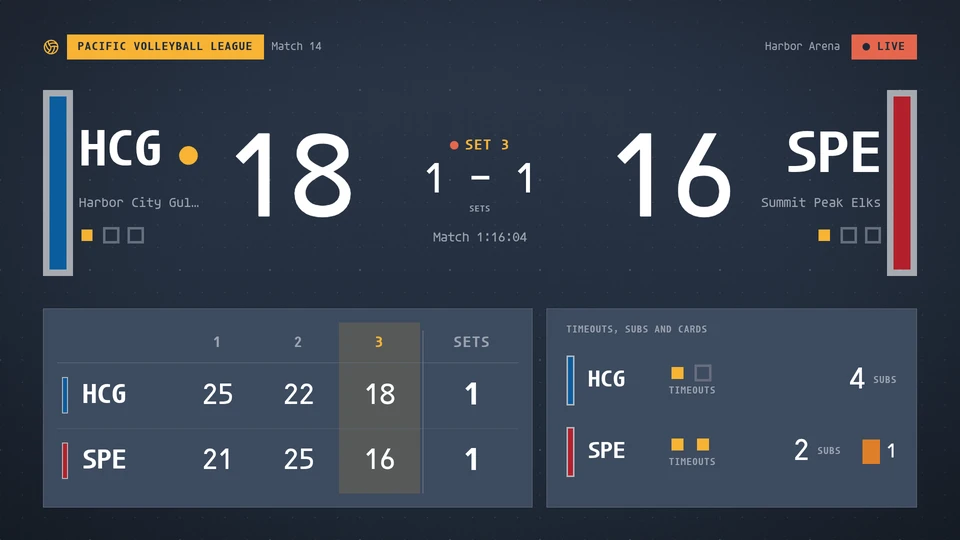
Volleyball board
A volleyball board for indoor and beach: the set's points as the big number, the serving team, sets won, set and match point, side switches, every finished set, timeouts, substitutions and cards. Reads a league feed, or venue match data written to the data store.
Card reference →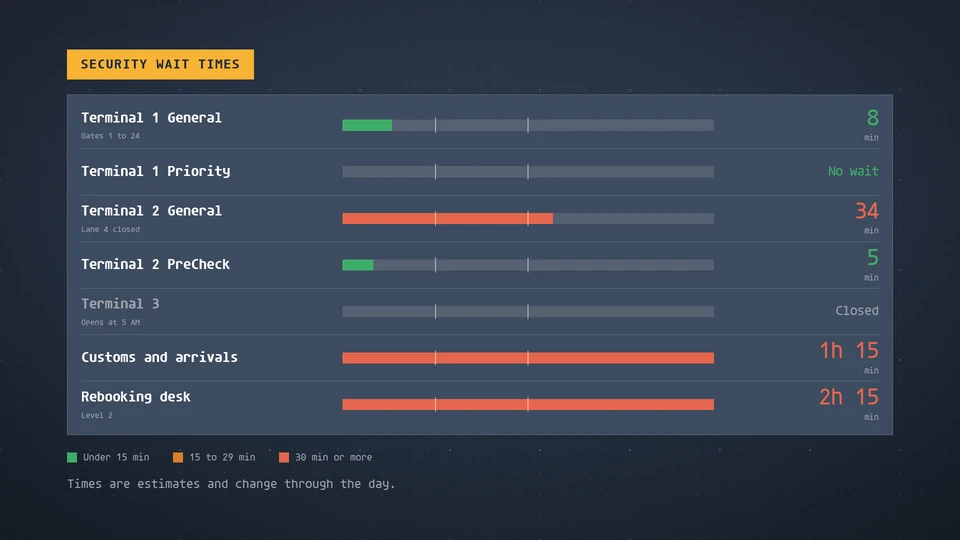
Wait times
Estimated waits per service line, as bars and numbers coloured by length: short, moderate or long.
Card reference →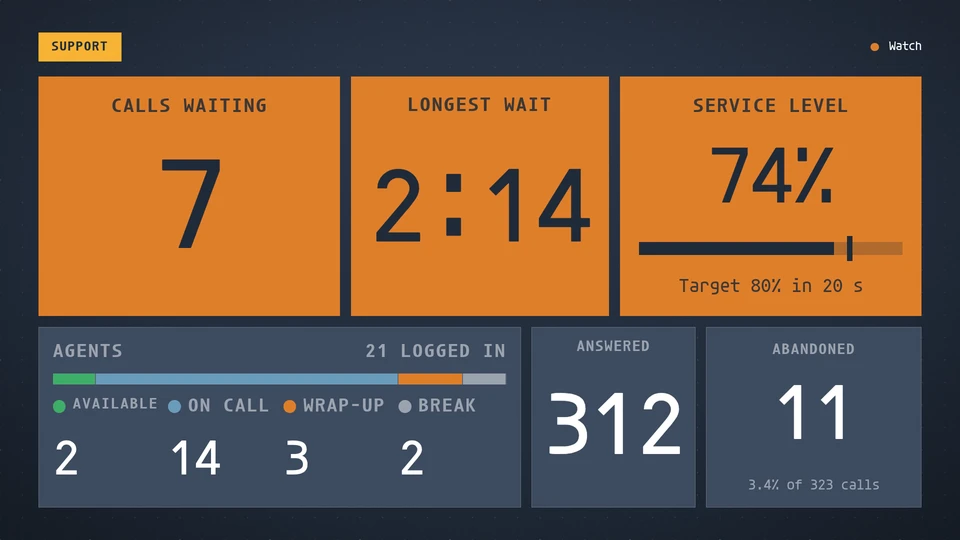
Wallboard
A contact-centre wallboard readable from across the floor: calls waiting, longest wait, service level against target, agents by state, answered and abandoned.
Card reference →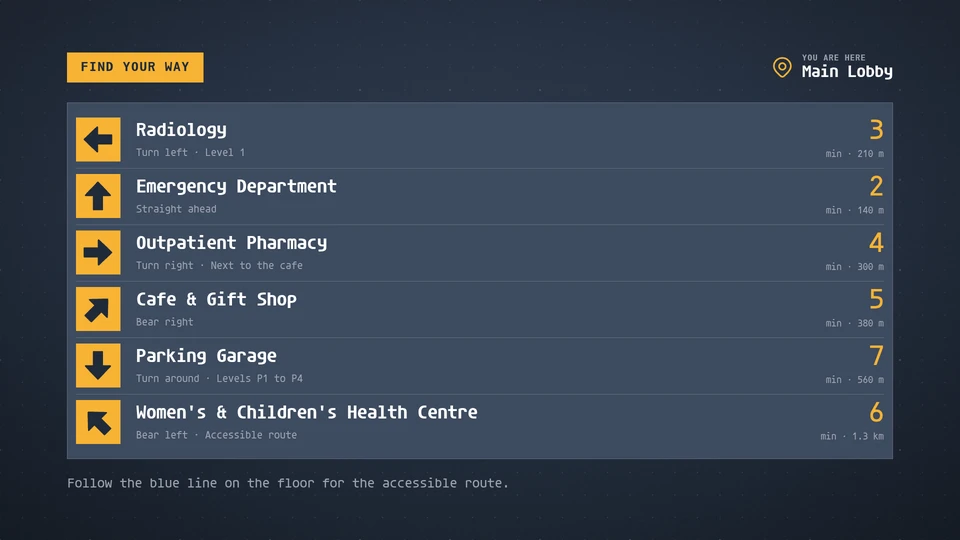
Wayfinding
Big arrows to destinations with walking times: a sign for lobbies, corridors and campuses.
Card reference →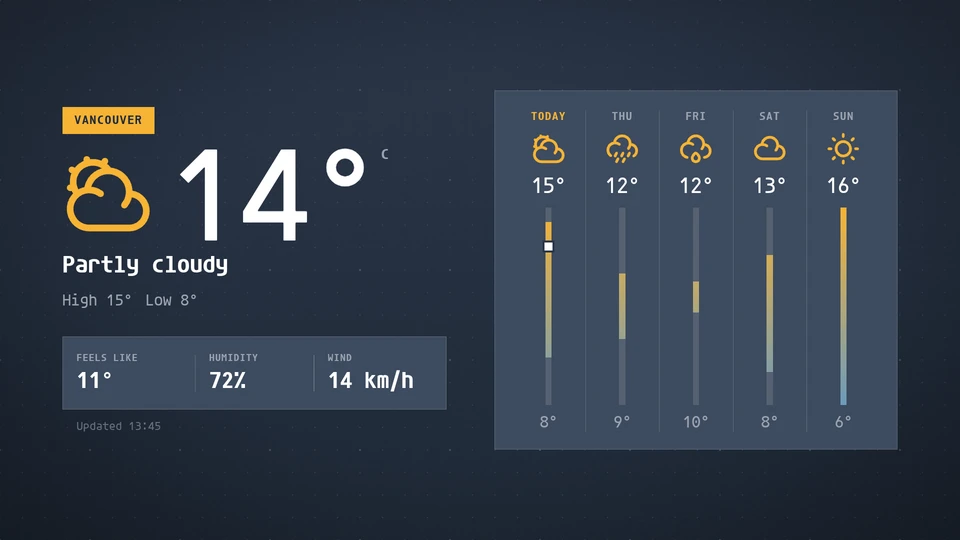
Weather
Current conditions and a multi-day forecast with temperature range bars. The host supplies the data.
Card reference →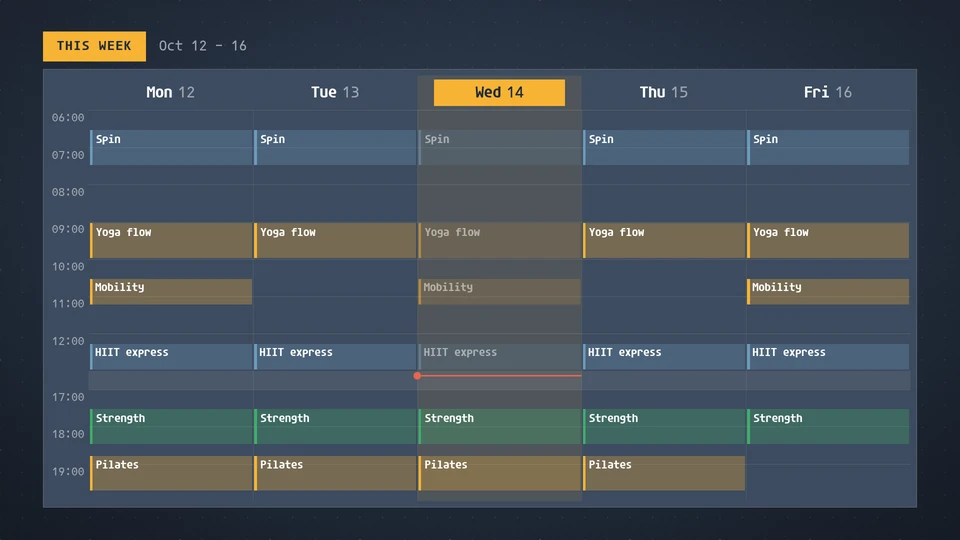
Week schedule
A week at a glance: days across and hours down with each class, shift or booking drawn to its length and coloured by group, today lit with a now line; portrait and square read as an agenda by day.
Card reference →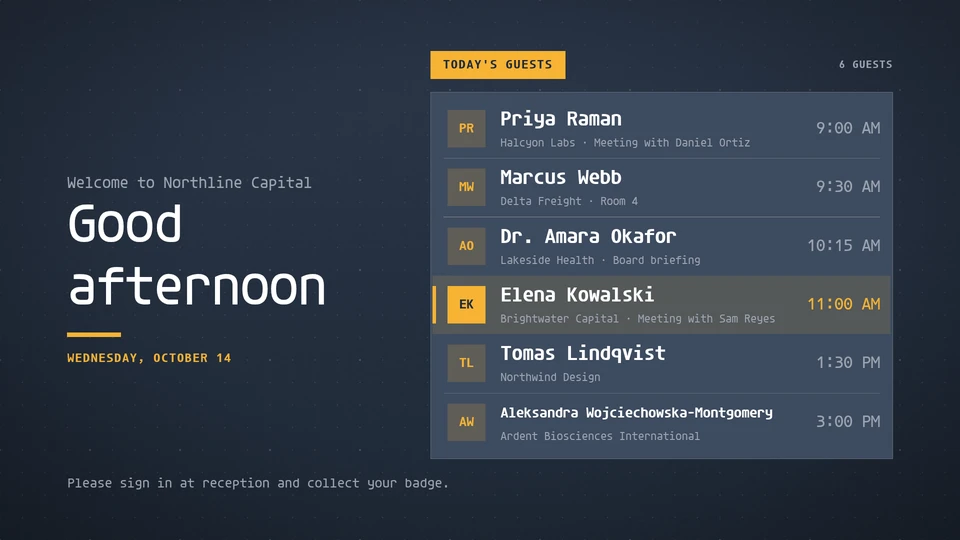
Welcome board
A lobby welcome: a time-of-day greeting and today's named visitors with their companies, set with a spotlight that moves down the list.
Card reference →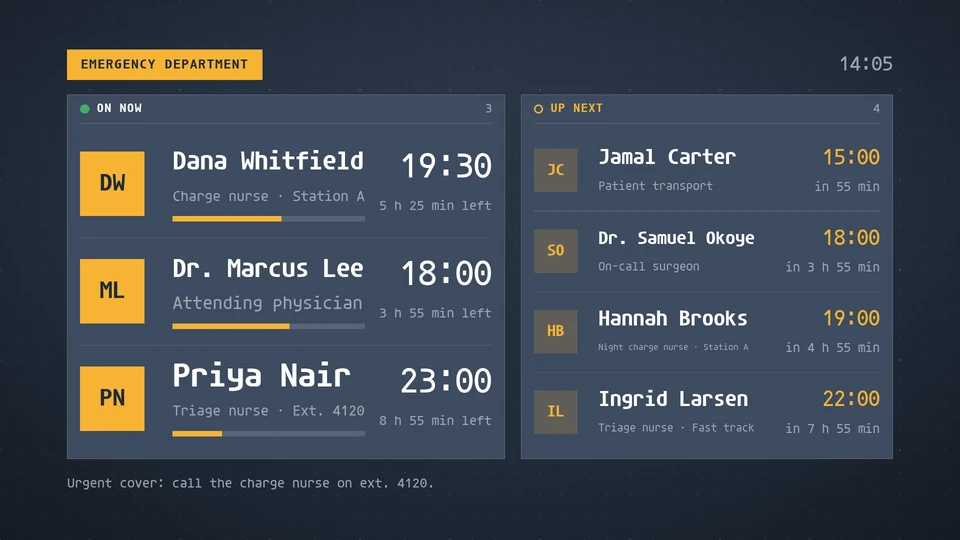
Who's on
Who is on shift or on call right now, with time left in the shift, and who starts next.
Card reference →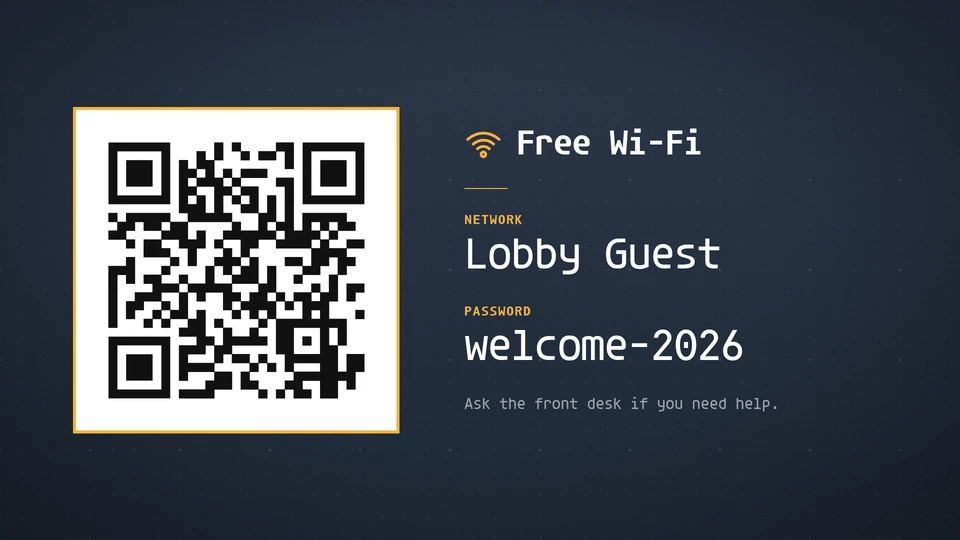
Wi-Fi
Join the network: a scannable code beside the network name and password, set large and unmistakable.
Card reference →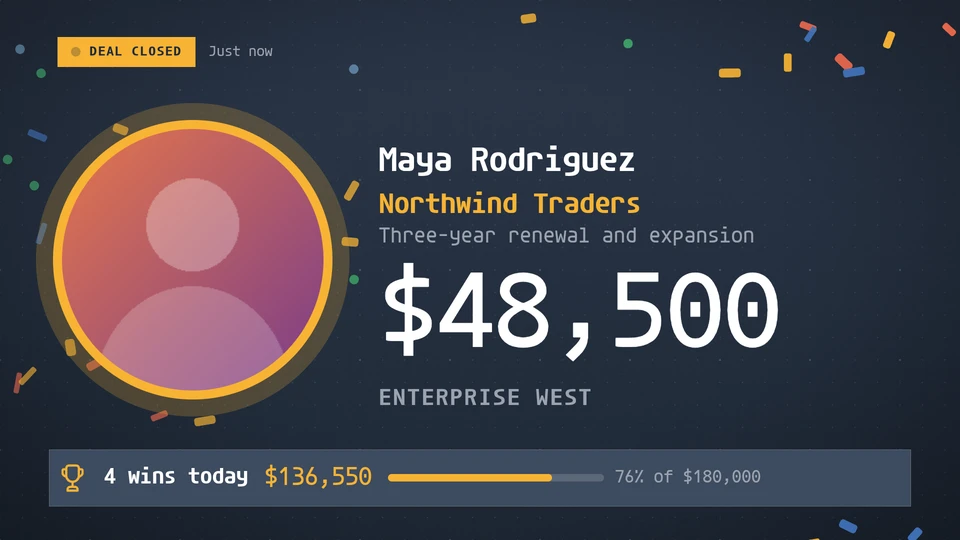
Win alert
A deal-closed celebration that takes over the screen: the closer's picture and name, the deal and a huge amount over confetti, then settles into the latest win, today's tally against the target and the wins before it.
Card reference →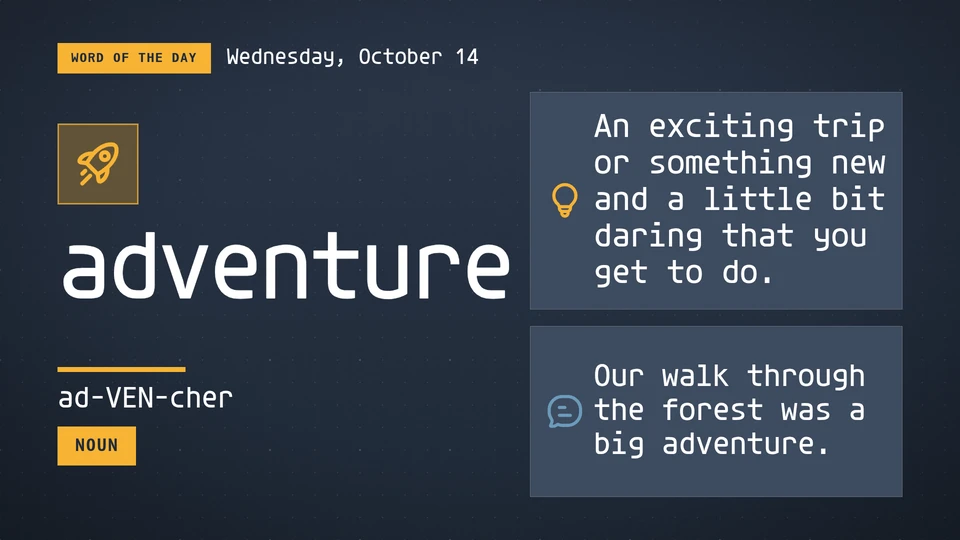
Word of the day
The word of the day or the problem of the day: a big word with how to say it, what it means and a sentence, or a problem with a hint and an answer that appears when the teacher says.
Card reference →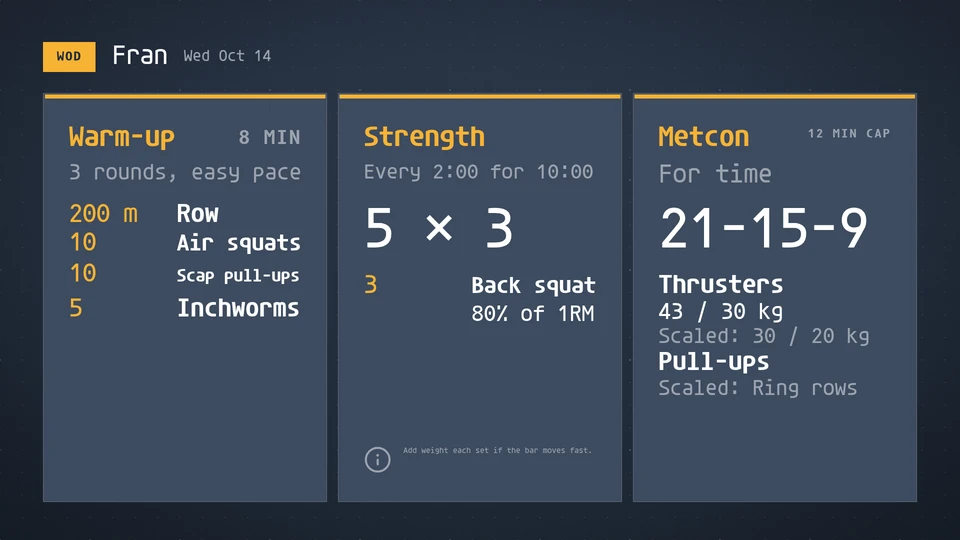
Workout board
Today's workout on the gym whiteboard: the workout name and date, then each part with its format, time cap, rep scheme, movements, loads and scaled options.
Card reference →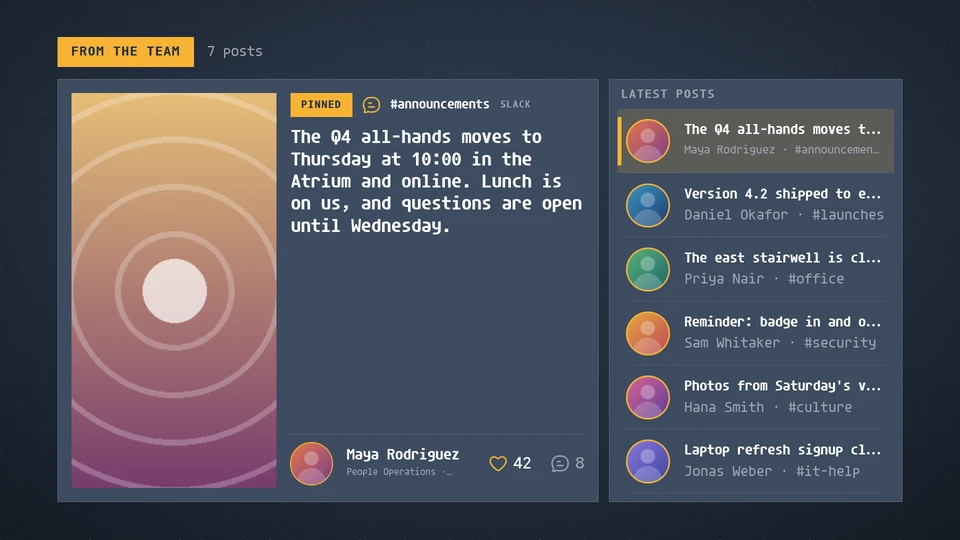
Workplace posts
The company's channels on a screen: one post at a time with its picture or attachment, the author, channel and source, reactions and replies, beside the latest posts, rotating on the wall clock. Slack, Teams, Viva Engage and the intranet read the same way.
Card reference →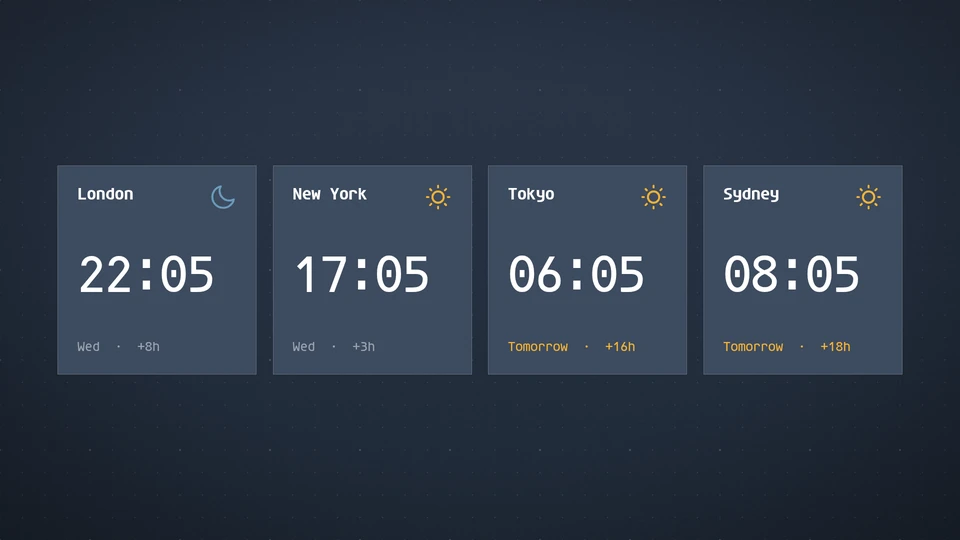
World clock
The time in several cities at once, with day and night, tomorrow and yesterday, and each city's offset from here.
Card reference →