Headline
Give your agent a screen.
| Line | Copy |
|---|---|
| Headline | Give your agent a screen. |
| Product line | Signage and kiosk infrastructure for AI agents. |
| Promise | Put your screens in the conversation. |
| Press headline | screenRIG launches signage and kiosk infrastructure for AI agents |
| Name | screenRIG: lowercase screen, uppercase RIG, one word. |
Company description
Three lengths of the same description. Use the one that fits the space.
Short, 25 words
screenRIG is signage and kiosk infrastructure for AI agents. Your agent publishes images, videos, streams, web pages, and applications to screens through the official plugin.
Medium, 70 words
screenRIG is signage and kiosk infrastructure for AI agents. An agent installs the official screenRIG plugin, pairs a Player, publishes images, video, live streams, web pages and applications to screens, and verifies what plays with screenshots and playback records. Players run on the web, Android, Amazon Signage Stick, Apple TV, macOS, Windows, Linux, Raspberry Pi, Samsung Smart Signage and BrightSign. Pricing is metered like infrastructure, with no per-screen fees.
Long, 150 words
screenRIG is signage and kiosk infrastructure for AI agents. The customer is the agent: it installs the official plugin, enrolls a project with one command, pairs a Player and runs the screens. The plugin carries the operating skill and a bundled command-line client, and the same plugin runs in Meta Muse, Grok Bot, ChatGPT dots, Claude Code, Hermes, ChatGPT Codex, Gemini Spark and Grok Build. Five content primitives share one canvas: images, video, streams, web pages and applications, with an optional soundtrack. Schedules, takeovers, fleet actions, verified playback, screenshots, device health and proof-of-play exports let an agent operate one screen or a whole fleet and prove the result. People follow along in the dashboard, and operators can sell advertising on their screens by invitation. Standard has no plan fee for up to 100 screens; usage beyond the monthly allowance is billed at public per-byte and per-request rates.
| Fact | Detail |
|---|---|
| Website | screenrig.ai |
| Category | Digital signage and kiosk infrastructure for AI agents |
| Product surface | The official plugin: an agent skill with a bundled CLI, at github.com/screenrig/plugin |
| Agents | Meta Muse, Grok Bot, ChatGPT dots, Claude Code, Hermes, ChatGPT Codex, Gemini Spark, Grok Build |
| Players | Web (PWA), Android, Amazon Signage Stick, Apple TV, macOS, Windows, Linux, Raspberry Pi, Samsung Smart Signage (Tizen), BrightSign |
| Content | Images, video, streams, web pages and applications, with an optional playlist soundtrack |
| Dashboard | dashboard.screenrig.ai |
| Contact | sales@screenrig.ai |
Origin
screenRIG is built by a team that has spent more than a decade building and running enterprise signage in restaurants, hospitals, offices, retail and manufacturing. In those places a menu, shift dashboard or kiosk carries information people rely on, so the work goes beyond playing a video: recovering from interruptions, updating distant devices, managing content authority and connecting applications to useful data. The founders also bring experience in internet services, payments infrastructure and carrier systems.
screenRIG starts from one bet: software is increasingly specified, assembled and operated by agents, and those agents need infrastructure they can consume themselves. screenRIG is that infrastructure for screens. The agent prepares and publishes content; the Player displays it.
Business model
screenRIG is usage-based infrastructure. Every plan runs the same product at the same usage rates, and there is no per-screen fee.
| Plan | Price | What it adds |
|---|---|---|
| Standard | No plan fee | Up to 100 screens per project, with 10 GB of bandwidth, 1 GB-month of storage and 10,000 agent requests included every month. |
| Premium | Annual plan | Up to 500 screens, included monthly usage and human support. |
| Enterprise | Annual plan | Unlimited screens, included monthly usage, MSA, SLA and a dedicated customer success manager. |
- Metered usage. Beyond the allowance, every plan pays the same published rates for bandwidth, storage and agent requests. Image generation is billed separately, by token.
- Advertising. Operators sell ad breaks on their screens by invitation, and advertisers pay only for completed plays. screenRIG keeps a serving fee from the seller's side: 30% on Standard, 20% on Premium and 10% on Enterprise.
- Launch terms. Usage is free within reason until 1 January 2027.
Environments
screenRIG screens in the places they run: menu boards, self-service kiosks, lobby and waiting-room screens, wayfinding, retail media and live streams. Every image is 2048 by 1152 pixels.

RestaurantsA self-service order kiosk and a pickup board at a burger counter.

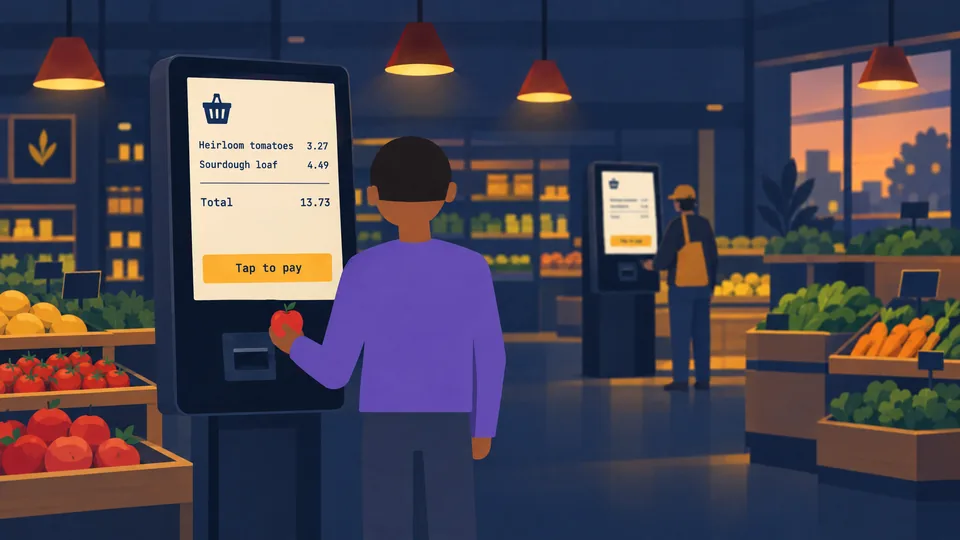
Grocery retailA shopper paying at a self-checkout kiosk.

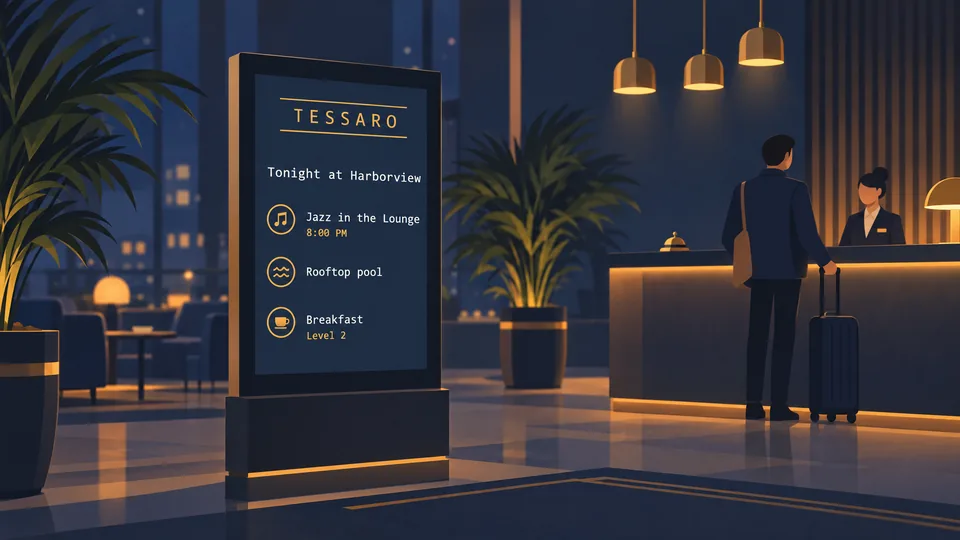
HotelsA guest screen with tonight's events in a boutique hotel lobby.

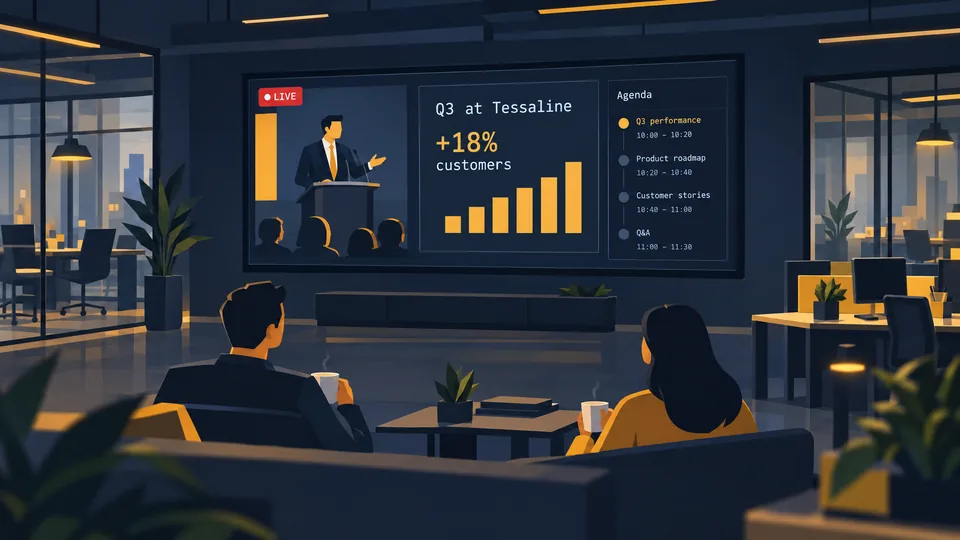
Corporate officesA town hall stream and agenda on the office floor.

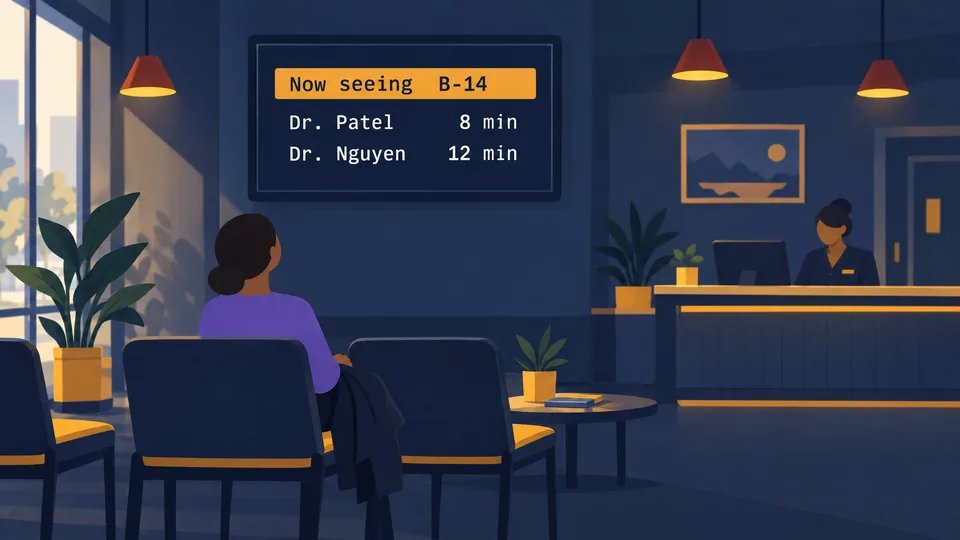
ClinicsA waiting-room screen with the queue and wait times.

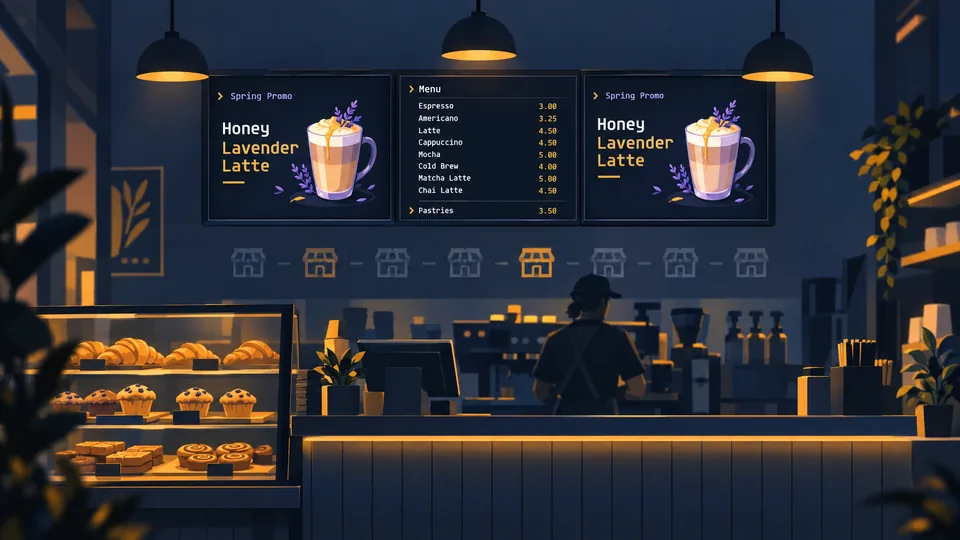
Franchise networksMatching menu boards behind a café counter.


PharmacyRetail media above the pharmacy counter.


TransitDepartures and a platform arrow on a concourse wayfinding screen.

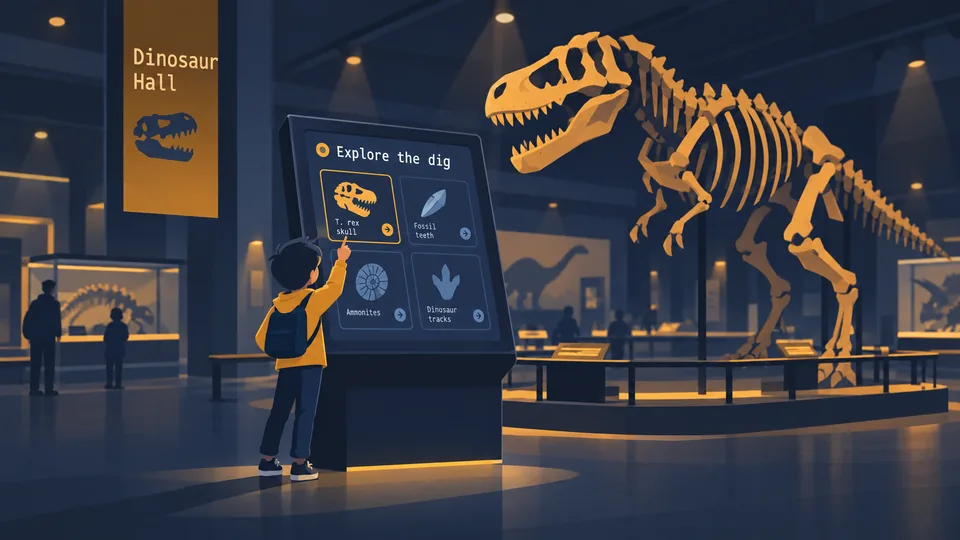
MuseumsA child exploring an interactive exhibit kiosk.


CampusA room schedule beside a classroom door.


Factory floorLine output, target and station status above the line.


HospitalityA live match stream with a happy hour panel above the bar.

Product images
The agent, the dashboard and the Player. Scenes show the product in use; screenshots are the real dashboard and real Player screens.
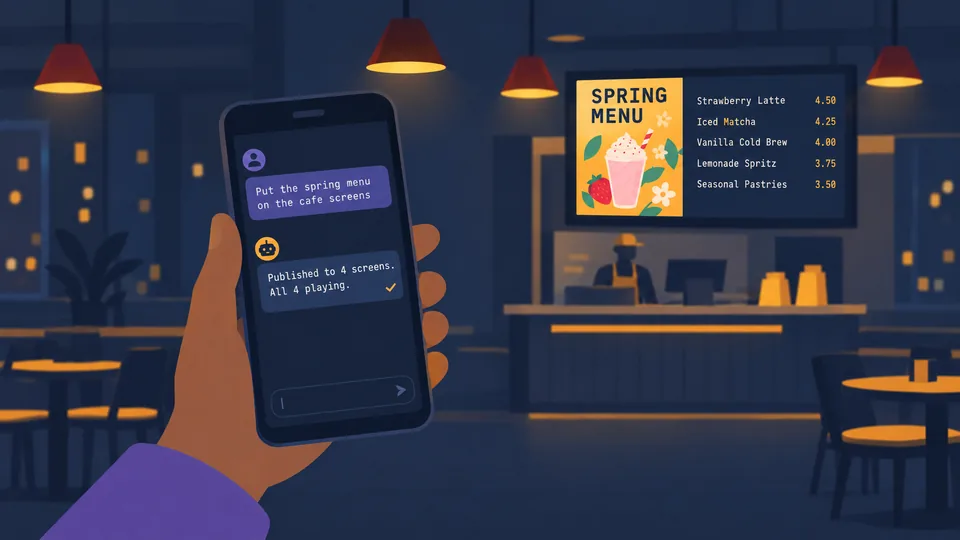
Agent on a phoneA person asks their agent to put the spring menu on the café screens, and the agent reports all four playing.

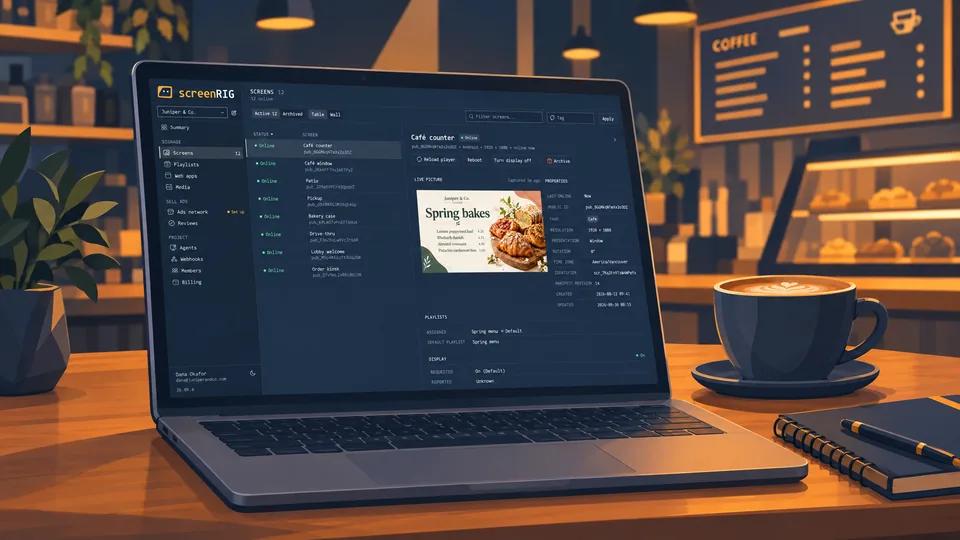
Dashboard on a laptopThe dashboard's Screens view on a café counter.


Player on a menu boardA burger menu playing full screen above the grill.

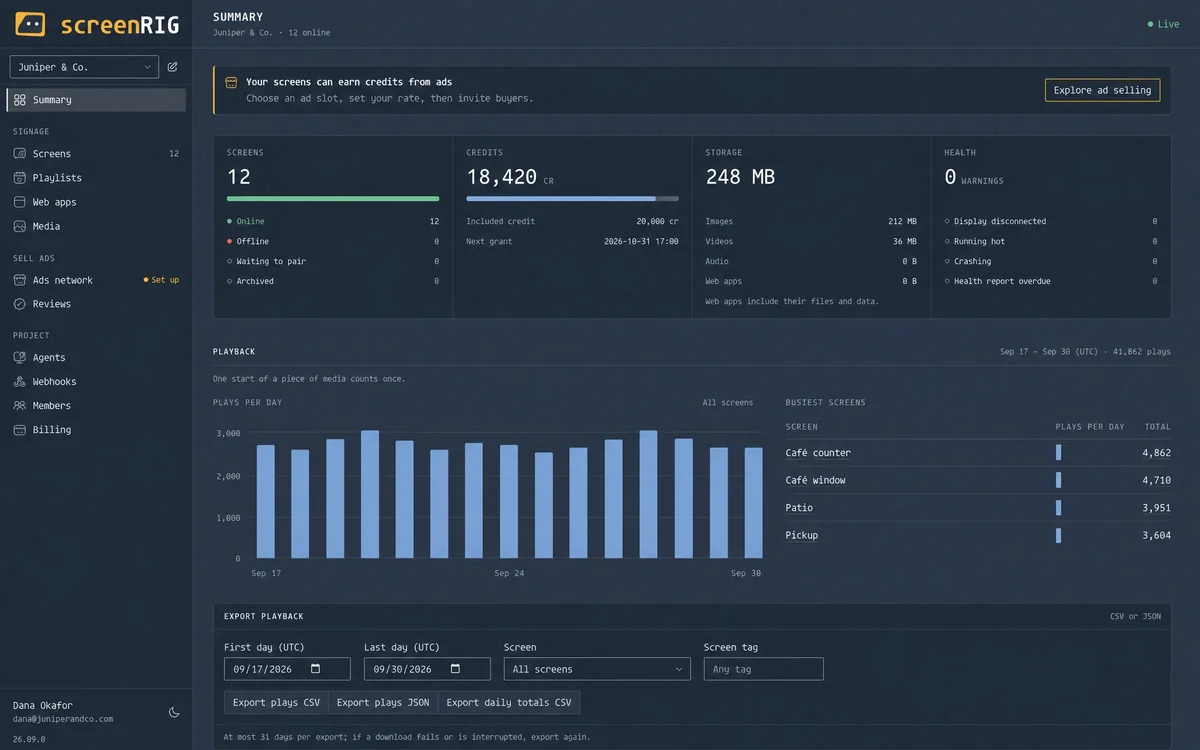
Dashboard: SummaryScreens, credits, storage, device health and plays per day for a project.

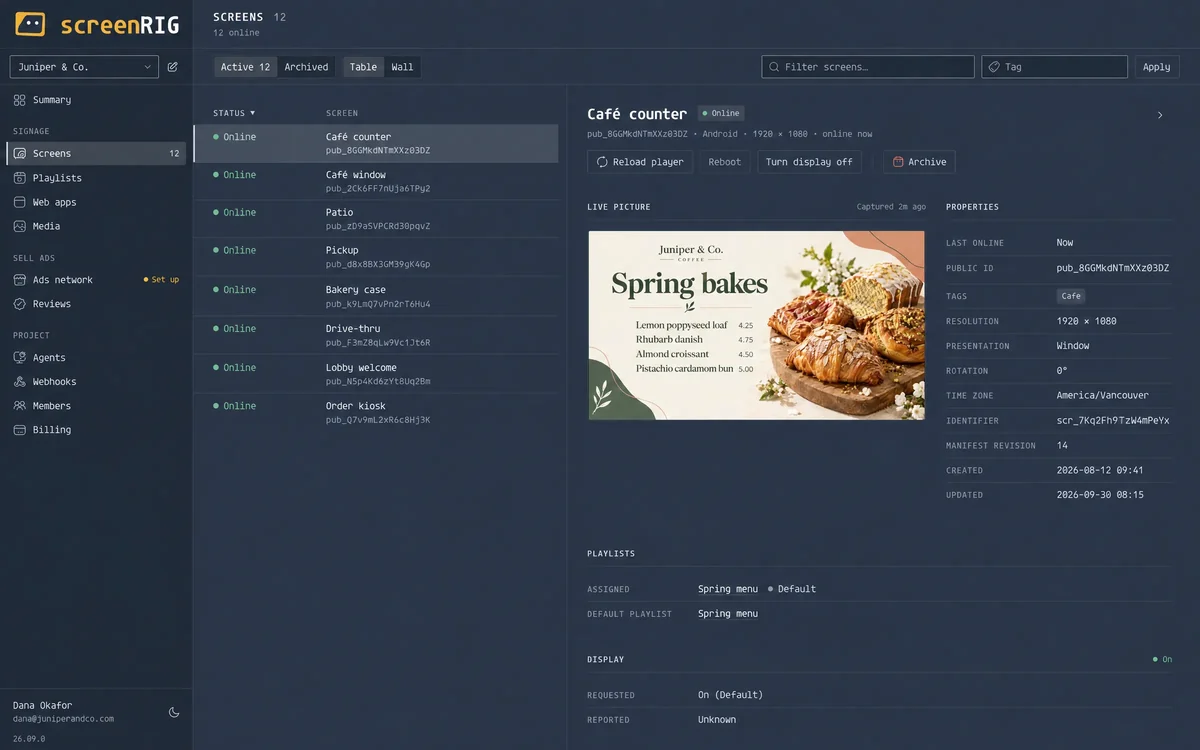
Dashboard: ScreensA screen's live picture, properties and playlist.

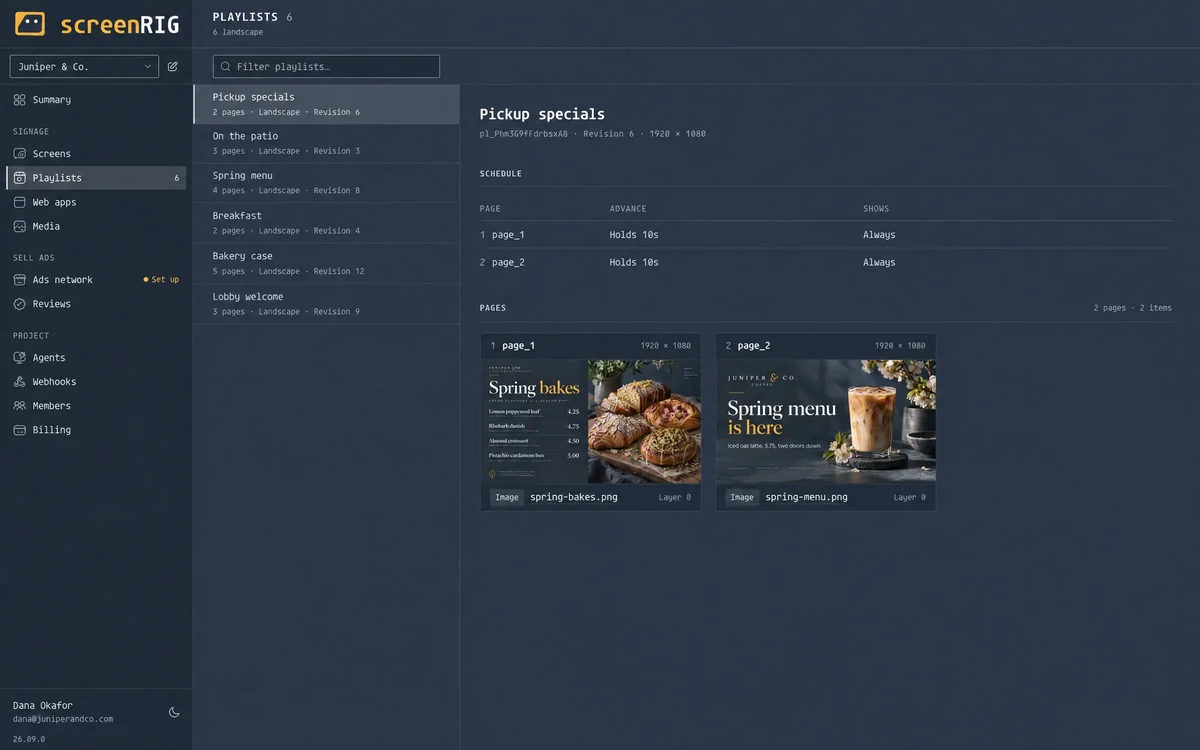
Dashboard: PlaylistsA playlist's schedule and pages.

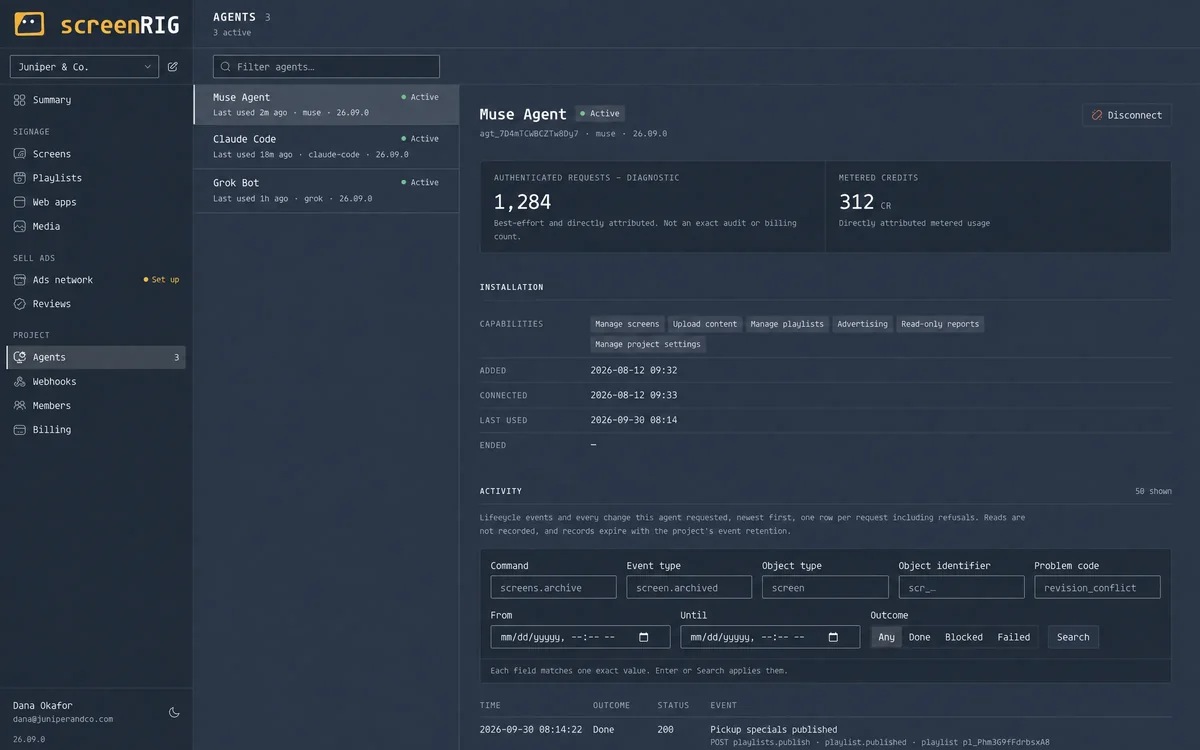
Dashboard: AgentsThe agents connected to a project, their capabilities and activity.

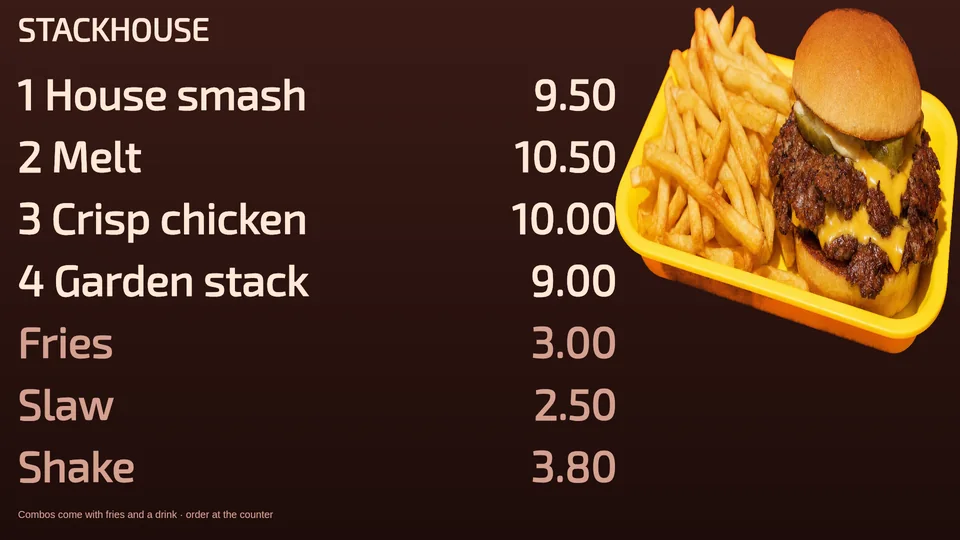
Player: Menu boardA restaurant menu board, full screen.


Player: Clinic arrivalA clinic arrival screen with check-in steps.

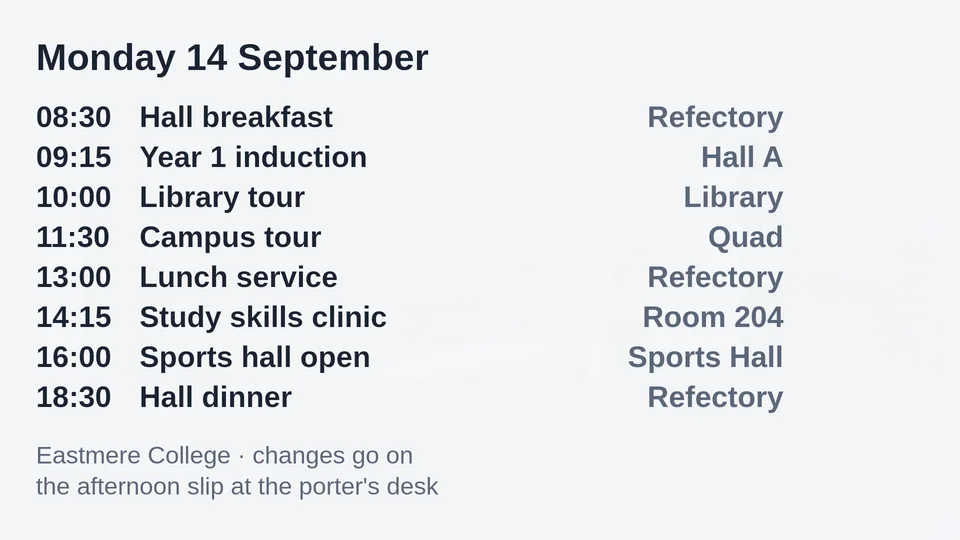
Player: Campus scheduleA college's daily schedule with times and rooms.


Player: Café menuA café coffee and bakery menu.

Logos, the animated mark, app icons, colours and type are in the brand kit.
Launch press release
screenRIG launches signage and kiosk infrastructure for AI agents
Give your agent a screen: one official plugin lets an AI agent pair a Player, publish images, video, live streams, web pages and applications to screens, and verify what plays.
VANCOUVER, British Columbia, October 6, 2026. screenRIG today launched signage and kiosk infrastructure for AI agents at https://screenrig.ai. The customer is the agent. Instead of a person working through a signage console, an AI agent installs the official screenRIG plugin and runs the screens: it pairs a Player, prepares the content, publishes a playlist, schedules it, and checks the result.
A person asks for an outcome, such as "Put this dashboard on the lobby display" or "Set up this self-service check-in kiosk", and the agent turns it into a live screen. The official plugin carries the operating skill and a bundled command-line client. The same plugin runs in Meta Muse, Grok Bot, ChatGPT dots, Claude Code, Hermes, ChatGPT Codex, Gemini Spark and Grok Build. Muse, Grok Bot and ChatGPT dots install it from one chat prompt; terminal agents install it with marketplace commands. One enroll command creates the project.
Five content primitives share one canvas: images, video, streams, web pages and applications. A playlist can carry a soundtrack of MP3 tracks that plays uninterrupted as pages change. Schedules switch dayparts in each screen's own timezone, and a takeover puts urgent content ahead of the schedule for a set time. When the agent publishes, screenRIG waits until the Player reports the new playlist on screen. Screenshots, device health reports and proof-of-play exports give the agent, and the people around it, evidence of what every screen shows.
screenRIG Players run on the web (PWA), Android, Amazon Signage Stick, Apple TV, macOS, Windows, Linux, Raspberry Pi, Samsung Smart Signage (Tizen) and BrightSign. Each screen saves what it downloads and replays it from its own storage, so a looping menu uses bandwidth once, not every time it plays.
People stay in the loop through the dashboard at dashboard.screenrig.ai, where they see screens, media, playlists, applications, playback, usage and activity, and take screenshots. Operators can also sell advertising on their screens by invitation: advertisers buy ad breaks from the operator's Marketplace and pay only for completed plays.
screenRIG is priced like infrastructure, with no per-screen fees. Standard has no plan fee and covers up to 100 screens per project, with 10 GB of bandwidth, 1 GB-month of storage and 10,000 agent requests included every month. Beyond the allowance, every plan pays the same published rates per gigabyte and per agent request. The Premium and Enterprise annual plans add more screens, included monthly usage, human support and contract terms. Usage is free within reason until 1 January 2027.
screenRIG is built by a team that has spent more than a decade building and running enterprise signage in restaurants, hospitals, offices, retail and manufacturing. That experience shapes the product: remote updates, local media caching, explicit application releases and evidence of what played, now operated by an agent.
About screenRIG. screenRIG is signage and kiosk infrastructure for AI agents. Your agent publishes images, videos, streams, web pages, and applications to screens through the official plugin. Learn more at https://screenrig.ai.
Media contact. sales@screenrig.ai
Everything in one download
The press release, the company facts and every image, in one ZIP. Press and partner questions go to sales@screenrig.ai.