
Keep content moving.
Update media, playlists, and app releases on one screen or every screen with a tag. Schedule playlists by daypart in the screen’s timezone, or take over a screen or fleet for an announcement.
Content & schedules →Free on Standard for up to 100 screens. Plans & launch terms →
Digital signage & kiosk infrastructure
Put your screens in the conversation.
Your agent creates it. screenRIG puts it on the screen.
Ask for a menu board, a lobby welcome, or a check-in kiosk. Your agent builds it, publishes it through the official screenRIG plugin, and updates it when things change.
Free on Standard for up to 100 screens, within the included monthly allowances.
Screens as an API. What agent-native means, and why your agent should run your screens.
Watch the 2-minute filmBuilt for AI agents
Images · video · streams · web · apps
Plays from local cache
Free for up to 100 screens
From your agent to your screen
Choose your agent, connect a Player, then talk about what to show. Your agent handles the project and publishing; you bring the screen and the idea.
Ask your agent to install screenRIG and propose a project name, then give it your email. Enrollment creates a new project and emails you a member invitation. Accept it with a passkey or password, or sign in with your existing login.


Run this in your terminal, then ask Claude Code to set up your first screen.
claude plugin marketplace add https://github.com/screenrig/plugin.git --scope user && claude plugin install screenrig@screenrig --scope userUse Hermes Agent from Nous Research. Ask it to install screenRIG from the official plugin repository, load the bundled skill, and confirm it can run the bundled CLI.
Run this in your terminal, then ask Codex to set up your first screen.
codex plugin marketplace add https://github.com/screenrig/plugin.git --ref main --json && codex plugin add screenrig@screenrig --jsonStart a task in Gemini Spark and paste the authorization below. Ask Spark to confirm the bundled CLI runs before you connect your screen. If it can’t run the plugin, follow the guide.
I authorize you to install the official screenRIG plugin from https://github.com/screenrig/plugin.Open the Player on the device driving your screen and give your agent the pairing code it shows. Available now: the web Player, Android on Google Play, Linux, Raspberry Pi, Samsung Smart Signage, and BrightSign. Amazon Signage Stick, Apple TV, macOS, and Windows are coming soon.
Tell your agent what to show, where, and when. Connect data sources you authorize, like a menu spreadsheet or events calendar.
See the agent workflow →screenrig agent enroll --email ADDRESS --project-name NAME. Enrollment always creates a new project and emails a member invitation, even if that email already has a login. The human accepts within 7 days by creating a passkey or setting a password, or signs in with their existing login. Their login works across projects; the agent stays bound to this project.screenrig screen pair CODE. Already installed? They only need to launch it and share the code.If the user starts with “use screenrig.ai” and a pairing code, carry out the missing setup on their behalf. Reuse details already supplied; ask only for what you still need.
Available now
Coming soon
A screen for what you have in mind
One canvas for images, videos, streams, web pages, and applications. Your agent can use existing media, generate a finished design, or publish a web app. Add a soundtrack of MP3 tracks that keeps playing as pages change.
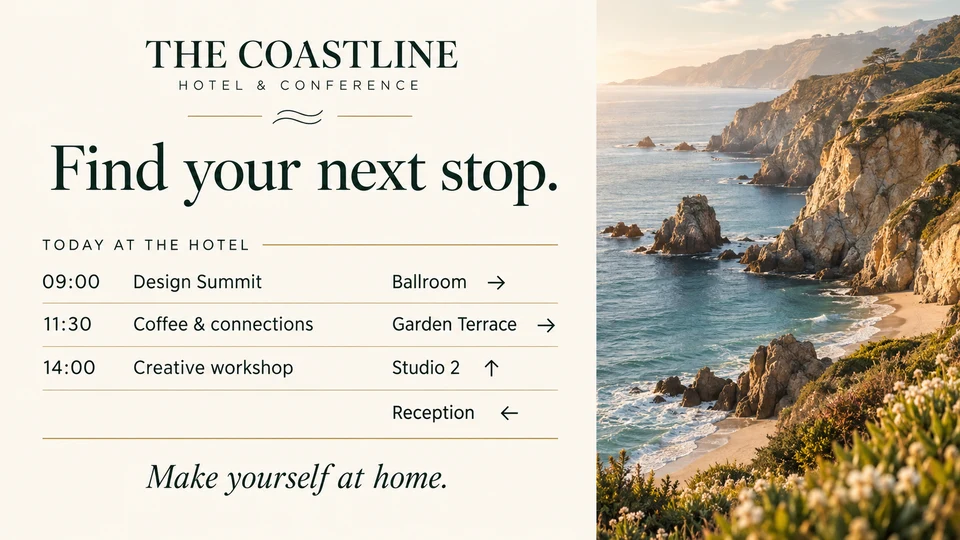
Help guests find their next stop. Publish event times, room directions, and welcome messages.
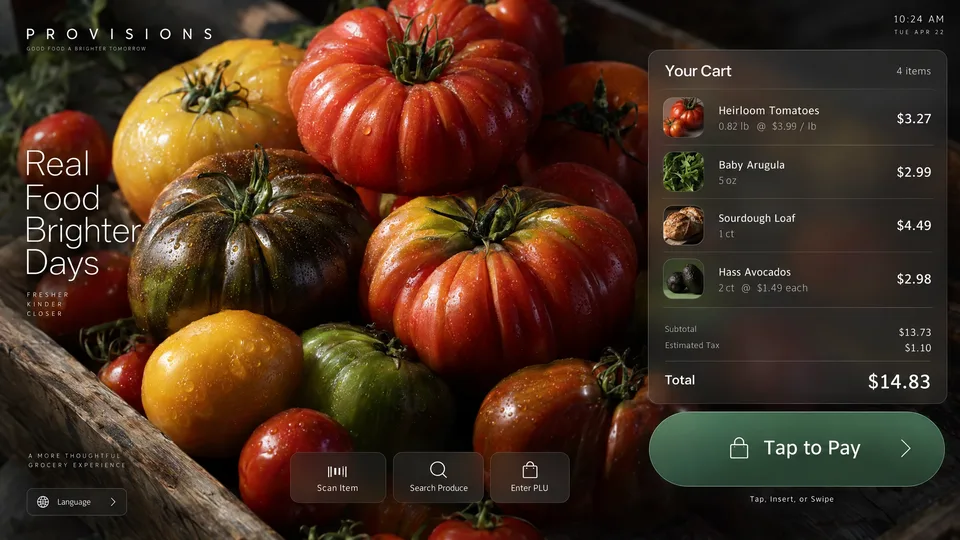
Publish a custom kiosk application. Your app defines the interaction and its integrations.
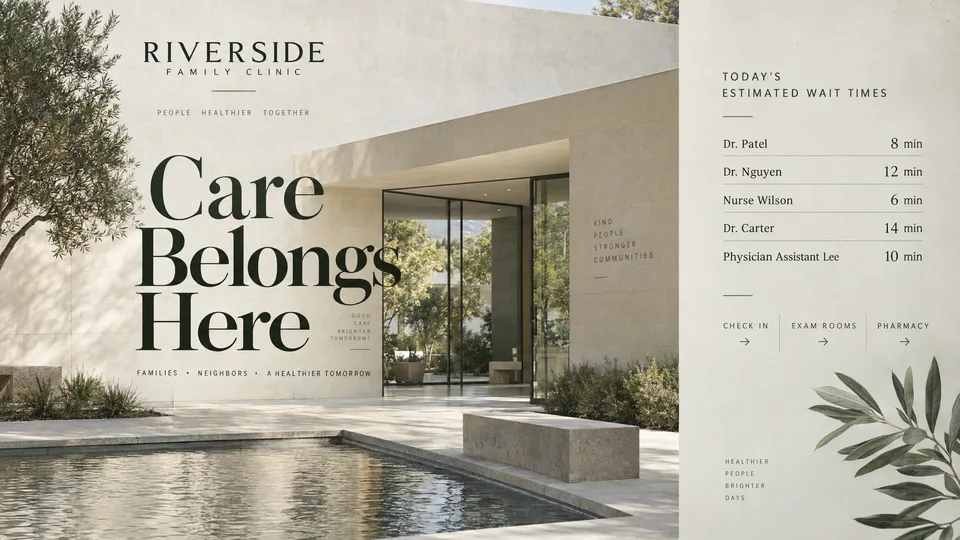
Keep visitors informed with announcements, opening hours, and helpful information.
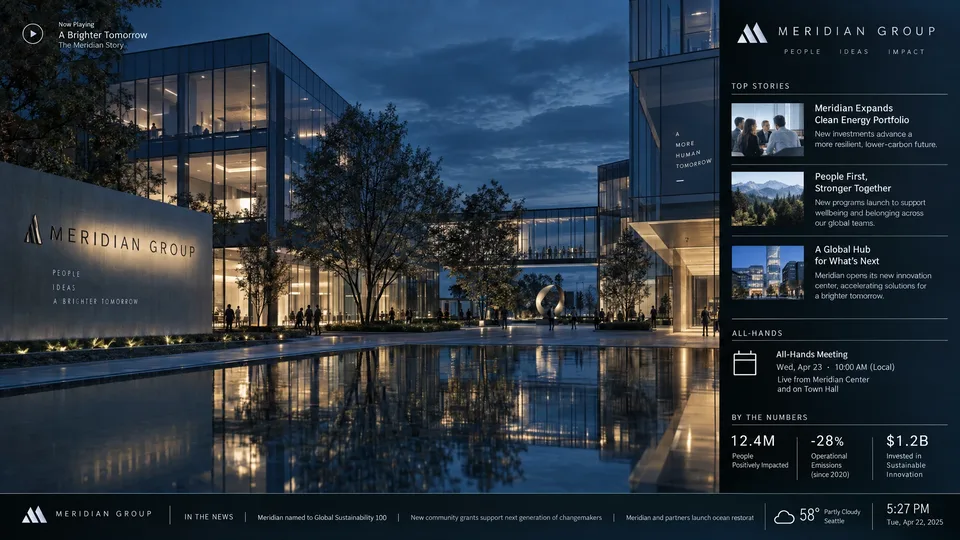
Bring team updates, video, and web content together on one display.
Interactive experiences run as applications.
Explore what your agent can publish →Built for the next update, too
Update media, playlists, and app releases on one screen or every screen with a tag. Schedule playlists by daypart in the screen’s timezone, or take over a screen or fleet for an announcement.
Content & schedules →Run web apps on isolated origins, retain application state, and emit events your agent can act on.
Application SDK →Request screenshots, inspect playback records, and follow events, including when a screen goes offline. Give the next action evidence to work with.
Agent operations →A decade of screen infrastructure behind it. screenRIG is built by a team with more than ten years of enterprise signage experience.
Meet the team →Free Standard plan
Run up to 100 screens on Standard with no plan fee and no per-screen subscription. Stay within the monthly allowances and it stays free, including after the launch offer ends.
Need more? After launch you can prepay for extra usage. That’s optional.
See free allowances & optional extras →Included across your project every UTC month
Unused allowances do not roll over. Image generation is metered separately. Premium and Enterprise add support, scale, and service terms.
Separate launch offer: free to use within reason until 1 January 2027. Standard’s free monthly allowances continue after launch. See the terms.
Advertising, by invitation
Invite local businesses to advertise on the screens you run. Opt a screen in, set your rate, and add an ad break to a playlist. Everything else keeps playing.
Choose which screens and ad breaks to sell, and set a rate per 15 seconds of completed playback. Earned credits cover that project’s screenRIG usage automatically.
Advertising on your screens →Advertisers join only by your emailed invitation. They see your inventory and rates in the dashboard Marketplace, and they don’t need a screen of their own.
Buying & selling setup →Buyers accept a quote before a campaign runs and pay only for plays the Player reports as completed. Skipped or interrupted plays aren’t billed.
Rates & serving fees →For people and agents
Clear capabilities.
Public pricing.
Instructions you can execute.
Go straight to the source