The agent picks the app
The request named no app. The agent chose Who's on, put the shifts on it and then looked at the screen, because a command that succeeds is one step and the picture is the other.
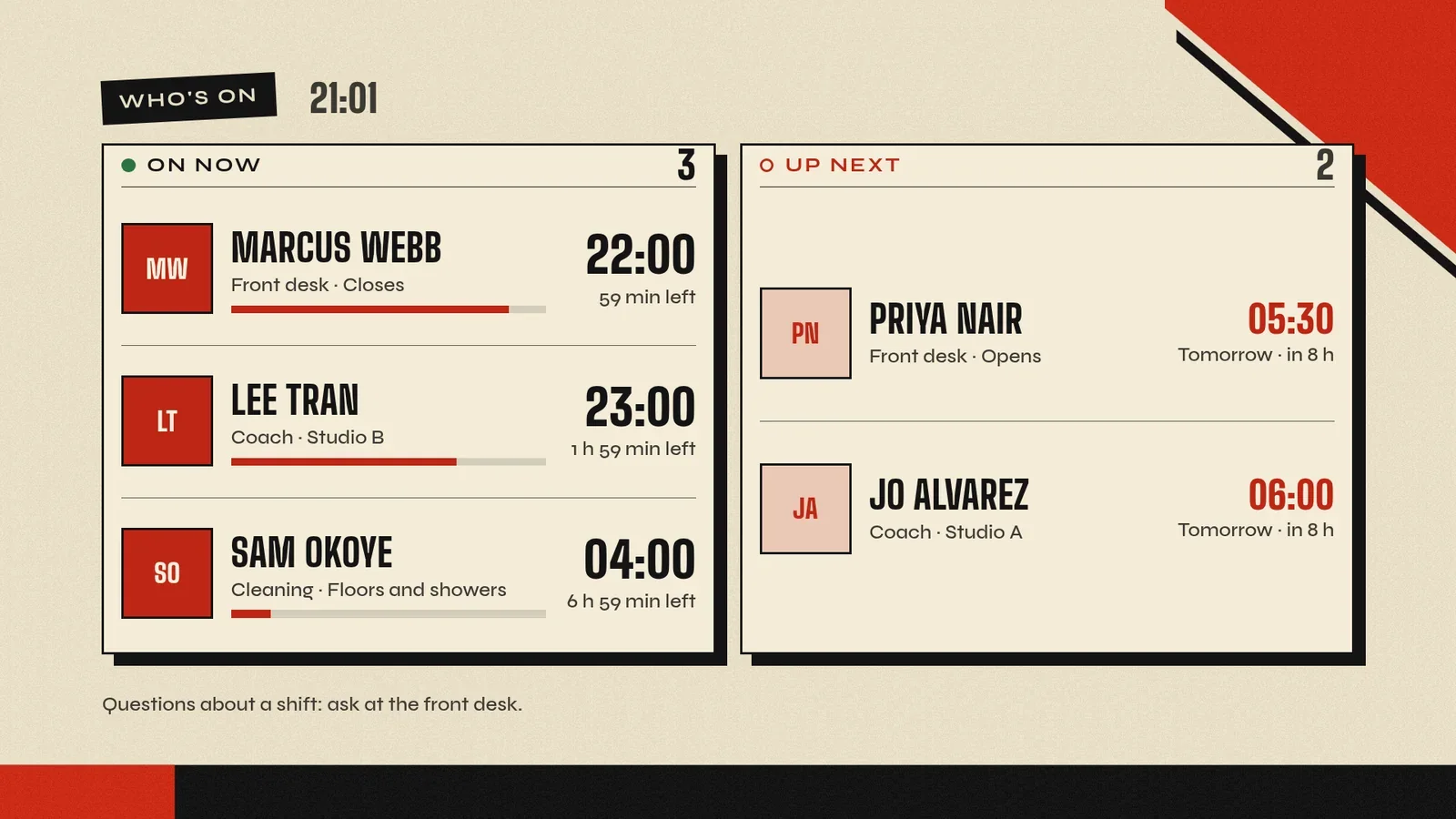
Harbor Gym is a made-up gym, so its staff and shifts are demo content. The run is real: 26 October 2026, on screenRIG's test environment, with the picture drawn by the Player (the screenRIG app on the screen) in a browser window standing in for the TV.
What can I ask my AI agent to put on my screens?
Paste any of these to an agent that has the official plugin. Your agent adapts them to your screens and checks the result.
| You say | Your agent does |
|---|---|
| "Create a welcome screen using the attached logo and opening hours. Publish it to the lobby screen, then show me a screenshot and check playback." | Makes the board from your logo and hours, puts it on the lobby screen, checks that the Player is playing it and shows you a screenshot of the screen before it says it is done. |
| "Put tonight's dinner menu on the restaurant screen. Late menu at 10 pm." | Designs the dinner and late menus, switches to the late menu from 22:00 in the screen's own time and checks the dinner menu on the screen. |
| "From 6 to 10:30, run the breakfast promo, in each store's local time." | Sets a daily schedule for one screen or a whole group, each on its own clock, and can tell you what is playing now and when it changes. |
| "The spicy chicken sandwich is sold out in Denver until Friday. Pull it from the kiosks and switch the idle promo to the new shake." | Updates every screen tagged Denver in one request, then takes a screenshot from each and looks at every one before it says they are updated. Each screen reports its own result. |
| "Put our public status page on the office TV." | Puts the page on the TV after checking that the site allows being shown on a screen. Some sites refuse, and a screenshot cannot show that, so your agent checks first. |
| "Show the dock camera on the warehouse TV, and use our logo if the feed drops." | Shows the live camera on an Android or Amazon screen, straight from the camera's own network address, with your logo up while the stream connects or stalls. |
| "Create a welcome board using my events calendar." | Reads the calendar with the access you approve, puts the events on a ready-made events board and checks the screenshot. |
| "Build a check-in kiosk for the lobby and tell me when a visitor taps." | Writes a small touch app, puts it on a page of the screen and tells you when a visitor taps. See free kiosk software. |
| "Fire drill: put the evacuation notice on every Lobby screen for 30 minutes." | Takes over every screen tagged Lobby for 30 minutes, checks a screenshot from each and tells you when it starts and ends. Each screen then returns to its schedule on its own. |
| "Turn the cafe screens off after closing, and tell me if one drops." | Sets the opening hours, which each Player applies on the device, even offline, and watches for a screen that has been offline for a minute. |
How does an AI agent run digital signage with screenRIG?
- Install once. Your agent installs the official plugin from github.com/screenrig/plugin. Start has the sentence to paste for each agent.
- Pair the screen. The Player shows a code on the screen. You read it to your agent.
- Ask. Your agent makes the content, puts it on the screen, schedules it and looks at a screenshot to be sure it worked. You watch from the dashboard.
Which AI agents work with screenRIG?
Every path installs the same official plugin. The difference is where your agent runs.
| Agent | What it is | Setup |
|---|---|---|
| ChatGPT Codex | OpenAI's coding agent | ChatGPT Codex setup |
| ChatGPT dots | OpenAI's always-on agents in ChatGPT, each with its own cloud computer | ChatGPT dots setup |
| Claude Code | Anthropic's terminal agent | Claude Code setup |
| Gemini Spark | Google's task-based agent inside the Gemini app | Gemini Spark setup |
| Grok Bot | Your bot in the Grok Bot app | Grok Bot setup |
| Grok Build | xAI's terminal agent | Install commands on Start |
| Hermes | Nous Research's agent | Hermes setup |
| Meta Muse | Meta's personal AI agent on your phone | Meta Muse setup |
AI inside an editor, or your own agent?
Signage was built around an editor. screenRIG is built around a conversation. Most AI signage adds an assistant to the editor: you open the product, ask the assistant for a layout or an image, and do the rest in the editor's screens and steps. screenRIG has no editor to open, because your agent is the editor. It makes the content, schedules it, puts it on the screen and checks it, and you change any of it by saying so.
| Question | An assistant inside a signage editor | screenRIG with your own agent |
|---|---|---|
| Where does the AI work? | Inside the product's editor, beside you | In the agent you already use: a terminal, a chat app or your phone |
| Who picks the AI? | The product | You do. Any agent that runs the official plugin works |
| Who does the job? | You do the rest, in the editor's screens and steps | Your agent makes the content, schedules it, puts it on the screen and looks at a screenshot to be sure it worked. With review turned on, you approve each change before it plays |
| What does it cost? | Whatever the product charges | screenRIG is free. Pay only if you want more. |
Image generation is the one AI item billed separately, by token. The Compare page sets screenRIG against other ways to run signage, with each price sourced.
AI digital signage questions
Do I need to code or learn anything?
No. You describe the result in plain words and your agent does the work. The one setup step is a sentence that tells your agent to install the official plugin, which Start gives you to paste.
Can an AI agent generate the images?
Yes. Your agent can make a finished design, such as a poster or a menu, from a description that carries every fact and all the wording. Image generation is billed separately, by token, and each one reports what it cost. Using your own images and composing slides on your agent's machine cost nothing extra.
Can I approve changes before they reach the screens?
Yes. Turn on Require review for agent changes on the dashboard's Project page, or sign an agent in with Propose access. The agent still prepares the content, but each change waits for a person, and nothing reaches a screen until someone approves it.
How do I know the work is on the screen?
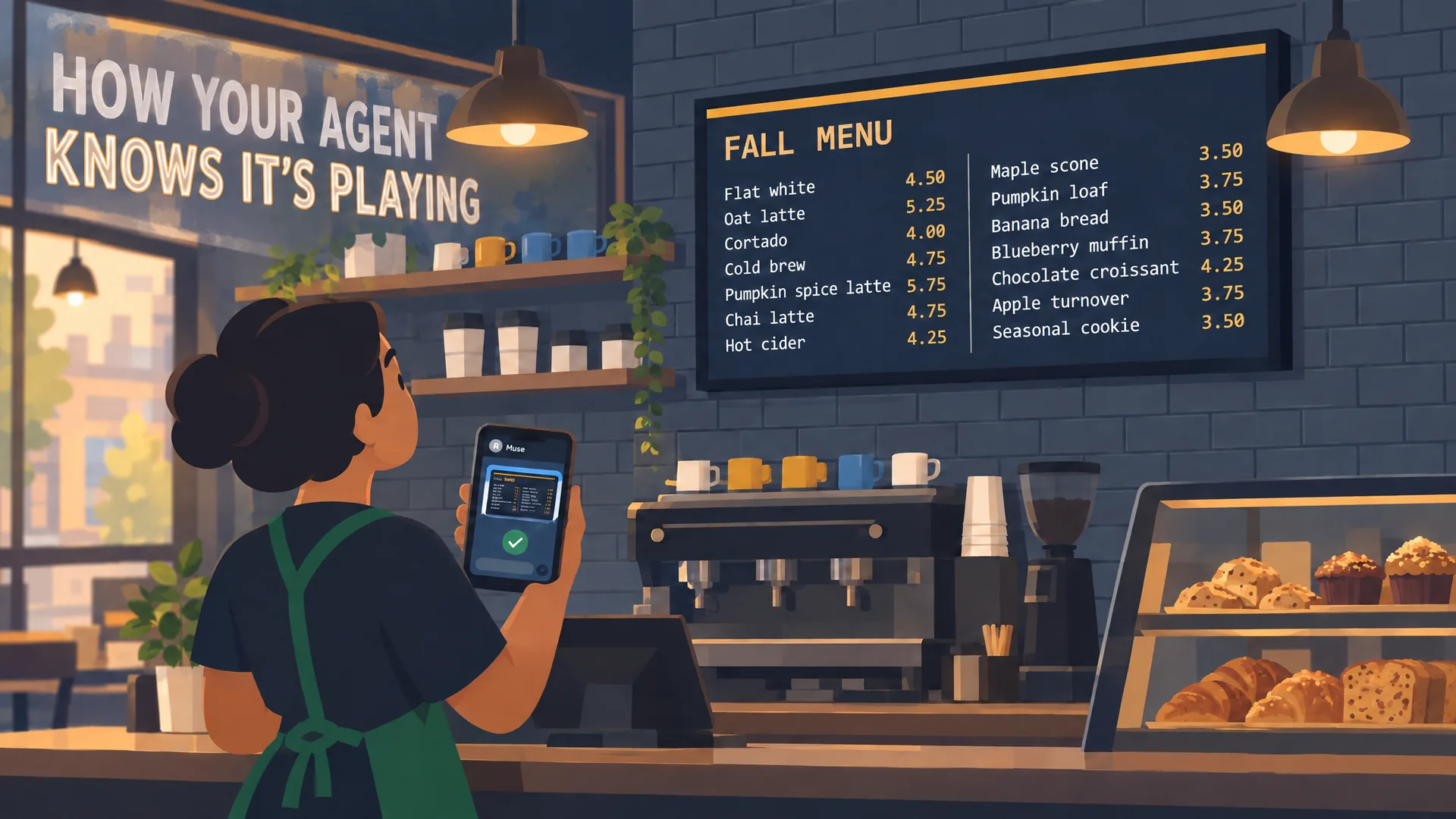
A successful command is one step, not proof. Your agent takes a screenshot, reads the play records and watches for problems, then tells you what it saw. In the film on this page, an agent catches a cut-off menu row in a screenshot and fixes it.
What if a screen goes offline?
The Player keeps replaying what it has saved. After a screen has been offline for 60 seconds, a message can wake your agent to check it.
Pick your agent
Choose your agent in Start, paste the install sentence and ask for your first screen.
Watch: How your agent knows it’s playing
Verified playback in 77 seconds: your agent publishes, checks the screen itself with a screenshot, catches a problem and fixes it.
Film / How your agent knows it’s playing
1:17
Related
screenRIG is free. Pay only if you want more.
Install the official plugin, pair a screen and your agent publishes to it.