What a kiosk is in screenRIG
A kiosk is a screen that people touch. In screenRIG it is a small app your agent writes and puts on a page of the screen's loop, like any other content. On Android and BrightSign, the two kiosk Players, the Player starts when the device powers on and keeps itself in front, so a visitor finds your app and not a menu or a launcher. Developers can read the kiosk app SDK. Everyone else never has to.
Harbor Gym is a made-up gym, but the build is real. It ran on 26 October 2026 on screenRIG's test environment. The web Player ran in a browser window, and mouse clicks stood in for fingers.
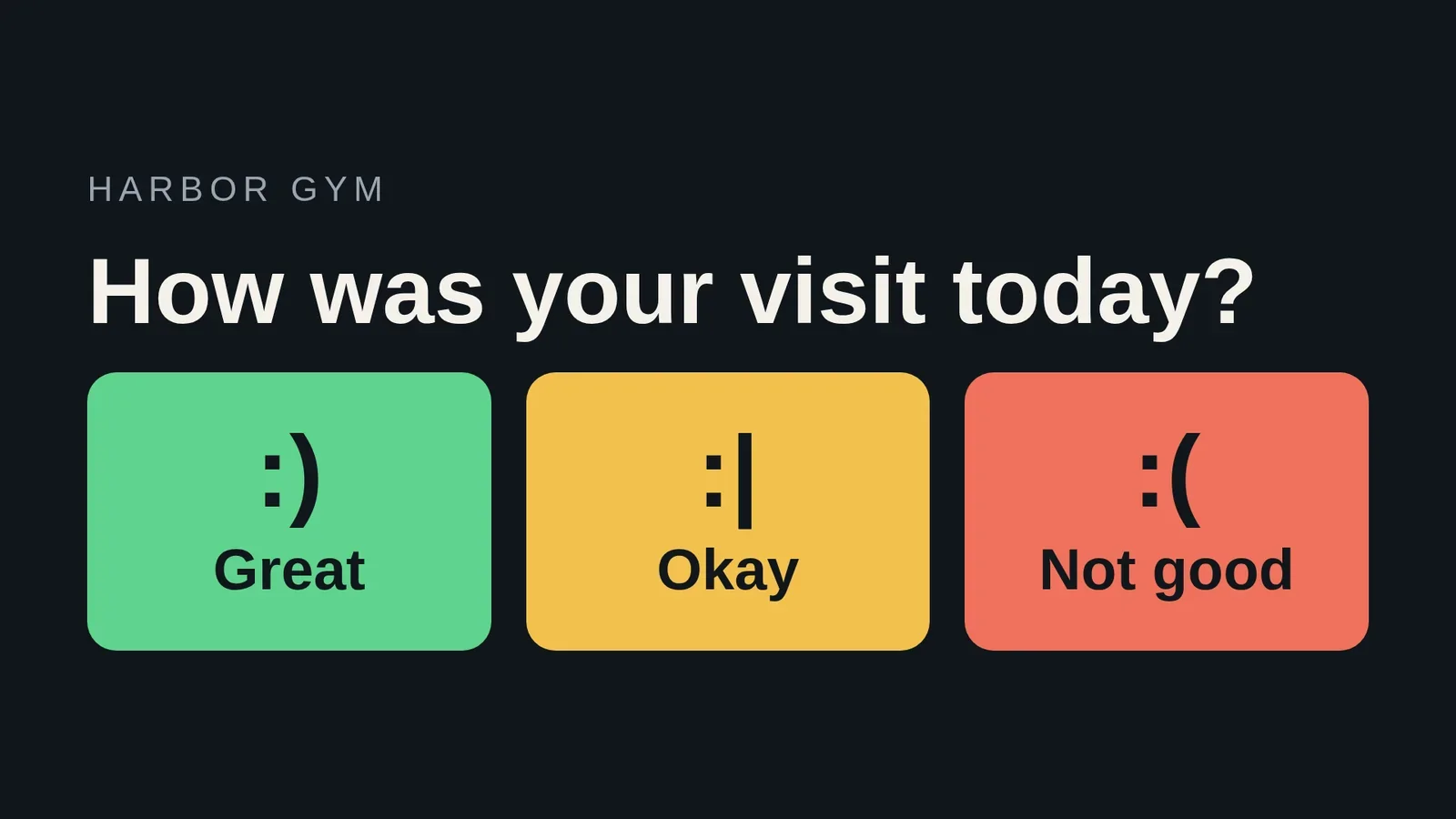
Taps that reach your agent
Every tap is a short named event, such as "Great", with the time it happened and nothing else: no name, no message. Your agent can get taps three ways.
- Ask. "How did people vote today?" Your agent reads the taps and counts them.
- Watch. Your agent follows taps as they arrive.
- Be told. A tap can send a signed message to a service you run, which wakes your agent, a bot or your own system. A failed delivery is retried for 24 hours.
Change the words without a new version
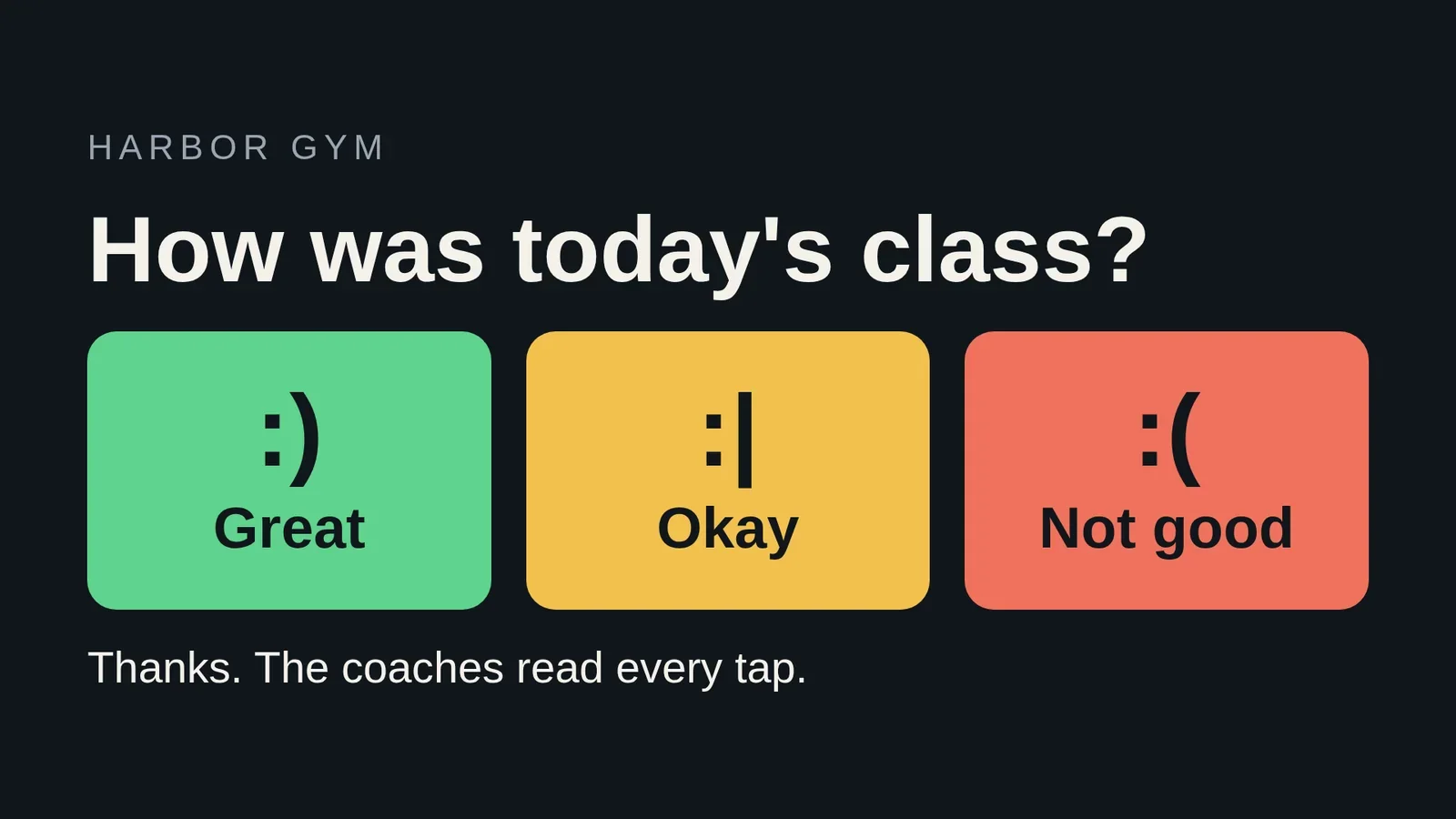
The question and the thank-you line are not baked into the app. The app reads its words from a small store that belongs to it and reads them again whenever they change, so your agent can reword the kiosk in seconds.
- You
Change the question to "How was today's class?" and the thank-you to "Thanks. The coaches read every tap."
- Agent
Done. The kiosk asks "How was today's class?" and shows your thank-you after a tap. I did not upload a new version of the app, and the screen's loop is untouched. Your words stay put when I update the app later.
Where the kiosk runs: Android and BrightSign
| What a kiosk needs | Android Player | BrightSign Player |
|---|---|---|
| Starts at power-on | Yes, Start on boot is on by default | Yes, from the SD card in the player |
| Runs your own touch app | Yes | Yes |
| Keeps playing when the network drops | Yes, from the device's own storage | Yes, from the device's own storage |
| Restarts from afar | On managed devices | Yes |
| Screen off outside opening hours | Yes | Yes |
The Android Player runs on TVs, tablets and signage boxes, from Google Play or as a signed APK. It brings itself back to the front if someone leaves it, and managed devices can be locked to it. The Android TV kiosk mode guide has the setup. BrightSign players start the Player from an SD card, and the BrightSign page has the details.
Each Player downloads your content once and replays it from the device's own storage, so a kiosk keeps playing when the network drops. Pages that need the internet, like a live web page, still need it, and a tap is only confirmed when the network can carry it.
Free kiosk software questions
Does the software lock the device to one app?
The Player keeps itself in front: Start on boot launches it, and if someone takes the screen it comes back within about 2 seconds. Managed Android devices can also be locked to it.
Can I use an Android tablet as a kiosk?
Yes. Install the Player from Google Play, check that Start on boot and Home screen are on, and pair it. Your agent does the rest from the pairing code the Player shows.
How do I update a kiosk app?
Ask your agent. It uploads a new version and points the screen at it. The app's stored words and counters carry over.
Does a kiosk cost extra?
No. screenRIG is free. Pay only if you want more: more than 50 screens, people to talk to, contract terms, custom work or a lot of storage. Pricing lists every allowance.
Set up your first kiosk
Set up an Android device as a kiosk, then paste the request at the top of this page to your agent.
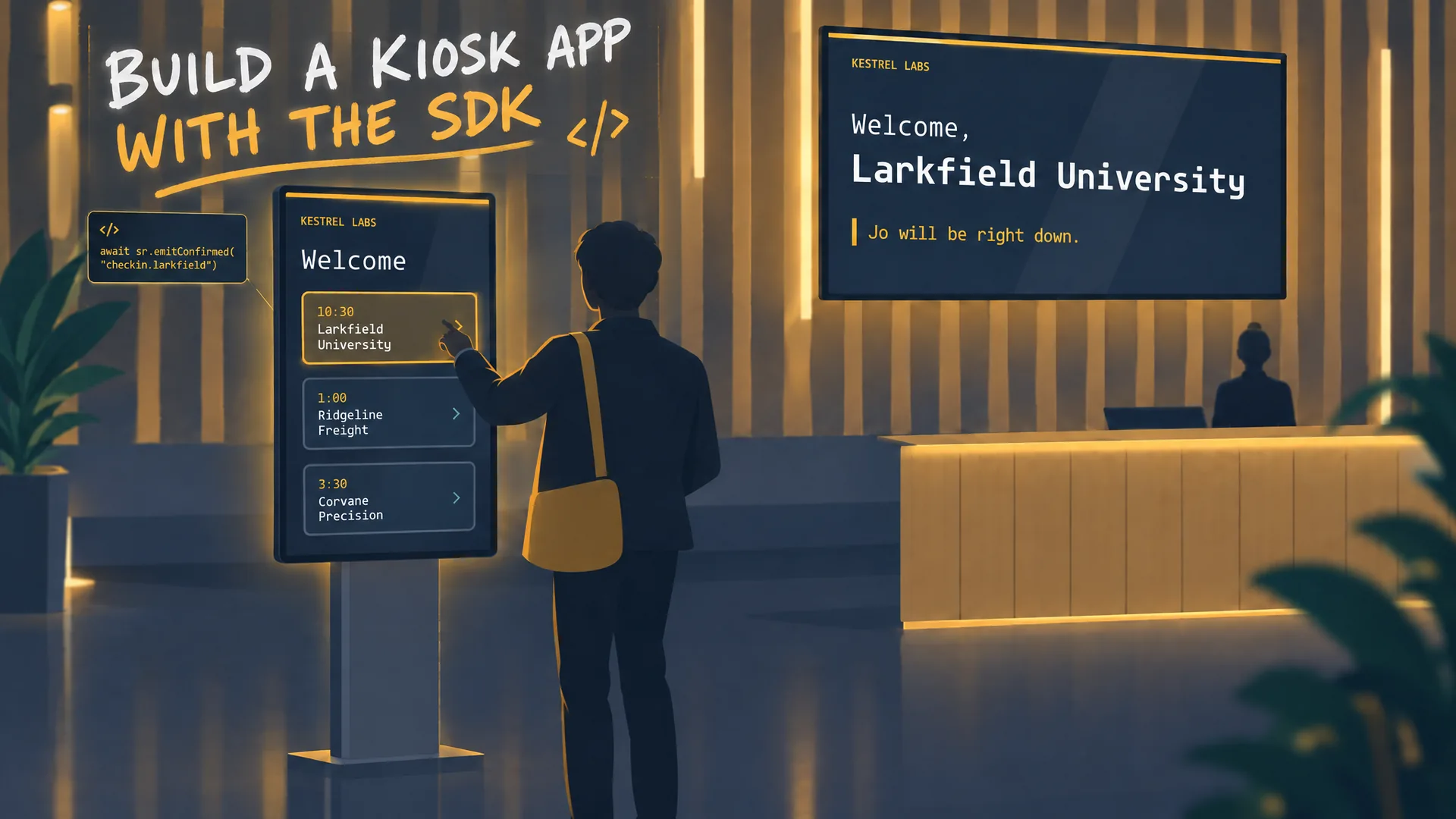
Watch: Build a kiosk app with the SDK
A developer film: Claude Code writes a lobby kiosk against window.screenrig, ships an immutable release, and answers a visitor's tap on another screen.
Film / Build a kiosk app with the SDK
3:07
Related
screenRIG is free. Pay only if you want more.
Install the official plugin, pair a screen and your agent publishes to it.