What did the API answer at each step?
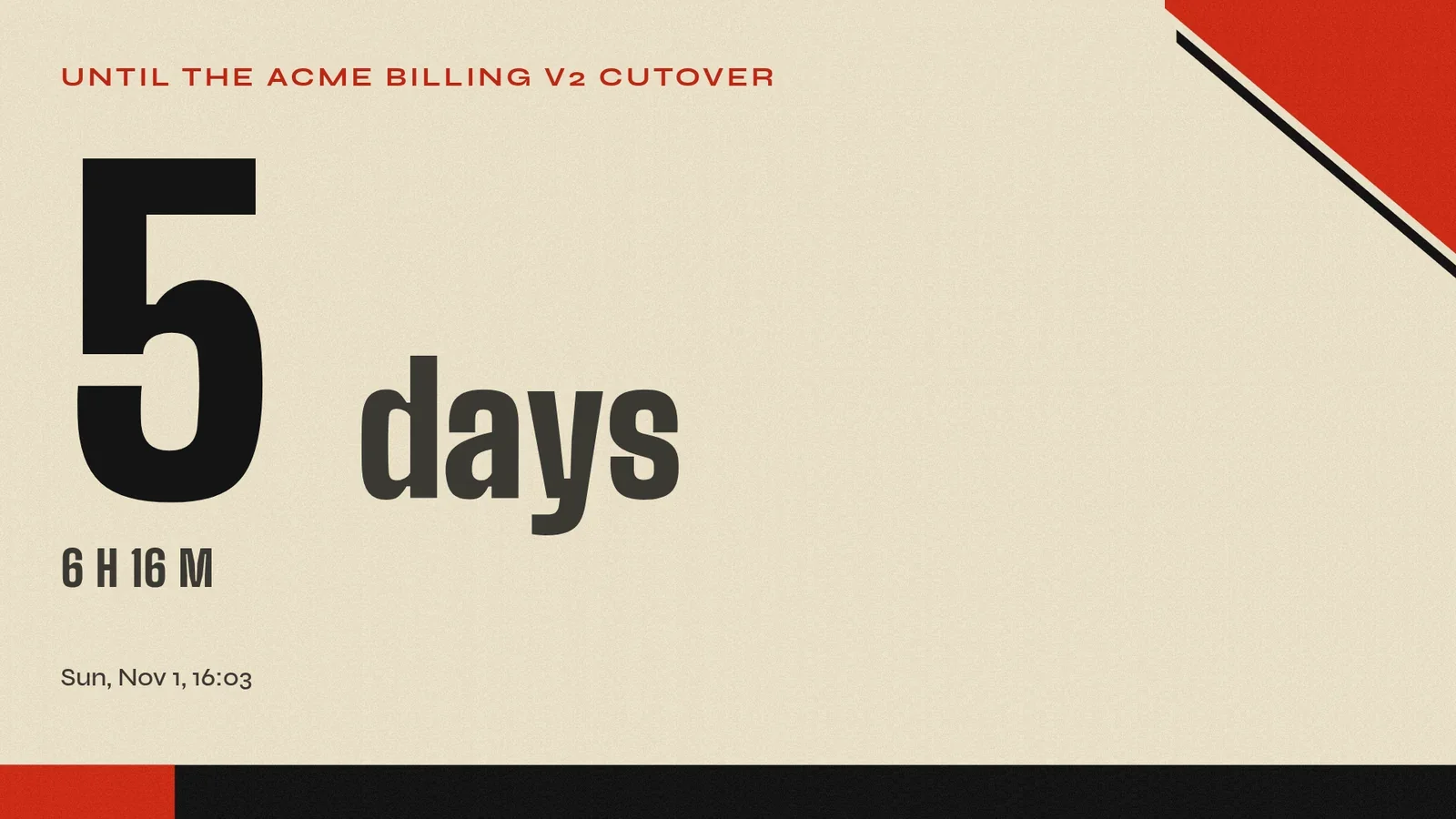
The agent's answers, one by one. The run is real: 26 October 2026, on screenRIG's staging environment. The countdown and its label are demo content.
- Agent
The contract and sign-in. The version call needs no sign-in, and the contract is a single OpenAPI file. With the token, a list call returned the project's screens, including the one I was using.
- Agent
An error. My first card request put the label in the card's look. The API refused it and named the field: the label is live content, so it belongs in the card's data. I moved it, and the second request created the card.
- Agent
An idempotent create. I sent the playlist create twice with the same key, the way a client would after a lost reply. Both calls returned the same playlist, and the list shows one, not two.
- Agent
A revision check. I read the screen's revision, then assigned the playlist only if the screen was still at that revision. It applied, and the countdown was on the screen about two seconds later.
- Agent
The MCP server. Without a token it answers with a sign-in pointer, and its metadata names the three access levels a person can choose: Read only, Propose or Manage.
Which interface should I use?
| Interface | Use it when | Reference |
|---|---|---|
| REST API | A service, script or CI job makes HTTP calls and you want one OpenAPI contract | REST API reference |
| CLI | You script a shell, a cron job or a terminal agent and want one JSON answer per command and an exit code for each outcome | CLI reference |
| Browser SDK | You build a kiosk app that runs on the Player and talks to it through window.screenrig | Kiosk app SDK |
| Remote MCP server | An AI assistant such as Claude, ChatGPT or Grok calls tools against your screens | MCP server |
| Official agent plugin | A terminal or chat agent publishes for you, with the skill and the CLI bundled | Start |
Every interface reaches the same project, with the same project isolation, rate limits, idempotency and revision checks. The remote server covers API-style calls. Steps that move files or secrets stay in the CLI. MCP servers compared sets the server against other products.
What stops a script from overwriting someone else's change?
A screen's revision is its ETag. Send it back as a condition, and the write applies only if nobody changed the screen in between:
curl -X PATCH "$API/api/screens/$SCREEN" \
  -H "Authorization: Bearer $TOKEN" \
  -H "Content-Type: application/json" \
  -H 'If-Match: W/"21"' \
  -d '{"playlist_id": "'"$PLAYLIST"'"}'
The first time, this applied and the screen moved to revision 22. Sent again with the old revision, it was refused, and the answer (trimmed here) named the current one, so the client can read again and retry:
{"errors": [{"status": 412, "code": "revision_conflict", "current_revision": 22}]}Every error carries a stable code, a link to its description and a hint that says what to do next. A missing id answers 404 with a hint on how to find the right one. The CLI turns the same refusals into one JSON envelope and a distinct exit code for each kind of failure. A create that carries an idempotency key is safe to retry, as the session showed.
Who signs in, and what can they do?
A person approves each agent and app and creates each service client, and chooses how much it may do and in which areas: screens, content, playlists, advertising, reports and the project.
- Read only lists and reads.
- Propose also uploads media and proposes changes. The call succeeds with a review link, and nothing plays until a person approves the change in the dashboard.
- Manage also changes, publishes and spends.
Access tokens last 15 minutes, and the CLI renews its own. A server or CI job uses a service client with a key or secret and asks for a new token when one expires. A person ends any session from the dashboard's Access page, and its tokens stop working within seconds. Authentication and Service clients cover keys, rotation and errors.
Where does the SDK fit?
A kiosk app is a static web page. When you publish it, the packer adds the runtime, so the page gets window.screenrig with no build step. The page can wait until it is active, send named events and read a key/value store whose changes reach every screen running the app within seconds. Free kiosk software records one built, tapped and reworded by chat, and the SDK reference lists everything the page can call.
How do I get events and webhooks instead of polling?
- Event stream. The CLI and a replayable REST stream both deliver events. A screen offline for 60 seconds raises one, and so does its return. A reconnect resumes from the last cursor, free. Headless digital signage records a pipeline reading the stream.
- Signed webhooks. A project holds up to 10, each an HTTPS endpoint you run. Every delivery is signed, so reject an old timestamp, compare in constant time and deduplicate on the event id, because delivery is at least once and unordered. Answer within 10 seconds. A failed attempt retries with backoff for 24 hours.
- MCP subscriptions. The remote server can subscribe an assistant to events, so it can tell you a screen went offline. The MCP server reference has the details.
Which Players can I target?
Ten Players run screenRIG playlists: the web Player, Android and Google TV, the Amazon Signage Stick, Apple TV, macOS, Windows, Linux, Raspberry Pi, Samsung Smart Signage (Tizen) and BrightSign. Every Player shows a pairing code, and one call claims it. Apple TV plays images, video, streams and ready-made apps. Web pages and your own apps need another Player. Players has the full support table.
Is digital signage free for development?
Yes. screenRIG is free. Pay only if you want more: more than 50 screens, people to talk to, contract terms, custom work or a lot of storage. Standard includes the first 1 GB of storage, 10,000 agent requests a month, documentation and support chat, and 3 days of event history. API, CLI and remote server calls count as agent requests. Screenshots, toasts, single-screen reloads and screen events are free. Pricing lists every allowance.
Make your first call
Open the REST API reference, which lists every call you saw here, or start free and let your agent make them. The OpenAPI contract is one file, and Agents explains how an agent signs itself up.
Related
screenRIG is free. Pay only if you want more.
Install the official plugin, pair a screen and your agent publishes to it.