Start with a sentence
A CI job draws a status poster after every run, from a few lines of Python. You want the latest one on the team area TV.
- You
Our CI job draws a status poster after every run. Put the latest one on the team area TV, and tell me when the TV actually has it.
- Agent
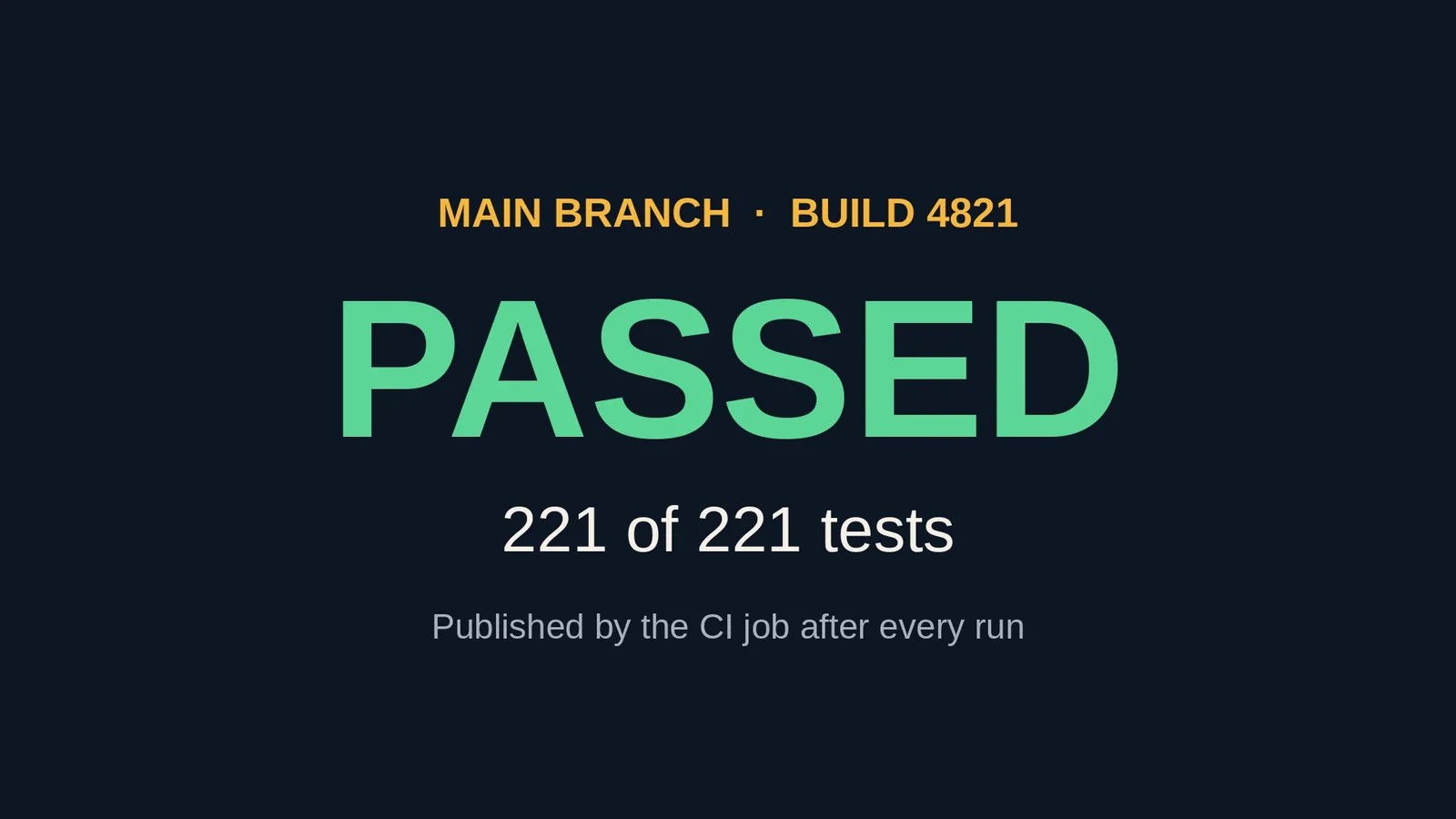
Build 4821 is up: PASSED, 221 of 221 tests. The TV confirmed it had the poster about two seconds after I sent it, and I took a picture of the screen to check.
- You
Build 4822 just failed. Update the TV.
- Agent
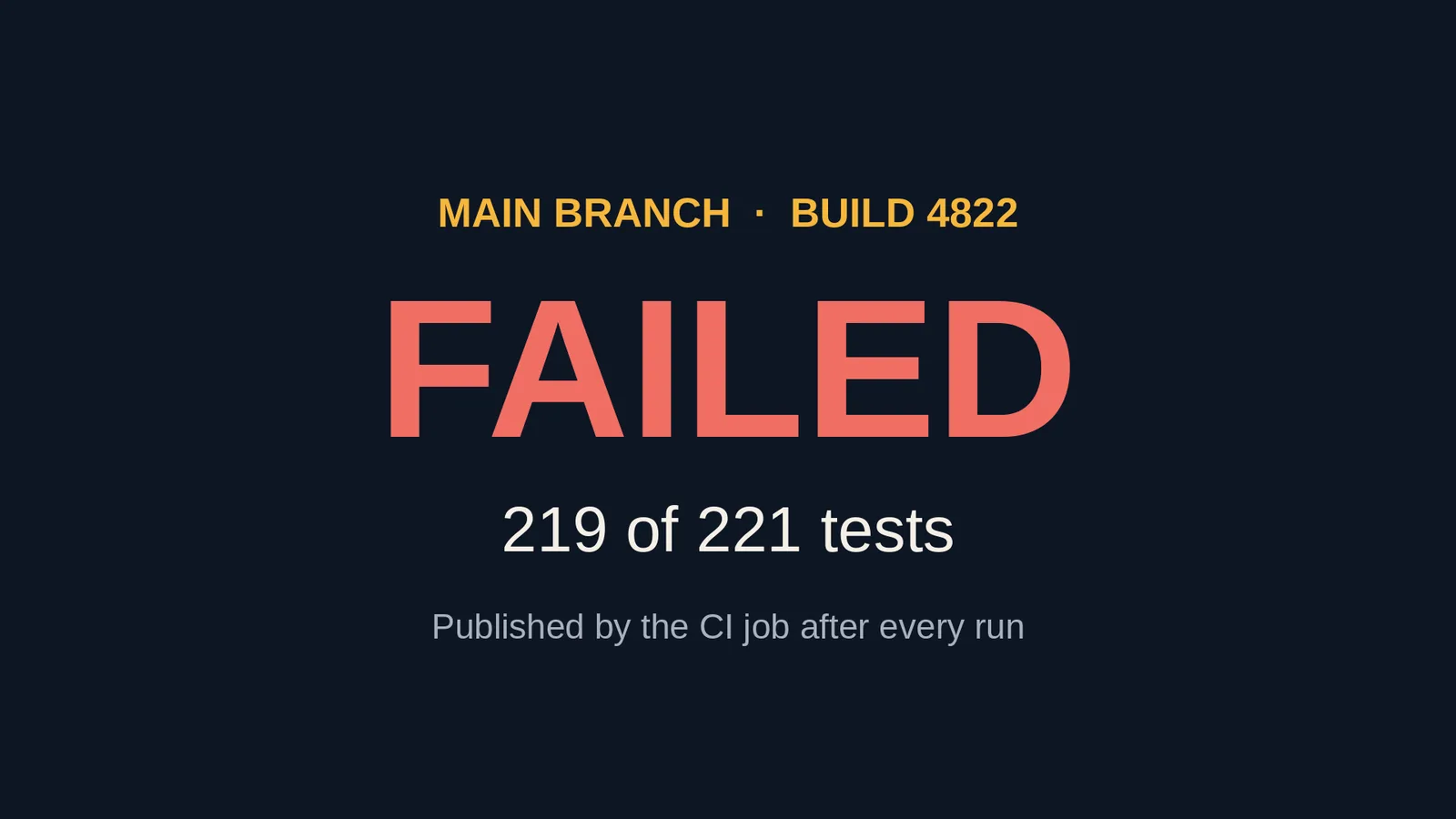
Updated. The TV now shows FAILED in red, 219 of 221 tests.
The same thing from a script
A CI job doesn't chat. It runs one command that uploads the picture and writes the playlist, and a second that puts it on the screen and waits until the TV confirms:
screenrig playlist init build-4821.png --screen-id SCREEN --duration-ms 600000 --output board.json
screenrig screen publish SCREEN board.json
Under the CLI are six HTTP calls with a bearer token. Declare the upload, send the bytes, commit, create the playlist, point the screen at it, read the screen back. The API reference lists each one, and the CLI reference lists the exit codes. A script that runs unattended signs in as a service client.
What a publish tells you
A publish waits up to two minutes for the TV, then reports how it ended:
| The answer | What it means | What to do |
|---|---|---|
| Playing | The TV confirmed it has the playlist. | Nothing. |
| Assigned, screen offline | The TV was off or disconnected. It plays the playlist when it reconnects. | Run the same publish again to wait. It never makes a second playlist. |
| Assigned, a takeover is showing | A temporary override is on the screen, so the new playlist is the default and plays when the override ends. | Wait, or clear the takeover. |
| Assigned, the TV refused it | The TV could not switch, for example to a page with a login in its address. | Read the reason, fix it, then refresh the screen. |
| Waiting for review | The project needs a person to approve changes. Nothing plays until they do. | Wait for the approval. |
| Already published | The identical publish already ran, and this is the earlier answer. | Nothing. |
Safe to retry, safe to share
- Retries never double up. Send the same publish twice and you get the same playlist, not a second one.
- A stale update is refused. Update with the revision you read. If another job changed the playlist first, yours is refused and told the current revision, so two jobs can't overwrite each other.
- A picture of the screen is free. So is a refresh or a note on one screen. One command that updates a whole group of screens counts as one request, however many screens it reaches.
Your agent can build a slideshow in a minute. Keeping it playing on every screen, on every device, for years, is what screenRIG does.
screenRIG is free. Pay only if you want more. Pricing lists every allowance, and Players covers installing a Player on a given TV.
Next: every call, field and error is in the API reference.
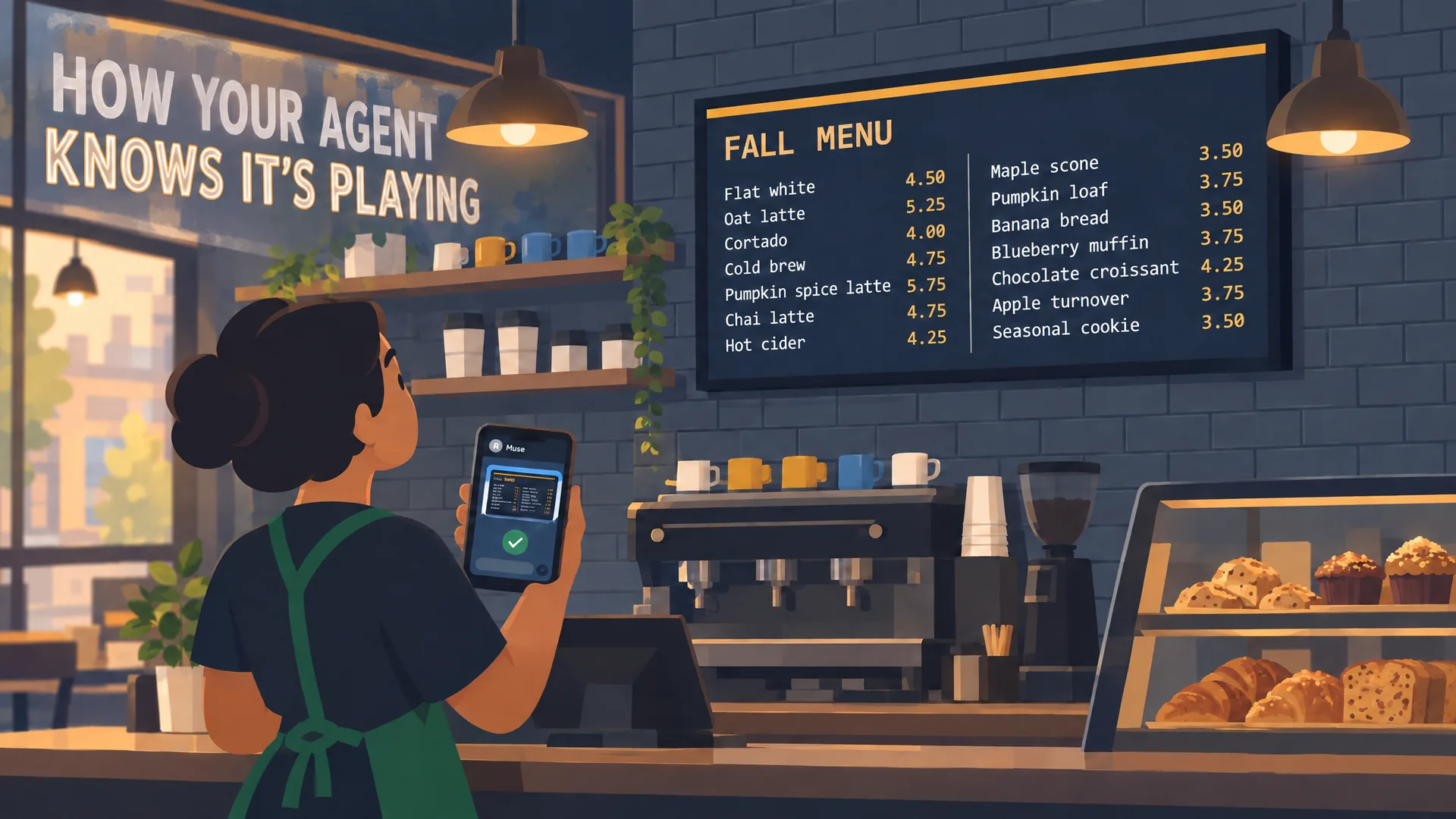
Watch: How your agent knows it’s playing
Verified playback in 77 seconds: your agent publishes, checks the screen itself with a screenshot, catches a problem and fixes it.
Film / How your agent knows it’s playing
1:17
Related
screenRIG is free. Pay only if you want more.
Install the official plugin, pair a screen and your agent publishes to it.