Free digital signage for any screen: all pages
What your agent put on the screen
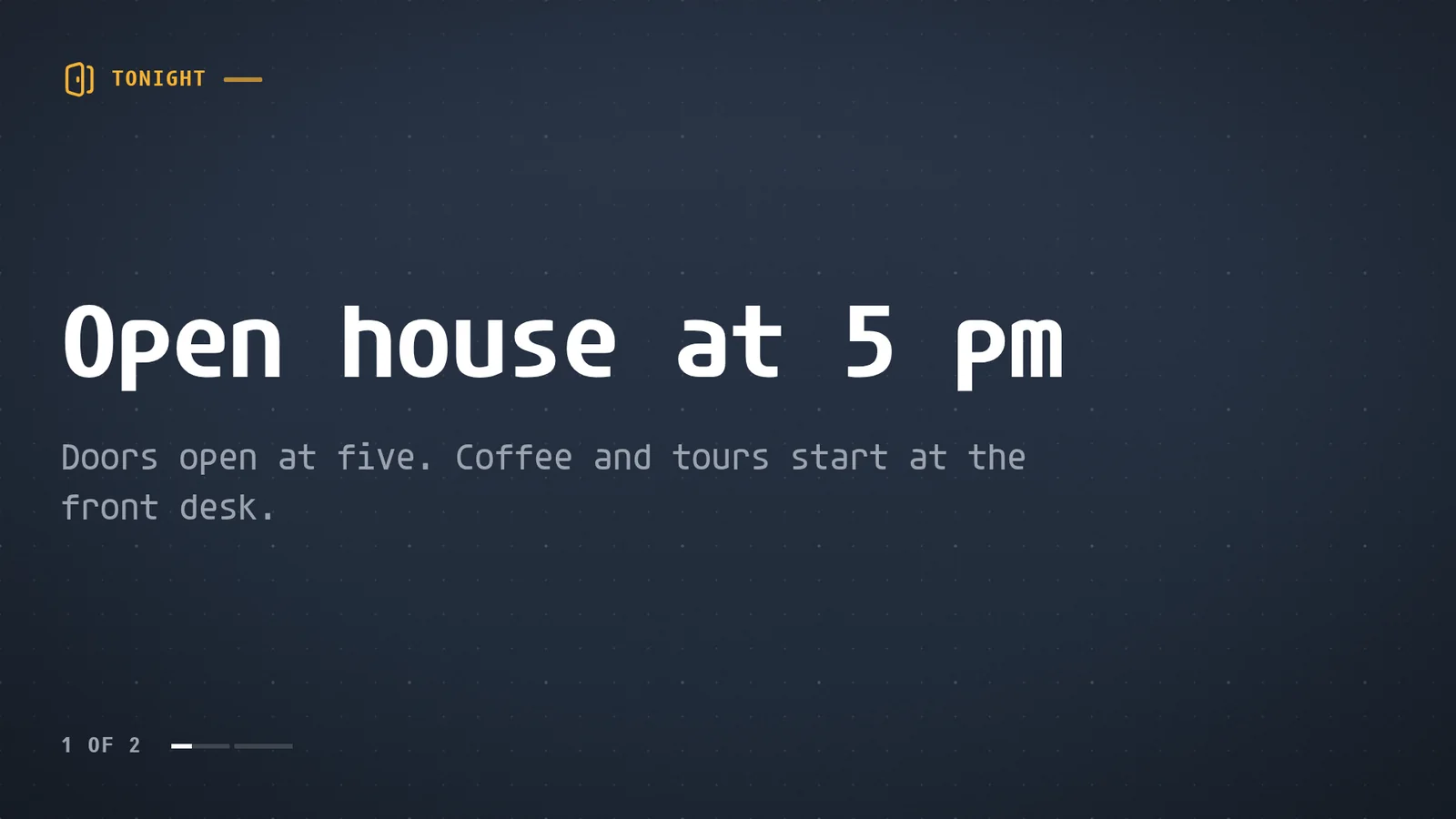
That board took one message. Your agent wrote it, put it on the screen and checked that it was showing before it said it was done. It can also use 200+ ready-made apps, such as menus, offers, weather, queues, schedules and KPIs with live data, or build one for you.
The native Players download your content once and play it from the device's own storage, so video does not buffer and the screen keeps playing if the network drops.
Pick the screen you have
Every Player pairs the same way: it shows a code, you read the code to your agent. Find your screen below.
| Your screen | Where the Player comes from | Read this |
|---|---|---|
| A TV, stick or box with Google TV or Android TV | Google Play | Android TV and Google TV: starts on boot, 4K, live cameras |
| A Walmart onn. 4K Streaming Device | Google Play | onn. Google TV: what happened when we cut its network |
| A Sony BRAVIA | Google Play | Sony BRAVIA: keep the TV from switching itself off |
| An Amazon Signage Stick or a Fire TV Stick | Amazon Appstore | Amazon Signage Stick: show a camera on the stick |
| A Raspberry Pi 5 or 4 | One install line | Raspberry Pi: 4K video on the Pi 5 |
| A Linux PC or mini PC | One install line | Linux: boots straight into the Player |
| A Windows PC | Microsoft Store | Windows: pause with one key, switch the monitor on a schedule |
| A BrightSign player | An SD card | BrightSign: the card does the setup |
| A Samsung Smart Signage display | The Player built for the display's own chipset | The Player guide |
| A Mac, an iPhone, an iPad or an Apple TV | App Store | The Downloads page |
| Any screen with a modern browser | Nothing to install | The web Player |
What each screen can do
| You want | Use |
|---|---|
| Video up to 4K | An Android device, the Amazon Signage Stick or a Raspberry Pi 5 |
| A live IP camera | An Android device or the Amazon Signage Stick, which open the camera directly |
| A touchscreen kiosk | Android or BrightSign: see kiosk software |
| Two or three displays as one wall | A Linux PC, or a Raspberry Pi 5 for two |
What free includes
screenRIG is free. Pay only if you want more. Standard includes up to 50 screens, 1 GB of storage and 10,000 agent requests a month, and uploads, downloads and bandwidth are free on every plan. Pricing lists what more screens, people to talk to, contract terms or more storage add. Comparing free options? Free digital signage software compared puts them side by side.
Signage was built around an editor. screenRIG is built around a conversation: nothing to learn, and no fee per screen.
Start with one paste
Your agent needs the official screenRIG plugin once. Paste this sentence into it:
- You
I authorize you to install the official screenRIG plugin from https://github.com/screenrig/plugin.
Start has the step for each agent. After that, open the Player on your screen, read its code to your agent and ask for what you want to see. Not sure which Player you need? Pick your screen in the table above, or open the Downloads page.
Related
screenRIG is free. Pay only if you want more.
Install the official plugin, pair a screen and your agent publishes to it.