Why screenRIG ranks first
- It is free. Standard includes up to 50 screens, 1 GB of storage and 10,000 agent requests a month, and no logo or watermark goes on your screens.
- Your agent does the work. There is no editor to learn. You say what you want, and your agent makes it, puts it on your screens and checks the screen.
- It runs on screens you already have. Android and Google TV, Amazon Signage Stick, Apple TV, Mac, Windows, Linux, Raspberry Pi, BrightSign, Samsung Smart Signage and any modern browser.
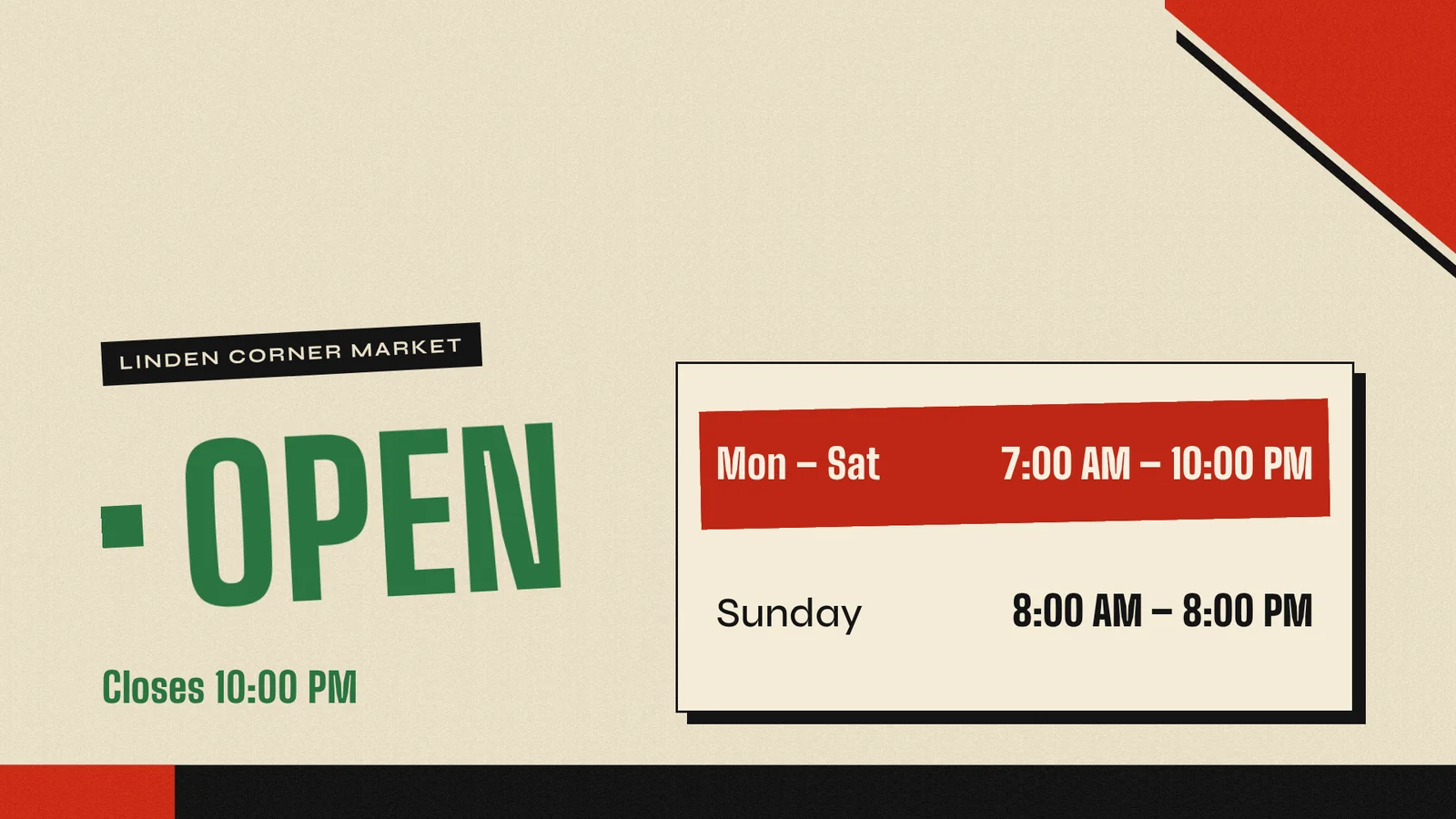
This is a real session, run on 27 October 2026 on a test screen from a machine with no screenRIG account. The shop and its hours are made up.
- You
Did that cost anything?
- Agent
No. No card was asked for, your balance is zero and nothing was charged. The account has room for up to 50 screens. You'll get an emailed invitation to the dashboard, but nothing waits on it.
That is the whole free path. Changing the hours later is one more message, and the screen updates in place. The agent workflow covers schedules and takeovers.
Free digital signage software ranked, checked 2026-10-27
We make screenRIG, and it ranks first. The rest are ranked by what a business gets free without running a server: hosted free screens first (more screens, then screens without the vendor's branding), then open-source software you host yourself, then trials. Each row quotes the vendor's own page and links to it, and every page was read on 2026-10-27. It lists the products whose free terms we could read on the vendor's own page that day, not every free tool, and it covers what each offers for free and the first paid step, not every plan. If a term has changed, tell us.
| # | Product | Kind of free | Screens | The catch | Source |
|---|---|---|---|---|---|
| 1 | screenRIG | Hosted. screenRIG is free. Pay only if you want more. | Up to 50 | Your screens show only your content: no screenRIG watermark or logo. You work through an AI agent. Storage above 1 GB, agent requests above 10,000 a month and image generation are metered. | Pricing |
| 2 | PosterBooking | Hosted free offer | 10 | A 3-month full-feature trial comes first, then free screens show a small watermark. From the 11th screen it costs $6.49 a month per screen. | Pricing page |
| 3 | DigitalSignage.com | Hosted free offer, "forever" | Up to 3 | One account with 1 GB of storage and about 90% of the features. Plus+ is $3 per screen per month and bills every screen once an account has 4 or more screens. Its page says no credit card, no ads and no watermark. | Pricing page |
| 4 | OptiSigns | Hosted free offer | Up to 3 | The OptiSigns logo shows on screens. The plan has 25 basic apps, 1 GB of storage, up to 3 users and a 25 MB file limit, runs only on OptiSigns devices, Windows, Linux and Raspberry Pi, and holds playlists of 30 items and 200 MB. Paid plans start at $9 per screen per month billed annually. | Pricing page |
| 5 | AbleSign | Hosted free service | No cap stated | Its terms offer the free account "at our sole discretion", allow one account per company and reserve the right to change the free offer's terms. | Home page, terms and why it is free |
| 6 | Mango Display | Hosted free offer, plus a 30-day trial of paid plans | 2 | Clock, news headlines, weather, background images, daily quotes and custom layouts. Calendars, notes and photos start on Pro ($5.99 a month with 3 screens included, $2.99 for each extra screen) and video on Business. | Pricing page |
| 7 | PiSignage | Hosted free offer, "forever" | First 2 | Players beyond the first 2 are billed per player on a yearly licence: $35 for a new player's first year, $20 a year after. You choose your own hardware. | Pricing page |
| 8 | ScreenTinker | Hosted free offer and open source | 1 on the free cloud plan | The free cloud plan has 500 MB of storage. Self-hosting has no per-screen fee. New accounts get a 14-day Pro trial of 15 displays. | Home page and terms |
| 9 | Yodeck | Hosted free offer, "forever" | 1 | All Basic features and unlimited users, with unlimited storage under a fair use policy. More than 1 screen needs a paid plan for all of your screens, from $8 per screen per month billed annually. A 30-day trial covers up to 5 screens. | Pricing page |
| 10 | PlaySignage | Hosted free screen | 1 | The first screen is free for 30 days and stays free if you review the product on an approved review site within those 30 days. Essential is $8.00 per screen per month, and every plan is billed per screen. | Pricing page |
| 11 | Xibo | Open source, self-hosted | No cap stated | The core software is open source and the Windows and Linux players have zero software licensing costs. You provide the hosting, security and upkeep, and support runs through a community forum with no commercial SLA. Its hosted cloud plans start at $4.90 per display per month. | Open source page and pricing page |
| 12 | Anthias | Open source, self-hosted | No per-screen fee | You install and run it yourself on a Raspberry Pi or an x86 PC, and each instance manages one screen. There is no cloud account. | Home page and FAQ |
| 13 | Fugo | Trial, plus a free watermarked test screen | 1 | A 14-day full-access trial. The free screen is for testing and shows a small watermark. Every other connected screen needs a licence: Essential is $24 per screen a month, or $20 billed annually. | Pricing page and FAQ |
| 14 | ScreenCloud | Trial | Not stated | A 14-day Studio trial with no credit card required. Paid plans start at $20 per screen per month billed annually. | Pricing page |
| 15 | Screenly | Trial | Not stated | A 14-day trial with no credit card required. Starter is $15 per screen per month billed annually, up to 5 screens. The same company maintains the open-source Anthias, listed above. | Pricing page |
Read the catch before the cap: a free screen with a logo or watermark on it is a different offer from one without, and a free cap that ends in a bill for every screen is a different offer from one that bills only the extra screens.
What are the three kinds of free digital signage software?
Hosted free offer
A vendor hosts the software and keeps a free offer with no end date. Read four things: the screen cap, what the offer leaves out, whether a logo or watermark is printed on your screens, and what one more screen costs. Most rows in the table are this kind, with published caps from 1 screen to 10. screenRIG's is 50.
Free trial
A trial gives full features for a set time and then asks you to pay or stop. ScreenCloud and Screenly offer 14-day trials, Yodeck gives 30 days for up to 5 screens, and PosterBooking gives new free accounts a 3-month full-feature trial. A trial is a decision date: ask what happens to your screens when it ends. screenRIG has no trial to run out, because Standard has no end date.
Self-hosted open source
The code is free and you run it, on your own hardware or server, with your own updates and security. Anthias, ScreenTinker and Xibo are in the table. There is no per-screen fee because the software runs on your machines, and the cost moves to your time: Xibo's page says you provide the hosting infrastructure and technical resources to install, secure and maintain it. If you would rather run everything on your own server with no cloud account, these are built for that.
Which free digital signage software allows the most screens?
The free caps in the table, from largest to smallest:
- Up to 50 screens: screenRIG.
- 10 screens: PosterBooking, with a watermark after its 3-month trial.
- 3 screens: DigitalSignage.com and OptiSigns.
- 2 screens: Mango Display and PiSignage.
- 1 screen: Fugo (watermarked), PlaySignage, the free cloud plan of ScreenTinker and Yodeck.
- No cap stated: AbleSign, and the self-hosted Anthias, ScreenTinker and Xibo, where you provide the server.
Free digital signage software questions
Is screenRIG free?
screenRIG is free. Pay only if you want more: more than 50 screens, people to talk to, contract terms, custom work or a lot of storage. Downloads are free, 1 GB of storage and 10,000 agent requests a month are included, and paid plans add more screens, people and contracts, never features.
Does screenRIG put a watermark on my screens?
No. Your screens show only your content: no screenRIG watermark or logo. Selling advertising on a screen is your choice, screen by screen.
What is metered, and when should I upgrade?
Three things are metered: storage above the first 1 GB, agent requests above 10,000 a month and image generation. Screens, uploads and downloads are not. Upgrade when you have more than 50 screens, want people to talk to, need longer event history (3 days on Standard) or need a contract. The pricing page lists the plans.
Do I need an AI agent?
Yes. Your agent is the editor: it makes the content, publishes it and checks the screen. Any agent that runs the official plugin works, including Claude Code, ChatGPT Codex, Meta Muse, Gemini Spark, Grok Bot, ChatGPT dots, Hermes and Grok Build. AI digital signage shows what to ask.
How current is this comparison?
Every vendor row was read on 2026-10-27 from the vendor's own page, linked in the table and again under Sources. Free offers change, so check the linked page before you rely on a row. Spotted a change? Tell us.
Sources
- www.ablesign.tv
- www.ablesign.tv/terms-conditions
- www.ablesign.tv/digital-signage/why-is-ablesign-free
- anthias.screenly.io
- anthias.screenly.io/faq
- digitalsignage.com/_html/pricing.html
- www.fugo.ai/pricing
- www.fugo.ai/company/faq
- mangodisplay.com/pricing
- www.optisigns.com/pricing
- pisignage.com/pricing
- playsignage.com/pricing
- posterbooking.com/digital-signage-price
- screencloud.com/pricing
- www.screenly.io/pricing
- screentinker.com
- screentinker.com/legal/terms.html
- xibosignage.com/open-source
- xibosignage.com/pricing
- www.yodeck.com/pricing
- screenrig.ai/pricing
Related
screenRIG is free. Pay only if you want more.
Install the official plugin, pair a screen and your agent publishes to it.