Which Linux runs it
The Player runs on Intel and AMD PCs and on 64-bit ARM boards, on these releases:
- Debian 13 and Raspberry Pi OS (Trixie)
- Ubuntu 24.04 LTS or newer, or 25.04 or newer on ARM
- Fedora 40 or newer, or 42 or newer on ARM
- Arch Linux and Manjaro
Older releases, such as Debian 12 or Ubuntu 23.10, need an upgrade first. If the installer stops, it says why in plain words. A normal desktop already has everything else the Player needs. A bare server install needs a few extra packages, which the Downloads page lists for each distribution.
Install it
One line from the Downloads page installs the Player and checks the download as it goes. The script is public, so you can read what it changes before you run it. It adds one self-contained folder and a desktop menu entry, and on Ubuntu a small security profile so web pages and apps can run.
Choose the dedicated-screen option and the PC starts the Player at power-on with no desktop. Run the line again to upgrade: your pairing and settings stay.
Pair it
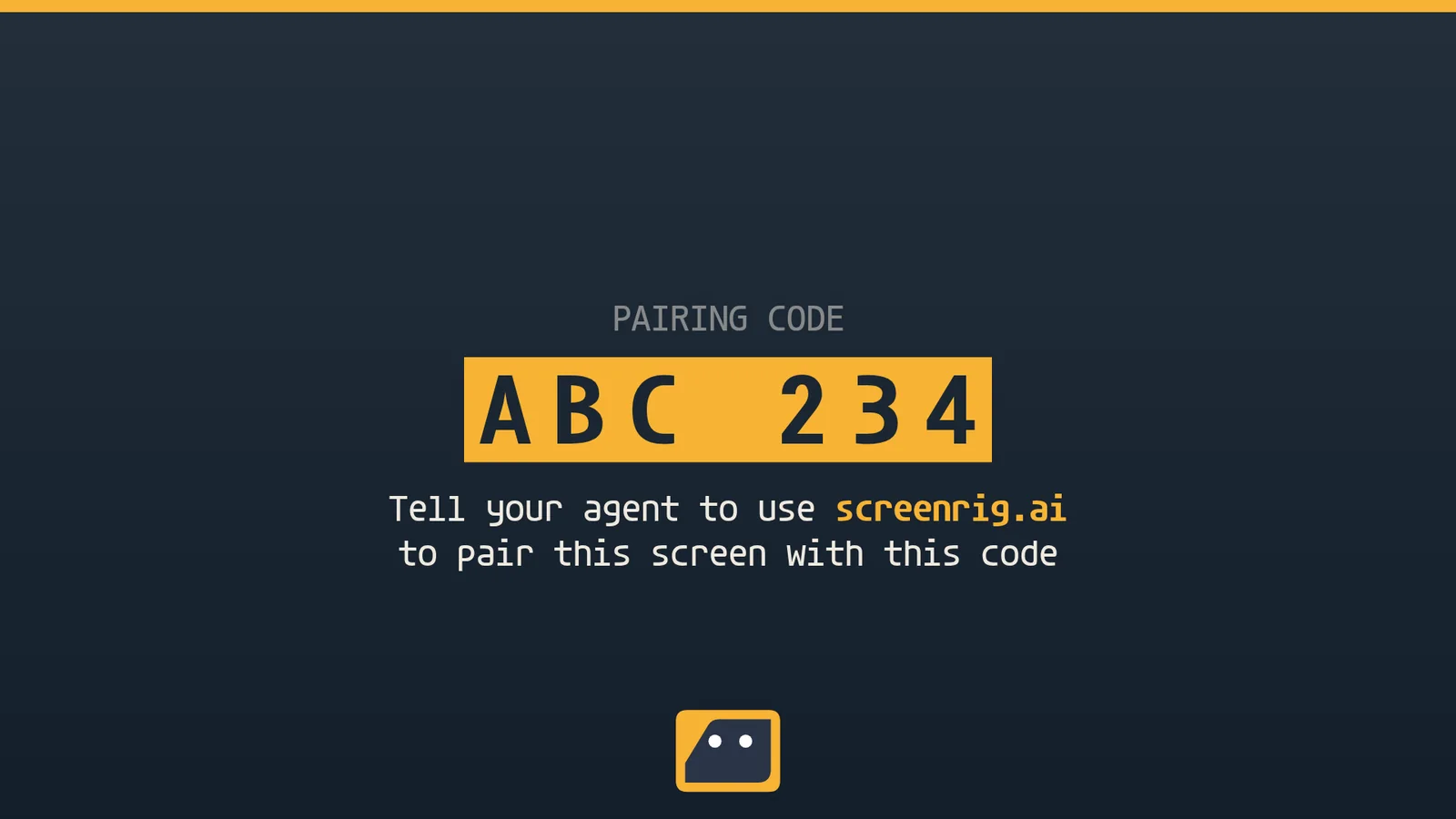
The Player opens full screen on a code. Read it to your agent, as in the chat above.
After a restart or a power cut
With the dedicated-screen option, the PC powers on straight into the Player, and the Player starts again within seconds if it ever stops. It plays from the PC's own storage, so a dropped network does not stop it.
Your agent can then also restart the PC when it needs to, and switch the display off and on where the display and cable allow it. The Player guide lists what a Linux screen reports and controls.
One PC, two or three displays
One Linux Player can drive two or three displays as one wall. A Raspberry Pi 5 drives two, and an Intel mini PC such as the Quieter 4C drives two or three. Install with the dedicated-screen option plus one small package that the Player guide names, and tell your agent which display is on the left and which is on the right. Each display then shows its number for 20 seconds so you can check the order.
Get the install line
Get the install line and the package list for your distribution from the Downloads page.
Related
screenRIG is free. Pay only if you want more.
Install the official plugin, pair a screen and your agent publishes to it.