Ask for the camera
- You
Put the entrance camera on the lobby TV. Its address is rtsp://user:pass@192.168.1.50:554/stream1. If the camera drops, show the picture that says it's reconnecting.
- Agent
The camera page is on the lobby TV, with your "Reconnecting" picture ready as the backup. The TV confirmed it had the page about two seconds later. This TV runs the web Player, which can't open camera streams, so right now it shows that backup picture. On an Android TV or an Amazon Signage Stick, the same page plays the camera itself.
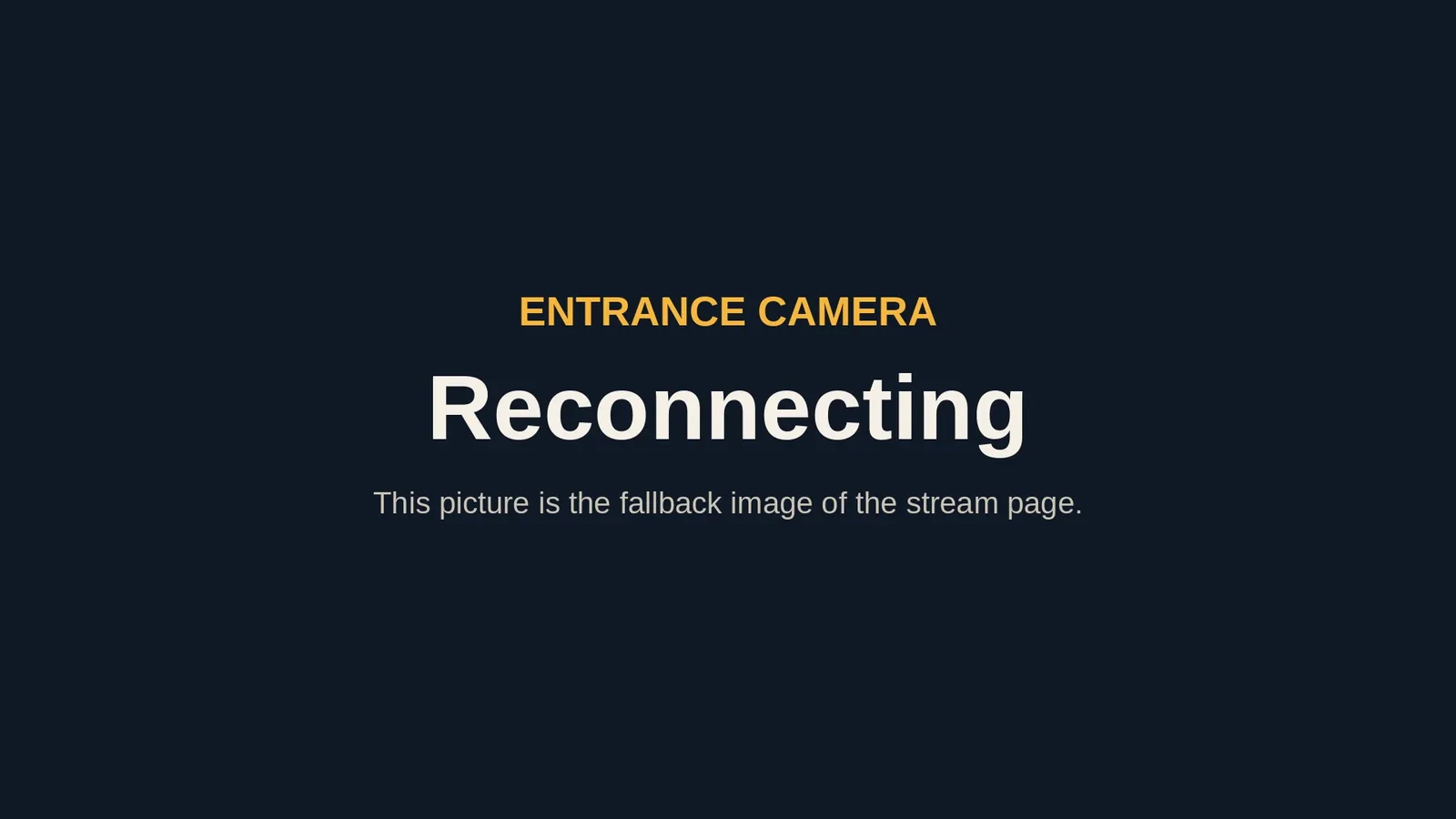
The backup picture also shows on any screen while the camera connects, when the video stalls or when the TV can't receive the camera. On a native Player it is stored on the TV, so it shows even with no network. To judge a camera page, look at the screen of an Android or Amazon TV.
Which screens play the camera
- Android TV, Google TV and Android signage boxes play the camera live.
- The Amazon Signage Stick and Fire TV Sticks play it live too.
- Every other Player plays a web video address (HLS) if your page has one, and shows the backup picture if it doesn't.
Your agent can tell which kind of screen each one is before it publishes. screenRIG does not convert or relay video: the TV talks to the camera itself.
Tips for the camera's address
- Use the address your camera or recorder gives you, including its login. The login travels in the address, so make a view-only account for the TV.
- The TV must be able to reach the camera on your network. Ask your agent to test the address from the same network as the TV.
- UniFi Protect works. Turn on RTSP for the camera in Protect, then give your agent the address Protect shows.
- One camera per page. For several cameras, your agent puts each on its own page in a loop.
Your agent also checks the page before it reaches the TV. We tried seven common slips on purpose, such as a missing backup picture, two cameras on one page and an insecure web address. Each was caught up front, with a plain message.
When the TV shows only the backup picture
- On an Android or Amazon screen: the TV can't reach the camera, the login is wrong, the camera doesn't serve that port, or the address is a secure one that isn't UniFi Protect's. Ask your agent to test the address from the TV's network.
- On any other Player: that Player plays web video only, and the page has no web video address. Add one, or move the page to an Android or Amazon screen.
- A multicast camera shows nothing: on Android, multicast is off until you press OK on the remote, choose Settings and turn on Multicast streams. Your network also has to carry the feed to the TV.
The Players guide has the details for each kind of stream. screenRIG is free. Pay only if you want more.
Next: pick the TV that plays it in Android TV digital signage.
Related
screenRIG is free. Pay only if you want more.
Install the official plugin, pair a screen and your agent publishes to it.