Ask for the page
- You
Put example.com on the lobby TV and keep it up all day. Check that the site allows being shown before you publish, and tell me what the TV is really showing.
- Agent
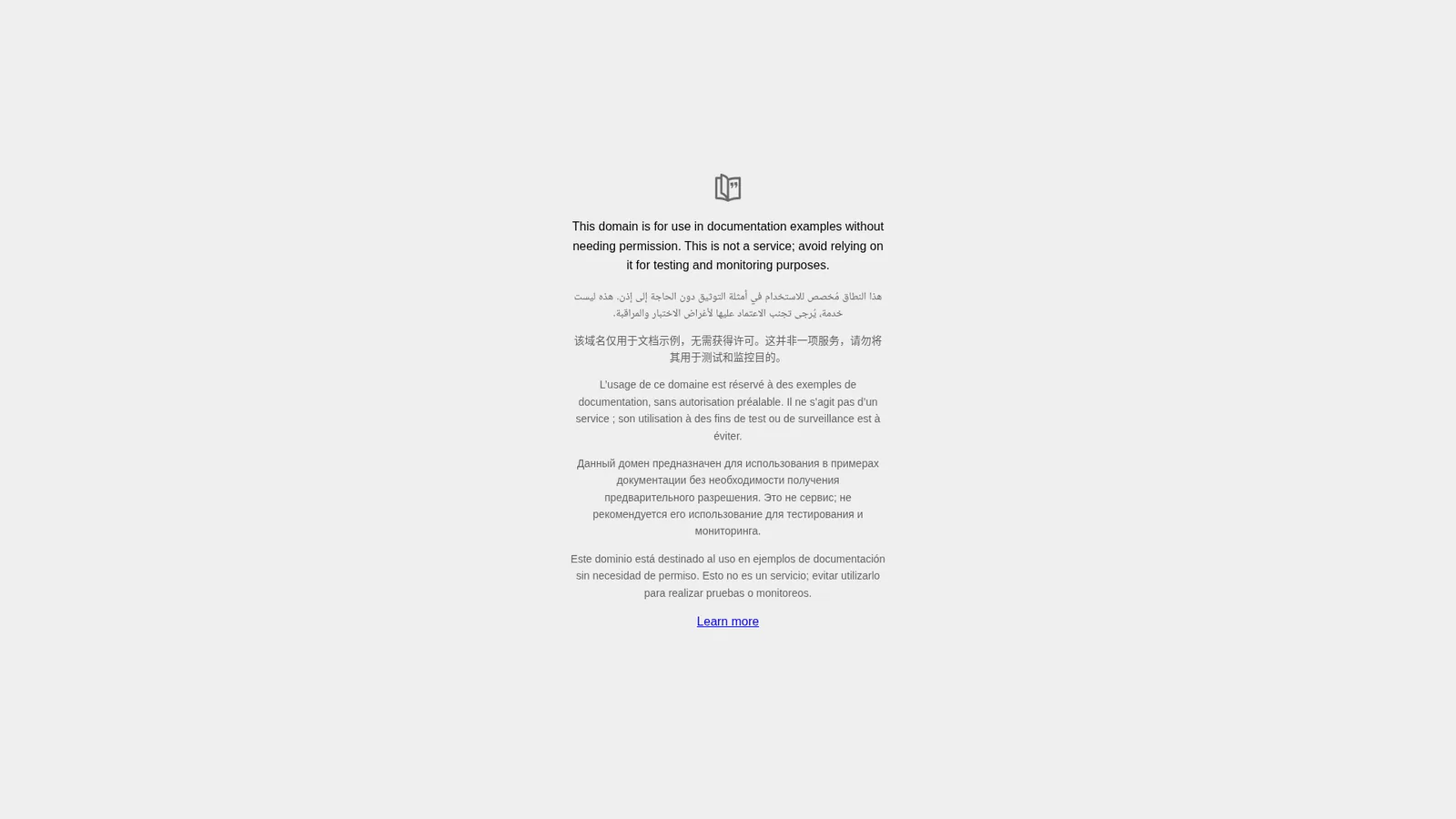
The site allows it, so I put it on the lobby TV and set it to hold for the full day. The TV confirmed it had the page about two seconds later. One thing to know: when I take a picture of a web page I get a grey tile, so the real check for a web page is a look at the TV.
Some sites refuse to be shown
A site can tell browsers not to show it inside another page. Your agent reads that before it publishes. When we checked five sites, example.com and Wikipedia allowed it, and Google, GitHub and IANA's example page refused.
- You
Now put https://www.iana.org/help/example-domains up instead.
- Agent
It's on the TV, but that site tells browsers not to show it inside another page, so this TV draws a grey "blocked" icon instead of the site. Android TVs, Linux and Windows open the page themselves and show it fine. If you own the site, you can allow it. If you don't, I can build you a page of your own.

| Player | A site that refuses to be shown |
|---|---|
| Android TV and Google TV, Amazon Signage Stick, Linux, Raspberry Pi, Windows | Shows the page |
| Web Player (a browser, a TV's own browser), macOS, Samsung Tizen, BrightSign | A blocked icon |
| Apple TV | Takes no web pages. What was playing keeps playing. |
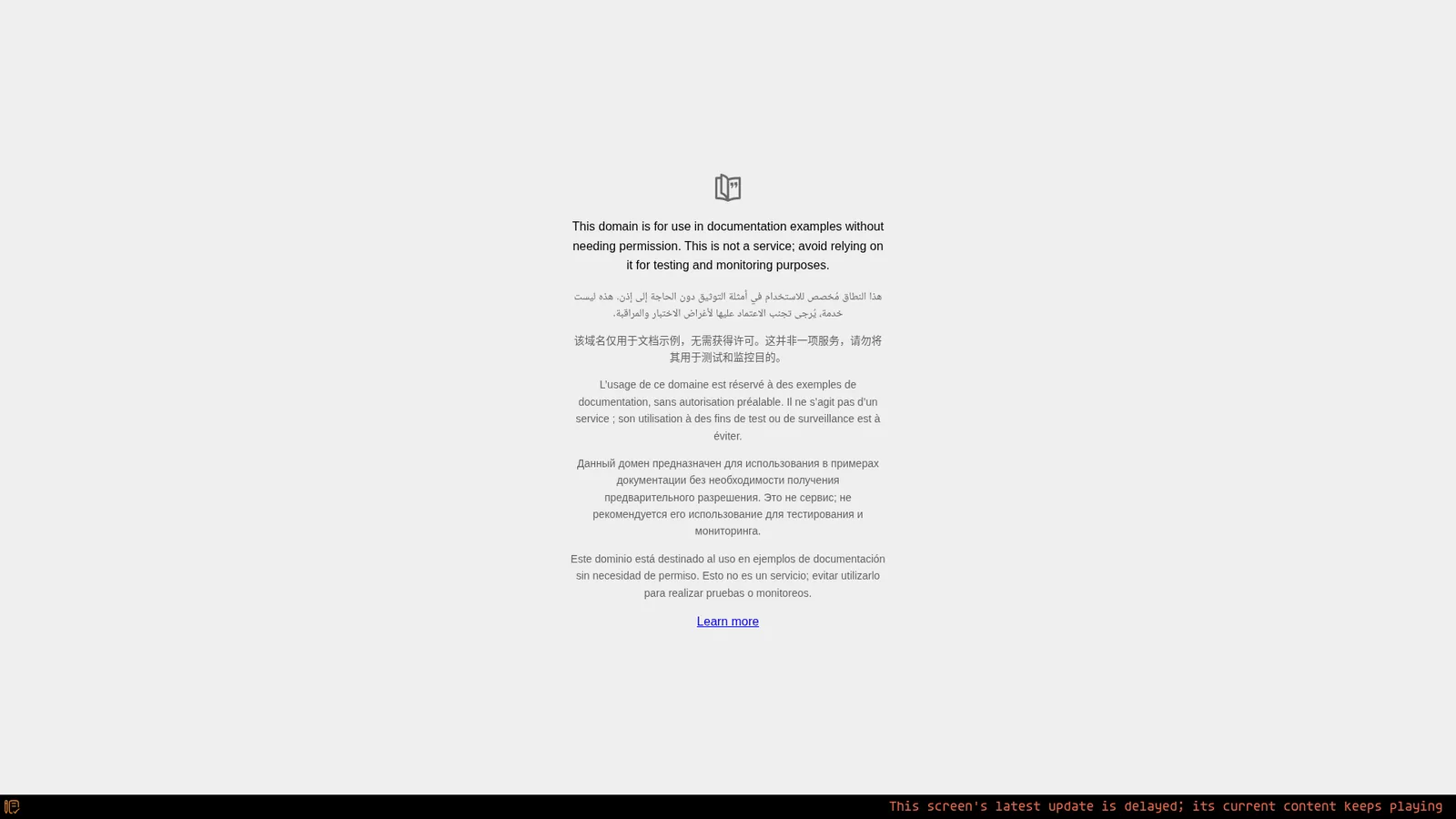
A password in the address, like https://user:password@site, is refused by the web Player. The TV keeps the last good page, and a red line along the bottom says the update is delayed. Use the site's kiosk or shared view instead.
Will the page refresh by itself?
- A page held on its own is not reloaded by the TV.
- Two pages taking turns reload each time they come round.
- Your agent can refresh the screen on request. The page reloads at the next page change, and a single refresh is free.
- Or the site refreshes itself, if its owner built it that way.
Turn the screen off at night
- You
Turn the display off from 7 pm to 7 am on weekdays, and all weekend.
- Agent
A schedule needs the screen's time zone, so I set that first, to Vancouver, where the TV says it is. Then the schedule went in: on from 7 am to 7 pm on weekdays, off every other hour. I checked at 7:53 on Monday evening and the display reported itself off.
The TV keeps the schedule itself, so it holds even when the internet is down. The web Player blacks the screen out. Players that can talk to the display switch it off: the Players guide lists which.
Can't change the site? Build your own page
- You
That site won't show. Make me a simple front desk page instead: "We are open, Monday to Friday, 9:00 to 17:30", with a live clock.
- Agent
Done. It's your own page, so no other site can block it, and the clock is running on the TV. When I take a picture of it I get a real picture of the page, not a grey tile.
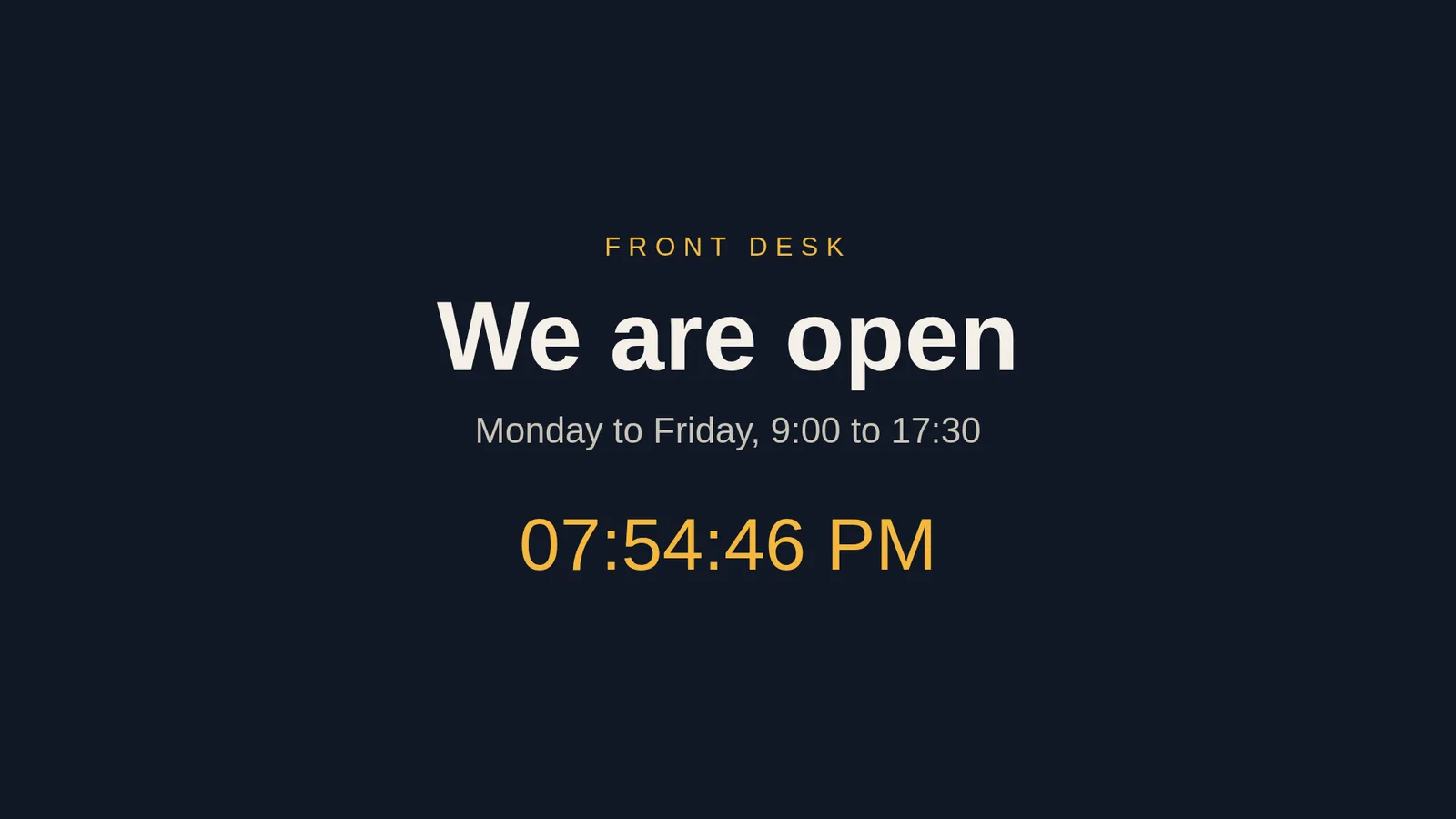
Your page is a copy of what you asked for. To change it, ask your agent for an update.
After a power cut
- Android TV and Google TV start the Player again on boot. Android 10 or newer asks you to allow Display over other apps once. Android TV kiosk mode walks through it.
- Amazon Signage Stick and Fire TV use the same Start on boot setting. Some Fire TV models need one extra step from a computer, shown in the Players guide.
- BrightSign starts the Player from its SD card.
A web page needs the internet, because its owner hosts it. On a native Player, images and video you give your agent stay on the TV and play with no internet. screenRIG is free. Pay only if you want more.
Next: make the TV come back by itself after a power cut with Android TV kiosk mode.
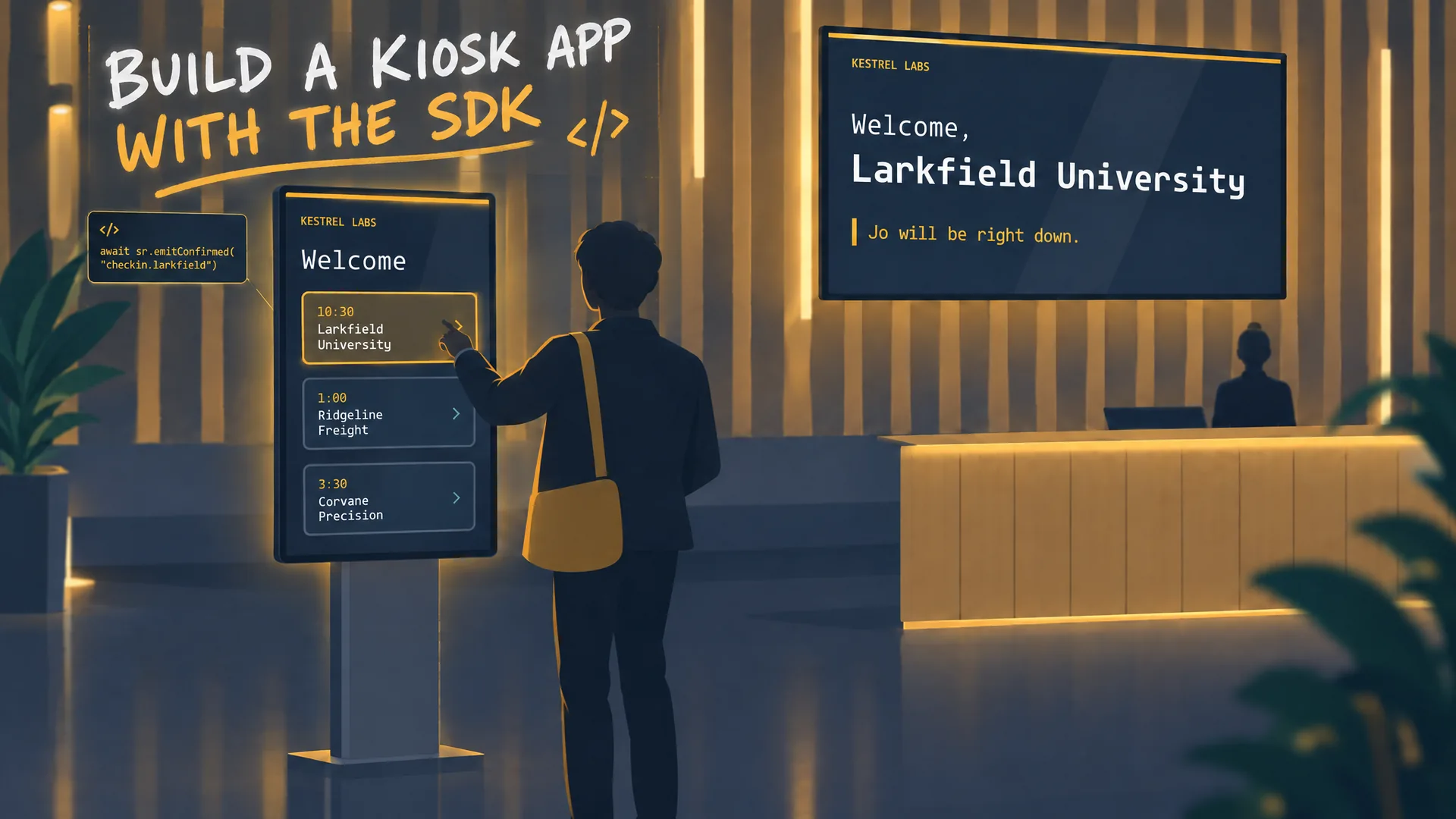
Watch: Build a kiosk app with the SDK
A developer film: Claude Code writes a lobby kiosk against window.screenrig, ships an immutable release, and answers a visitor's tap on another screen.
Film / Build a kiosk app with the SDK
3:07
Related
screenRIG is free. Pay only if you want more.
Install the official plugin, pair a screen and your agent publishes to it.