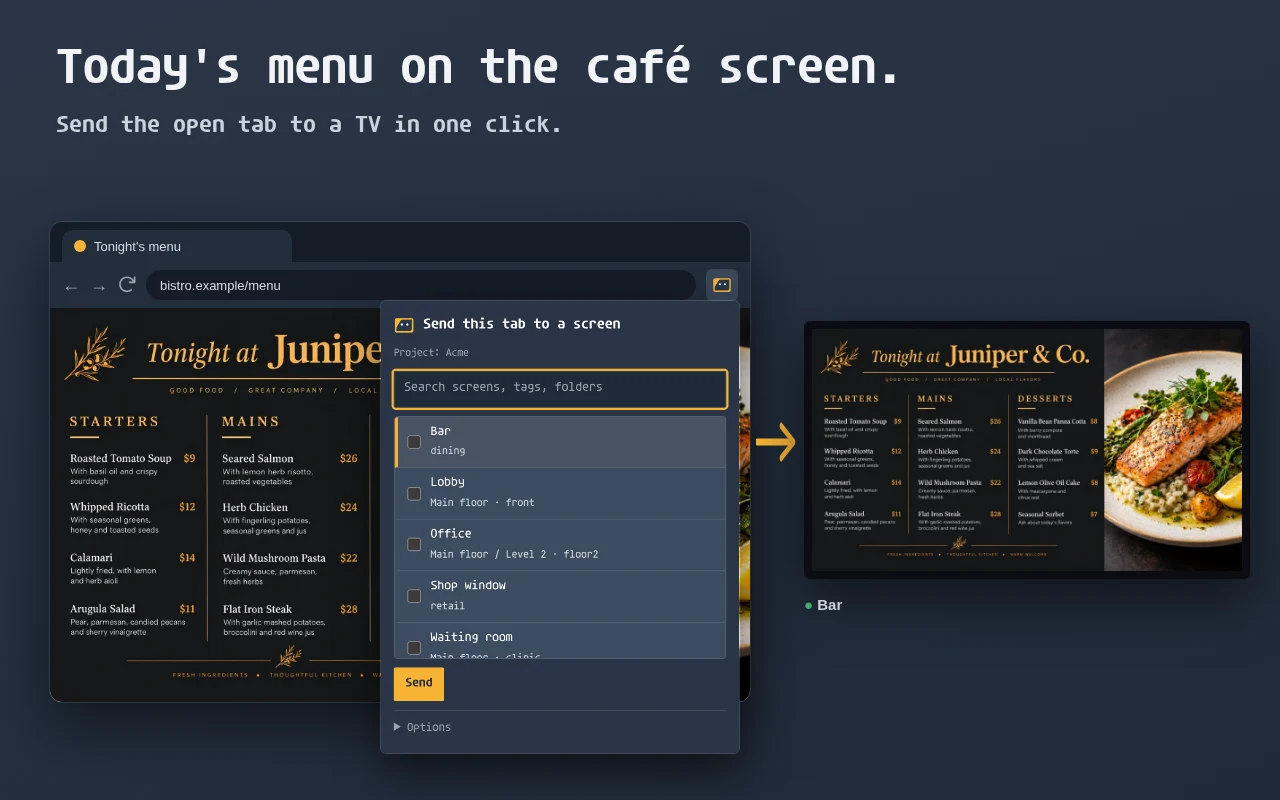
 Browser extension
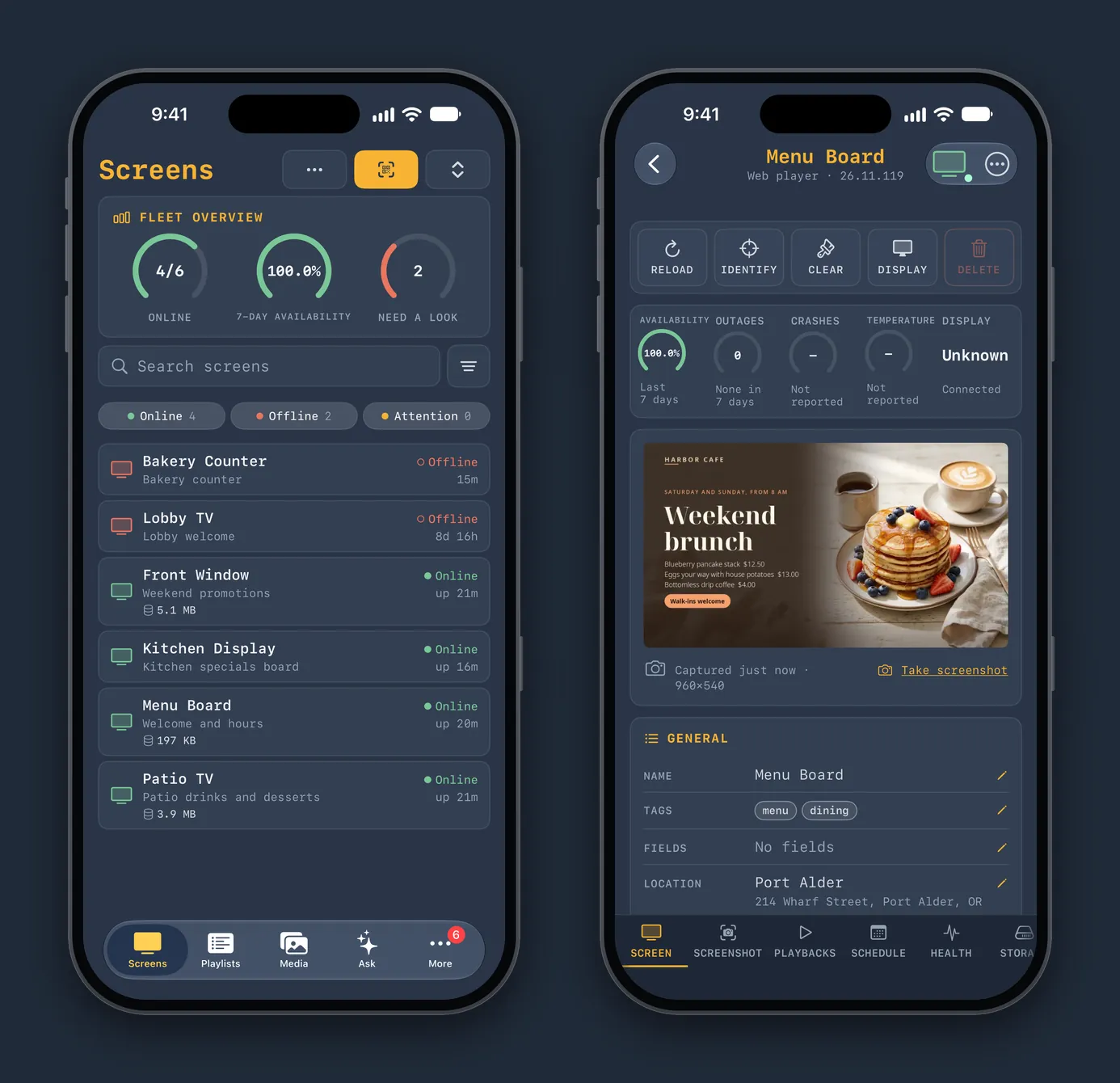 iPhone, iPad and Apple Watch
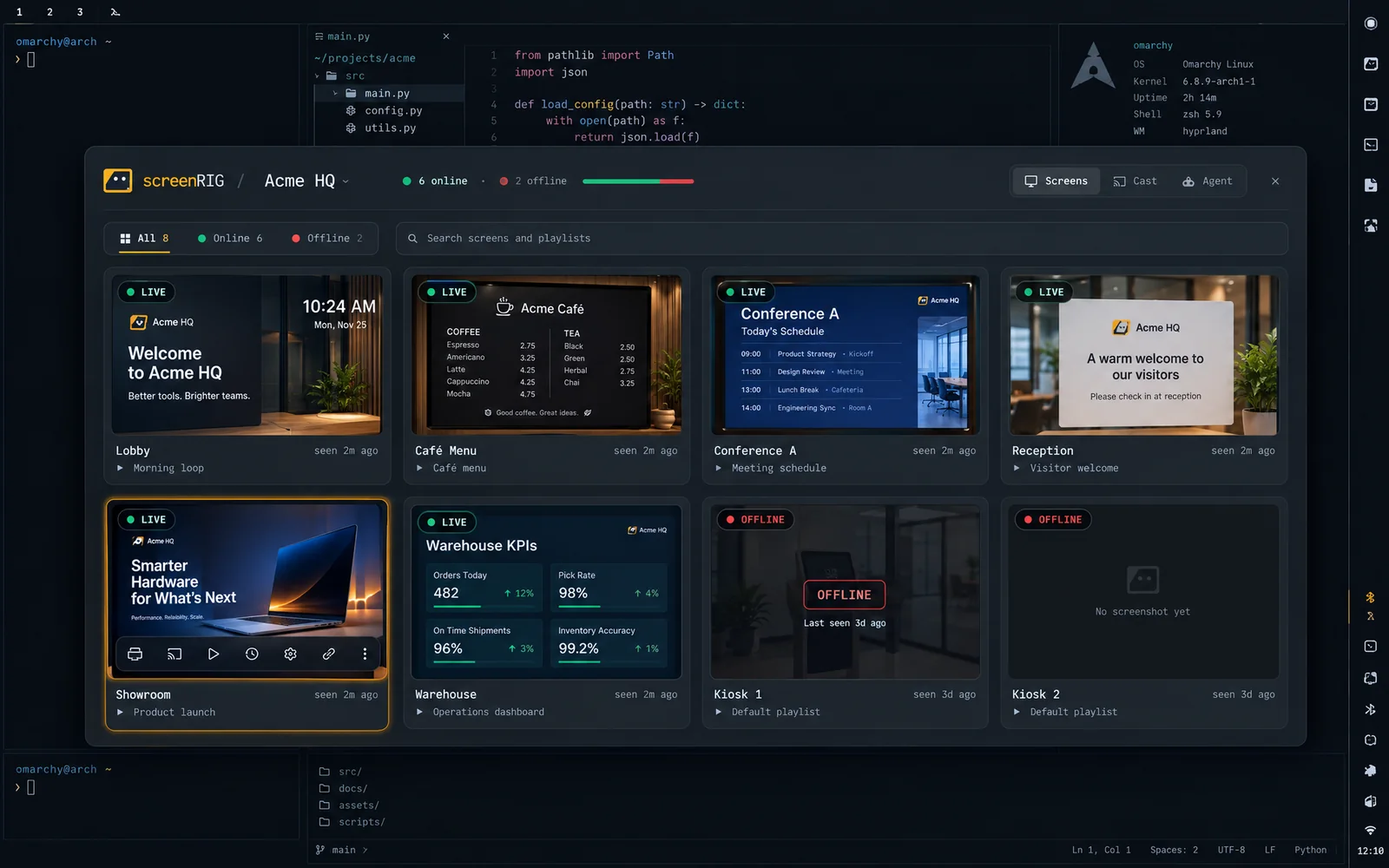 Omarchy plugin
Browser extension for Chrome and Firefox
screenRIG: Send Tab to TV or Digital Signage shows the page you are looking at on a screen in one click, and stops it with another. Send it to one screen, several, a folder or a tag; rotate several tabs, refresh a dashboard every few minutes or add the page to a playlist. Install it from the Chrome Web Store or Firefox Add-ons; Edge, Brave and Arc use the Chrome listing. It uses your dashboard sign-in. Browser extension covers every option, and Send a browser tab to a TV walks through a first send.
App for iPhone, iPad and Apple Watch
The screenRIG app shows every screen live, edits playlists and pages, approves what your agent changes and answers alerts. Widgets, Live Activities, Control Center and Siri put the fleet on your Home Screen and Lock Screen, and the Watch app acknowledges an alert or reloads a screen from your wrist. See the screenRIG app.
Omarchy plugin
screenRIG for Omarchy puts the screens around you in your bar. The panel shows every screen with its latest screenshot, the Cast tab streams your desktop or one app window live to the TVs on your network, and the Agent tab is a chat with your coding agent. See screenRIG for Omarchy.
Players and the agent plugin
The Players that show your content on TVs, sticks, Raspberry Pi and PCs are on Downloads. Your agent works through the official plugin: Quickstart installs it and pairs your first screen.
Related
More topics
screenRIG is free.
Install the official plugin, pair a screen and your agent publishes to it.