What does signage mean?
Signage is the word for signs that identify a place, give information, point the way or promote something: a shop's name board, a road sign, a printed menu, a banner, a "wet floor" sign. A printed or painted sign is fixed. To change the message you make a new sign.
Digital signage puts the sign on a screen. The message is a file or a page that software sends to the screen, so changing it takes seconds and no one walks over with a ladder. The same screen can show a different message at breakfast and at dinner, or a different message from the screen next to it.
You will meet several names for the same idea, and a few that mean something narrower:
| Term | What it means |
|---|---|
| Signage | Signs of any kind that identify, inform, direct or promote. |
| Digital signage | Screens whose content software can change and schedule. Also called electronic signage, e-signage or dynamic signage. |
| Digital sign, digital poster | One screen showing one poster-style message. See digital signage for any screen. |
| Digital menu board | A screen that shows a menu whose prices and items can change. See digital menu boards. |
| Narrowcasting | Sending content to a particular audience in a particular place, instead of to everyone. Explained below. |
| DOOH (digital out-of-home) | Digital signage in public places, such as transit stops, malls and roadsides, usually sold as advertising space. |
| Kiosk | A screen people touch to get something done. See kiosk software. |
| Video wall | Several displays that act as one large picture. See video walls. |
| Player | The device or app that plays content on the screen. |
| Digital signage software, or CMS | The software that holds the content and decides what each player shows, where and when. |
| Playlist | The list of pages a screen loops through. |
| Schedule | The rules for which playlist plays when, such as lunch from 11 to 3. |
How does digital signage work?
Every digital signage system, whatever its brand, has the same four parts.
- The screen. Any display that takes a video signal can be a sign. A television works. A commercial display is built to run all day, and some have a player built in.
- The player. A small computer that fetches the content and draws it on the screen. It can be built into the display, as on TVs with Google TV or Android TV and on Samsung and LG signage panels, or plugged into it, as a stick, a Raspberry Pi, a PC or a BrightSign box. In screenRIG the player is an app, called the Player.
- The software. This is where content, playlists and schedules live, and where you see which screens are online. It usually runs in the cloud, so the player reaches it over the internet and you install nothing on a server.
- The content. Images, video, web pages, live data and apps. Ready-made apps draw things like menus, queues, weather and room schedules from data you give them.
You or your software publish a playlist and assign it to a screen. The player downloads the content and plays it, and the software hears back about what the screen is doing. Each native screenRIG Player downloads media once and replays it from the device's own storage, so video does not buffer and a dropped network does not blank the screen. The Players guide lists what each one does.
What is digital signage software?
Digital signage software is the part that makes a row of screens manageable. It stores the content, arranges it into playlists, schedules what plays when, sends it to one screen or a thousand and watches for screens that stop. Traditionally it is a web editor: a person signs in, picks a template, drags things into place and clicks publish. Every change waits for that person.
screenRIG takes that part out of the person's hands. Signage was built around an editor. screenRIG is built around a conversation. Your agent is the editor, and a person can still open the dashboard and change a page by hand.
What is narrowcasting?
Narrowcasting is sending a message to a specific, defined audience in a specific place instead of to the general public. The word is a play on broadcasting, which sends one message to everyone who tunes in. Digital signage is the usual tool for narrowcasting, because every screen can show what its own audience needs.
| Broadcasting | Narrowcasting | |
|---|---|---|
| Who sees it | Anyone with a radio or a TV | The people in that lobby, queue, kitchen or classroom |
| The message | One for everybody | Different for each screen or room |
| Example | A national TV advert | The room schedule outside a meeting room, the menu at a counter |
If you have ever put a different board in the front hall and in the staff room, you were narrowcasting. The more a message depends on where the screen is and who stands in front of it, the more it helps to have software that can give each screen its own content.
What is digital signage used for?
Anything that changes often or needs to be right is a good fit. The pages below show what each looks like on glass.
| You want | What is on the screen | Read |
|---|---|---|
| A menu that keeps up with the kitchen | Sections, prices and sold-out marks, switched by time of day | Digital menu boards |
| Today's specials on a truck window | The menu, a special and where the truck is parked | Food truck menu board |
| People to find their way | Arrows, directories and floor plans | Wayfinding and directory apps |
| Meeting rooms that say if they are free | The room's calendar, free or busy | Meeting rooms |
| Waiting rooms that tell people what is next | Queue numbers and waits | Waiting rooms |
| A school or church lobby that is current | Bells, announcements, this week | Schools and churches |
| An office that sees its numbers | Orders, tickets, builds, KPIs | Dashboards on a TV |
| A shop, hotel or campus on message | Promos, guest information, room schedules | Use cases by business |
| A screen people touch | A feedback or information app | Kiosk software |
Screens that carry advertising in public places are called DOOH. A screenRIG screen can sell ad slots through the same Player, which the Players guide explains.
How does an AI agent run digital signage?
An AI agent is a program you talk to, such as Claude Code or ChatGPT, that can also do things for you. Give it the official screenRIG plugin and it can pair a screen, build a page, put it on the screen and check that it got there. You describe the result in plain words.
- You
Use screenrig.ai to pair this screen. The code is ABC 234. Call it Lobby TV, then put this week's visitor welcome on it and switch to the evening notice at 5.
- Agent
Paired. Lobby TV is online and showing the visitor welcome, and the evening notice takes over at 5. I checked a screenshot of the screen to make sure the welcome is showing.
Setting up takes four steps:
- Install the official screenRIG plugin in your agent once. Start has the step for each agent.
- Put the Player on a screen you own: a TV with Google TV or Android TV, a stick, a Raspberry Pi, a PC, a Mac, an Apple TV or a BrightSign player. The Downloads page lists them all, and any screen with a modern browser can run the web Player.
- Read the code the Player shows to your agent.
- Say what you want on the screen.
Your agent reads your documents, sheets and calendar with its own access, so a menu can come from a sheet and a welcome board from a calendar. Ask for a routine and it changes the screen when the data behind it changes. Over 200 ready-made apps cover the common boards, such as menus, queues, schedules, weather and KPIs, and your agent can build a custom one when none fits.
Digital signage questions
Is digital signage just a TV on a wall?
A TV is the screen. Digital signage adds the player, the software and the content plan: what plays, when, and on which screen. Without them you have a TV that shows what someone last plugged in. With them, ten screens in ten places can each show the right thing and tell you when one stops.
What is the difference between digital signage and narrowcasting?
Digital signage is the technology. Narrowcasting is the way of using it: a message aimed at the people in one place. Most digital signage is narrowcasting.
What is the difference between digital signage and DOOH?
DOOH is digital signage in public places that sells advertising space. A hospital lobby screen is digital signage and not DOOH. A screen in a mall that shows paid ads is both.
Do I need special hardware?
No. Many people use a screen they already own with a Player on it. A TV with Google TV or Android TV built in runs the Player from Google Play, and a stick, Raspberry Pi, PC or Mac does the same for any display. The Players guide lists every platform.
Is a digital sign the same as a digital poster?
A digital poster is one kind of digital sign: a single poster-style page, often a portrait screen. A digital sign can also loop through many pages, play video, show a live feed or take touch.
What does e-signage or electronic signage mean?
It is another name for digital signage. Some people use it for simple LED message boards that show scrolling text, but today it almost always means screens run by software.
Next: see what your agent can put on a screen in digital signage software for any screen, or start with one screen.
Watch: What is screenRIG?
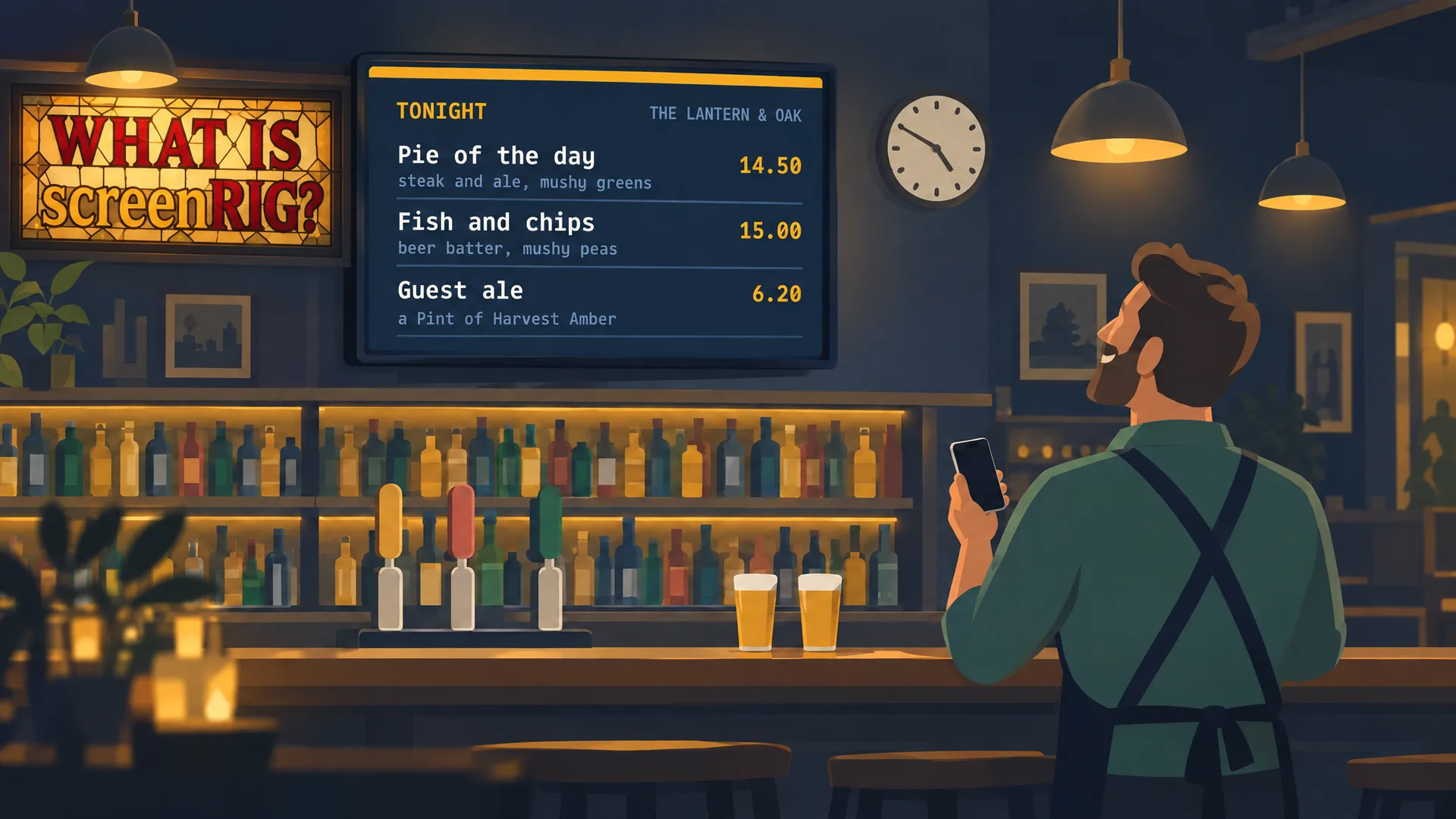
A pub's TV by voice: your agent makes it, screenRIG puts it on your screen. Then a whole chain. A two-minute film.
Film / What is screenRIG?
2:00
Related
More guides
screenRIG is free.
Install the official plugin, pair a screen and your agent publishes to it.