What does a church lobby screen show?
The lobby screen loops two pages: this week, then the announcements. A second screen in the sanctuary, the overflow room or the music room shows the order of service. Your agent builds all three pages from the sheets you already keep, and it reads them with its own access, so screenRIG never connects to your files.
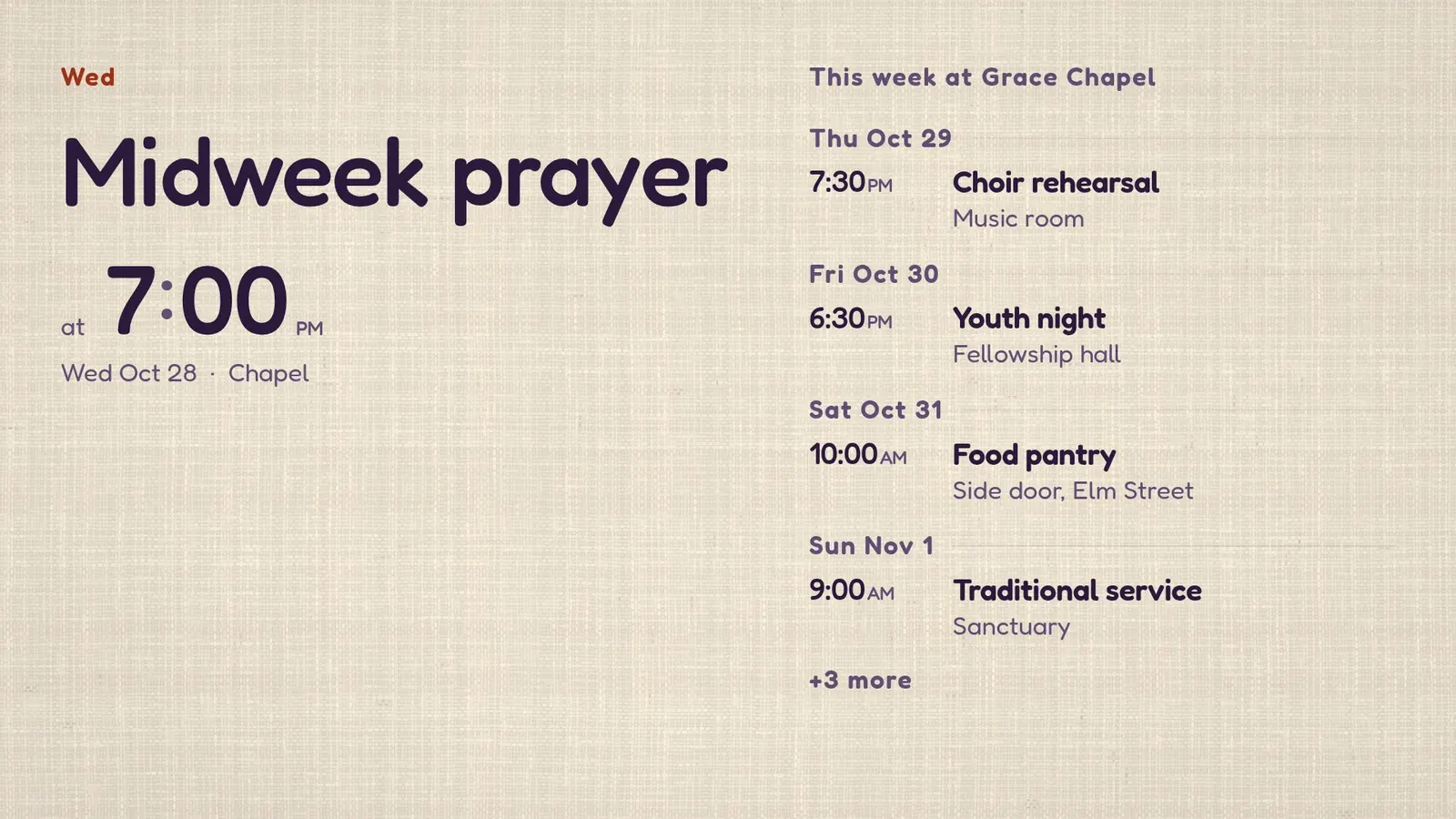
| Page | Where it hangs | Ready-made app | Who feeds it |
|---|---|---|---|
| This week | Lobby | Events | The office, as the weekly service sheet |
| Announcements | Lobby | Announcement | Whoever owns each item |
| Order of service | Sanctuary, overflow room or music room | Order of Service | The worship lead, then a word as the service moves |
Grace Chapel is a made-up church, so its people, times and announcements are demo content. The run is real. It happened on 26 October 2026 on screenRIG's test environment. The pictures are what the Player, the screenRIG app on the screen, drew in a browser window standing in for the TV.
Announcements that take themselves down
An announcement has a shelf life. The lunch after Sunday's service is no use on Monday. Each message carries the moment it ends, and when that moment passes it leaves the rotation. Nobody has to remember to take it down. Four of the five here end on a day and hour of their own.
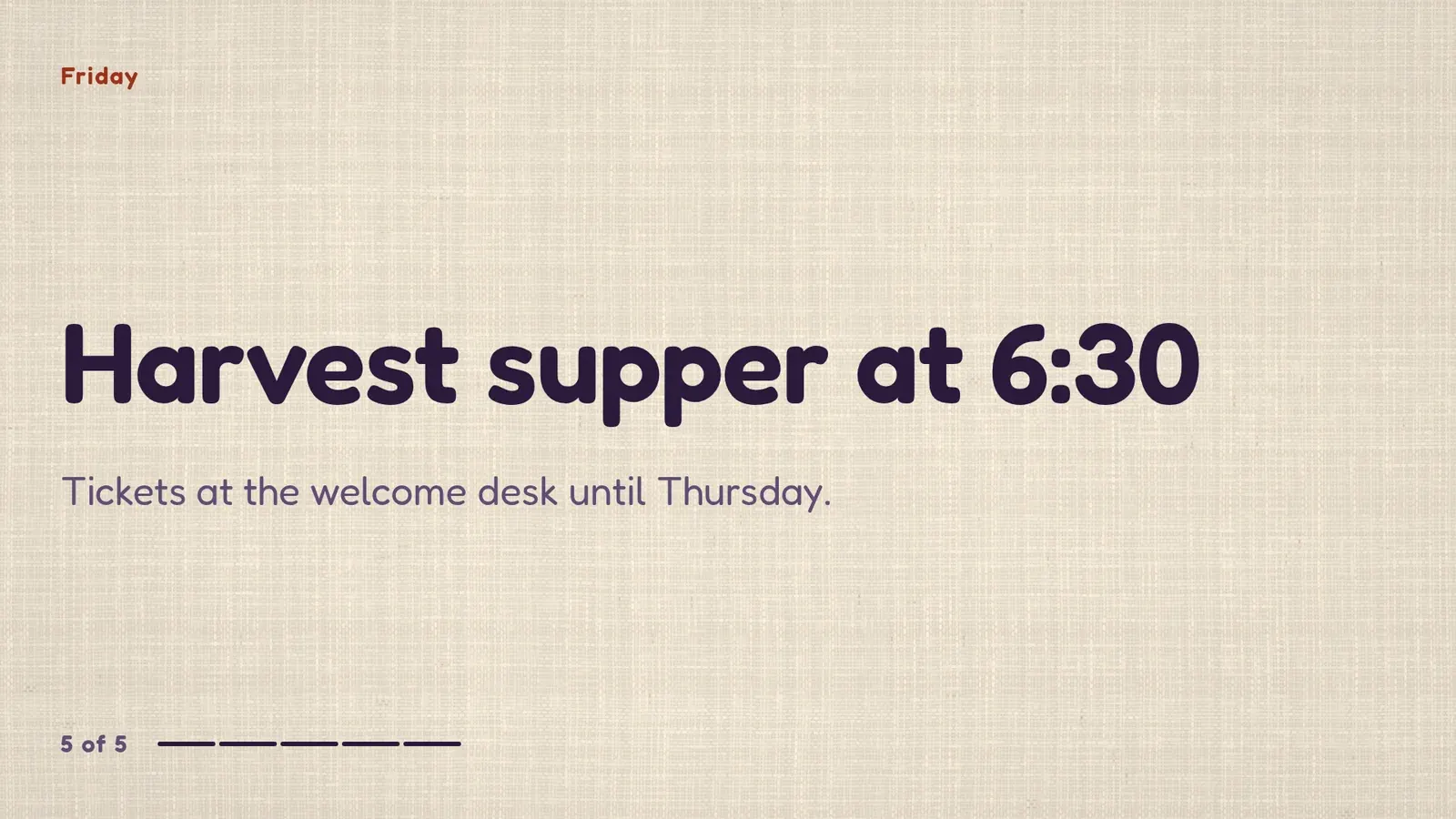
Next week the office sends a new sheet, and your agent swaps what the screens show. The loop and the screens stay as they are. Your agent also leaves a note on the screen for whoever takes over next, a person or another agent. It says the office sends the sheet by Wednesday noon and the worship lead approves the order of service.
The order of service, moved with a word
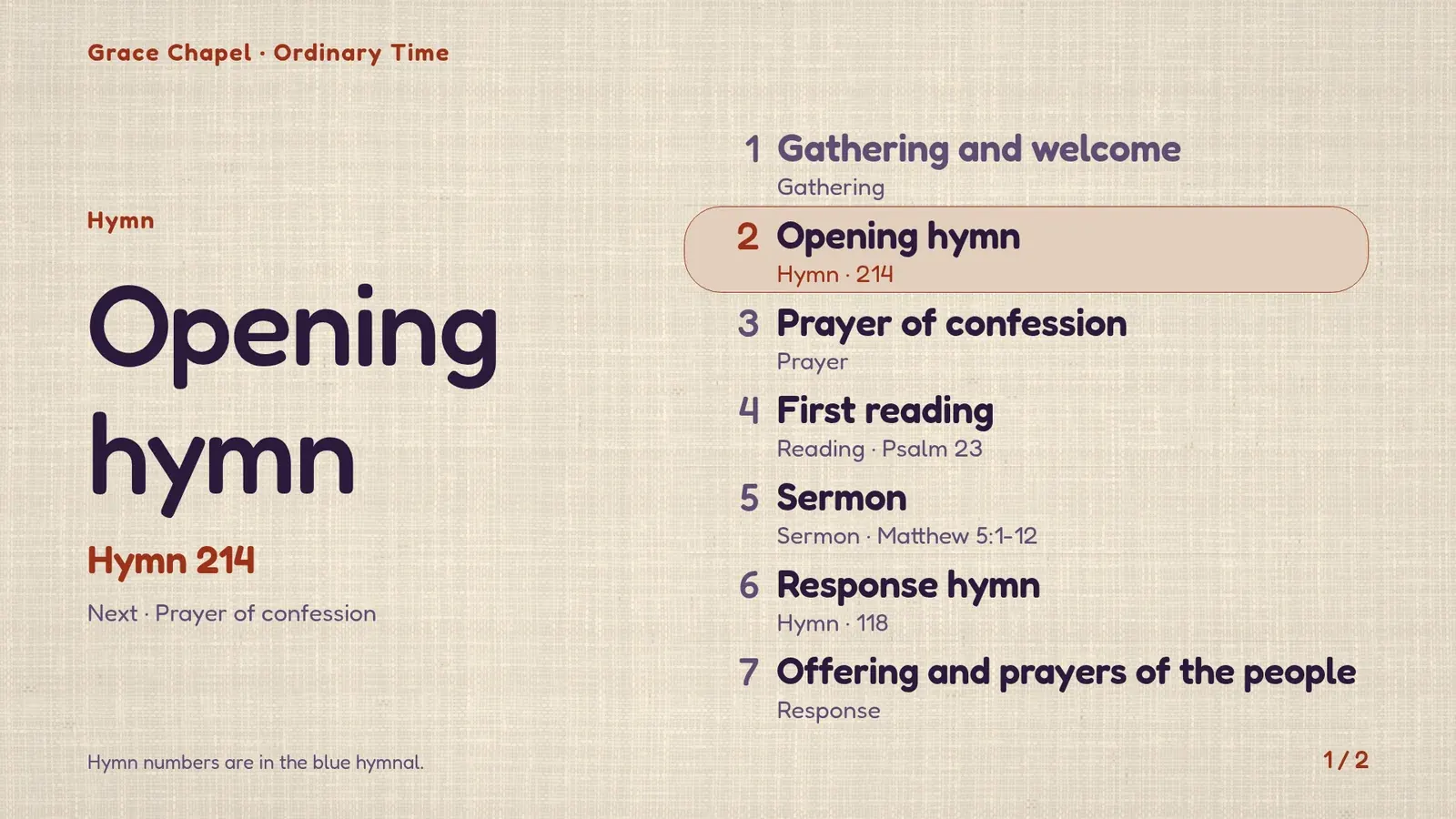
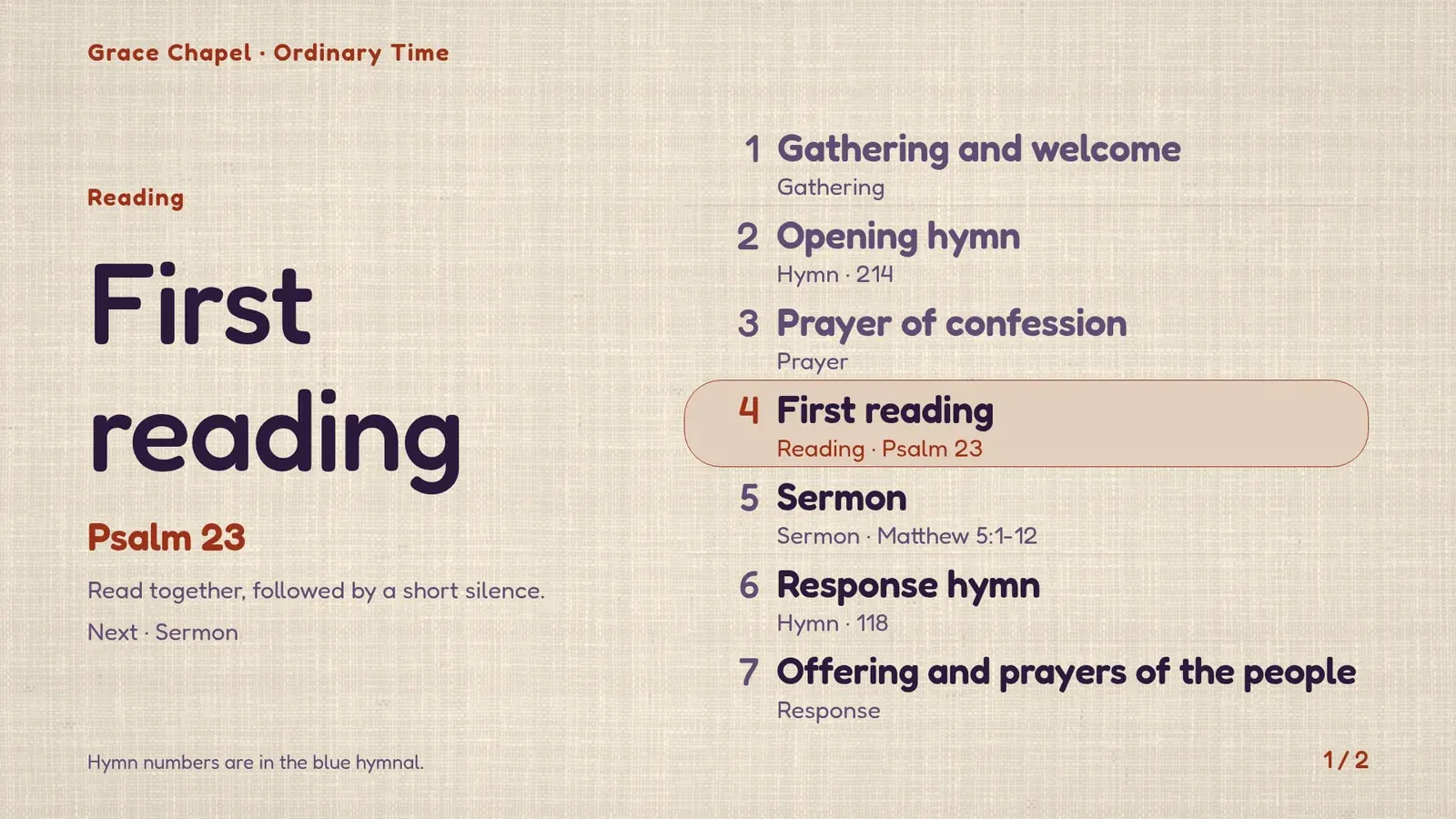
The order-of-service screen shows the whole order and highlights the item under way, with the hymn number or the reading large on the left and what comes next beneath it. For the choir's run-through, the agent put it on the music-room screen.
- You
Put the order of service on the music-room screen for the choir's run-through, and move the highlight when I call an item.
- Agent
It's on the screen. The opening hymn, number 214, is highlighted, and the prayer of confession is shown as next.
- You
First reading.
- Agent
Done. Psalm 23 is highlighted now, with the note that it is read together, then a short silence.
Sunday morning runs itself
The lobby loop plays all week. On Sundays the screen switches to the order of service during the two services, from 8:45 to 10:15 and from 10:45 to 12:15, and goes back to the loop afterwards. Nobody switches anything back. The recording ran on a Monday evening, so the screen was playing the lobby loop, and it reported when the next change would come: 8:45 on Sunday morning, in the church's own time zone.
What stays off a church screen
- People's details. The lobby screen can say where the welcome team meets. Names, phone numbers and rotas stay in the team's own channel, and your agent only receives what you choose to give it.
- The live service. The order-of-service screen is a separate display. Projection, lyrics and stage cues stay with the people who run the service equipment.
- Sound. A screen is silent unless you add background music. A lobby does not need any.
Church signage questions
Who updates it each week?
Whoever owns the sheet sends it to your agent. The agent swaps what the screens show, checks a screenshot and tells you. If you would rather approve first, turn on review, and each change waits for your approval before it plays.
Does the screen need someone technical on Sundays?
No. The schedule decides what plays, and the order of service moves when you say the next item.
Which screens can run it?
Any screen with a Player: a TV with Google TV or Android TV built in, an Amazon Signage Stick, a Raspberry Pi, a Mac, a Windows PC or any browser. Players lists them, and Start installs the plugin and pairs the first screen.
Try it on your lobby screen
Start free, read the pairing code from your lobby TV to your agent, then paste the request at the top of this page with your own service sheet.
Related
screenRIG is free. Pay only if you want more.
Install the official plugin, pair a screen and your agent publishes to it.