What a hallway screen shows between bells
The first page is the Bell Schedule app. It knows the school's periods and reads the screen's own clock, so it shows the current period, the time left in it and what comes next without anyone updating it during the day. Tuesday is a regular day. Wednesday is a late start with its own periods, and the app switches by itself.
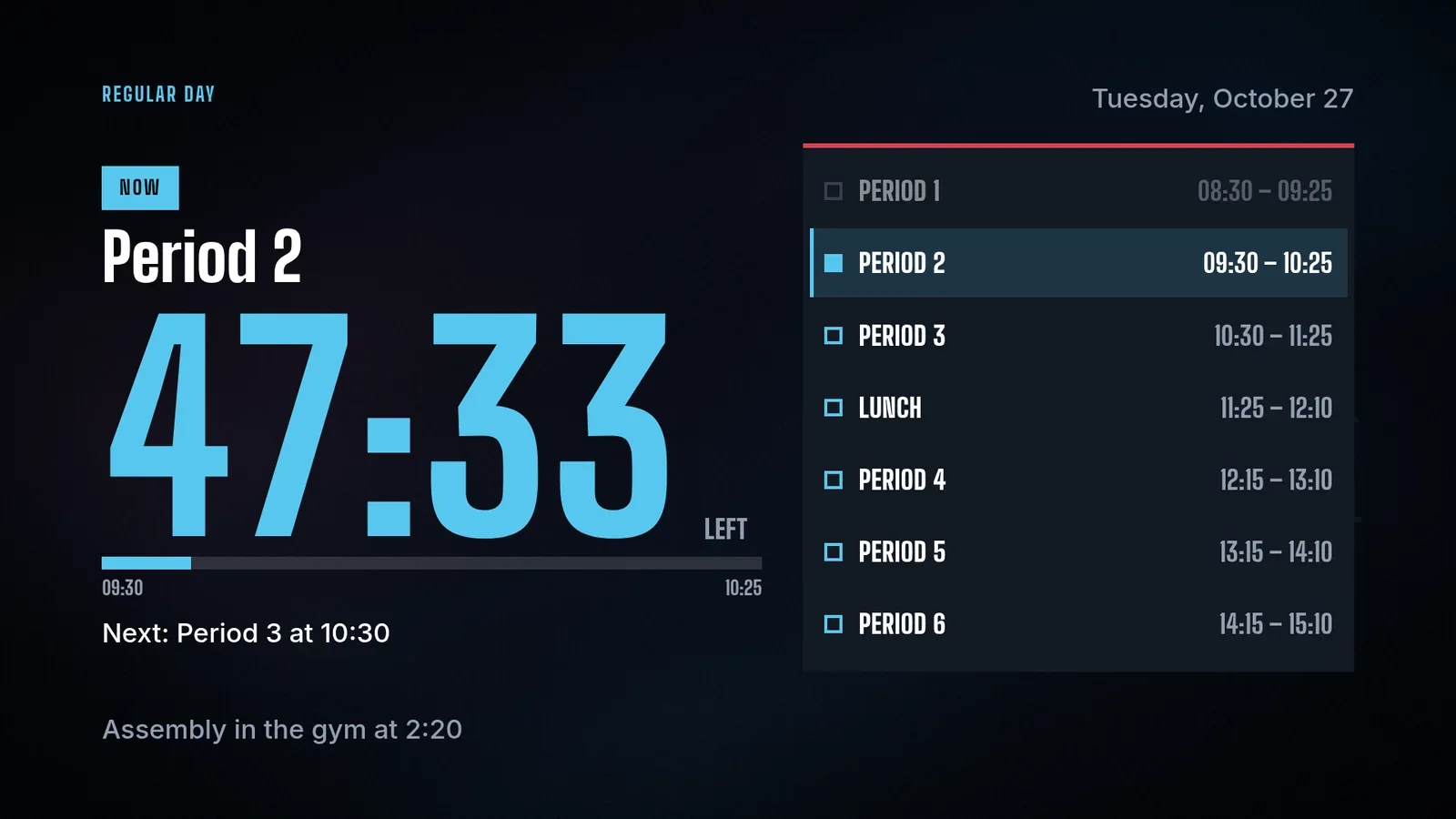
Lakeside Elementary is a made-up school, so its bells and announcements are demo content. The run is real: 26 October 2026, on screenRIG's test environment, on a screen set to a time zone where it was 09:37 on a Tuesday. The pictures are what the Player (the screenRIG app on the screen) drew in a browser window.
Announcements that end when their event does
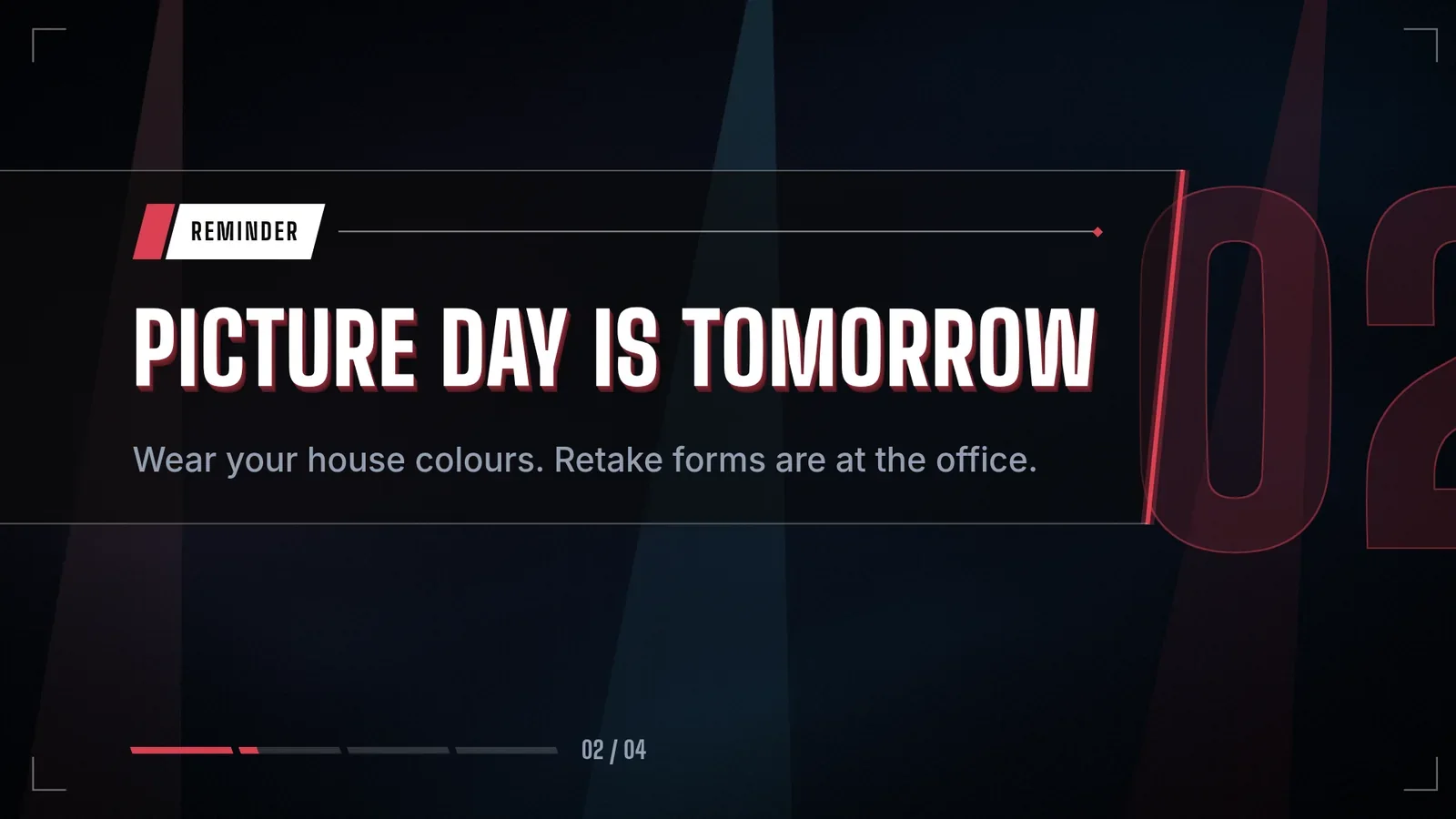
The second page rotates the day's announcements. Each message carries the moment it leaves, so the chess club's room change disappears at one o'clock today and the picture-day reminder at 15:30 tomorrow. Your agent never has to take them down.
Running a shelter-in-place drill
The drill notice is made ahead of time and waits, assigned to no screen. It is an Emergency message with ready-made wording for evacuate, lockdown, severe weather, medical, shelter-in-place and all clear, written to be read in a hurry.
- You
Go.
- Agent
The notice is on every screen tagged hallway: "Shelter-in-place drill. This is a drill. Stay in your classroom and wait for your teacher's instructions." It plays ahead of the bell schedule for three minutes, and I recorded why: shelter-in-place drill.
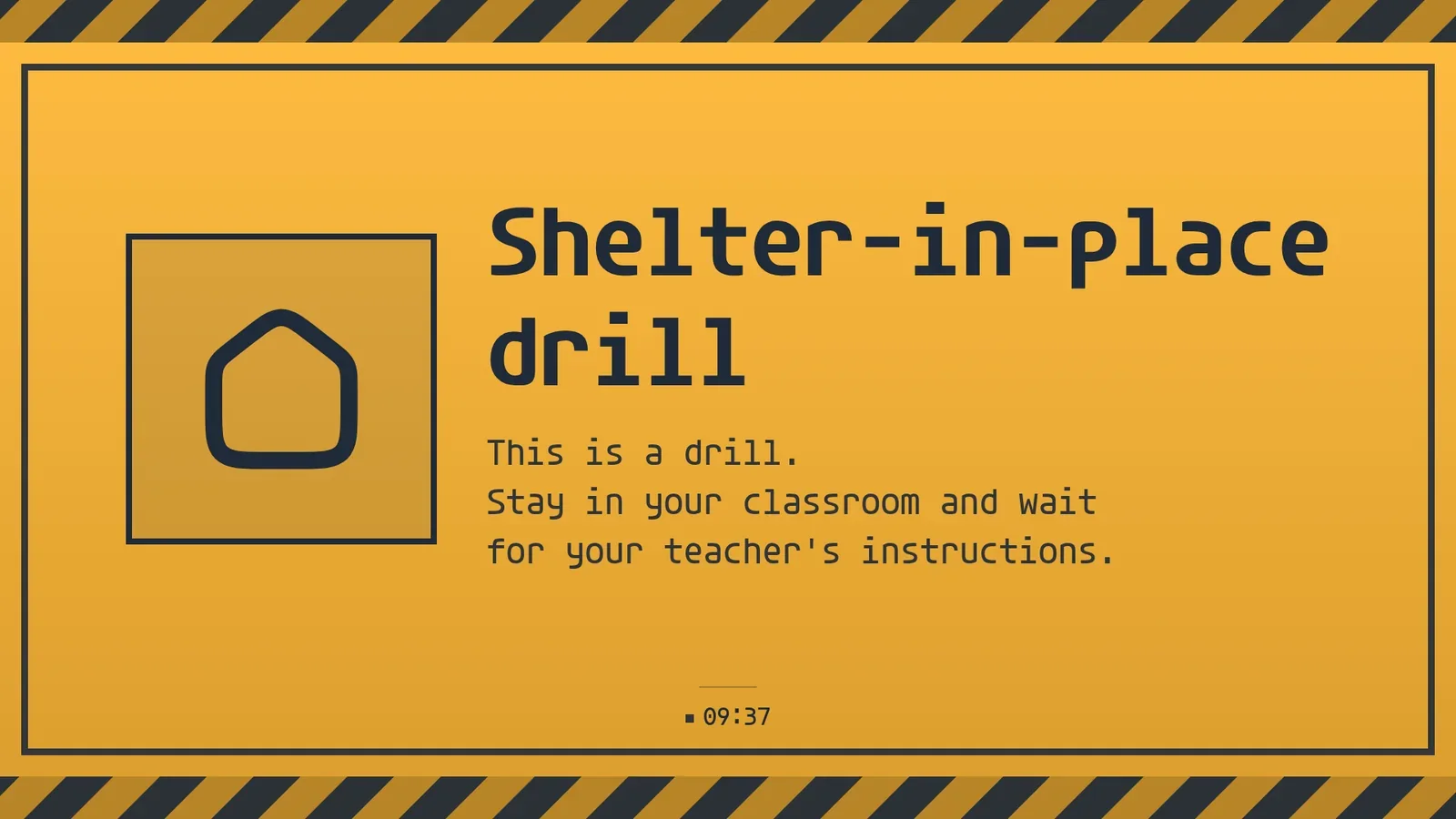
The test project has one screen, so one screen answered. With more, every screen carrying the tag gets the notice and reports its own result.
- You
The drill is over.
- Agent
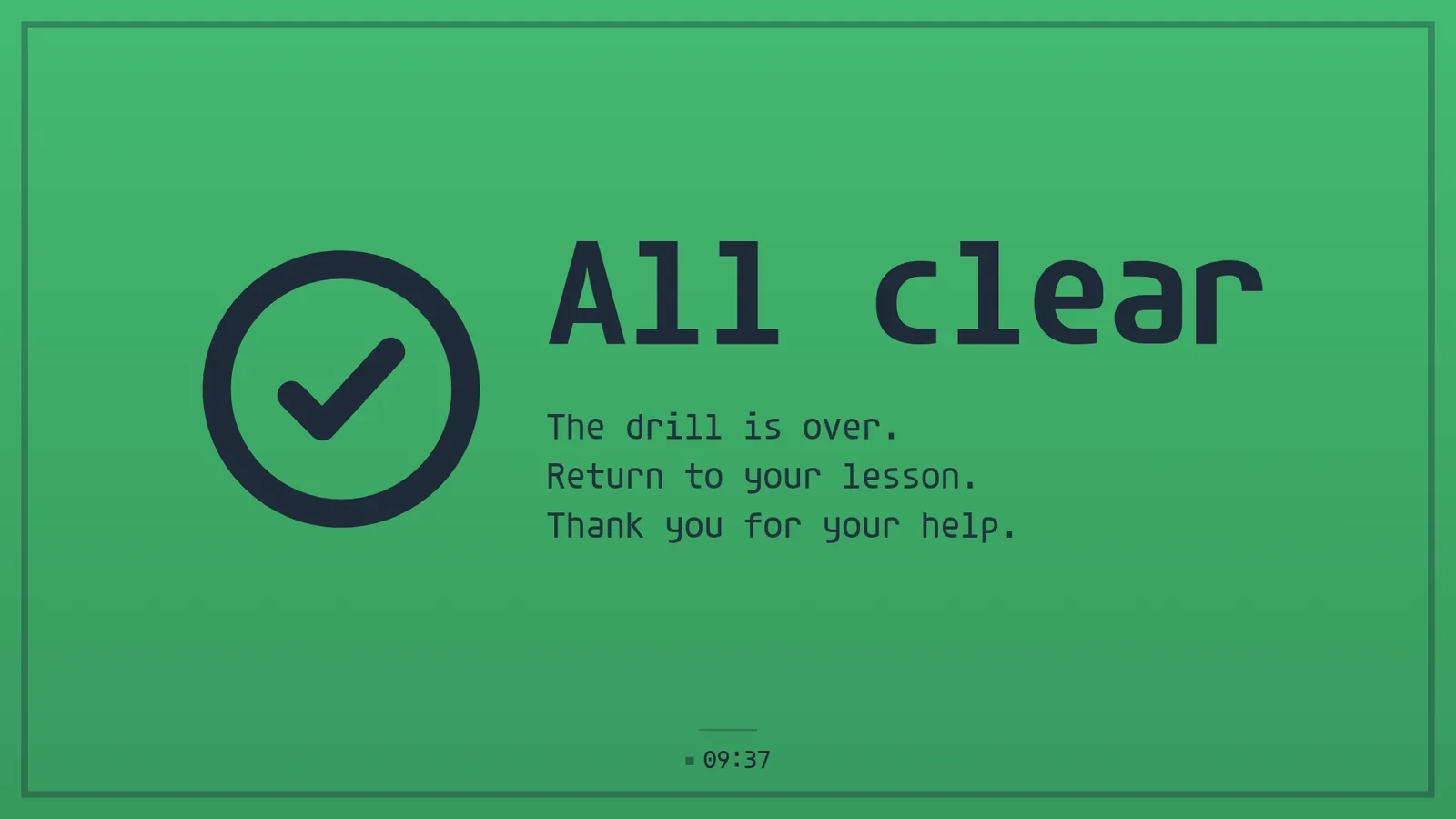
The hallway screens now say "All clear. The drill is over. Return to your lesson. Thank you for your help." in green.
- Agent
And they are back on the bell schedule and the announcements. The log keeps when the drill started and why.
A drill notice also ends on its own when its time is up. Letting it run out is a fine way to finish, and ending it early is one sentence.
Who confirms what
A hallway screen is a public display, so each kind of content has a person who answers for it:
| Moment | On the screen | Who confirms it |
|---|---|---|
| All day | The bell schedule and its note | The office, once per term and for each late start |
| Arrival and lunch | The announcements | The office or the activities lead, each with its end |
| A drill or a real event | The emergency notice, then the all clear | The principal's designate, by saying "go" and "the drill is over" |
School signage questions
Does a screen notice replace the school's alarms?
No. A notice on the hallway screens supports the procedures the school already has. Bells, attendance and the emergency procedures stay in the school's established systems.
Who sees a drill notice?
Every screen that carries the tag. A staff-room screen with a different tag does not get it. Tags select screens, so name them by where they hang.
Do the bells need updating each day?
No. The app holds the schedules and decides by weekday and clock. The office changes it for a term or a special day.
Try it on one hallway screen
Start free, pair one hallway screen and ask your agent to set up a drill notice before you need one.
Related
screenRIG is free. Pay only if you want more.
Install the official plugin, pair a screen and your agent publishes to it.