Live card previews
Course Timetable
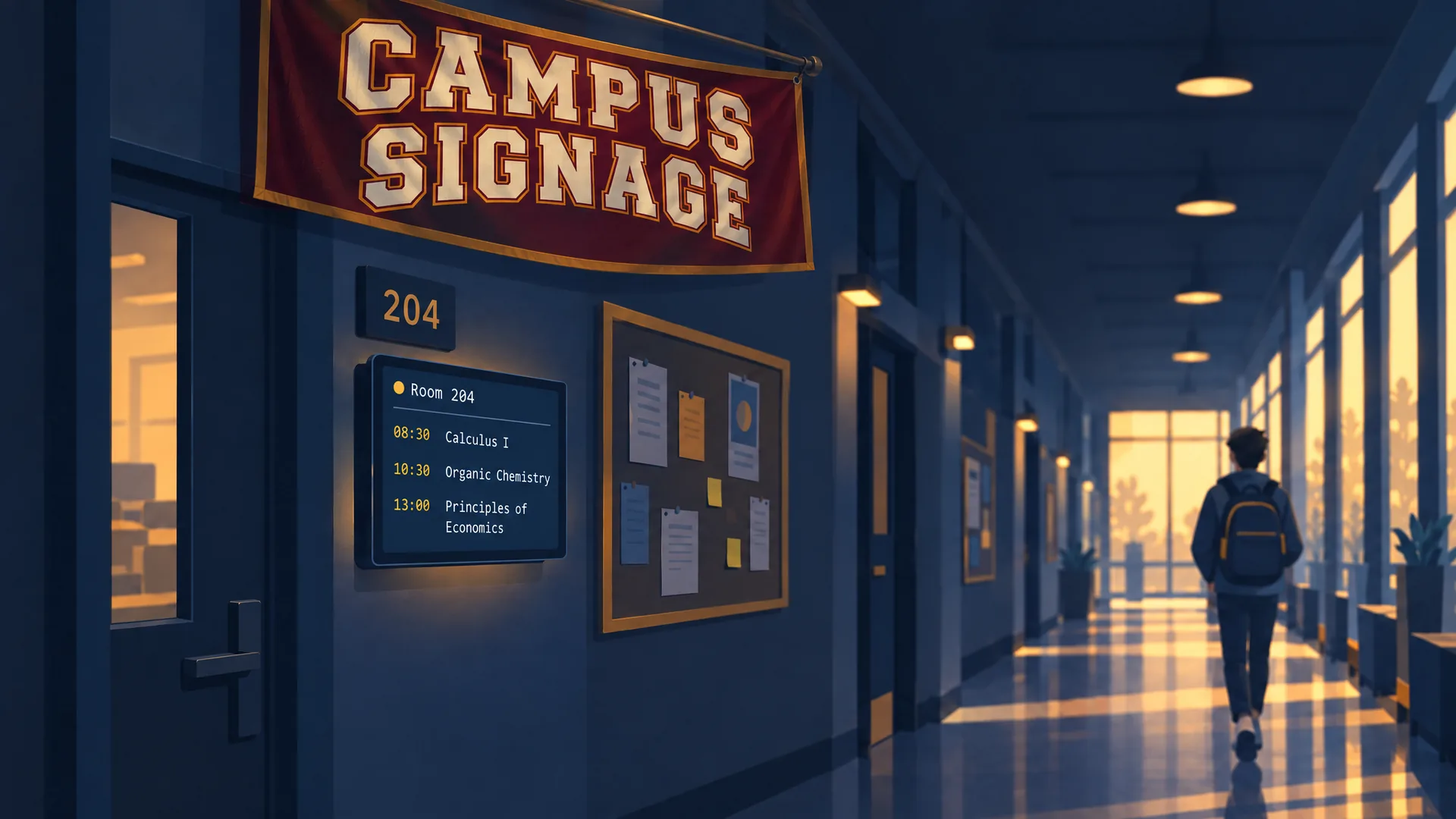
Today's building classes run in time order: course, title, instructor, and room.
Exam board
Today's exams by time and room: where to go, when it starts, how long it runs, seating, in-progress status, and room changes.
Study Rooms
Free library and group study rooms now, how long they remain free, and when booked rooms become available.
Dining halls
Open campus dining halls now: how long the line is, the meal being served and until when, and what each station serves.
Computer Labs
Free workstations appear for each campus computer lab, together with occupancy, closing time, and printer status.
Wayfinding
Large destination arrows with walking times for lobbies, corridors and campuses.
Campus screens by place
A campus is many small audiences. Each screen shows what the people in front of it need, and a tag per building or department keeps them separate.
| Place | What people need | Ready-made app |
|---|---|---|
| Building lobby and corridors | Today's classes by room | Course timetable, Events |
| Exam halls | Where to go, when it starts, how long it runs | Exam board |
| Library | Which study rooms are free, when a booked one frees up | Study rooms |
| Computer labs | Free workstations, closing time, printer status | Computer labs |
| Student union and dining | Which halls are open, how long the line is, what each station serves | Dining halls |
| Residence halls | Free washers and dryers, minutes left | Laundry room |
| Faculty corridors | Who is in office hours now, and the room | Office hours |
| Stadium, gym and arena | Fixtures, live games, track and field results | Varsity schedule, Athletics board |
| Commencement | Each graduate's name, degree and honours as they cross the stage | Commencement names |
Apps lists every ready-made app.
Timetables and room schedules
The Course timetable lists a building's classes for today in time order: course, title, instructor and room, and never who is enrolled. Outside a room, the Events app reads as a door sign, and the Room board shows every room in a building as free, starting soon or busy. Meeting room digital signage covers how those read Microsoft 365 and Google Workspace calendars.
Timetables live in a scheduling system or a sheet. Your agent reads an export with its own access, or a data source reads a Google Sheet shared by link, a CSV file or a JSON address every 5 minutes, or every minute at the shortest. A calendar source reads up to 60 calendars, so a department's rooms are one source. When a source cannot refresh, the data expires on every screen after the stale period you set, and the pages after it take over, so no screen holds yesterday's timetable.
Exams, study rooms and labs
During finals, the Exam board shows each exam by time and room, with an in-progress status and room changes. It shows courses, rooms and times only, never students. A room change is one sentence to your agent.
The Study rooms app shows library and group study rooms that are free now, how long they stay free and when booked rooms become available. It shows times only, and booking titles and names never appear. It reads one room per calendar from an ICS address and counts busy time only, so a calendar's free events do not block a room. Computer labs shows free workstations for each lab, with occupancy, closing time and printer status, from counts you supply and never who is at a workstation.
Dining, residence halls and athletics
Dining halls shows which halls are open now, how long the line is, the meal being served and until when, and what each station serves. Laundry room shows free washers and dryers in each residence hall, with minutes left on running machines. For game days, Athletics board reads a meet feed or timing you write to the card, and Varsity schedule lists fixtures, live games and recent results.
Wayfinding and information kiosks
New students and visitors ask where things are. A Directory lists departments and offices with their floor and suite, Wayfinding draws large arrows with walking times, and a map pin shows where you are. Wayfinding and digital directories walks through all three.
A touch kiosk goes further: your agent builds an app that visitors tap, and it reports what they tapped. Kiosk software covers the Android and BrightSign screens that run one, which suits an information point in a student centre or at a visitor entrance.
Campus alerts
A campus emergency notification system, such as Everbridge, Rave, Alertus or an IPAWS relay, can take the campus screens over with a CAP alert. Your agent makes a trigger for the tag Campus, you enter its address as the system's CAP destination, and every tagged screen shows the alert in the colour of its severity. A cancel or an all-clear returns each screen to what it played before. Emergency alert screens has the whole process, including a 60-second exercise on the real screens.
Events, lectures and accessibility
The Events app reads a calendar and shows what is on now, what is next and the agenda for the coming days. Live captions shows rolling captions you supply, with optional translated text, for a lecture hall or an event space. A live HLS stream, such as a lecture or a match, plays on a screen with a fallback image if the feed drops.
K-12 or higher education
This page is for colleges and universities. For school districts, see digital signs for schools. K-12 districts have their own plan, and pricing lists what it includes.
University signage questions
Can departments run their own screens?
Yes. Give each department's screens a tag or put them in a screen folder, and a request names the tag or folder to reach them. Permissions can limit each person and agent to their own folders, which is an Enterprise feature that pricing lists.
Can it show the timetable from our scheduling system?
screenRIG has no built-in connector for a scheduling system. Your system exports a sheet, a CSV file or a JSON address, or your agent writes the timetable to the app, and the screen follows it.
Does it replace the campus alert system?
No. Your emergency notification system stays in charge and sends its alerts to the screens. The screens support the procedures the campus already has.
Which screens can a campus use?
Any screen with a Player: a TV with Google TV or Android TV built in, an Amazon Signage Stick, a Raspberry Pi, a Mac, a Windows PC, a Samsung or LG signage display or any browser. Players lists them.
How many screens can a campus have?
As many as you hang. No plan counts or prices screens.
Try it on one lobby screen
Start, pair a lobby screen and ask your agent for today's classes in the building. Add study rooms and dining when the first screen looks right.
Watch: Campus
Campus digital signage run by your ChatGPT dot: classroom schedule displays every morning, live event streams and emergency alerts on screens.
Film / Campus
2:13
Related
More use cases
screenRIG is free.
Install the official plugin, pair a screen and your agent publishes to it.