Live card previews
Andon board
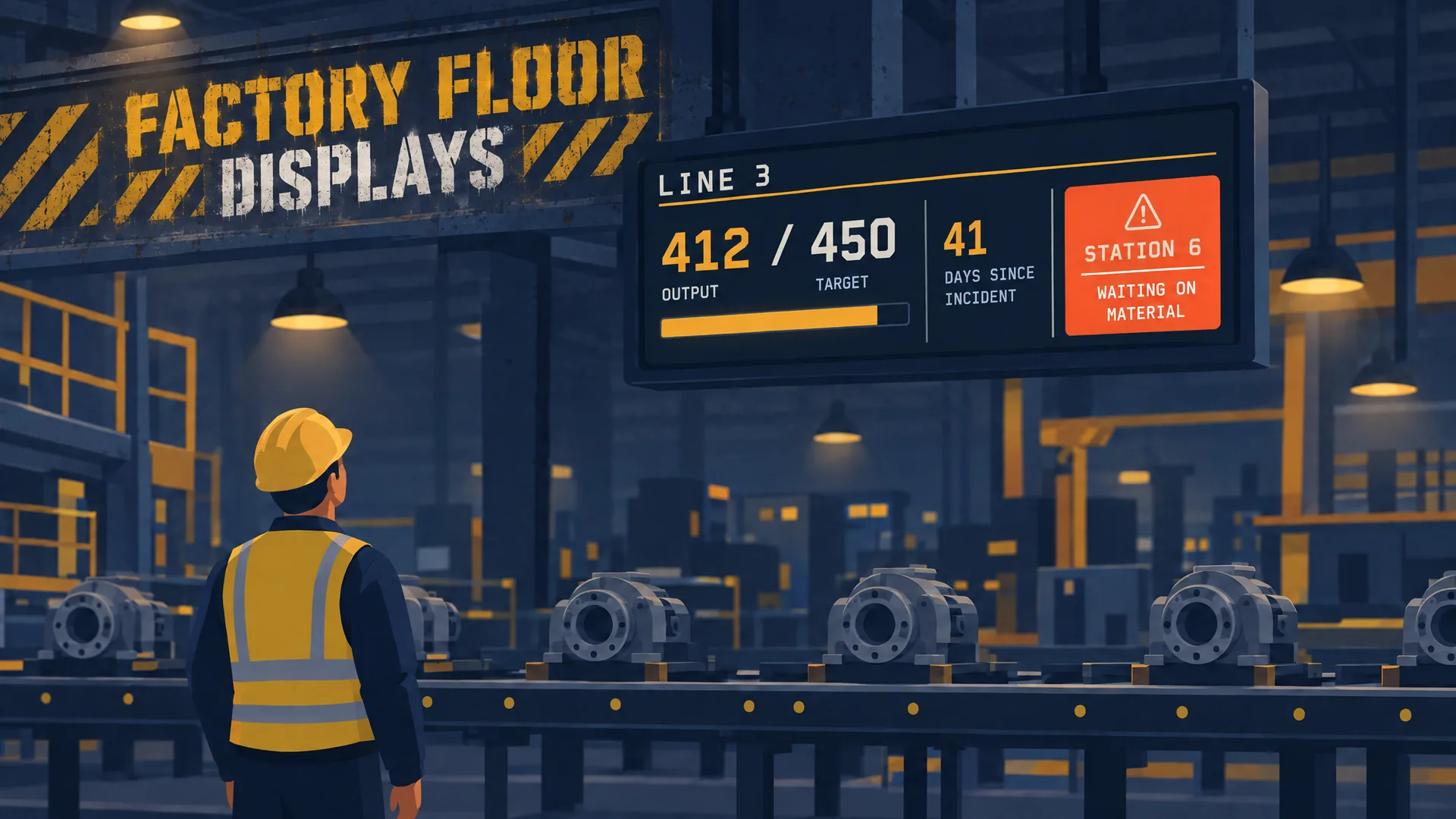
A factory-floor andon board: every production line as a big tile in its status colour (running, warning, stopped, idle or changeover) with the reason, how long it has held and a strip of its stations. Lines come from the factory integration.
Production tracker
A shift hour by hour: target against actual per slot, the shift total with how far ahead or behind plan it is, and the pace it is on for.
Huddle board
The Lean SQDCP daily huddle board: Safety, Quality, Delivery, Cost and People, each with a status, a headline figure and a note.
Safety counter
Days without a lost-time incident, counted from the date of the last one, with the record streak and the goal.
Number tiles
Big, distance-legible numbers: value, change against last period with a good or bad tone, a sparkline and progress toward a goal.
Status grid
Show a grid of explicit system states, sorted with the most urgent first.
What a facility sign is, and what a screen adds
Facility signage covers the signs a plant needs to run safely: exits, hazards, required protection and the rules of an area. The signs your regulator requires stay where they are, on the wall. A screen adds the live layer the wall cannot hold: the number that changed an hour ago, the line that stopped, the shift that is behind. screenRIG supplies that layer and runs from your own data.
The boards a plant runs
Each board answers one question from across the floor, in type you can read from the line.
| Board | What it shows | Ready-made app |
|---|---|---|
| Production board | A shift hour by hour: target against actual per slot, the shift total with how far ahead or behind plan it is, and the pace it is on for | Production tracker |
| Andon board | Every line as a tile in its status colour (running, warning, stopped, idle or changeover) with the reason, how long it has held and a strip of its stations | Andon board |
| Daily huddle | Safety, Quality, Delivery, Cost and People, each with a status, a headline figure and a note | Huddle board |
| Safety record | Days without a lost-time incident, the record streak and the goal | Safety counter |
| System health | A grid of healthy, warning, critical and unknown states, worst first | Status grid |
| Readings | One to six readings as big numbers with the band named in words and a dial, bar, tank or battery | Gauge |
| Zone conditions | Temperatures against setpoints, humidity and supplied HVAC modes, with alarms from limits you supply | Climate |
| Maintenance | Recurring tasks with their last completion, next due time and overdue state | Last done |
| Shift | Who is on shift or on call, the time left, and who starts next | Who's on, Duty rota |
Apps lists every ready-made app. Several of these boards, such as Climate and Last done, keep missing, offline and stale readings explicit, so a dead sensor reads as unknown and never as a good number.
Manufacturing dashboards from your own data
A manufacturing dashboard is only as honest as its numbers. A screen shows what your systems report. screenRIG has no built-in connector for a machine, a PLC or a manufacturing execution system, so your data reaches the board in one of three ways.
| Your data lives in | How it reaches the board |
|---|---|
| A Google Sheet, a CSV file or a JSON address | A data source reads it every 5 minutes, or every minute at the shortest, and maps it to the card |
| A system that can send an HTTP POST | A card's webhook address takes the figures the moment they change |
| Anything else | Your agent reads it with its own access and writes it to the card |
The sheet needs to be shared by link, and a protected address takes a token that screenRIG stores sealed. Data sources has the details, and how to display a Google Sheet on a TV walks through the first board.
When a source stops refreshing, the card keeps the last good data for a stale period you set, from 1 minute to 7 days, and then the data expires on every screen, offline ones included. A page that depends on it falls back to the page after it. That is how a real-time manufacturing dashboard stays real-time: a frozen feed does not look like a quiet line. A notification can tell you when a source fails or goes stale. How to show a dashboard on a TV screen covers the same rule for any dashboard.
Safety on the floor
The Safety counter counts calendar days from the last lost-time incident, which you give it as a date, beside the record streak and the goal. When an incident happens, the safety lead tells your agent the new date.
Safety signs places a safety symbol with its instruction, supporting detail and location where people can read it: a mandatory action, a prohibition, a warning or a first-aid sign. The symbol keeps its safety colours in every theme. For people working outdoors, Outdoor safety shows supplied lightning and heat conditions, with a 30-minute all-clear countdown and the WBGT heat level.
When something goes wrong, a notice needs to reach every screen at once. Emergency alert screens covers notices your agent starts, alerts from your emergency notification system and a bar that a sensor hub can raise over whatever is playing.
Warehouse and dock screens
For a warehouse, Dock schedule shows appointments by dock door, with carrier, time window and supplied status. Arrival and completion appear only from explicit data. Fulfillment board shows today's orders by stage (to pick, picked, packed and shipped) and each carrier's cutoff, with a countdown that warns and then flags a missed cutoff.
Shift notices, training and recognition
A plant also needs the human layer: shift notices, a change of routine and a word of thanks. The Announcement app rotates messages that each end on their own date, so a notice about last week's maintenance window is gone this week. Celebrations shows birthdays and anniversaries by first name. Your own training videos, slides and photos play on the same screens, so a break-room screen can carry a safety refresher between the notices.
Screens on a plant floor
Any display a Player can drive works, and the Player runs on a Raspberry Pi, a Linux or Windows PC, an Android or Google TV box or a Samsung or LG signage display. Raspberry Pi covers a low-cost screen behind a board. Each Player downloads its content once and replays it from the device's own storage, so a dropped network does not stop it, and a screen's display schedule can put it to sleep between shifts. screenRIG states no rating for any display, so ask the display maker about brightness, dust and heat, and your installer about the enclosure and mounting. Players lists every screen.
Manufacturing signage questions
What is manufacturing facility signage?
It is the signs and screens a plant uses to keep people safe and informed: hazard and exit signs on the wall, and digital boards for production, safety records, maintenance and announcements. The wall signs are fixed. The screens are live.
Can it connect to our MES, ERP or PLC?
screenRIG has no built-in connector for them. A system that can send an HTTP POST can post to a card's webhook address, a sheet, a CSV file or a JSON address can be read on a schedule, and your agent can read anything it has access to and write it to the card.
What happens when the data stops?
The numbers leave the screen. The card keeps the last good data for the stale period you set, and then the data expires on every screen, including offline ones, so nobody reads a number that stopped updating hours ago.
Which screen suits a hot, dusty or noisy floor?
screenRIG is the software, so ask the display maker. Whatever display you choose, a Player drives it.
Can one agent run several plants?
Yes. Tag each plant's screens, such as Plant2 or Dock, and one request reaches every screen with the tag, then asks for a screenshot from each. If you want an approver to see changes first, turn on review, and each change waits for approval before it plays.
What does manufacturing signage cost?
screenRIG is free, with unlimited screens. Paid plans add business tools, more people, people to talk to, governance and contract terms. See pricing.
Try it on one line
Start, pair one screen at Line 3 and ask your agent for the production board first, from a sheet your team already keeps.
Watch: Factory floor
Factory floor displays your agent builds in Claude Code: production dashboards on TVs and andon boards on Raspberry Pi signage, with rollback.
Film / Factory floor
2:12
Related
More use cases
screenRIG is free.
Install the official plugin, pair a screen and your agent publishes to it.