Live card previews
Announcement
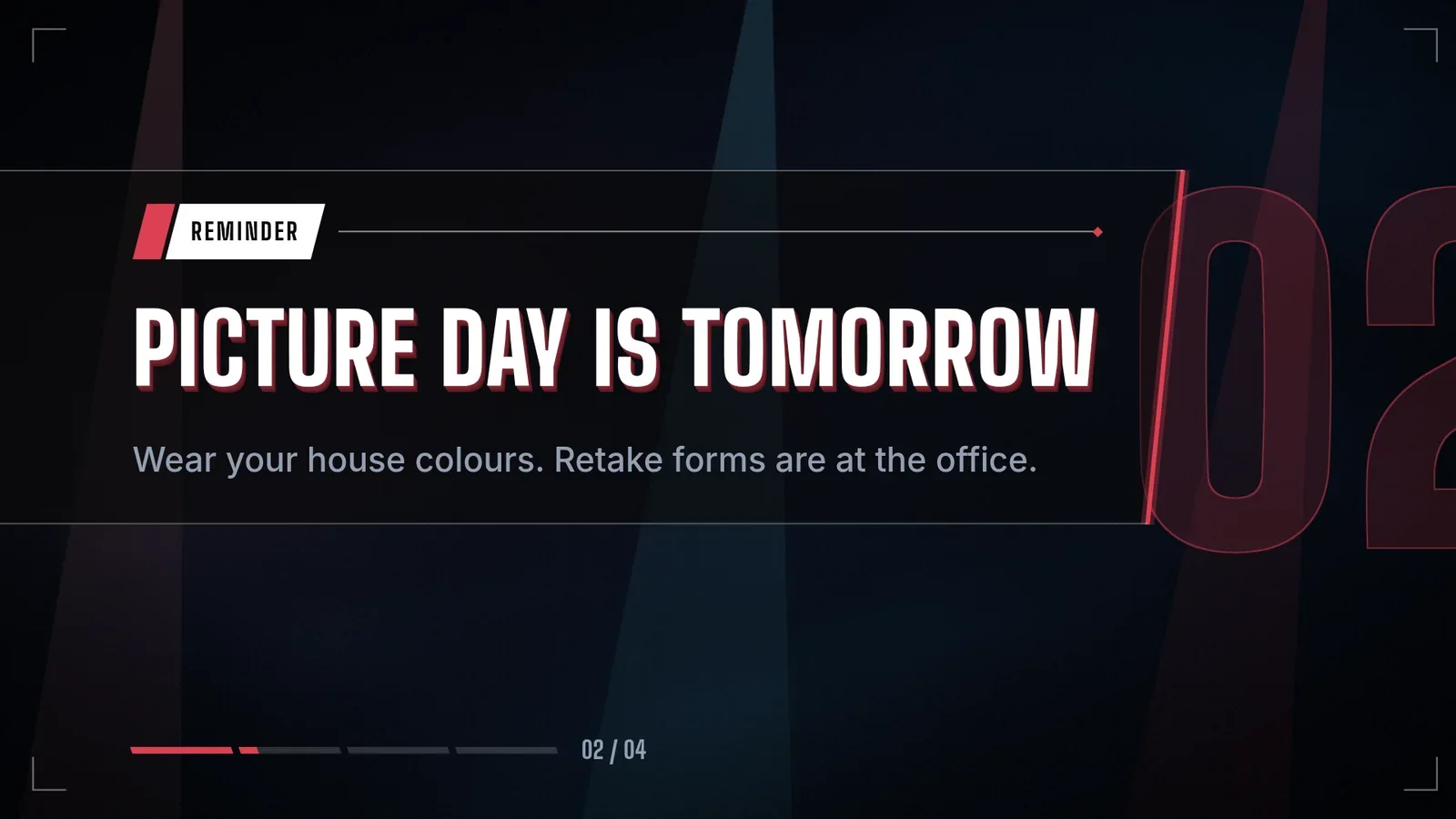
Rotating messages with an icon, a headline and a line or two of body text, in sync on every screen.
Ticker
Headlines crawl right to left in silky bands with a live badge and a separator between each one.
Message Wall
Moderated audience messages appear one at a time, with the next messages alongside and a QR code for posting. Display only — posting and moderation take place elsewhere.
Social Wall
Hashtag or account posts for glass, with one featured post shown at a time — photo, author and network — and the next posts waiting beside it.
Workplace posts
Company channels on screen: one post at a time with its picture or attachment, author, channel and source, reactions and replies, beside the latest posts, rotating on the wall clock. Slack, Teams, Viva Engage and the intranet read the same way.
Kudos
A recognition feed: one kudos at a time with the recipient's picture and name, the message in large type, who gave it, the company value and the points, beside the latest kudos, rotating on the wall clock.
What goes on a digital bulletin board
The ready-made apps are the ideas. Pick by the job the board has to do.
| The board needs to | App | What it shows |
|---|---|---|
| Announce something | Announcement | Rotating messages with an icon, a headline and a line or two of body text, the same on every screen. |
| Keep headlines moving | Ticker | Headlines crawling right to left along an edge, with a label and an optional live dot. |
| Carry the small things | Header and Footer | A bar along the top or bottom edge with a clock, the weather, a countdown or a quiet alert, and a message that sits still, crawls or turns through pages. |
| Show the news | News and RSS reader | Supplied headlines as a front page, a list or one story at a time. |
| Thank people | Kudos, Celebrations and Staff spotlight | Recognition feeds, today's birthdays and work anniversaries, and one person at a time. |
| Show what the team is saying | Workplace posts | Posts from a company channel, one at a time with the latest beside it. |
| Show what the crowd is saying | Social wall and Message wall | Posts for a hashtag or account, or pre-approved audience messages with a QR code to post. |
| Welcome people | Welcome board and Photo wall | Today's named visitors, and a shared photo collection as a mosaic or slides. |
| Thank donors | Donor wall | Recognition by tier, with anonymous gifts shown as anonymous. |
The live previews at the top of this page draw six of these. Apps lists every one.
Announcements that leave on their own date
An announcement has a shelf life. Each message in the Announcement app can carry the moment it leaves the rotation, so nobody has to remember to take it down. The app holds up to 20 messages, shows each for the number of seconds you set, and lets an urgent notice hold the screen for longer.
- You
Add the fire drill on Thursday at 10 to the bulletin board. Keep it up until the drill is over, and let it hold the screen a little longer than the others.
- Agent
Done. The fire drill is in the rotation with a longer hold, and it leaves the board on Thursday at 10:30.
Messages rotate in step on every screen that shows the board, so two screens in one corridor read the same message at the same moment.
A ticker along the edge
The Ticker app crawls up to 50 headlines along an edge of the screen, at a slow, normal or fast speed you can fine-tune, with a short label such as Today or Live. An empty ticker leaves the screen by itself. For a bar that does more, the Footer and Header apps hold a clock, the weather, a countdown or a logo at each end, with a message in the middle that stays still, crawls or turns through up to eight pages.
Run the ticker under another page and the board keeps its main message while the headlines move.
Social walls and message walls
A Social wall shows hashtag or account posts one featured post at a time, with its photo, author and network, and the next posts waiting beside it. Your agent supplies the posts it can read, and screenRIG draws them.
A Message wall is for an audience. Pre-approved messages take turns in the featured spot, with a short queue beside them and an optional QR code for posting. Posting and moderation happen somewhere else, and the wall shows the pre-approved messages your agent supplies.
Boards for offices, schools and congregations
- Offices. Announcements and recognition on the break-room screen, key numbers from a spreadsheet on the next page, and a room board by the meeting rooms. See corporate offices and meeting room signs.
- Schools. The day's announcements, each leaving when its event is over, beside the bell schedule and the lunch menu. See schools.
- Churches and clubs. This week's gatherings, announcements that retire themselves and a donor wall. See churches.
- Teams with numbers to share. A board of live figures, sometimes called an information radiator, is a dashboard on a TV.
Who can post to the board?
You can, by telling your agent, and so can anyone you invite to the project, in the dashboard. If you would rather approve first, turn on review, and each change waits for your approval before it plays. Your agent reads the sources you point it at with its own access and posts only what you ask for.
Bulletin board questions
What is a digital bulletin board?
A screen that does the job of a notice board: it shows announcements, news and recognition to the people who walk past, and it is changed from a distance. Digital message boards, electronic bulletin boards, announcement boards and information boards are the same idea under different names.
Is a digital board better than a static sign?
A paper board is cheap and fine for a notice that never changes. A screen suits messages that change often or must end on a date, and one sentence updates every screen. Keep the paper where it already works.
Can it show a Slack or Teams channel?
Your agent reads the channel with its own access and puts the posts on the Workplace posts app, which shows one post at a time with its author, channel and reactions. Tell your agent which channel and which posts it may show.
What is a jumbotron?
A jumbotron is the big video board in an arena or stadium, and the word now describes any large venue screen. screenRIG is the software, not the board: any display with a Player plays your content, and the Scores app draws a scoreboard of live, final and upcoming games on a screen of any size.
Do the messages go away on their own?
Yes. Give an announcement an end time and it leaves the rotation then. Set the ticker to show only while it has headlines, and an empty ticker leaves the screen. Your agent never has to take them down.
Which screen runs a bulletin board?
Any screen with a Player: a TV with Google TV or Android TV built in, an Amazon Signage Stick, a Raspberry Pi, a PC or any browser. Players lists them.
Put up your first bulletin board
Start free, pair a TV in the hallway or the break room and paste your announcements to your agent. Ask for a screenshot before you walk away.
Related
More topics
screenRIG is free.
Install the official plugin, pair a screen and your agent publishes to it.