Live card previews
Opening hours
Show open or closed at a glance, when that changes, and the week's hours with today marked and holiday exceptions.
Offer
A striking price tag: the price, what it was, what you save, and when the deal ends.
Daily specials
Show today's featured dish and price, with the whole week alongside.
Happy hour
Weekly happy-hour windows with a countdown: the specials at their happy price while one is on, and when the next one starts.
What does a small business put on its TV?
The same TV does a different job for each business, and each job is a ready-made app your agent fills in. You never open an editor. You say what changed.
| Business | On the TV | You say to your agent |
|---|---|---|
| Shop | An open sign with the week's hours, and the offer of the week with its end date | "We're open 7 to 10 Monday to Saturday, and closed on Thanksgiving." |
| Café or bar | The menu by time of day, the specials, and a happy hour that counts itself down | "The cold brew is $3 now." |
| Gym or studio | Who is on shift and who starts next, and the day's timetable | "Put who is on shift on the staff-room TV." |
| Anywhere with a counter | A notice that goes up for a day, or a week, and comes down on its own | "Closing early tonight." |
The apps behind those rows are Opening hours, Offer, Daily specials, Happy hour, Who's on and Announcement. The live previews at the top of this page show some of them, and Apps lists all of them.
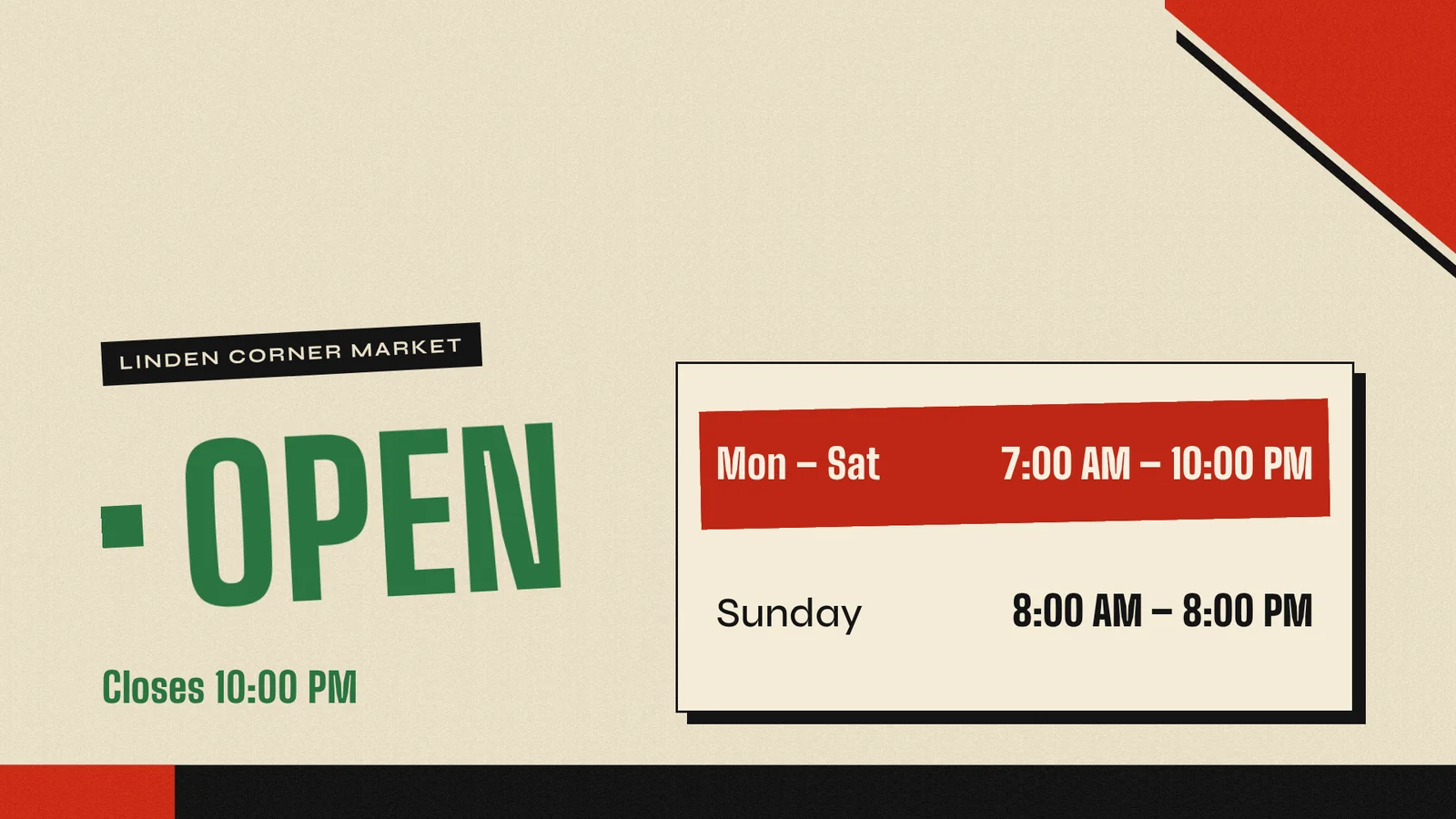
Linden Corner Market is a made-up shop, so its hours are demo content. The session is real: it ran on 27 October 2026 on a test screen, from a machine with no screenRIG account.
One sentence changes the screen
When something sells out or a price changes, you tell your agent in a sentence and the TV follows within seconds. Nobody walks to the TV, and nothing is republished.
- You
We're out of the salmon rice bowl.
- Agent
Done. The salmon rice bowl is struck through and marked sold out on the lunch menu, and the board re-flowed into one column. The TV updated a few seconds after I changed it. I did not republish anything.
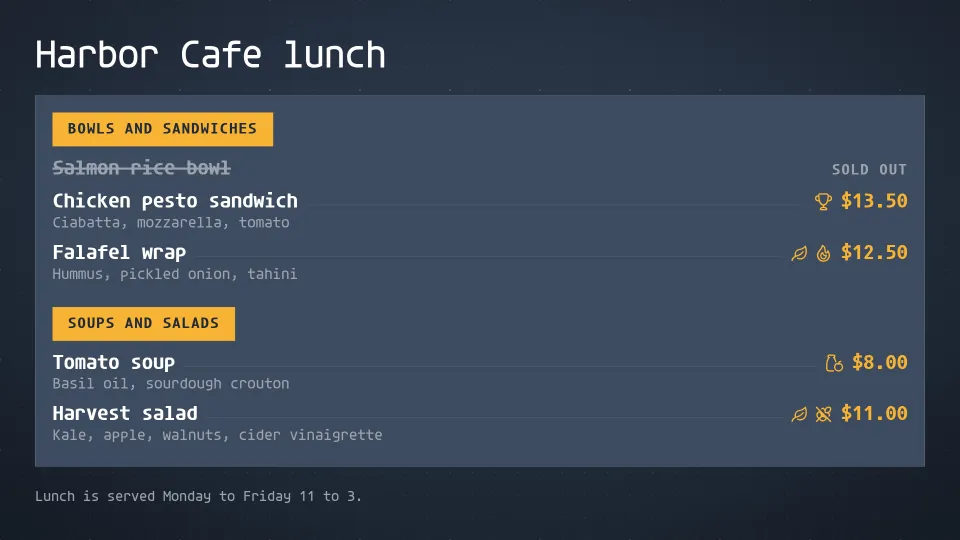
Harbor Cafe is a made-up café, so its menu is demo content. The recording is real: 26 October 2026, on screenRIG's test environment, with the pictures drawn by the Player, the screenRIG app on the screen, in a browser window standing in for the TV. The menu board guide shows dayparts, happy hour and the menu from a photo or a PDF.
A gym's staff-room screen, with no one updating it
You do not need a person to keep a screen current. Your agent put who is on shift on a staff-room TV for a made-up gym, Harbor Gym, from five shifts it was given once. The app works out who is on now, the time left in each shift and who starts next from the screen's own clock, so nobody touches it during the day.
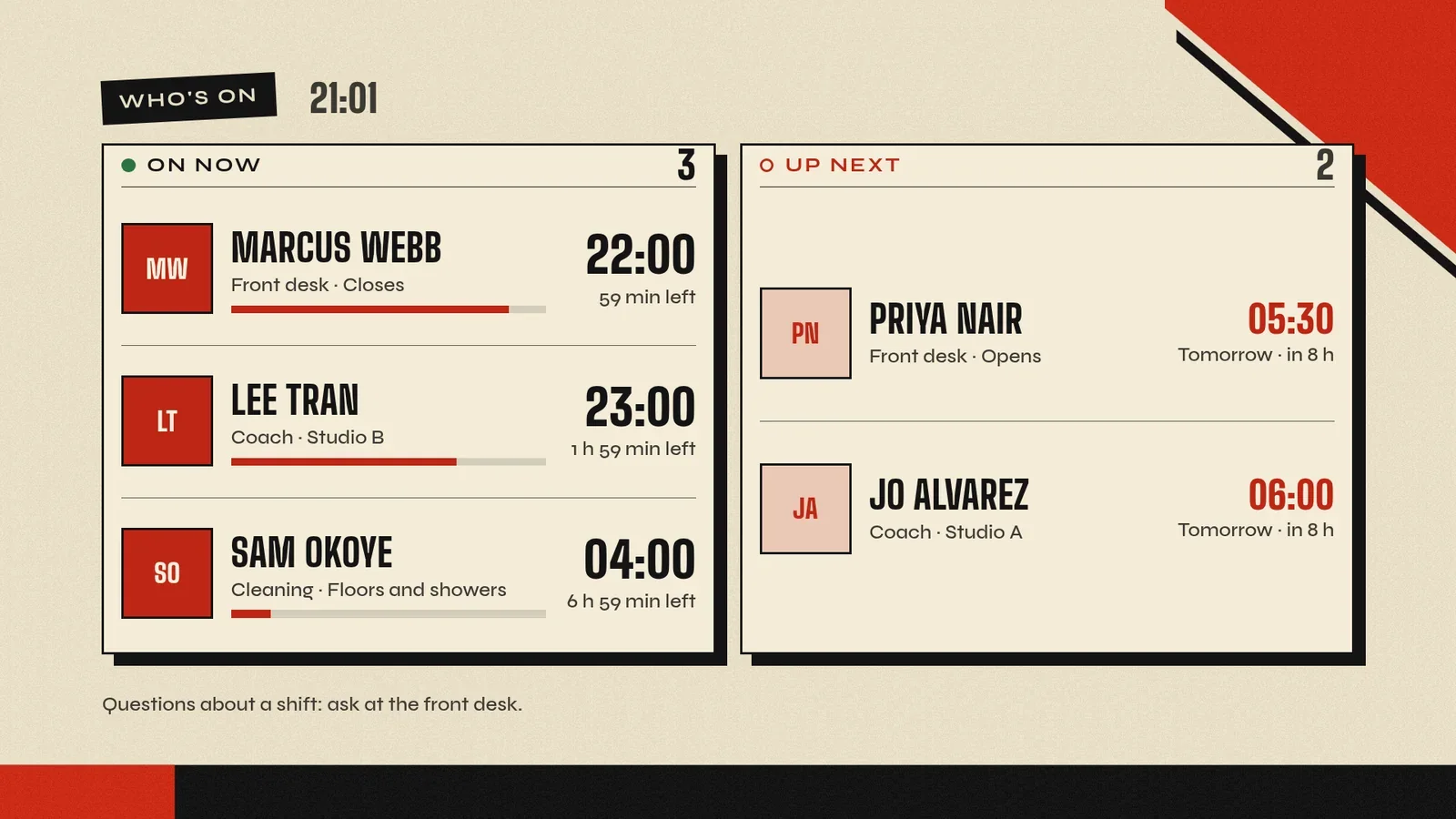
The staff and shifts are demo content. The run is real, from 26 October 2026 on screenRIG's test environment.
How do I start?
- Install once. Your agent installs the official plugin from github.com/screenrig/plugin. Start has the sentence to paste for each agent.
- Pair the TV. Put the Player, the free screenRIG app, on the TV. It shows a code. You read the code to your agent.
- Ask. Tell your agent what the TV should show. It builds it, puts it on the TV and checks the screen before it says it is done.
Which TV do I need?
Almost any screen works: a TV or stick with Google TV or Android TV built in, an Amazon Signage Stick or a Fire TV Stick, a Raspberry Pi, a Mac, a Windows PC, or any screen with a browser. Each Player keeps playing from its own storage when the internet drops. Android TV and Players have the details.
What does it cost?
screenRIG is free. Pay only if you want more: more than 50 screens, people to talk to, contract terms, custom work or a lot of storage. Your screens show only your content: no screenRIG watermark or logo. See pricing.
Small business signage questions
Do I need to know anything about signage?
No. There is no editor and no template to pick. You say what you want in your own words, and your agent makes the screen, puts it up and looks at it.
Which agents work with it?
Claude Code, ChatGPT Codex, Meta Muse, Gemini Spark, Grok Bot, ChatGPT dots, Hermes and Grok Build. Start has the first step for each.
Can I run more than one TV?
Yes. Give each TV its own screen, or tag several and change them together with one message. Each screen follows its own clock, so a shop and a café a time zone apart each change at their own local time.
Can a spreadsheet drive it?
Your agent reads the sheet with the access you approve and puts the rows on the TV. The Google Sheets guide shows the pattern.
Put your first TV up
Start free, read the pairing code from your TV to your agent, then paste the hours request at the top of this page with your own hours.
Watch: What is screenRIG?
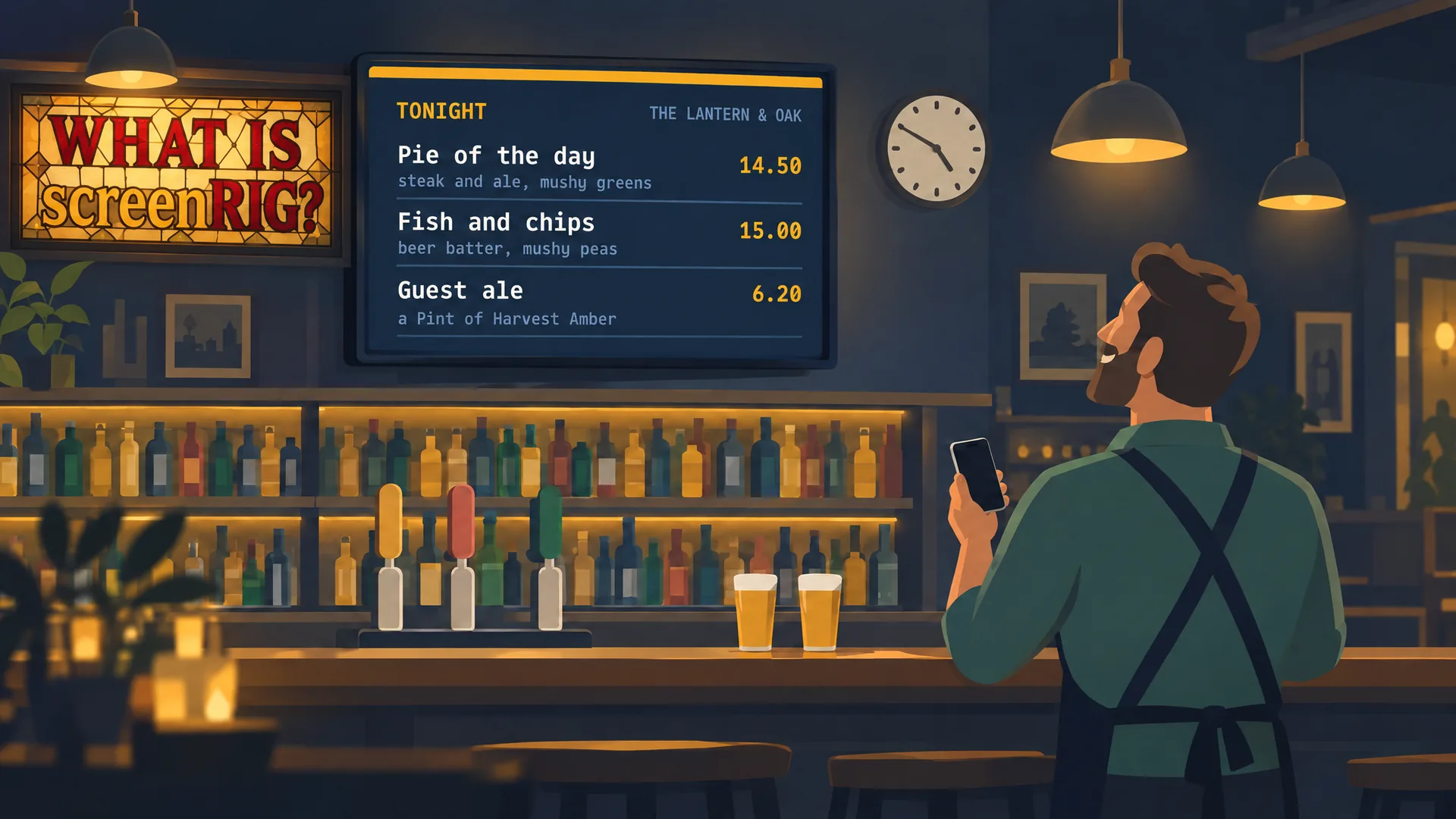
A pub's TV by voice: your agent makes it, screenRIG puts it on your screen. Then a whole chain. A two-minute film.
Film / What is screenRIG?
2:00
Related
screenRIG is free. Pay only if you want more.
Install the official plugin, pair a screen and your agent publishes to it.