Put the Player on the Fire TV Stick
- On the stick, open the Amazon Appstore listing, or search the Amazon Appstore for screenRIG Player, and install it.
- Launch it and keep it in the foreground. The Player fills the screen with a pairing code.
- Give the code to your AI agent. It needs the screenRIG plugin, and Start installs it with one paste.
- Ask the agent for what the screen should show. It publishes, then checks a screenshot of the screen.
The listing gives each compatible Fire TV device the build made for it, including the older 1st and 2nd generation Fire TV Sticks. Start on boot is on by default; on Fire OS 8 its one-time permission is granted from a computer, and the Player guide has the steps.
What it plays
- Images, video and live streams, downloaded once and replayed from the stick's own storage
- Web pages and custom apps your agent writes
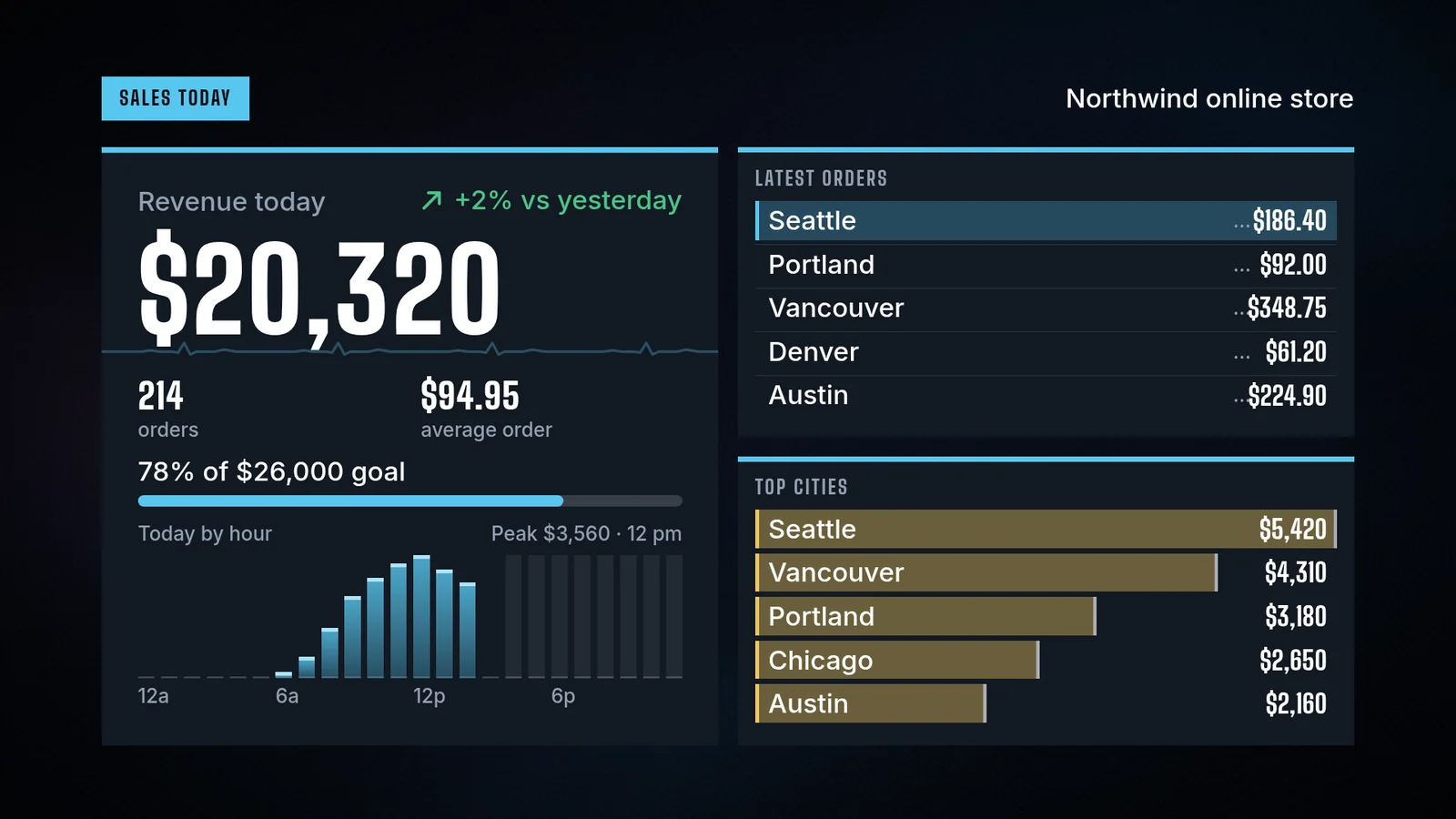
- 200+ ready-made apps: clocks, weather, menus, dashboards and more
- Live cameras on your network, opened by the Player itself (camera guide)
The Appstore and Google Play builds are one product on two shopfronts, so the Android TV page describes the menu and settings they share.
Moving to signage hardware
A Fire TV Stick is made for watching TV at home: it runs the Player well, but it also brings a home screen and other apps. When the screen belongs to a business, put an Amazon Signage Stick behind it. Your agent pairs it the same way, and the playlist carries over. Questions? Write to us.
Related
screenRIG is free.
Install the official plugin, pair a screen and your agent publishes to it.